3D Lighter Mod / Addon
- 24-04-2026, 03:29
- 560
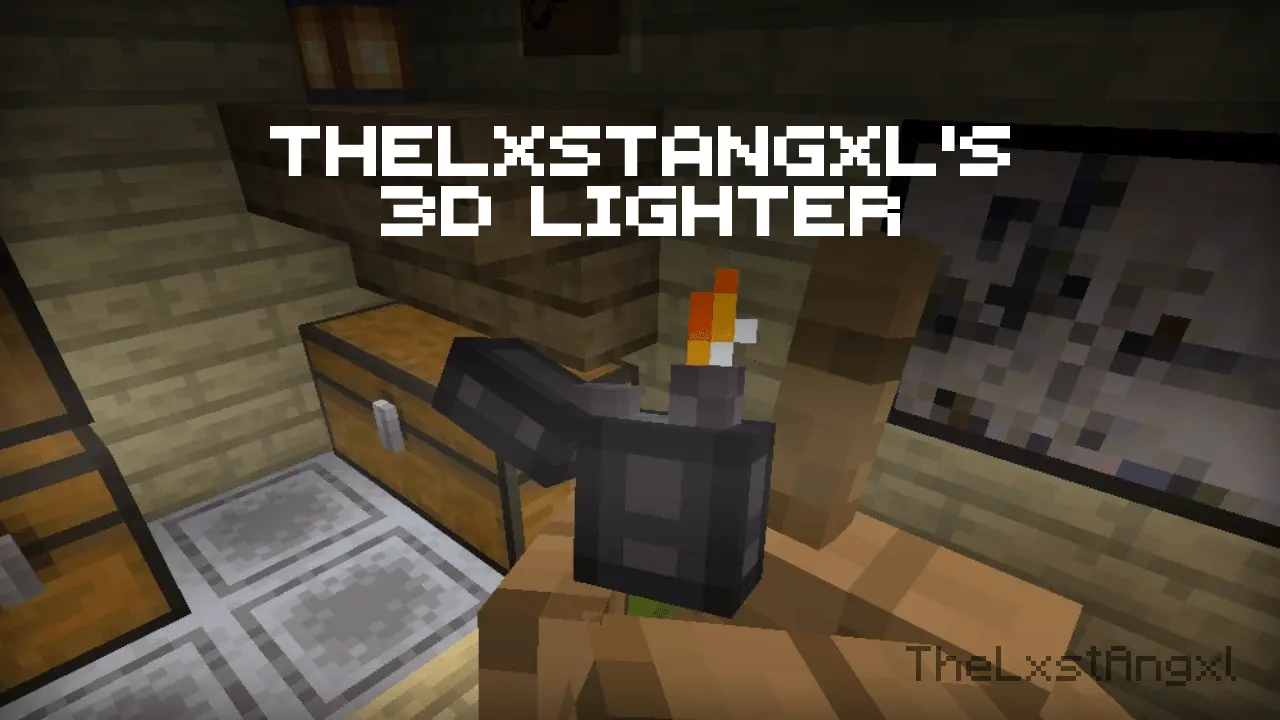
3D Lighter Addon will add a Zippo lighter to Minecraft. Use it for survival or just as a lighter.
Flint and steel is one of those Minecraft items I rarely think about until I need it. It usually sits in my inventory waiting for a Nether portal, an unlit campfire, or an ill-advised attempt to use TNT. 3D Lighter gives that familiar tool a new look: instead of the usual flint and steel model, you carry a three-dimensional lighter. It has an animated flame that glows in the dark, making a small item a little more interesting to look at when it’s in your hand.
The important thing to know is that this is a replacement for flint and steel, not a separate lighter you need to hunt down. If you already know how to make and use flint and steel, you can carry on with the same item while enjoying its new appearance. Craft it from an iron ingot and flint, put it in your hotbar, and take a closer look. The model gives it a shape that stands out from the flat item you’re used to seeing, while the little moving flame adds a bit of character. It’s the kind of detail you might not expect to care about until you’ve had it in your hand for a while.
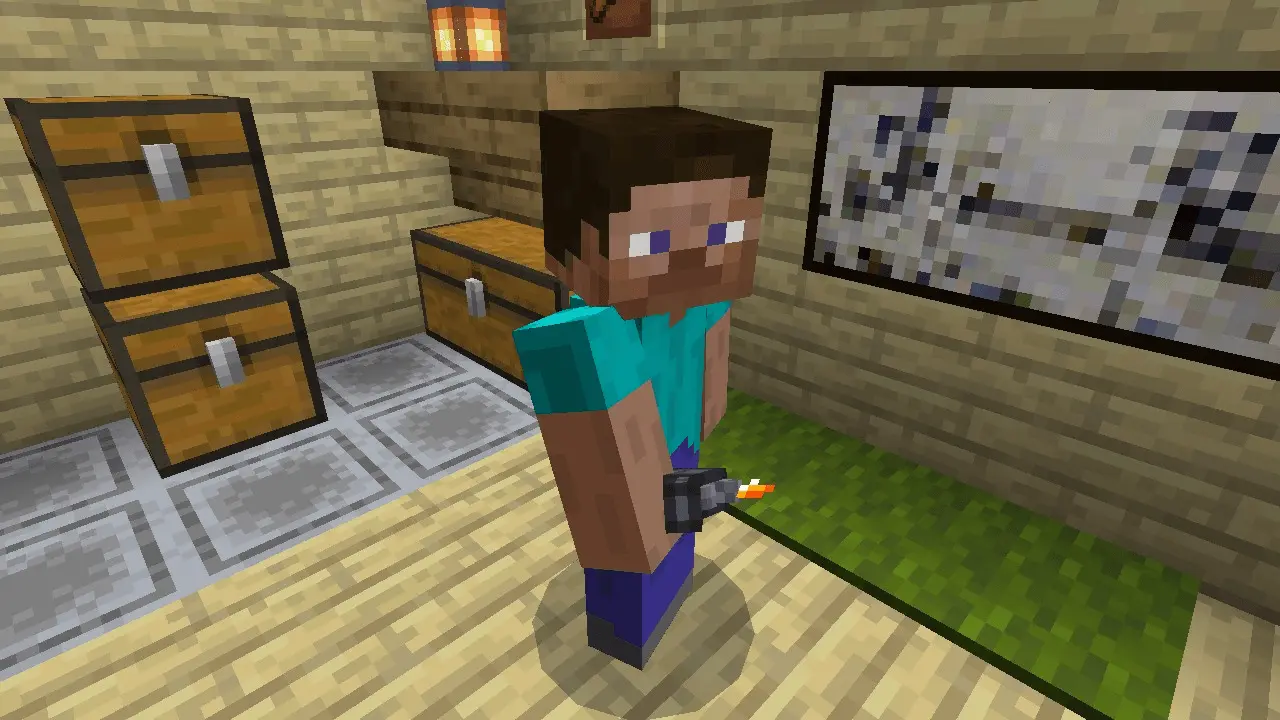
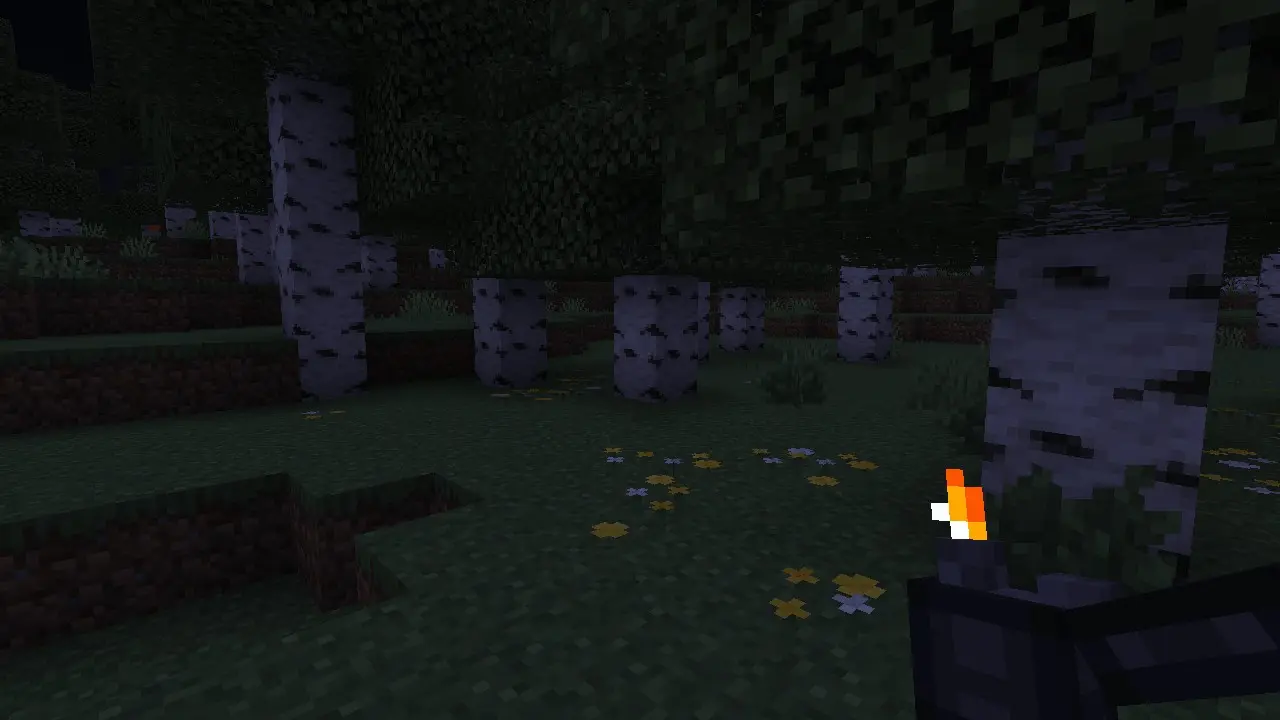
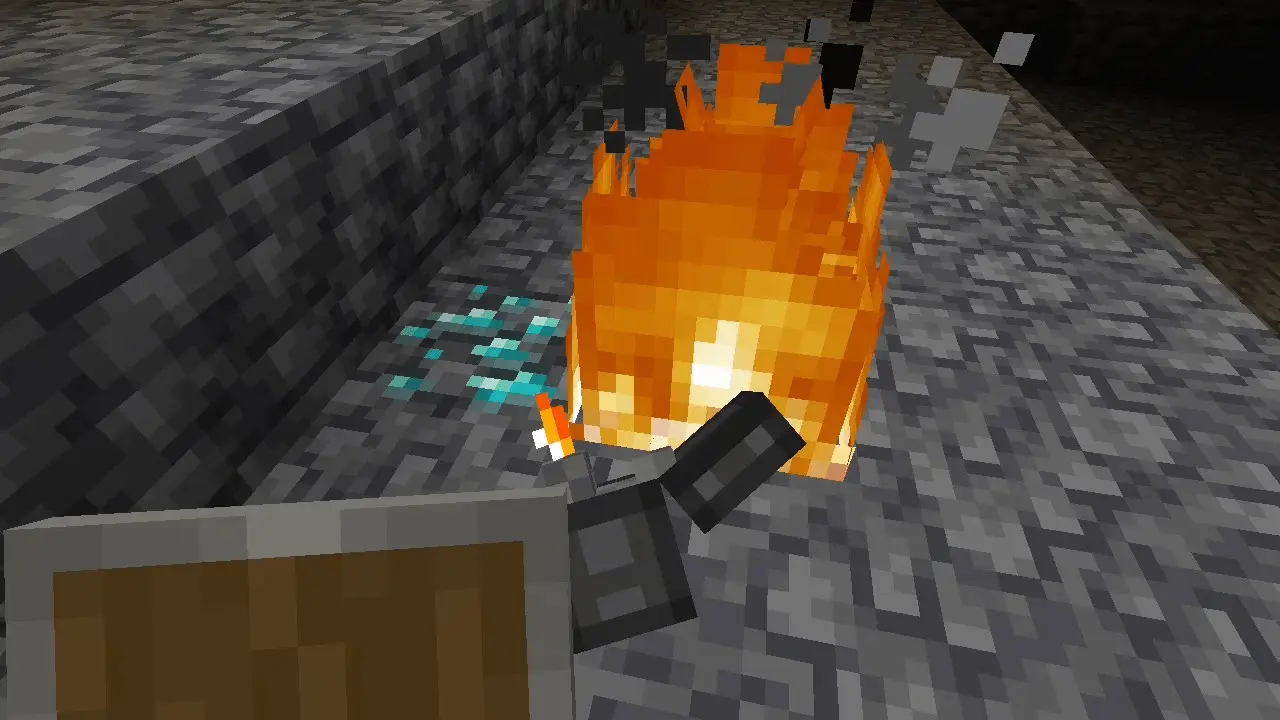
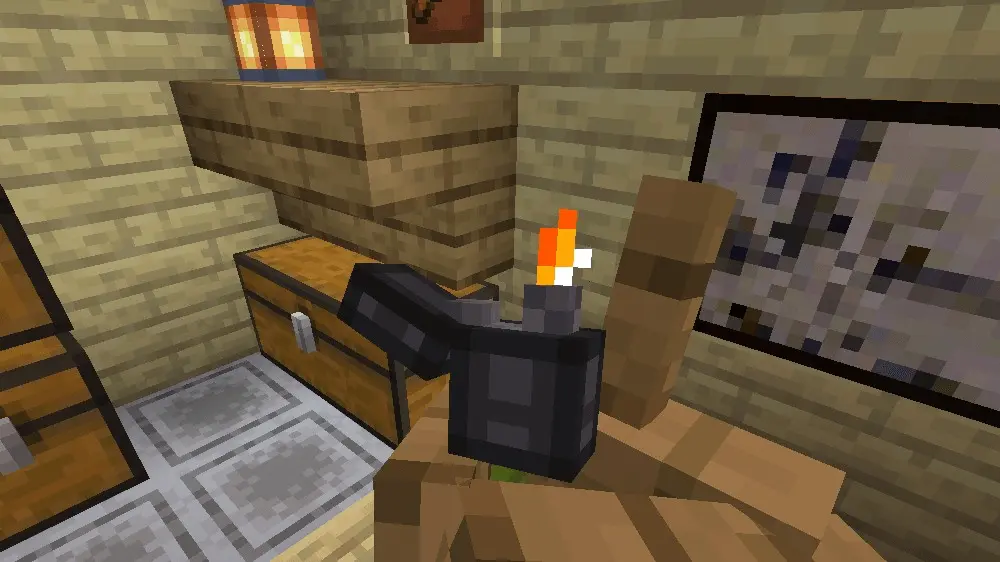
You’ll still find plenty of familiar reasons to use it. There’s something satisfying about finishing a Nether portal and lighting it for the first time, even when you know perfectly well what’s waiting on the other side. The lighter also fits naturally into smaller moments around a base, such as lighting a campfire or preparing a decorative fire. If you’re building a modern house, a campsite, or a workshop, the new model can feel right at home with the setting. It doesn’t give you a complicated new system to learn; it changes the appearance of a tool you may already be carrying.
The animated flame is the detail I’d want to see after dark. It moves and remains visible as a glowing part of the model, so you can appreciate the lighter’s design even when you’re exploring at night. That glow describes the flame itself, though; it’s best to bring torches or another proper light source when you go caving rather than assuming the lighter will illuminate the area around you. Try it out at your base first, then bring it along on your next trip if you like how it looks. It’s a small visual change, but one you’ll notice whenever you take the item out.
3D Lighter is a good choice if you enjoy adding little details to your world without changing your plans for it. You can use it in a survival game, carry it while exploring a custom map, or include it in a modern roleplay setting. It won’t turn lighting a campfire into a new challenge, and that’s fine. Sometimes all you want is a familiar item that looks a little better when you use it. Make your usual flint and steel, put the lighter in your hand, and see whether the animated flame becomes one of those details you miss when it’s gone.
Installation Mod:
- Download the .mcaddon / .mcpack;
- Open the file to import into the game;
- In World Settings → Resource Packs and Behavior Packs, enable it (turn on Experiments if needed);
- Have fun!
Comments (0)