Block Pick Mod / Addon
- 1-06-2026, 03:37
- 455

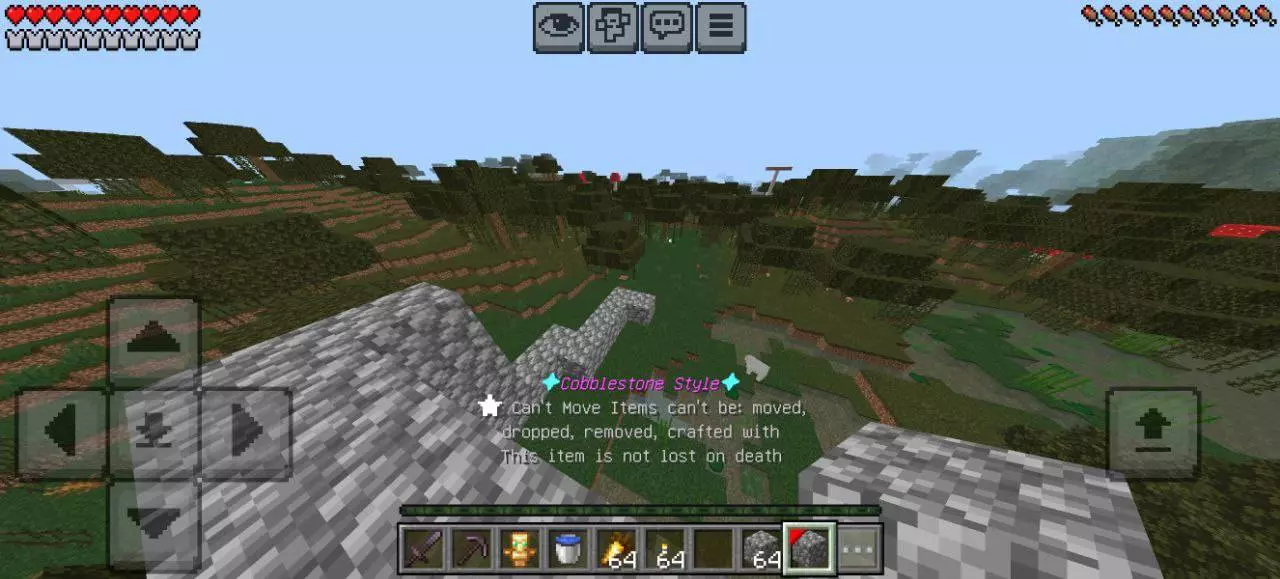
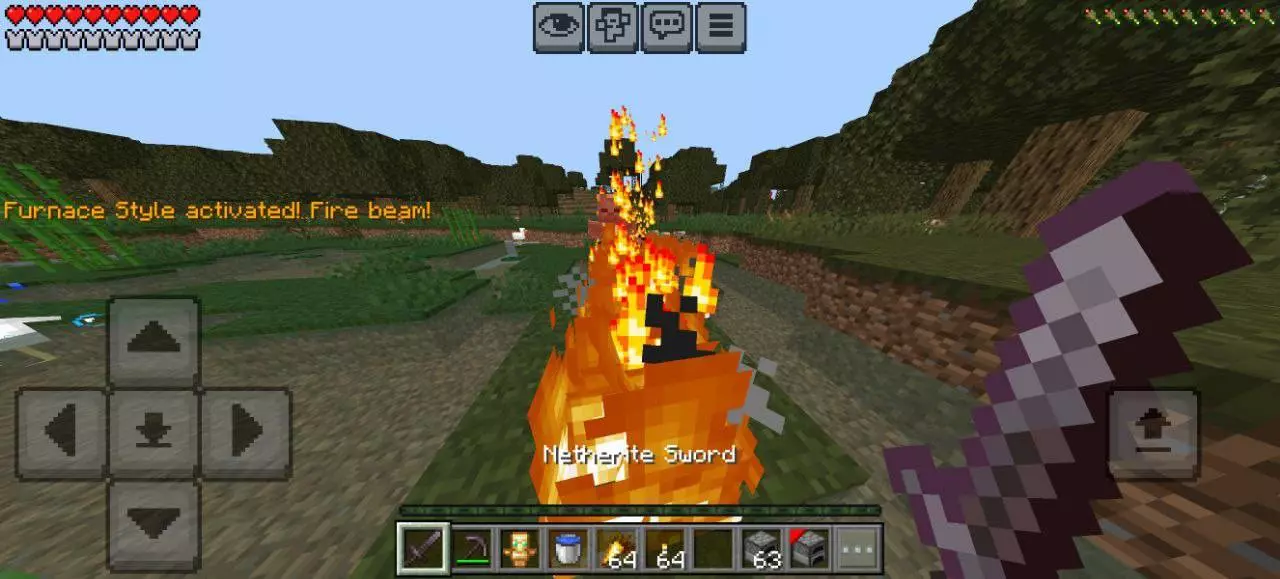
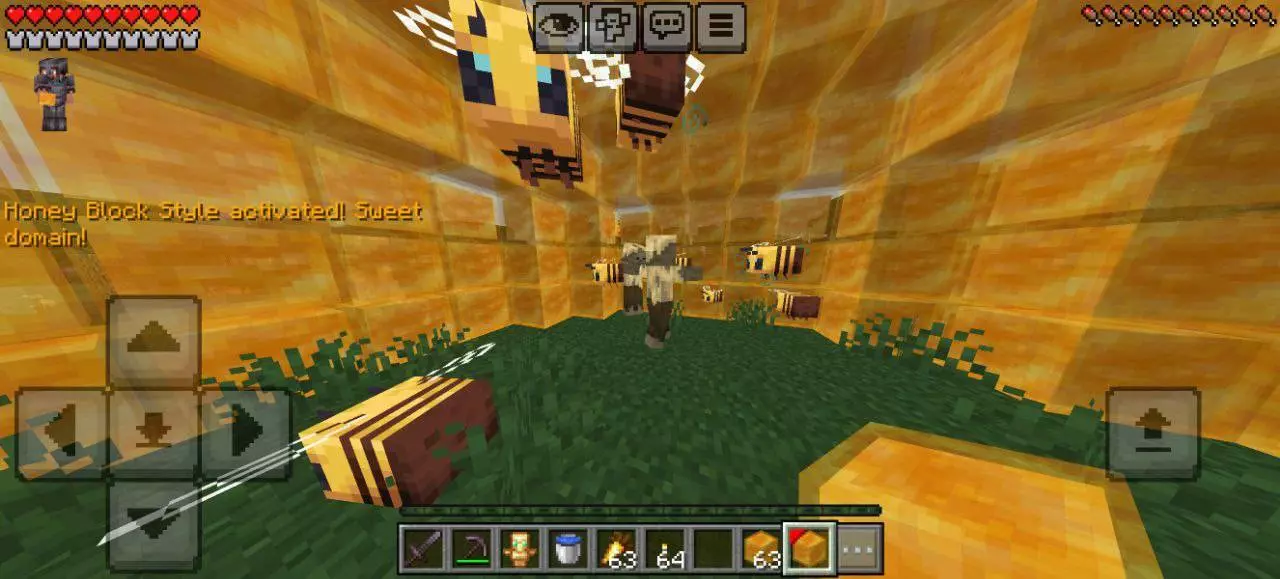
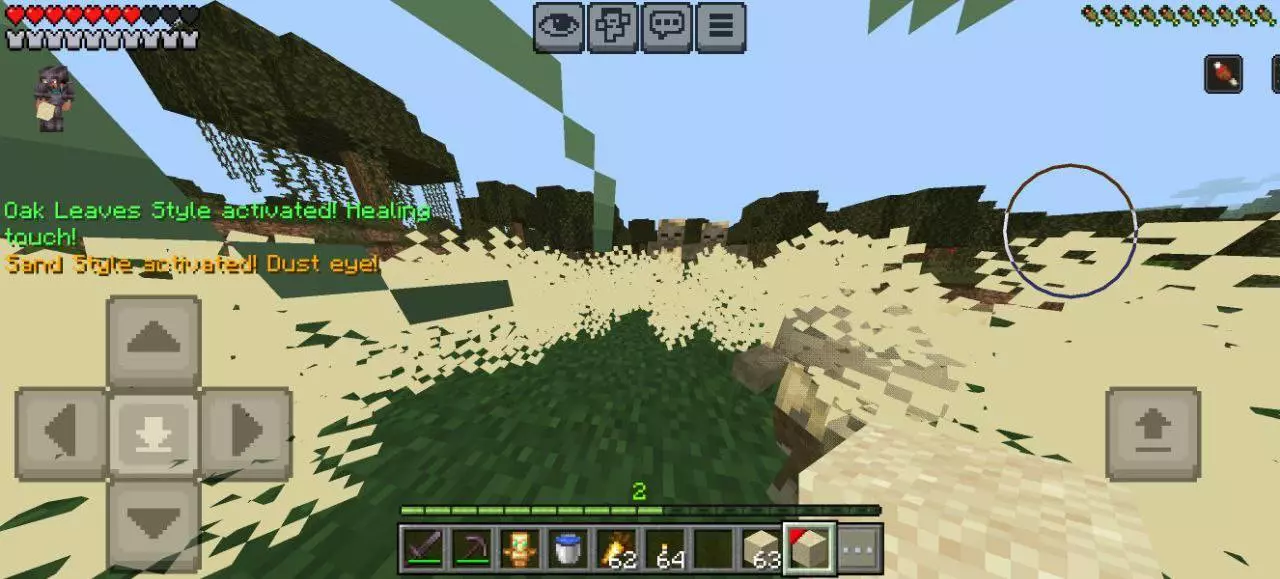
Block Pick Mod is a Style Inherit Addon that makes survival feel more active by turning blocks into usable combat styles. Instead of being just building materials, blocks become part of how you fight, protect yourself, and recover. Some styles are built for offense, some for defense, and some for healing, so the addon pushes block choice into actual gameplay.
Fumbling through thirty-six inventory slots just to find matching deepslate stairs while dangling off a scaffolding tower kills your building flow instantly. The Block Pick addon gives Bedrock builders the snappy, instant block-selection mechanics that survival architects have been begging for since day one.
Anyone who puts serious hours into survival mega-builds understands the rhythm of placing blocks. You catch a groove detailing a massive fortress wall, blending mossy cobblestone with cracked stone bricks and polished andesite, only to run dry on your hotbar every forty seconds. In standard Bedrock, your character comes to a dead stop. You have to drop your crosshair, pop open your cluttered backpack screen, visually scan rows of mixed junk, and manually drag another stack down to slot four. Do that five hundred times during a single roofing session and you end up spending more time managing interface menus than actually laying down material. Controller and touch players suffer the worst of it, where moving a digital cursor around an inventory grid feels clunky compared to rapid placement.
This lightweight utility wipes out that entire hassle by streamlining how your survivor pulls building blocks directly from reserves. Instead of forcing you into manual backpack triage, targeting any placed block and hitting your assigned input instantly pulls that exact material straight into your active hand, pulling reserves from your upper inventory without breaking your stride. If you look at spruce planks, press your bind, and have matching stacks anywhere in your bags, they snap right into your active slot. You never break eye contact with your project, keeping your crosshair locked onto the wall while you transition between textures on the fly. It feels responsive, seamless, and remarkably natural, giving you the kind of muscle-memory building speed usually reserved for creative mode drafting.
What makes this implementation stick out is how well it cooperates with high-intensity survival pacing outside of quiet build zones. Imagine patching blown-out perimeter walls after a stray creeper detonates near your villager trading post. Skeletons are shooting arrows into your back, phantoms are circling overhead, and you need to plug the breach immediately before zombies flood inside. Rather than freezing in place while opening an inventory menu mid-fight, you look at the damaged cobblestone edge, hit your pick key, and instantly have replacement masonry ready to seal the gap. It transforms emergency repairs and field scaffolding into pure twitch reactions, keeping your survivor mobile and aware of hostile surroundings at all times.
Setting up the behavior pack takes only a quick minute in your world dashboard before booting in. The underlying scripts run clean with practically zero performance overhead, so whether you are hosting a packed multiplayer realm or grinding solo builds on an older phone, your frame rates stay rock solid without input delay. Once you experience how effortless survival construction feels when your tools pull resources directly into your grip, returning to vanilla inventory juggling feels impossible.
Right now, Block Pick Mod includes 15 blocks, with examples like Amethyst Block, Cobblestone, Dirt, Gravel, Honey, Magma, Obsidian, Packed Ice, Sculk, Sea Lantern, and Stone. Each block has its own style, and some are stronger than others.
Installation Mod:
- Download the .mcaddon / .mcpack;
- Open the file to import into the game;
- In World Settings → Resource Packs and Behavior Packs, enable it (turn on Experiments if needed);
- Have fun!
Comments (0)