Personal Scoreboard Mod / Addon
- 1-03-2026, 04:10
- 1 315
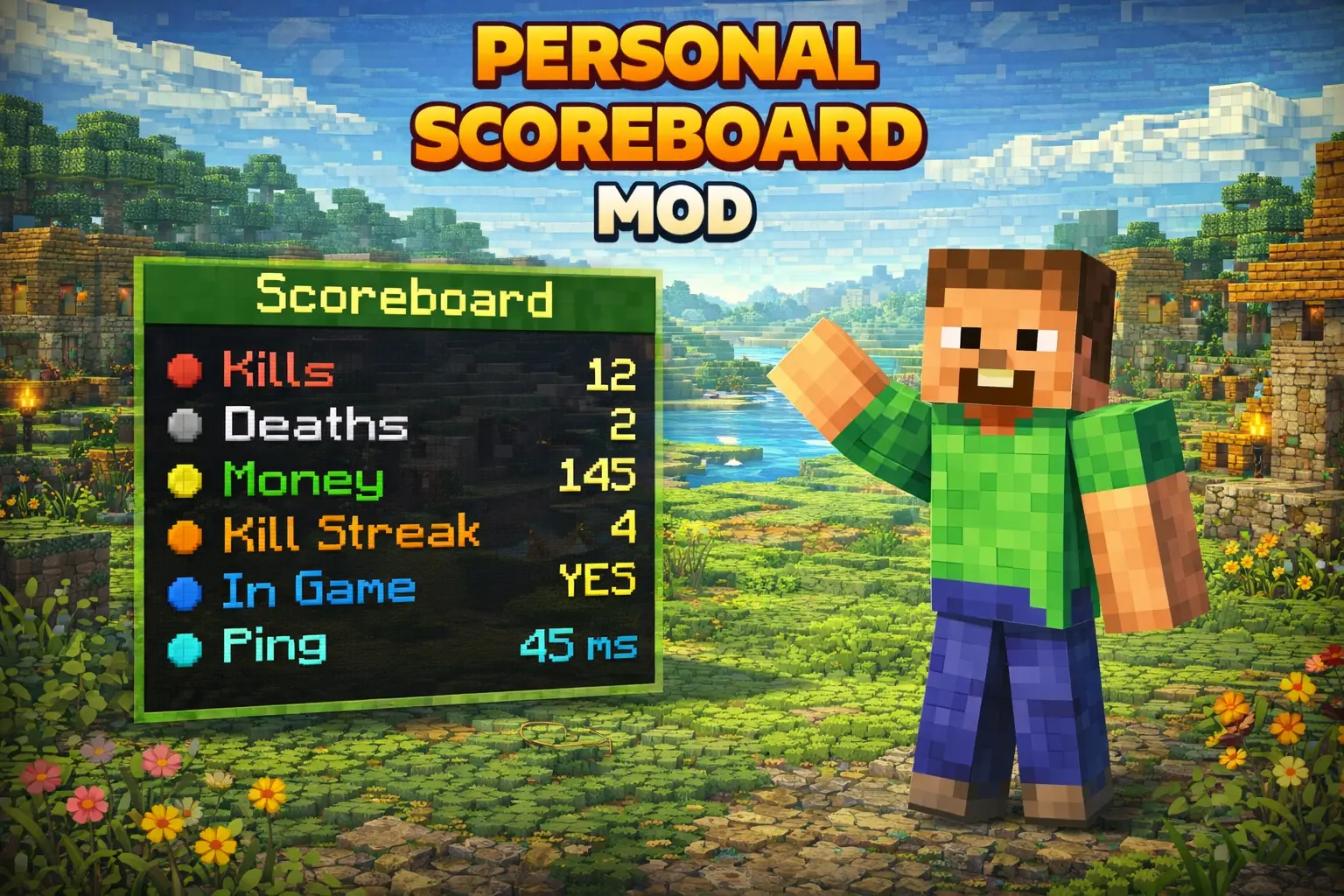
Personal Scoreboard Mod is all about giving you control over a personal scoreboard through a simple in-game editor instead of messing around with complicated setups. The workflow is straightforward and centered around one config item that opens the editor, so once you’ve got access, you’re basically just building your scoreboard line by line.
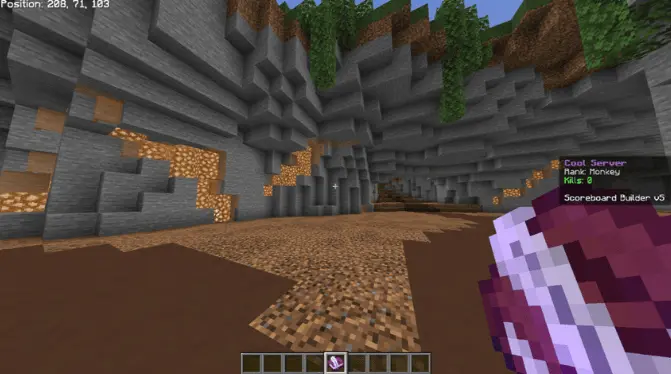
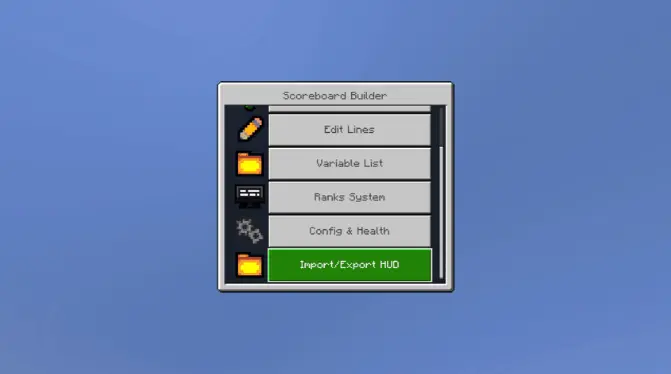
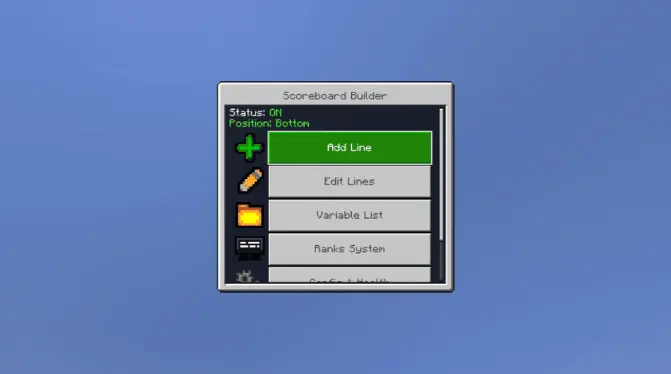
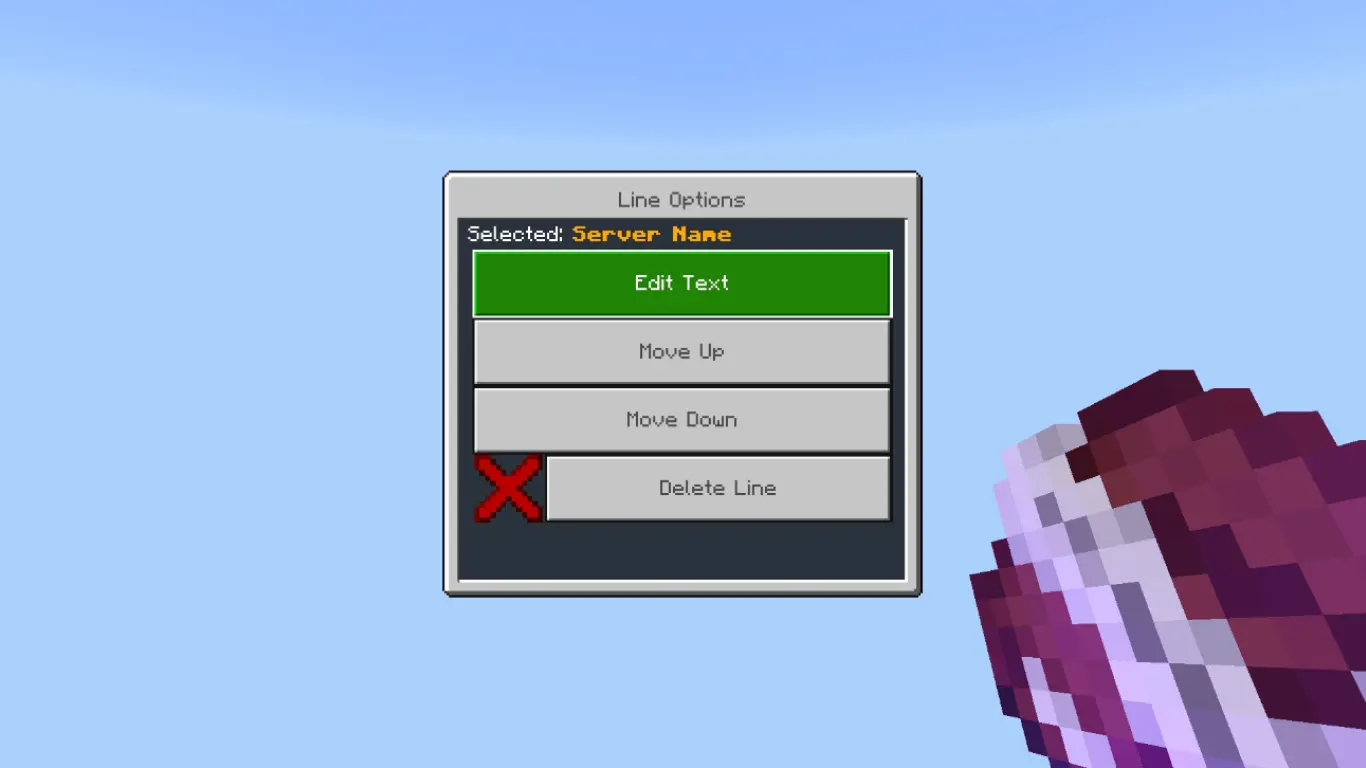
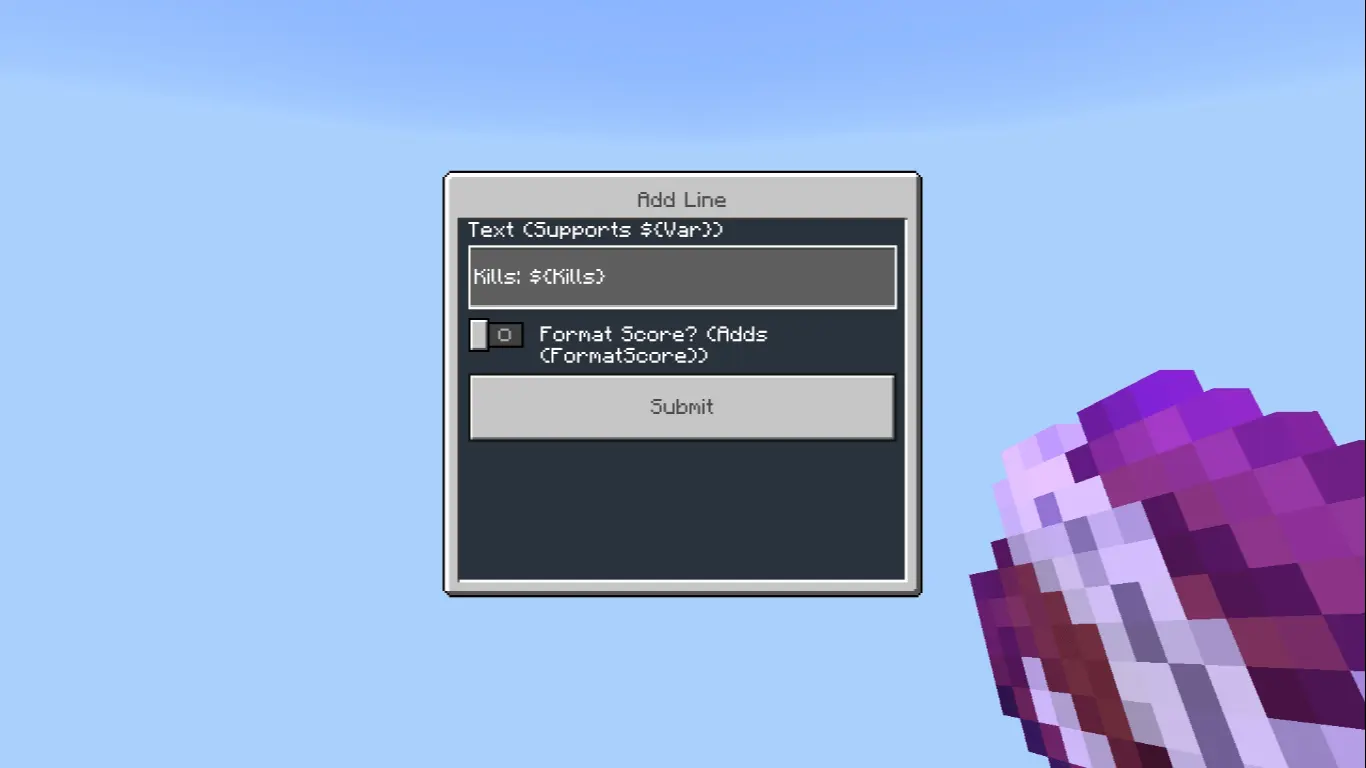
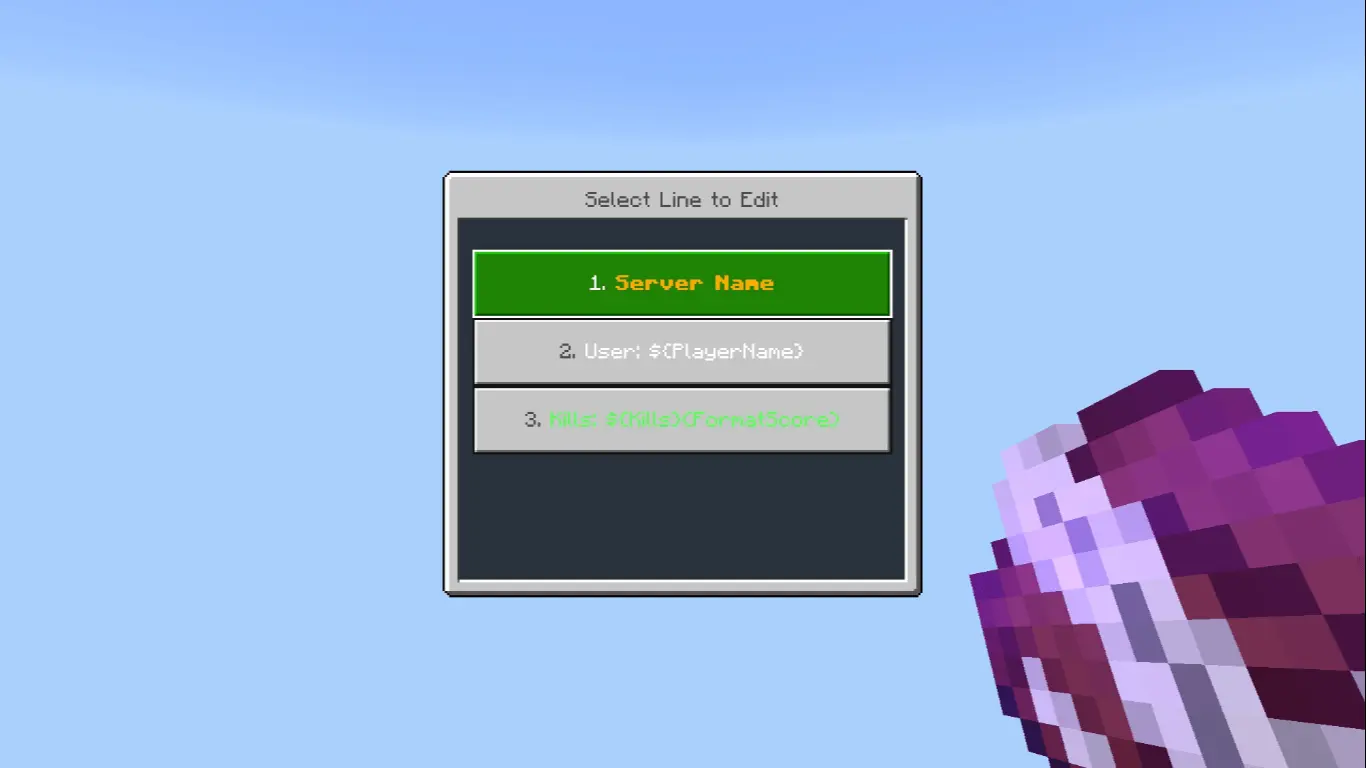
To use it, you first give yourself the admin tag with /tag @s add admin. After that, you grab the config item with /give @s lildanlid:scoreboardmenu. When you right-click (use) that item, it opens the editor, and from there you can start adding lines. That’s the core loop: tag yourself, get the menu item, open the editor, and customize.
In real Minecraft Bedrock play, this kind of mod is perfect when you want your world to feel more “managed� or more like a personal server setup, even if you’re just playing with a couple friends. The best part is that the editor is item-based, so you’re not constantly typing commands every time you want to tweak something—use the item, make changes, move on. Practical tip: keep the menu item somewhere you won’t accidentally lose it in a messy inventory, because it’s basically your control panel for the whole thing.
Personal Scoreboard Mod stays focused: it gives you a clear admin step, a specific menu item, and an editor you open by using it, then you add lines and shape your scoreboard however you want from inside the game.
Installation:
- Download Mod;
- Open the downloaded file to install;
- Select it in the settings;
- Have fun!
Comments (0)