Chunk Locked Survival Map
- 13-09-2025, 12:59
- 1 647
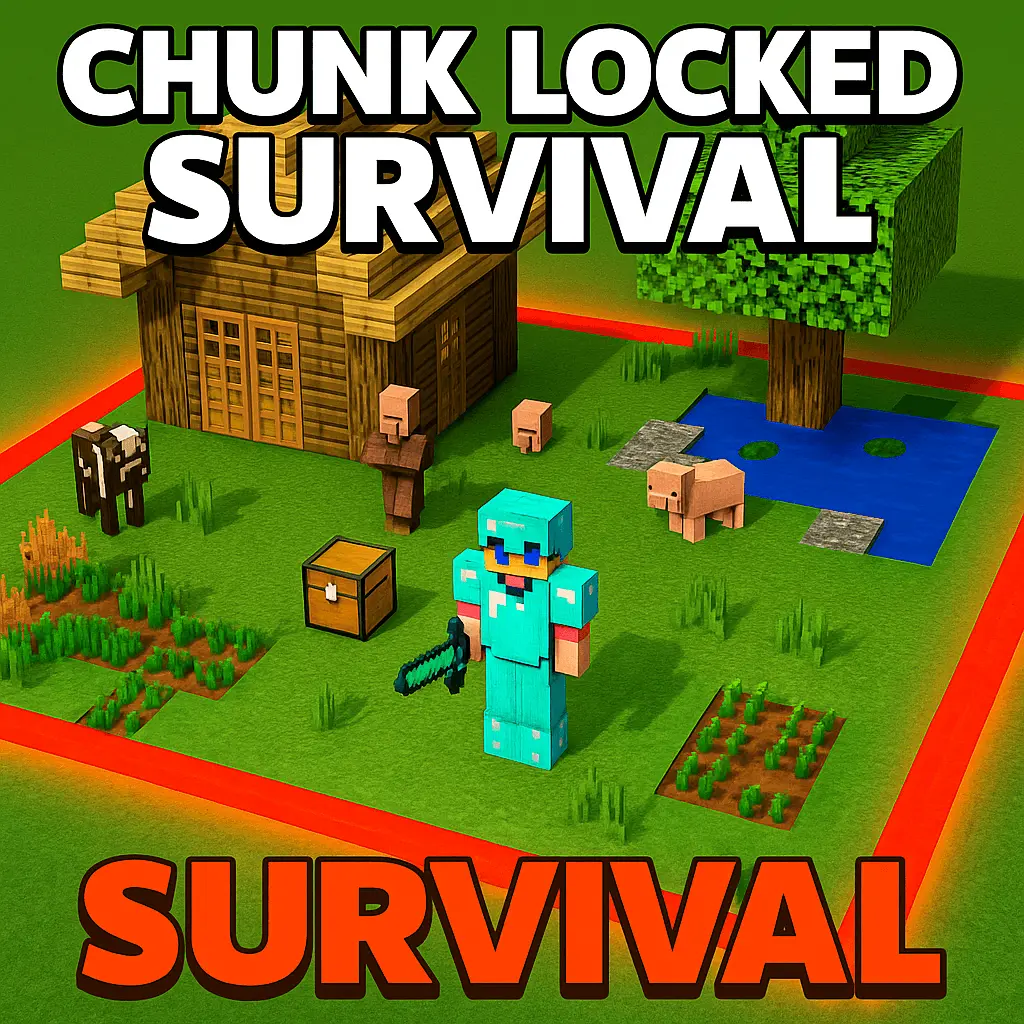
Chunk Locked Survival map is tight, mean, and super playable. You spawn boxed in, so every decision matters. The loop is simple: complete a quest, the world border expands, new resources slide into reach, and the next challenge unlocks. Start by stabilizing—stone tools, a smoker for food, and a 3×3 farm with a composter so bone meal keeps crops rolling. Hug the border with scaffolding and torches; as it widens, you’ll claim trees, ores, and hidden reward chests without backtracking.
Pace your quests. Prioritize ones that unlock renewable resources first—iron for buckets and shears, then lava + water for cobble, then villagers for trades. Build a safe mob grinder right on the rim so drops fall toward you instead of out-of-bounds. For exploration bursts, craft ladders and leave “future doors� in your walls; when the border moves, you’re already routed. Keep beds set near your work hub—short respawns save runs when a quest spawns heat.
That tree just beyond the border might as well be a thousand blocks away. In Chunk Locked Survival, you start with barely any room to breathe, and the only way to claim more land is to complete the map’s challenges.
Your adventure begins inside a small section of the world. You can see more terrain around you, but you can’t simply wander off whenever you need wood, food, or a better place to build. To expand the border, you’ll need to work through quests using the resources you can reach. Each completed objective brings more of the world within reach, along with new materials and challenges to deal with.
The opening stretch is all about making the most of what you have. Look around before you start spending resources: figure out where you can gather materials, make a safe place to work, and keep an eye on your food supply. A handful of logs feels a lot more valuable when you can’t just run into the next forest for more. Save useful drops, plant what you can, and think twice before turning every last bit of wood into sticks.
As the border grows, your little survival area begins to change. A newly accessible patch of land might give you room for a farm, more materials for tools, or space to improve your base. It can also bring mobs close enough to cause trouble, so don’t get so excited about exploring that you forget your sword. Light up the places you plan to use and give yourself somewhere safe to retreat when night falls.
The quests give the map a different rhythm from a regular survival world. You’re always working toward the next bit of freedom, but it helps to balance that goal with the basics. Better tools, a reliable food source, and a place to store your supplies can make the next challenge less stressful. If a task seems out of reach, check your available area again and think about what you can craft or gather with the materials already inside the border.
There’s a bigger goal waiting beyond those early expansions: reaching the End and facing the Ender Dragon. Getting there takes preparation, so build up your supplies as the world opens and don’t rush past the resources you’ll need later. To begin, download the map, extract the archive if needed, and open the .mcworld file with Minecraft Bedrock. Load the world, take stock of your starting area, and get to work. That first chunk may feel cramped, but every completed quest brings the next piece of the adventure closer.
When Chunk Locked Survival map opens nether access, grab glowstone and blaze early, then return home to brew before pushing strongholds. For the dragon, bring slow-fall, beds for burst damage, and a backup bow—the arena’s way less scary when you control knockback. The map rewards clean fundamentals: farm, craft, quest, expand—repeat until freedom.
How to install?
Android: you need to find the downloaded file on your phone, use any file manager for this and import the map into the game by opening it.
IOS: after receiving the map, the device itself will offer to install it.
Windows 10: go to the folder where the files are downloaded, find mcworld there and activate it.
Comments (0)