Audi Car's Mod / Addon
- 9-09-2025, 09:45
- 1 888
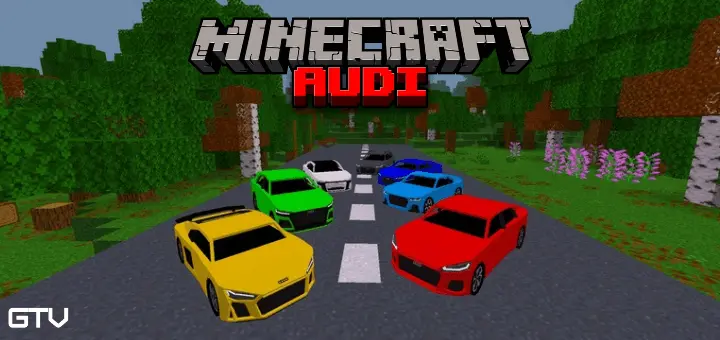
Fire it up and let the RS attitude do the talking. This Audi Car’s mod drops a set of sporty, clean-looking Audi models into Minecraft Bedrock and keeps the whole experience simple: grab the chassis in Survival, paint your ride, and hit the road without wrestling with clunky systems.
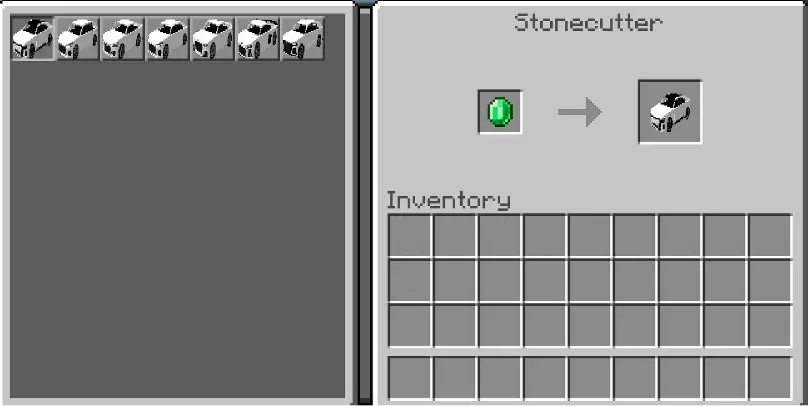
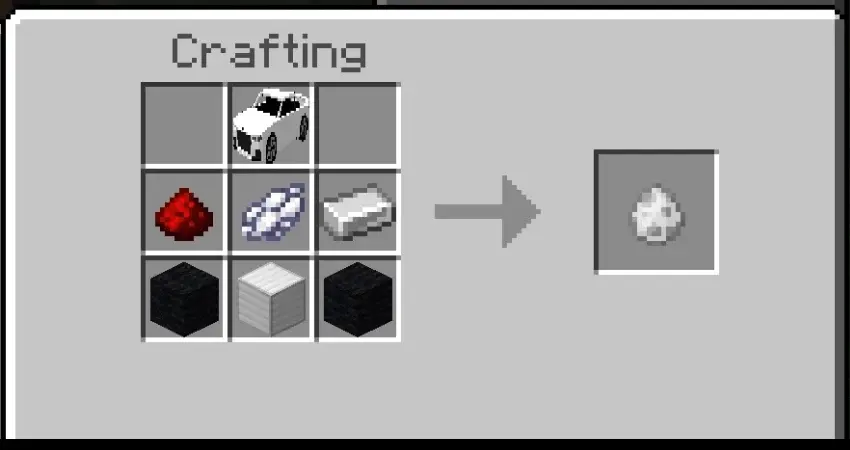
The loop starts at the stonecutter. Trade an Emerald for the chassis there, craft your car, and you’re already past the “admin-only� wall most vehicle packs hide behind. That Survival-friendly flow makes a huge difference on day one. You clear a quick mining run, score an Emerald, and now you’ve got the bones for your first RS—no command spam, no creative detours. From there, the fun is all style. Each car supports multiple colors, so your garage actually looks personal: match your base palette, run team colors on a Realm, or rotate a few paint jobs and keep screenshots fresh around town squares and highway builds.
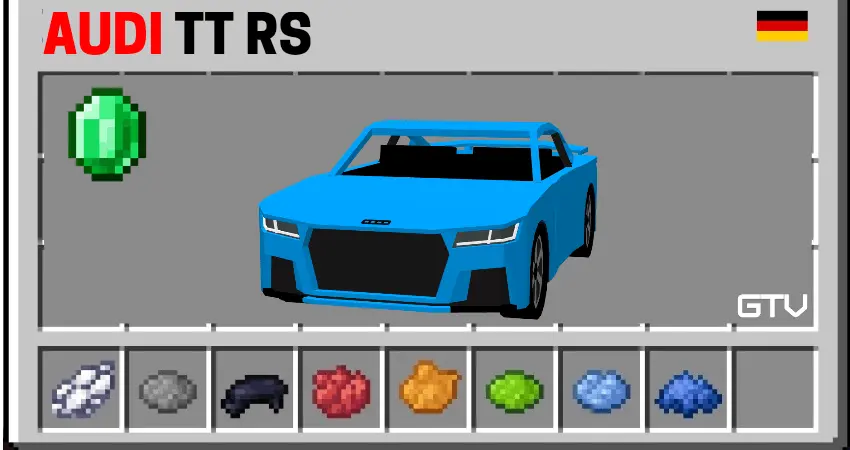
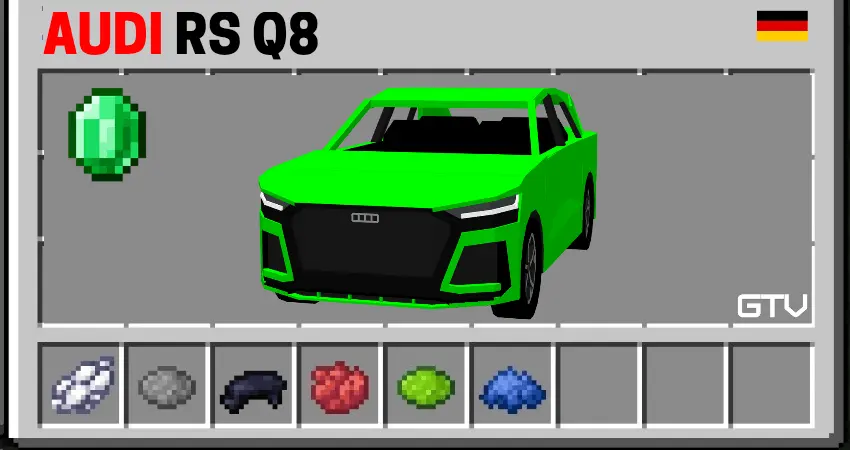
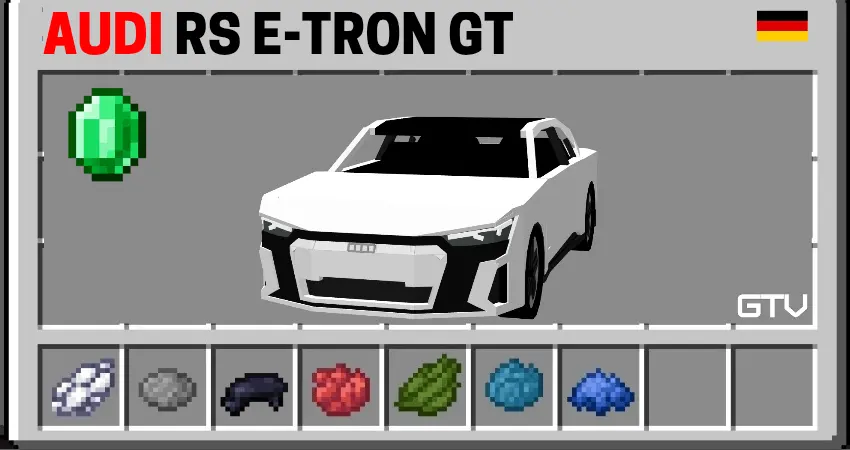
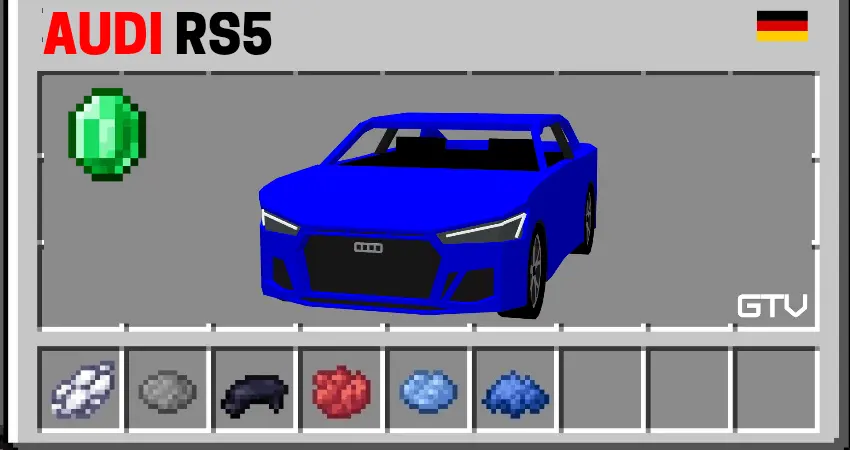
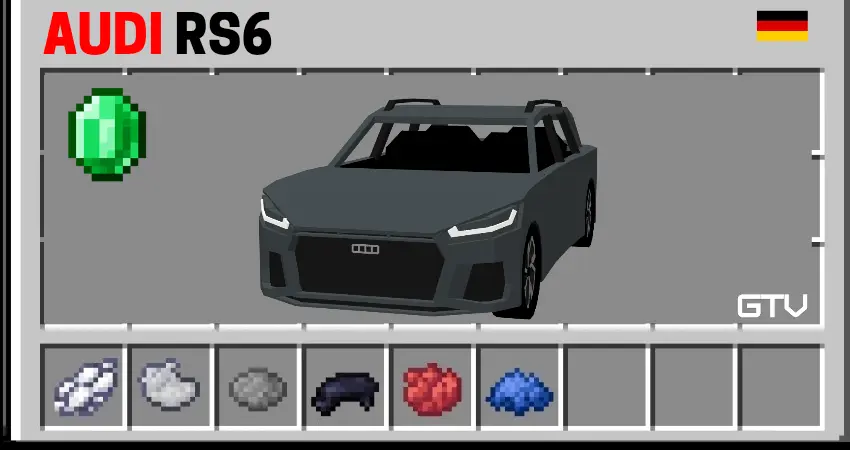
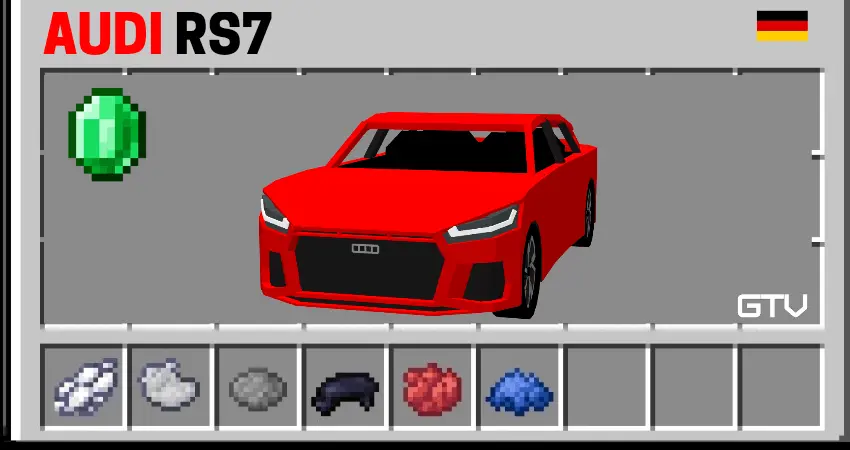
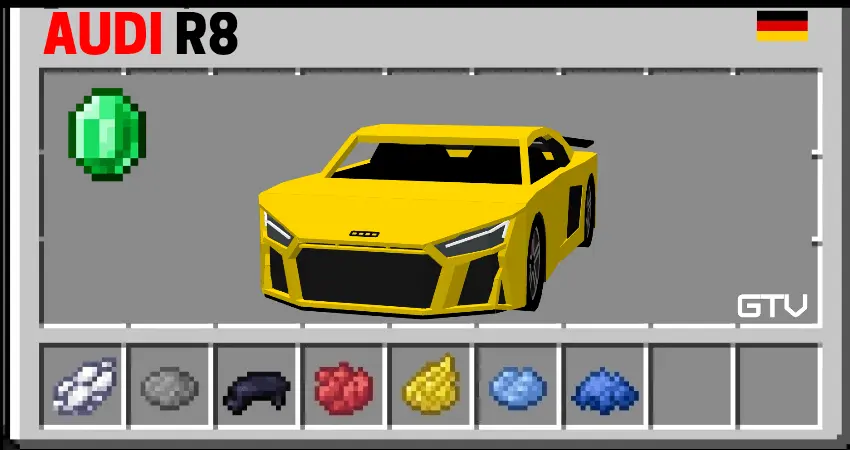
On the road, these feel snappy and light, perfect for zipping between outposts or cruising a coastline you just lit up. I like using them as glue for modern worlds: park one by a glass tower, stage another at a stadium lot, and line a couple by a downtown café to make the whole build read “lived in.� Because operation stays simple, you’re focused on routes and vibes, not UI. Scoop a friend, swing through the market, then head to a desert quarry with the trunk space handled by your usual shulker routine.
If you’re into clean, sporty lines and want something you can actually earn in Survival, Audi Car’s mod nails the balance—easy chassis, quick paint swaps, and just the right kind of RS swagger for Minecraft Bedrock.
My first attempt at building a proper Nether hub was an absolute disaster. I had portals scattered everywhere, signs pointing in confusing directions, and a tunnel that somehow ended up connecting to the wrong location. Recently, I returned to the hub while exploring some new Minecraft Bedrock content and realized I'd been avoiding the place for months. Instead of leaving immediately, I started cleaning things up. I replaced a few walls, added clearer signs, and finally figured out why one of the tunnels kept sending me somewhere unexpected. Once the area was usable again, I had a much easier time traveling between the places where I wanted to experiment. It's funny how trying something new can remind you about old problems you've been ignoring. My friend visited afterward and complimented the improvements. Then he walked through the wrong portal and ended up in somebody else's basement. Still got some work to do.
Installation:
- Download Mod;
- Open the downloaded file to install;
- Select it in the settings;
- Have fun!
Comments (2)