Mob Drop OP Item Mod / Addon
- 8-09-2025, 16:07
- 2 155
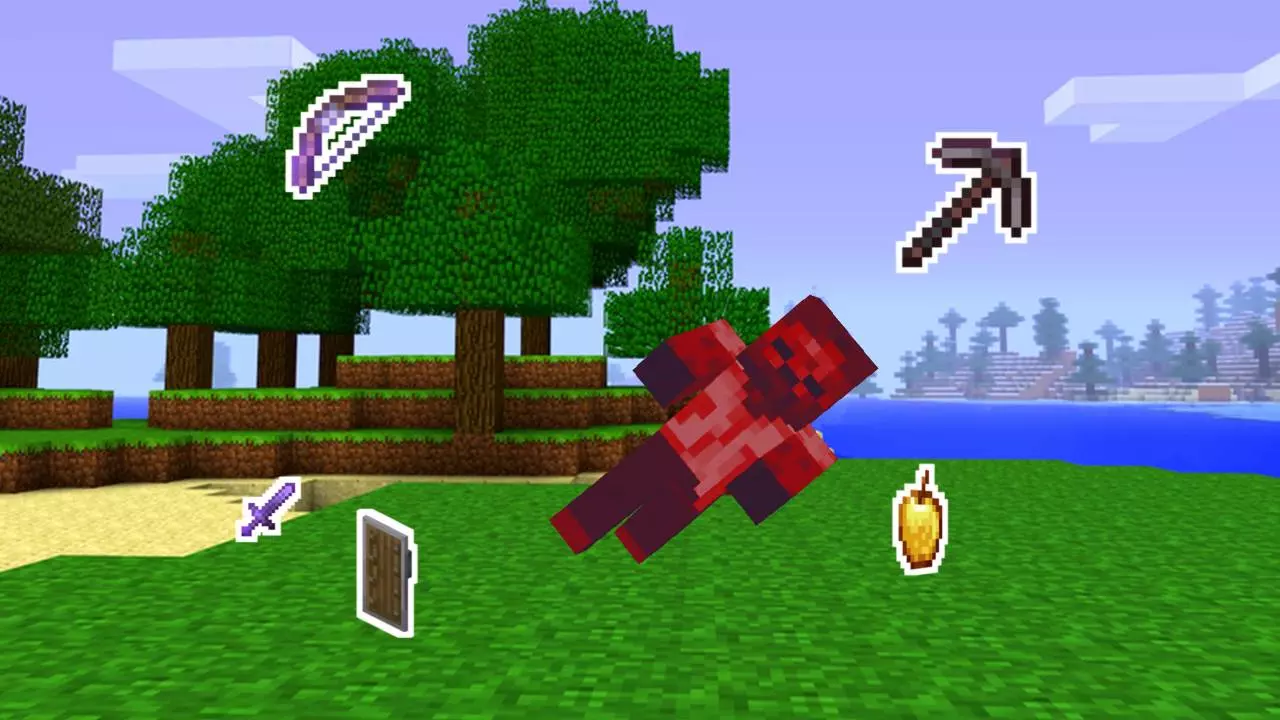
Mobs print loot now. Mob Drop OP item mod turns every encounter into a jackpot chance, so a simple night patrol can push you straight into late-game power in Minecraft Bedrock. Creepers, zombies, skeletons, spiders, endermen, drowned, husks, magma cubes, piglins, strays, witches, wither skeletons, and zombie villagers all tap into an OP drop pool with random enchantments. If you’re lucky, a stray skelly hands you a netherite chestplate with a spicy roll; if not, you still walk away stacked for your next fight.
The drop pool is the good stuff: netherite and diamond swords, axes, pickaxes, shovels, and hoes; full armor sets from diamond to netherite; bow, crossbow, shield, and arrows for ranged setups; trident for ocean runs; netherite ingots for upgrades; Elytra for instant mobility; Totem of Undying for clutch saves; plus golden apples and the enchanted kind when you want to face-tank a mess. Enchants roll randomly, so you’ll see goofy combos and perfect keepers—stash the best, grind the rest.
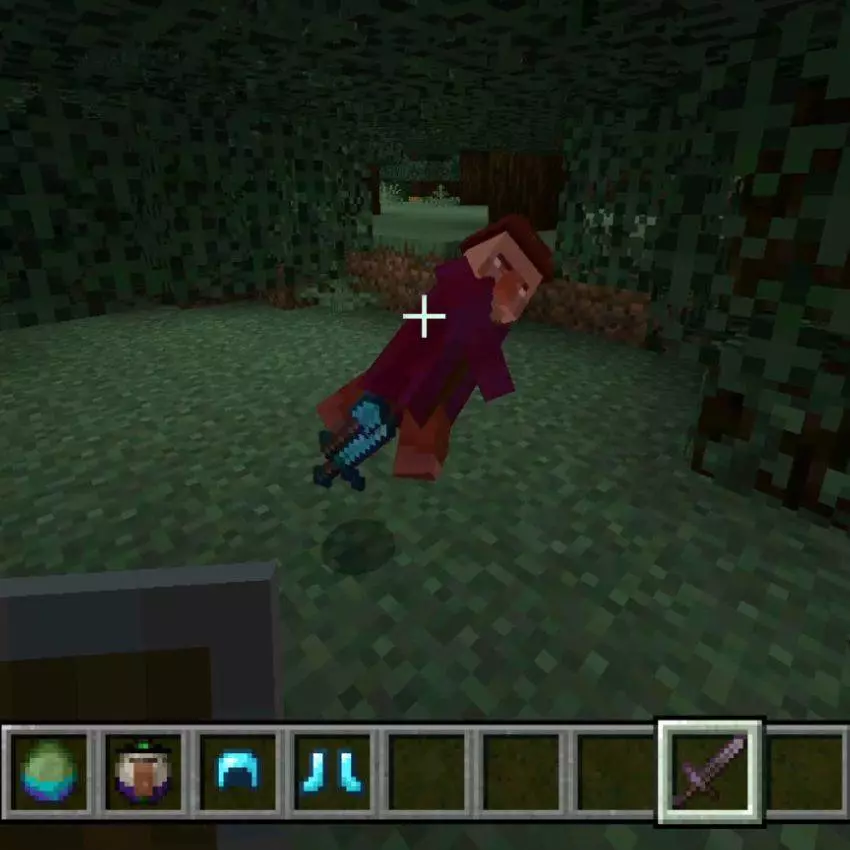
Gameplay flips fast. Early survival goals shift from mining to controlled farming: set up safe kill zones, funnel mobs, and run Looting on your sword to juice the odds. I like an open-air platform over a lit perimeter: drag mobs in, tag them clean, and sort drops in a labeled chest wall before you burn daylight. In the Nether, watch piglins and wither skeletons—big risk, bigger payouts. On servers/Realms, balance it by playing on Hard, limiting Elytra until you’ve earned rockets, or treating OP drops as raid rewards. If you want a combat-driven progression where every night can change the season, this mod delivers pure dopamine with every mob you drop.
That zombie outside your starter house might be carrying something a lot better than rotten flesh. Mob Drop OP Item turns familiar Minecraft Bedrock enemies into potential sources of powerful gear, rare treasures, and randomly enchanted equipment.
The addon changes the loot from a selection of hostile mobs, including zombies, skeletons, creepers, spiders, endermen, drowned, husks, strays, witches, and zombie villagers. Nether encounters are part of the mix too: piglins, magma cubes, and wither skeletons can also drop items from the expanded pool. That gives a nighttime fight a very different appeal when you’re just starting a world. Instead of heading straight underground in search of better equipment, you can grab a basic weapon, take on nearby enemies, and see what they leave behind. You’ll still need to survive the encounter to collect anything, of course. A creeper remains perfectly capable of ending your treasure hunt before you get close enough to swing, and a skeleton on a hill won’t care how badly you want its loot.
The possible rewards range from useful combat supplies to gear you might normally spend a long time chasing. The list includes netherite armor, swords, tools, and ingots, as well as a diamond sword, bows, crossbows, shields, and tridents. You can also find golden apples, enchanted golden apples, Totems of Undying, and even an Elytra among the possible drops. Some equipment can come with random enchantments, so it’s worth checking what you pick up before tossing an apparently ordinary item into a chest. An Elytra opens the door to gliding adventures, while a good pickaxe can make your next mining trip much more rewarding. Don’t count on any particular mob handing over the exact item you want, though; part of the fun is seeing which unexpected piece of gear shows up next.
This setup makes for a fast and chaotic survival run, especially with friends. Start a fresh world, agree on a time limit, and see who can put together the most useful loadout from mob drops before everyone meets at spawn. You could also make your own challenge by saving certain powerful items until after a boss fight, or simply embrace the madness and use whatever you find right away. Back at base, keep some storage free for weapons, armor, and supplies you want to compare later. To install the addon, open the downloaded .mcaddon file with Minecraft and activate its packs in your world settings. Then head out with enough food and a plan for getting home. The rewards can be absurdly good, but they won’t do you much good if your inventory is lying next to the creeper that just caught you celebrating.
Installation:
- Download Mod;
- Open the downloaded file to install;
- Select it in the settings;
- Have fun!
Comments (0)