Colorful Armor Bar Mod / Addon
- 19-12-2025, 04:13
- 3 195
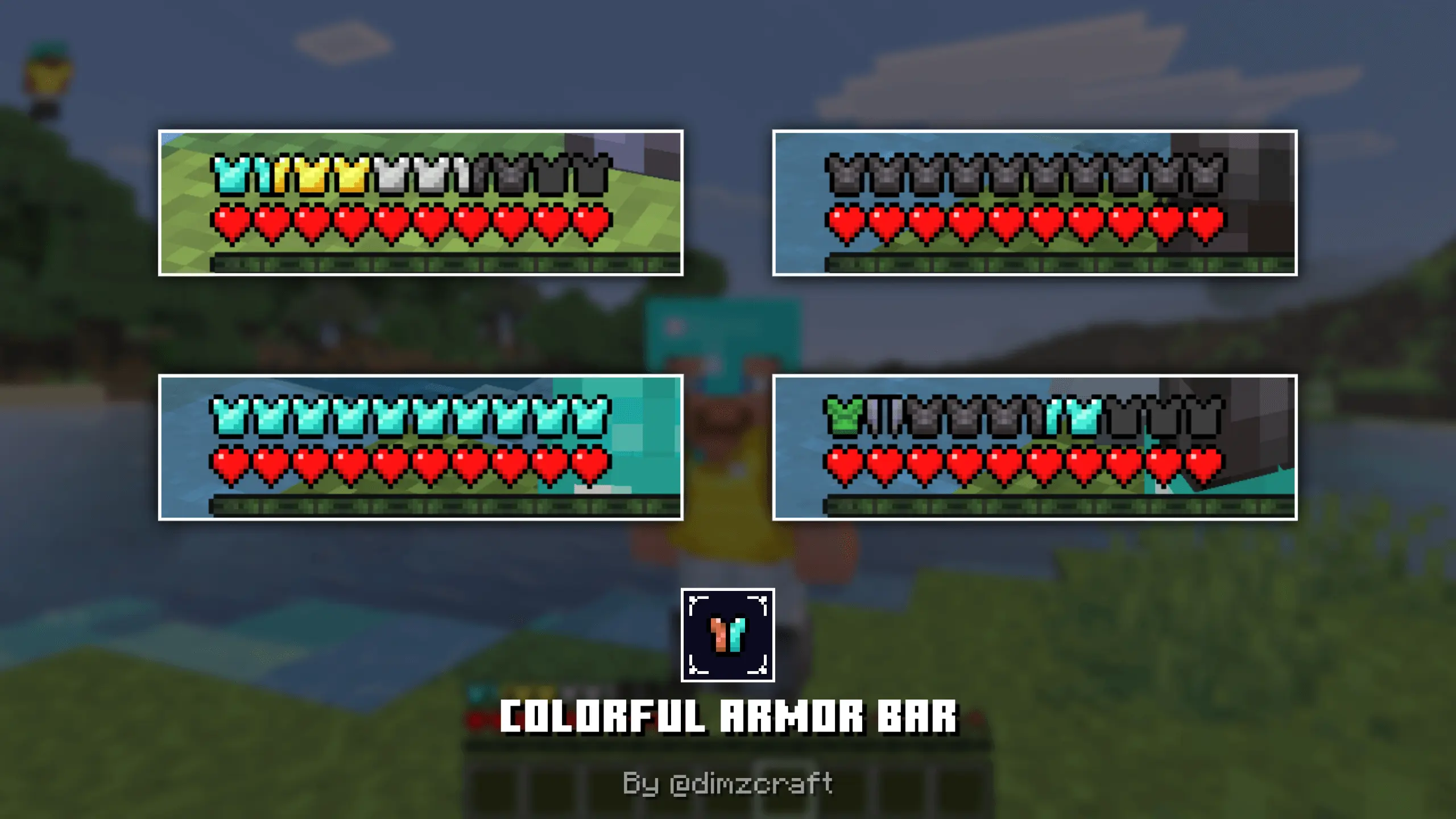
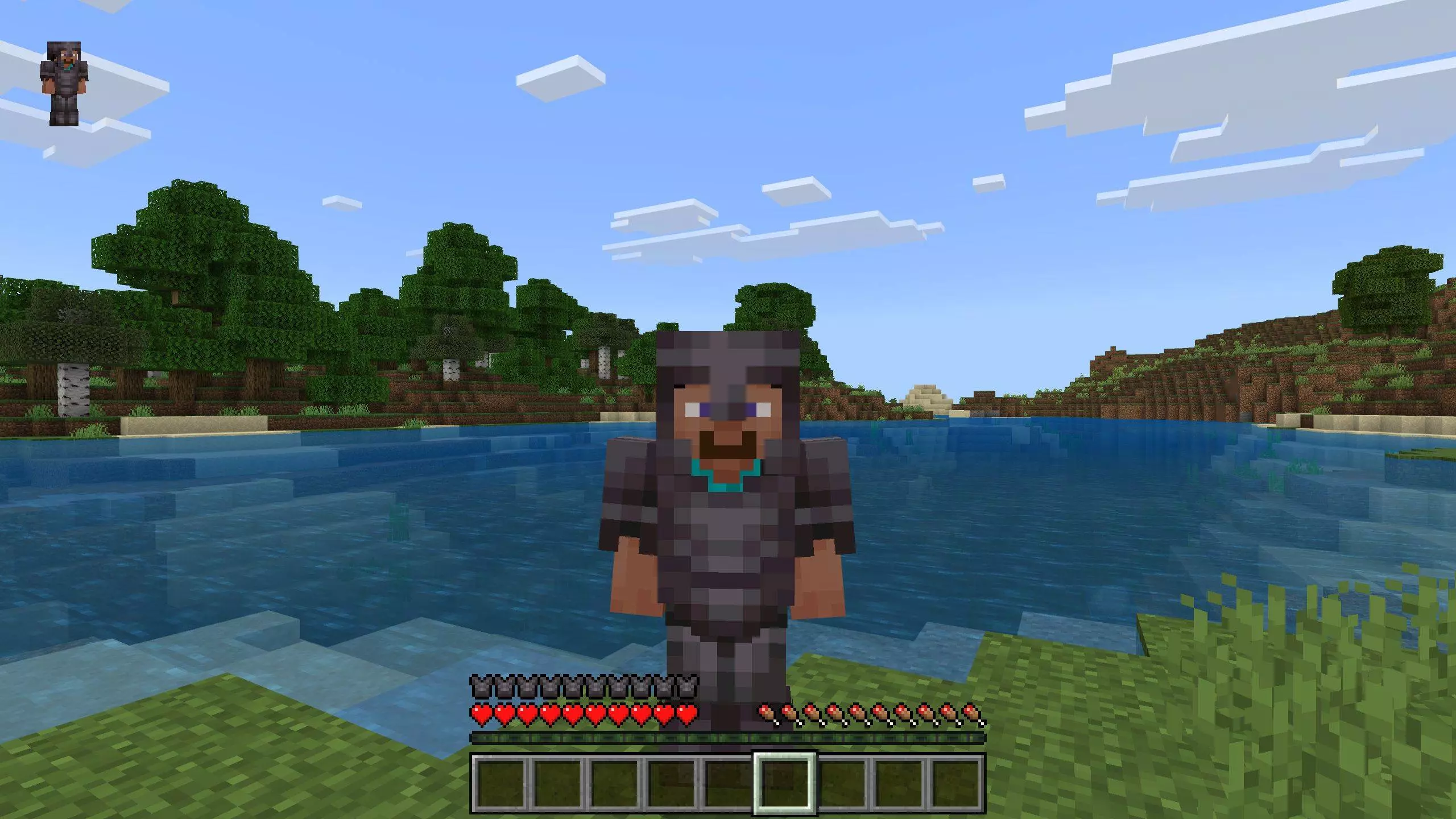
Colorful Armor Bar Mod — make your Bedrock HUD actually tell you something
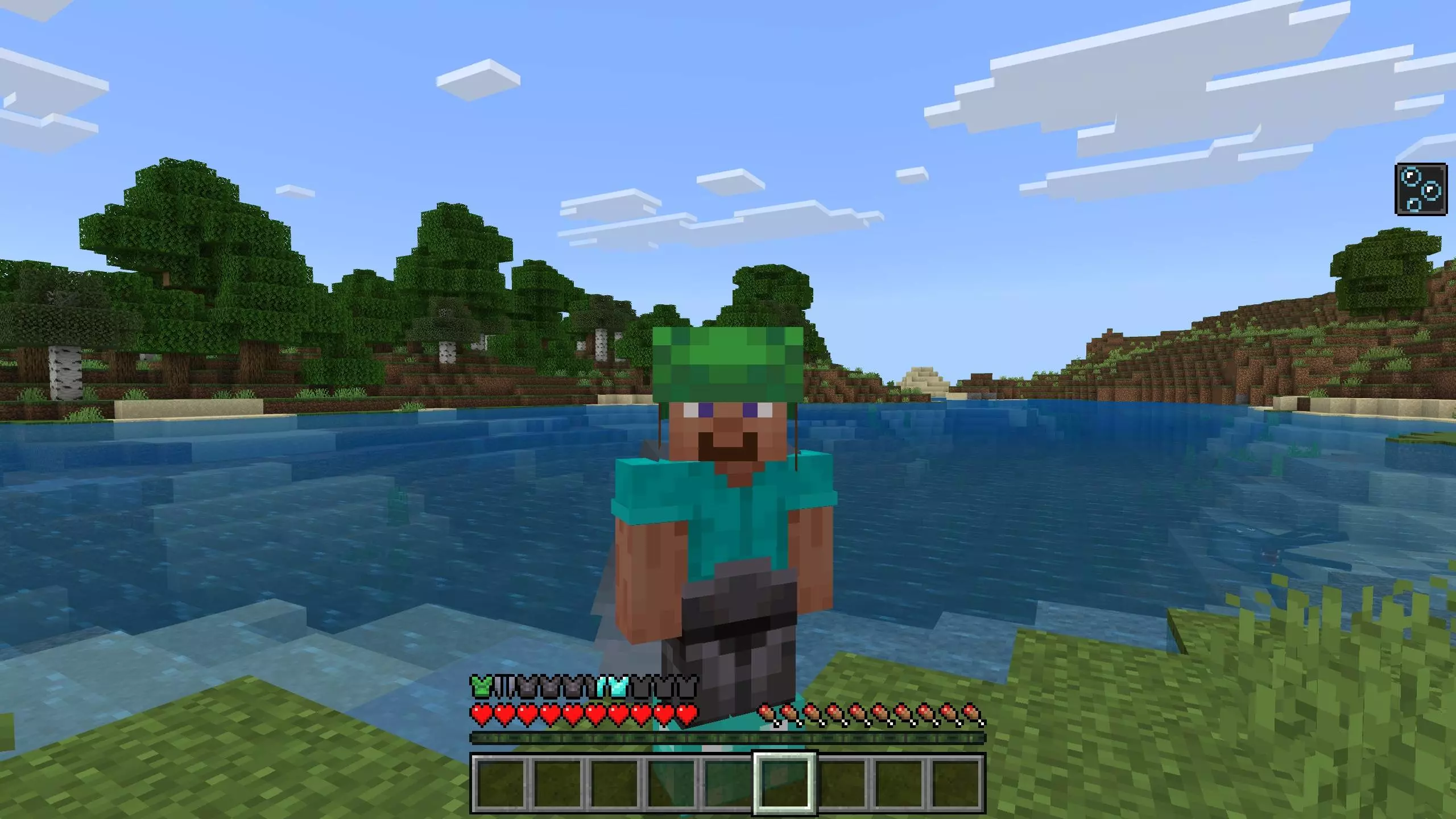
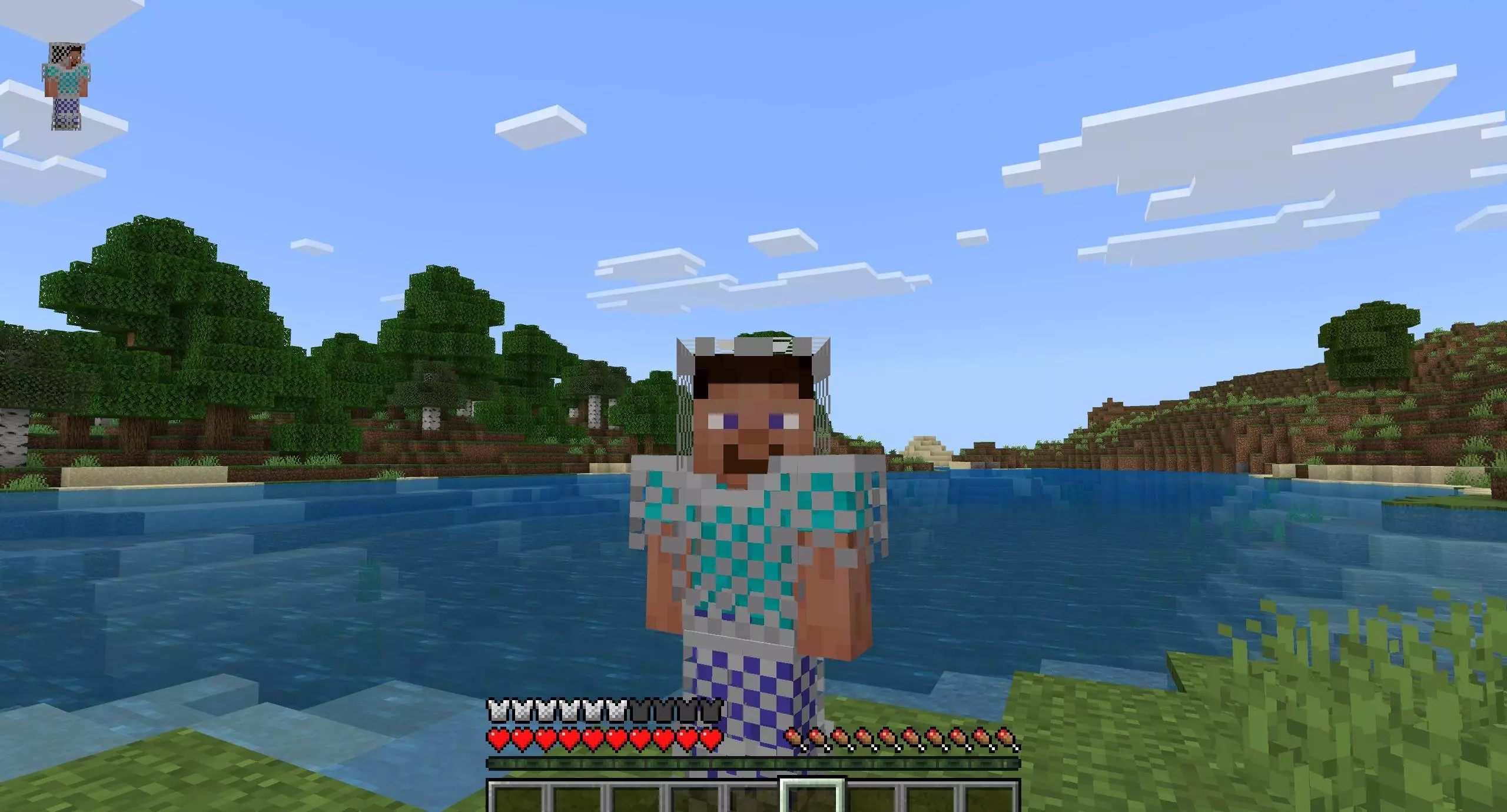
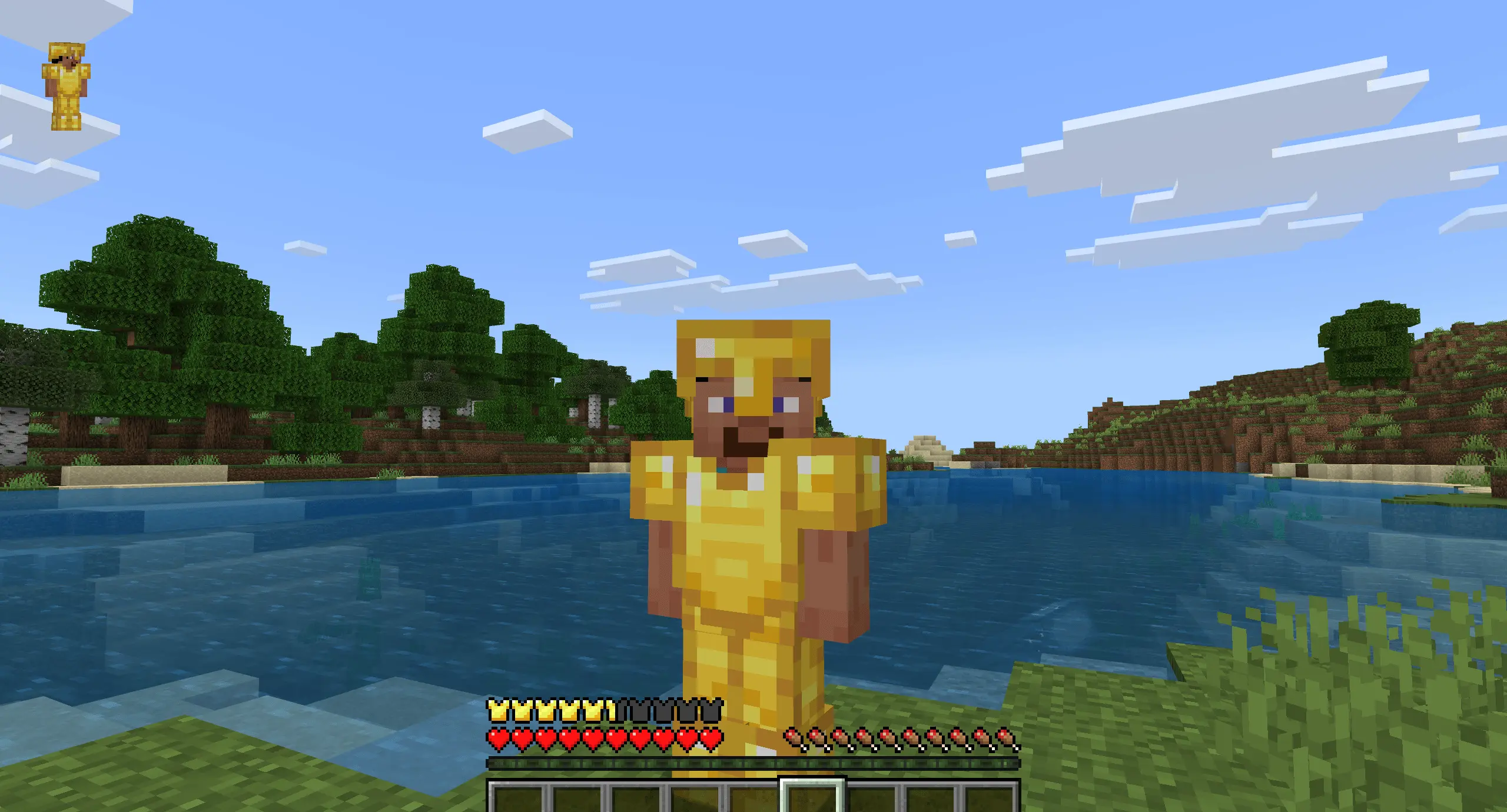
Tired of the same flat gray armor icons? The Colorful Armor Bar Mod gives your Minecraft Bedrock HUD a clean, readable upgrade by tinting the armor bar to match what you’re wearing. Slip on leather and the bar pops earthy brown. Swap to chainmail, iron, gold, diamond, or netherite and the tint flips instantly, so you can see your gear tier at a glance without opening the inventory.
In practice, it’s a tiny change that helps everywhere. Running a raid and quick-swapping gear mid-fight? One look at the bottom of the screen tells you if you actually put the right set on. Speedrunning early game? You’ll know the second you graduate from junk armor to iron or gold. Underground, where you’re juggling tools, torches, and panic blocks, that color check saves you from scrolling through menus while a skeleton peppers you from the dark.
What you get out of the box:
Armor bar variants: leather, chainmail, iron, gold, diamond, netherite
Auto updates: the bar recolors the moment you change a piece
Purely visual: no stat tweaks, no damage changes—just a better read on your armor tier
I've got a terrible memory for Minecraft recipes, even ones I've used a hundred times. I'll stand in front of a crafting table with an inventory full of materials and suddenly forget where two ingredients belong. That's why I appreciate content that gives me a reason to slow down and actually learn what I'm doing. I don't always want to rush through a new experience just because I've watched somebody else figure it out already. Sometimes it's more satisfying to mess around, make a few mistakes, and remember the answer because you discovered it yourself. Of course, there are limits. If I've been staring at the same problem for half an hour, I'm probably opening the instructions. My roommate once caught me getting frustrated over something that had a perfectly simple explanation. He pointed it out in about five seconds. I thanked him, then asked him to leave before he witnessed another embarrassing decision.
If you want a lightweight quality-of-life tweak that feels native, the Colorful Armor Bar Mod nails it. Clean look, zero clutter, instant feedback—once you’ve got a color-coded armor bar, going back to the default gray feels like playing with your HUD turned off.
Installation:
- Download Mod;
- Open the downloaded file to install;
- Select it in the settings;
- Have fun!
Comments (0)