Craft MOD Mod / Addon
- 22-08-2025, 14:18
- 1 491
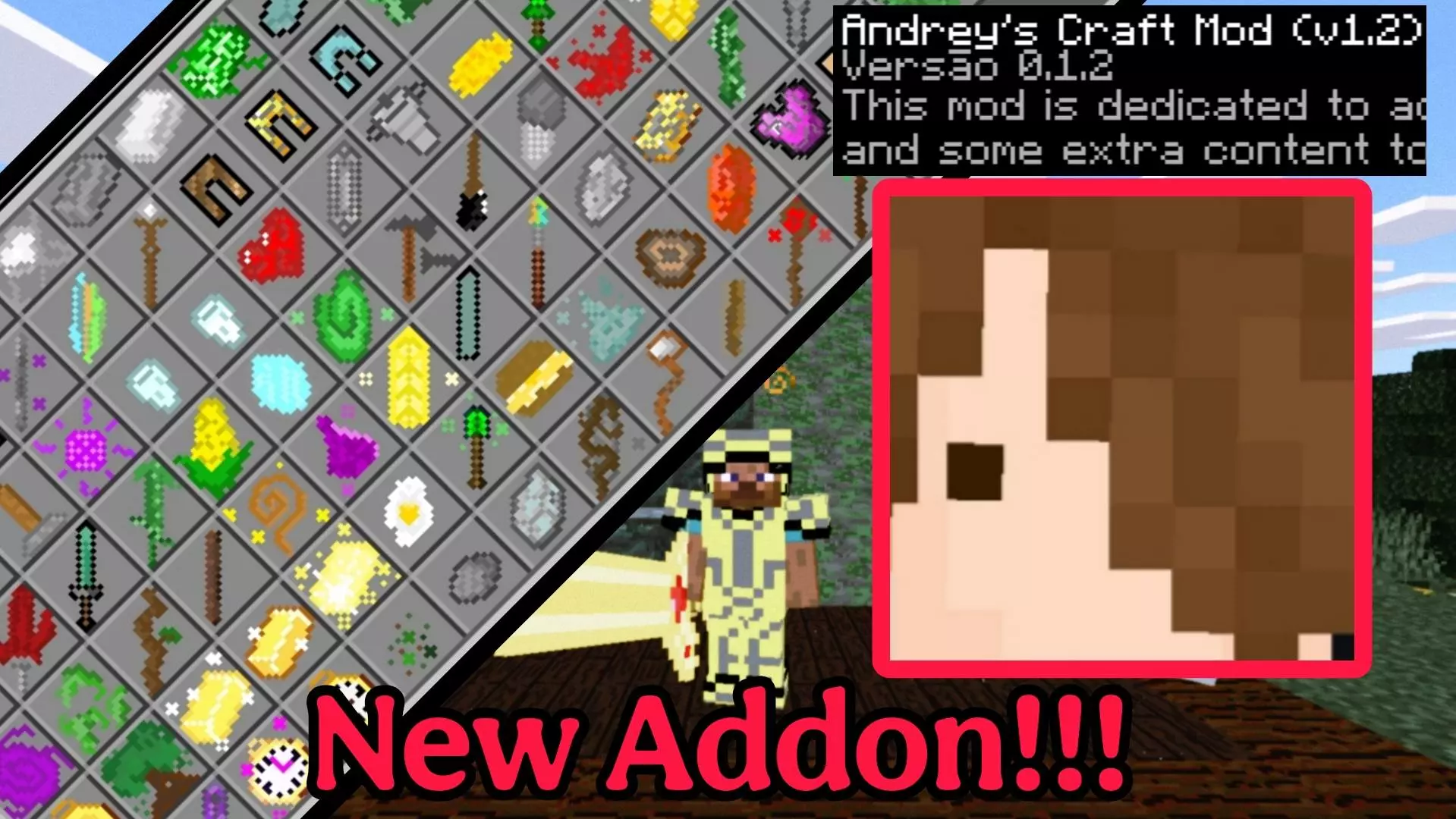
The Craft Mod is one of those addons that makes you go: “finally.” It’s built by just one creator, but it adds a ton of missing recipes and utilities that vanilla Minecraft Bedrock never gave us. Stuff that usually clogs your chests or takes forever to farm suddenly has a proper use, and it feels natural — like Mojang should’ve added it themselves.
When I tested it, I started noticing how much smoother survival felt. Saddles, name tags, rare items — you don’t need to grind dungeons or fish for hours anymore, you can actually craft them if you’ve got the right resources. On top of that, the mod throws in extra little touches that keep the game fresh, without going overboard or breaking balance.
It doesn’t hand you free loot — you still have to put in the work — but now progression feels less frustrating. If you’re into survival and want more options without killing the vanilla vibe, the Craft Mod deserves a permanent spot in your Bedrock world.
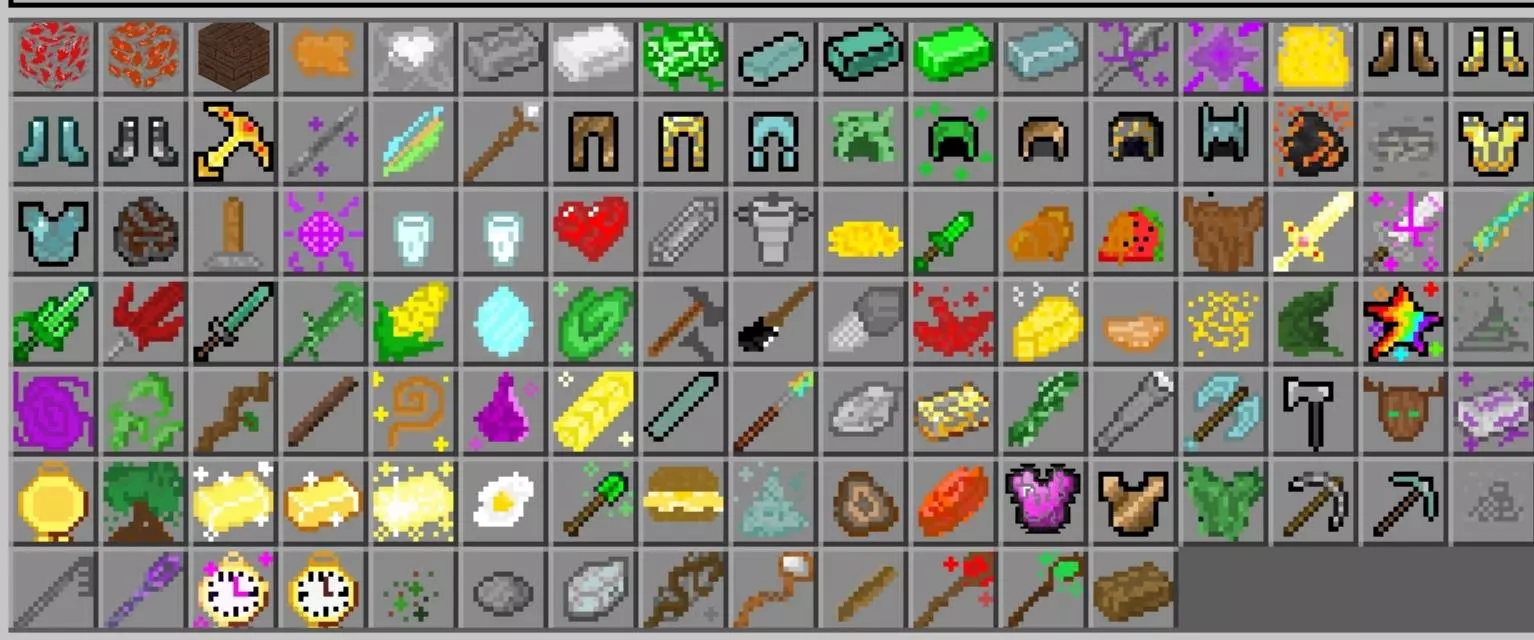
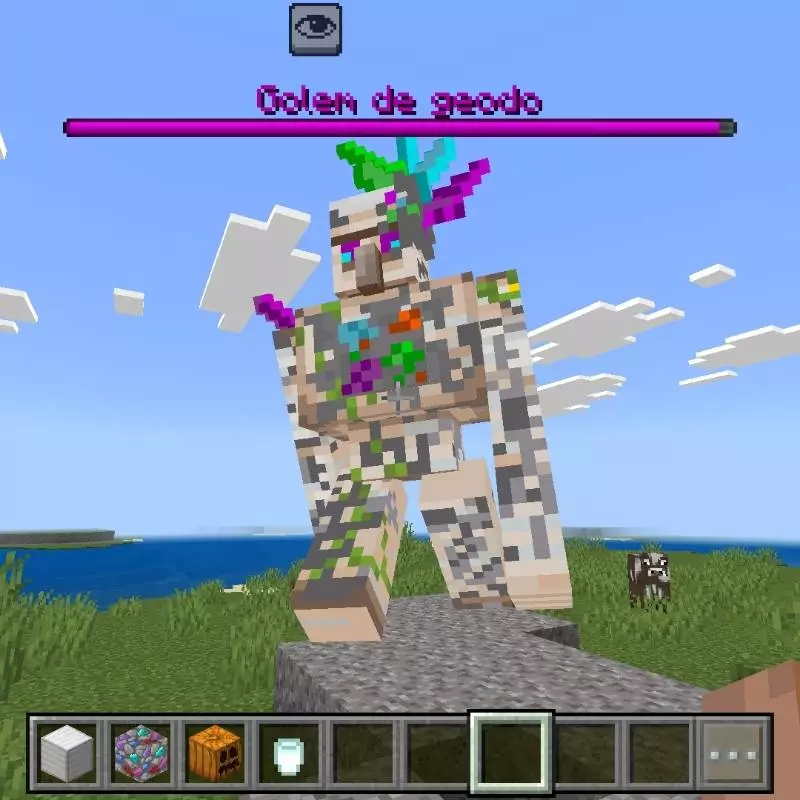
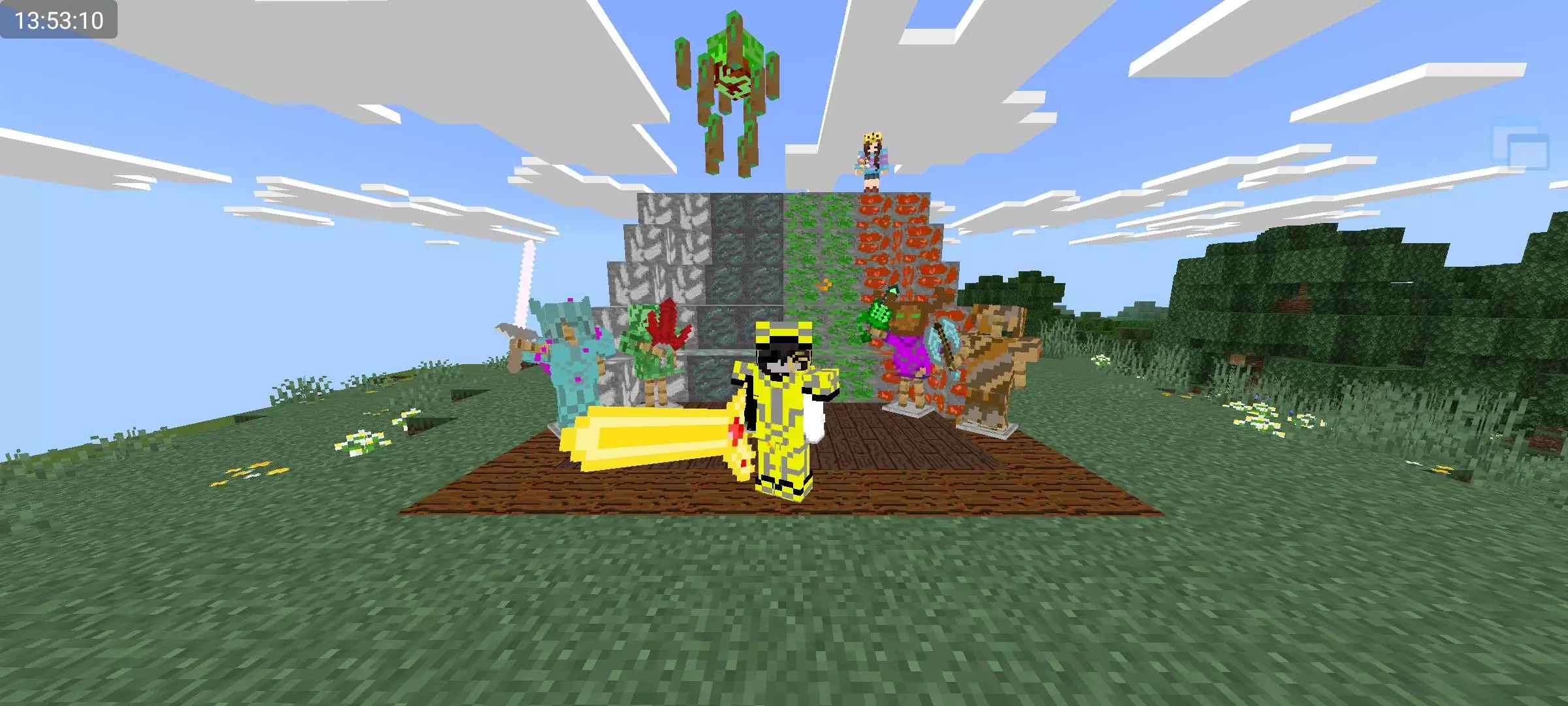
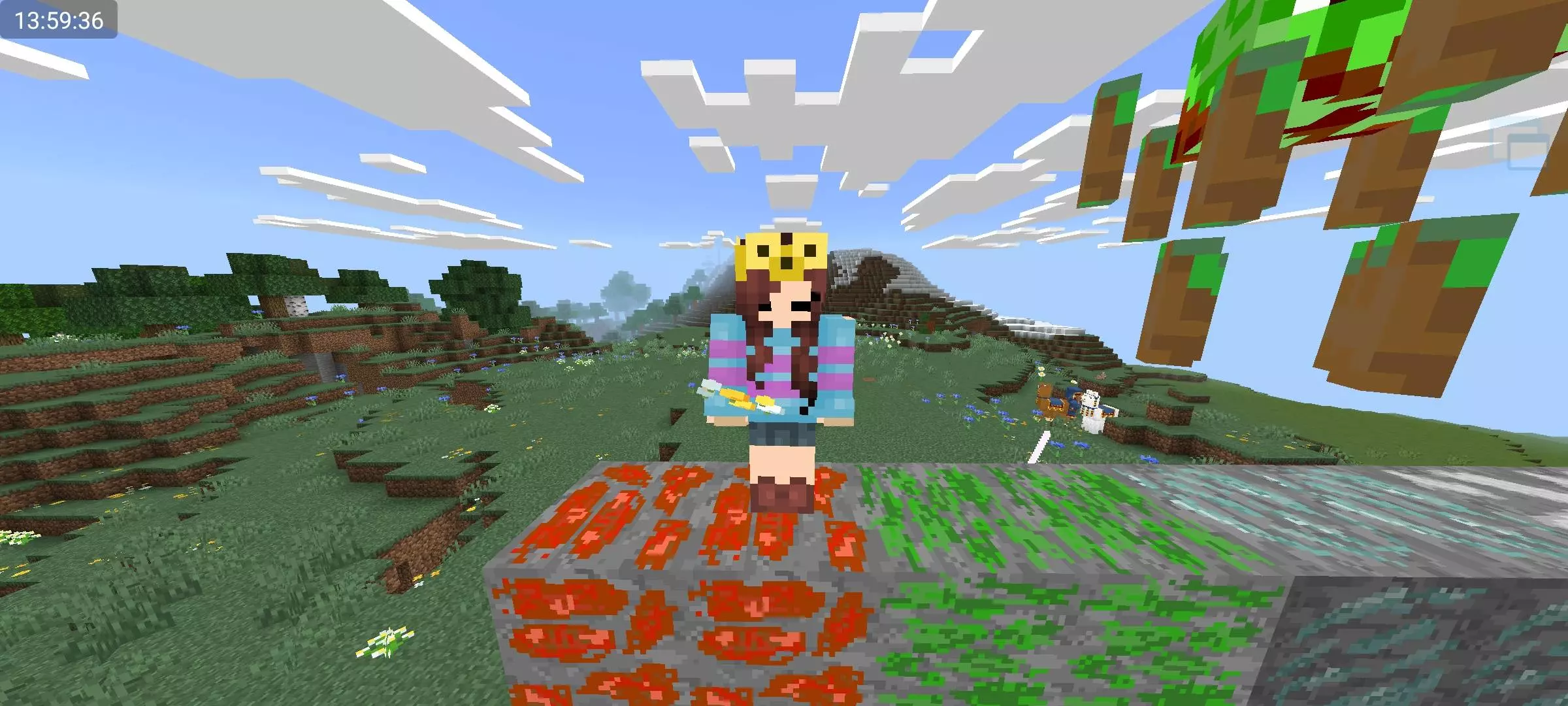
A chest full of resources is great—until you’ve run out of useful things to make with them. Craft Mod adds more recipes and items to Minecraft Bedrock, giving your crafting table a few new surprises to work with.
The addon expands crafting alongside other survival content, including tools, weapons, materials, and utility items. Open the recipe book after installing it and take a look at what you can make with the supplies you already have. You may find a new project hiding among the ingredients you’ve been saving for later. The collection is broader than a single crafting shortcut, so there’s something to investigate whether you’re preparing for a mining trip or stocking your base.
Food gets some attention, too. The addon includes items such as a fried egg and melted sugar, giving you a reason to check out the cooking side of the collection. Not every important recipe is necessarily shown at the crafting table, so it’s worth looking through the addon’s recipe guide as well. Try making a few of the new foods and see which ones earn a place alongside your usual stack of bread or cooked meat.
There are also new materials to discover, including raw titanium. Finding an unfamiliar resource underground is a good excuse to bring some home and check what it can be used for. Keep a little storage space free when you go mining; you don’t want to leave something interesting behind because your inventory is packed with cobblestone. Once you’re back at the base, check the available recipes and decide what you want to make first.
The extra tools and weapons give you more options when you’re planning your next outing. Try a new piece of equipment on a shorter trip before taking it into a dangerous cave, and keep your familiar gear nearby while you figure out what suits your playstyle. If you’re sharing a world, compare discoveries with your friends: one person might find a useful recipe while another brings home a material the group hasn’t seen before.
To install Craft Mod, download the .mcaddon file and open it with Minecraft Bedrock. Activate the imported packs in your world settings, then load up a world and start browsing the new items. A crafting table is a good first stop, followed by a look through your storage chests for ingredients you can put to work. You don’t need to abandon your current survival plans—just keep an eye out for the new possibilities while you build, gather, and explore.
Installation:
- Download Mod;
- Open the downloaded file to install;
- Select it in the settings;
- Have fun!
Comments (0)