Mo' Swords (More Swords) Mod / Addon
- 12-08-2025, 12:41
- 1 318
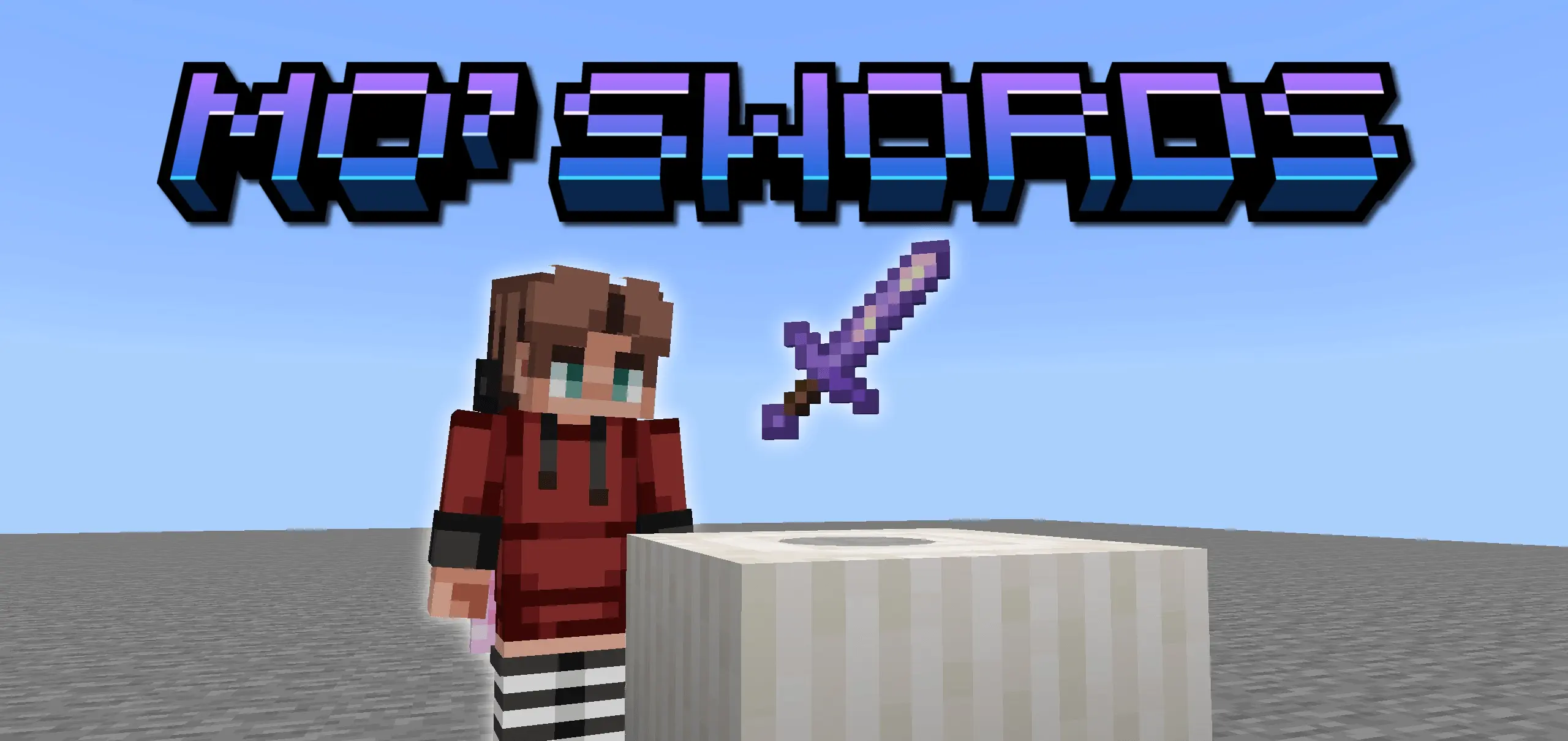
Man, the vanilla sword lineup in Minecraft Bedrock gets old fast. That’s why Mo’ Swords (More Swords) is such a game-changer. It throws in 8 fresh swords, each with its own crazy effect that makes fights way more fun. These aren’t just “stronger diamond swords” — we’re talking blades that can mess with your enemies in different ways, so every swing feels satisfying.
One thing I love? You can use all of them without losing your achievements. No annoying “cheats enabled” pop-up — just grab your new sword and go to town. The mod’s also super friendly with other addons, so you can stack it with magic packs, armor mods, or whatever else you’re running, and it all works fine.
Every sword has its own vibe — some are quick and sharp for PvP, others hit like a truck for those tanky mobs. I’ve been swapping between them just to see what works best in different fights, and honestly, it makes hunting mobs feel fresh again. If you’re tired of the same old weapons, Mo’ Swords will have you swinging like it’s a whole new game.

A sword with a special effect can make even a routine cave fight worth paying attention to. Mo’ Swords adds eight new blades to Minecraft Bedrock, each with its own effects and sounds.
The lineup includes the Redstone Sword, Shulker Sword, and Prismarine Sword, along with other weapons to discover. Each blade brings an effect that can influence a fight, giving you a reason to try more than one before settling on a favorite. The add-on also includes a guide book with descriptions of its swords, so take a look through it when you want to understand what a weapon does. That’s especially useful before heading out with a new blade for the first time: knowing its effect and timing can help you decide when to use it. You can compare the descriptions, pick one that sounds interesting, and get familiar with it before taking on a tougher encounter. The weapons have their own sounds as well, adding a little character to the action. Whether you’re clearing a cave or defending your base at night, those details make the choice of sword feel more personal.
Timing matters for at least two of the weapons. The Redstone Sword and Shulker Sword have a 12-second cooldown on their abilities, so you’ll need to wait between uses. Plan around that pause instead of expecting to trigger an effect continuously. You might try a blade against a few mobs near home first, then take it on a longer trip once you’re comfortable with how it works. That practice also gives you a chance to pay attention to the effect without juggling a dangerous situation at the same time. The Prismarine Sword has a visible effect, while a feature called Glowing Demise uses dynamic lighting. There’s room to experiment without assuming every sword fills the same role. Pay attention to what happens during a fight, listen for the sounds, and use the guide book to learn the details. Finding a weapon you like can be just as much about its feel as its appearance.
The swords are also a good excuse to make an armory or a training area at your base. Give each weapon its own spot, keep your usual armor and food nearby, and take a different blade out when you head into the world. If you play with friends, you could compare favorites or build an arena for friendly duels. Set your own rules before a match so everyone knows what to expect from the equipment they bring. You could even take turns choosing weapons and seeing which ones suit your preferred way of fighting. For a solo survival world, trying the collection gives you another project between mining trips and building sessions. The add-on’s appeal is in discovering what these weapons bring to a fight and learning when to use them. Pick one that catches your eye, read up on its effect, and see how it handles the next mob that wanders into your path.
Installation:
- Download Mod;
- Open the downloaded file to install;
- Select it in the settings;
- Have fun!
Comments (0)