Player Portals Mod / Addon
- 5-11-2025, 03:56
- 1 352
Player Portals Mod is the perfect way to bring instant travel into your Minecraft world without needing command blocks or messy redstone tricks. This add-on lets you create custom portals and link them however you want, using a slick little menu system that actually makes sense.
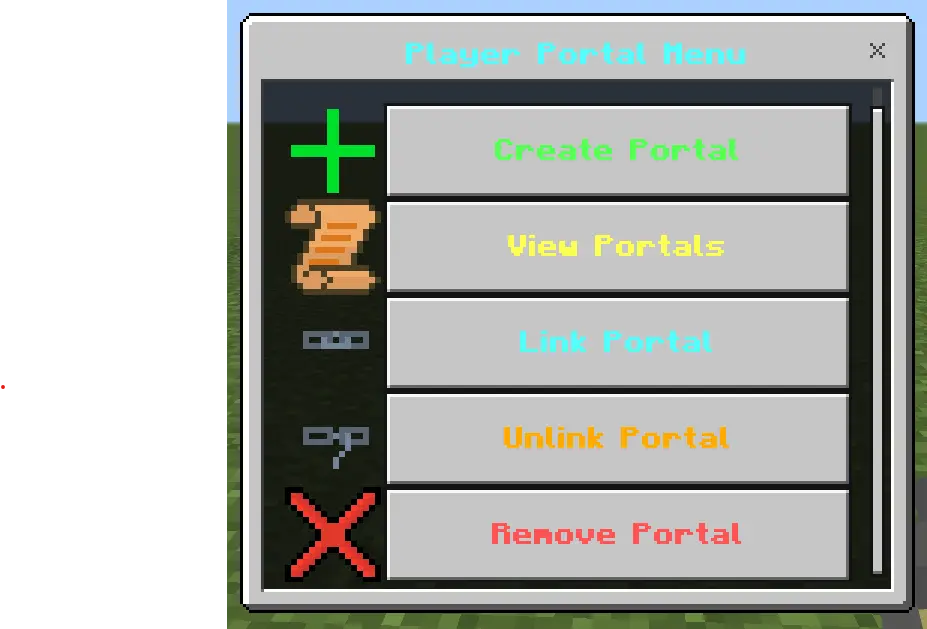
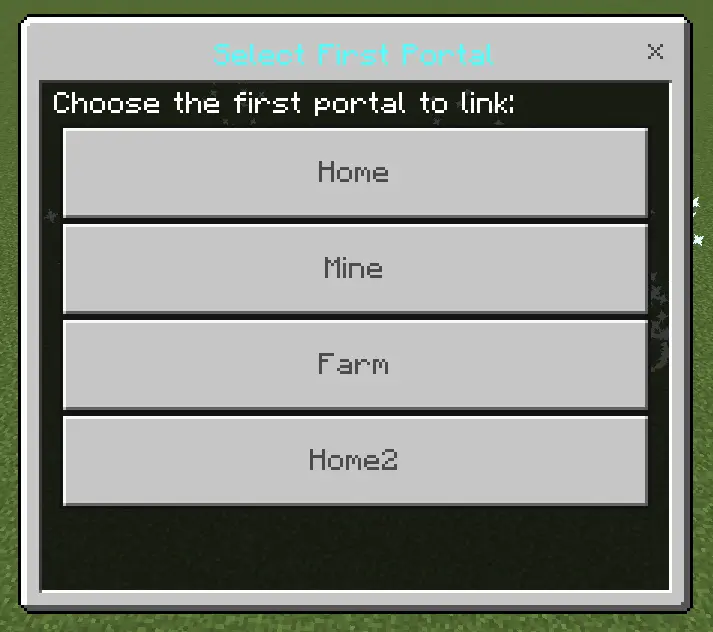
Start by grabbing the portal menu using /give @s bridge:portal_menu or just snag it from the creative inventory. Then set up two portal blocks, name them anything you want — like “Base” and “Mine” — and use the menu to link them. Once they’re connected, step into the cool-looking particle effects, wait a few seconds, and boom — you’re teleported.
What’s awesome is how smooth and survival-friendly it feels. You can remove portals any time, and the system just works. No complicated setup, no laggy teleport spam. Perfect for big bases, SMPs, or adventure maps where fast travel makes life easier. Clean, customizable, and super handy. This one’s a keeper.
You finally reach your mountain base and realize the supplies you need are still back home. With Player Portals, that trip can take a few seconds instead of another long trek across the map.
Player Portals adds a custom fast-travel system to Minecraft Bedrock. Create portals at places you want to connect, give them names, and choose their links through a menu. Once a pair is set up, step into the portal’s particle effect and wait briefly to travel to the other location. It’s a practical way to connect a main base with a distant mine, an island outpost, or a friend’s build without laying a railway across every biome between them.
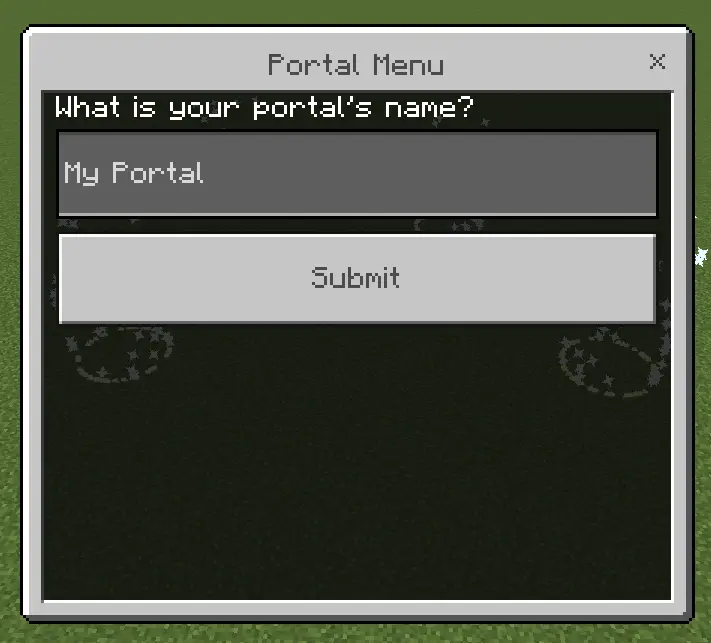
To get started, you’ll need the Portal Menu item. You can find it in Creative inventory or use the command /give @s bridge:portal_menu if commands are available in your world. Create two portals and give each one a name you’ll recognize, such as “Home” and “Mine.” Then open the linking menu and select the portals you want to connect. The names are especially useful once you start adding more destinations; “Village” is much easier to remember than a random set of coordinates.
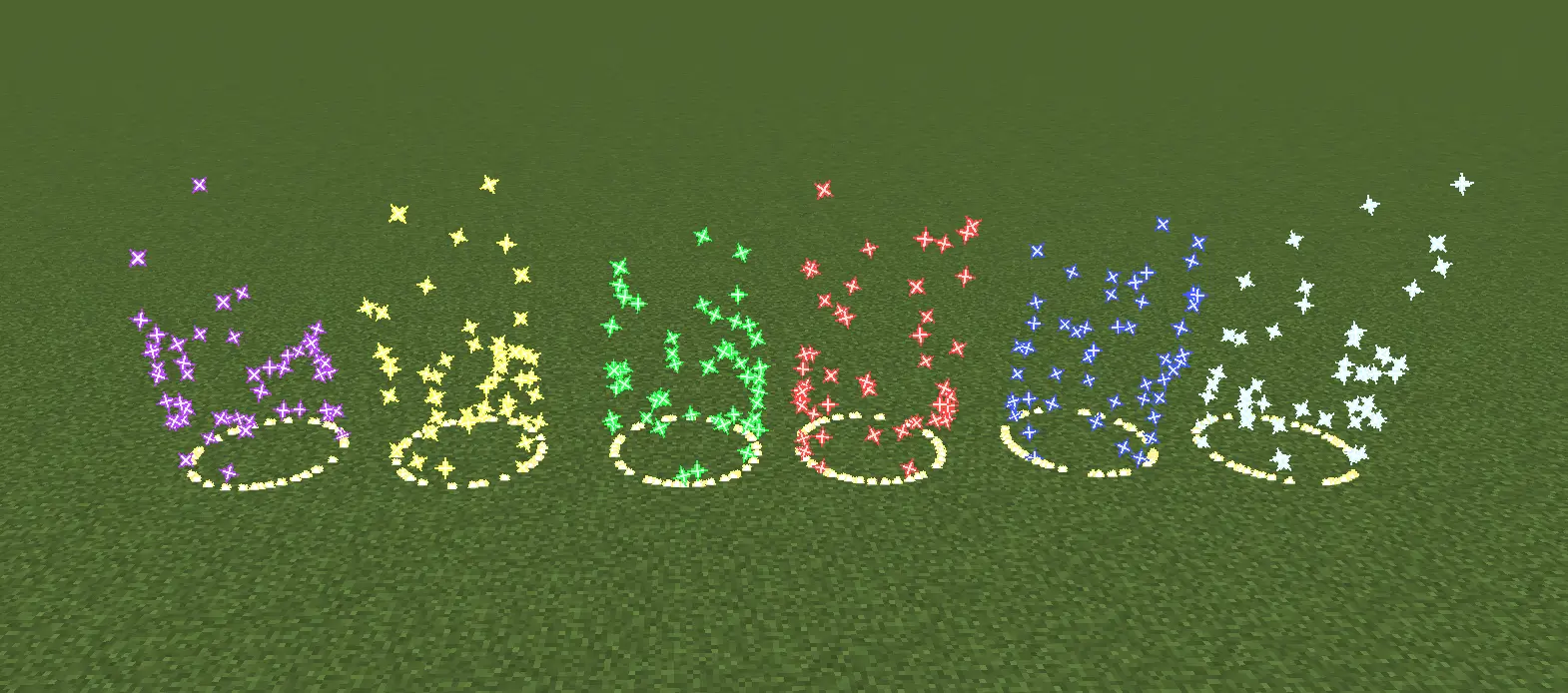
The portal itself uses visible particles to mark the teleport area. Stand in the effect for a short time, and the addon sends you to the linked destination. You don’t need to build an elaborate redstone system to make the connection work, though you can still decorate the area however you like. Put a portal inside a station, build a little shrine around it, or make a dedicated travel room at your base. The particles show where to stand, while the surrounding build can match the style of your world.
A shared world is where this can save a surprising amount of time. If your group has spread out, link a meeting point with a distant project so players can get there without spending half the session traveling. An adventure map could use portals to move between areas, while a survival group might connect its main storage room to a remote outpost. Just agree on clear names before everyone starts adding destinations. Finding your way around the menu is much easier when the group hasn’t named three different places “Base.”
To install the addon, open the downloaded .mcaddon file with Minecraft and enable the required packs in your world settings. Check that the release you’re using supports your Bedrock version, then test a short connection before relying on it for a major trip. Once your first pair works, think about the journey you make most often. A portal beside your front door and another at the far end might be all you need to get that travel time back.
Installation:
- Download Mod;
- Open the downloaded file to install;
- Select it in the settings;
- Have fun!
Comments (0)