Waxed Grass Mod / Addon
- 28-07-2025, 21:05
- 710
Waxed Grass – Biome Vibes Anywhere
Flat world builders, this one’s for you. The Waxed Grass addon lets you use all the main grass block styles from different biomes—without having to change the actual biome. Want that lush jungle green or snowy taiga tone in your creative build? Done. This stuff looks just like regular grass, ferns, and short grass, but it's “waxed,� so it stays the color you want no matter where you place it.
You can even slap flowers and foliage on any block now, not just grass. Wanna plant tulips on stone or ferns on your quartz build? Go for it. This pack is survival-friendly too, but it's made with mapmakers and builders in mind who want control over every detail.
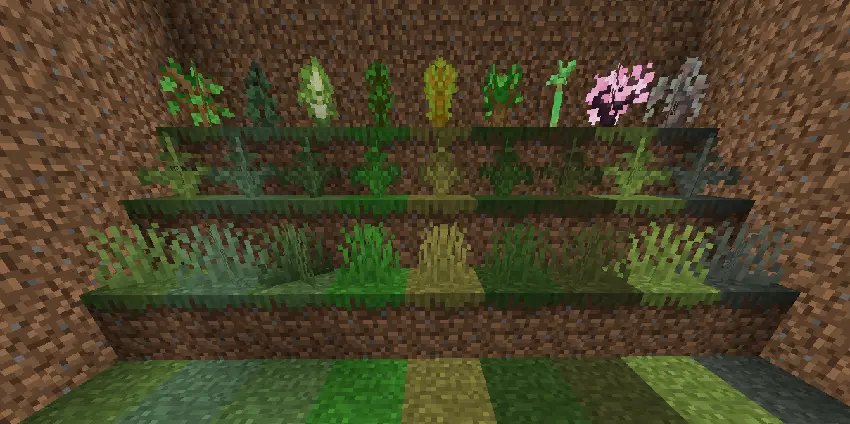
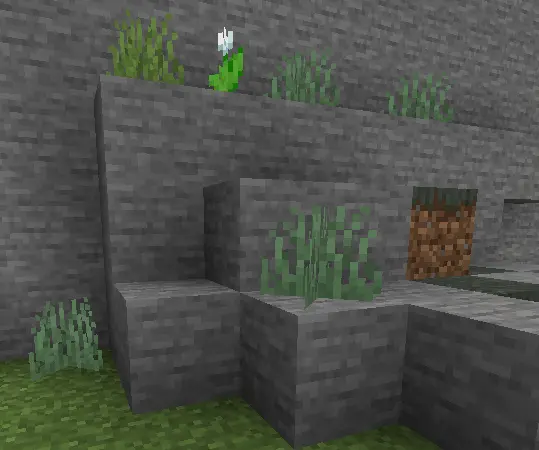
You’ve found the perfect spot for your build, but the grass is completely the wrong shade. Waxed Grass gives you more control over the colors of your Minecraft landscape, wherever you decide to put down roots.
This Minecraft Bedrock addon introduces waxed grass blocks, short grass, and ferns with colors inspired by different biomes. Want jungle-green grass around a custom greenhouse in a flat world? You can use the matching waxed blocks without changing the biome underneath. The selection also includes looks inspired by places such as taigas, savannas, swamps, cherry groves, and pale gardens, giving you a wider palette for gardens and terrain projects.
The difference is especially useful when you’re working on a small area. Maybe the lawn around your house needs to stand out from the surrounding landscape, or you want a darker patch of vegetation leading into a spooky forest. Mix different shades to give a garden more variation, create a transition between parts of a custom map, or build a little patch of jungle around an overgrown ruin. You can focus on the colors you want without moving the entire project to another biome.
Waxed plants offer another useful building option. The addon’s waxed foliage and flowers can be placed on blocks beyond ordinary grass, opening up spots that are usually awkward to decorate. Add plants around stonework, bring greenery into a custom courtyard, or give an abandoned building a more overgrown appearance. These are the addon’s waxed versions, so keep that distinction in mind when you’re choosing plants for a build.
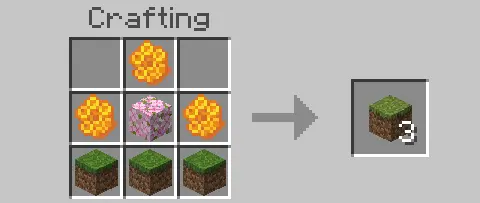
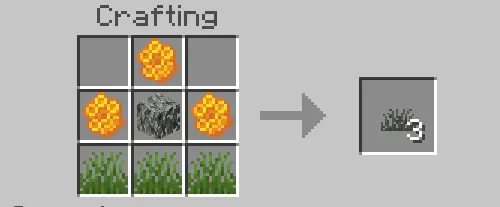
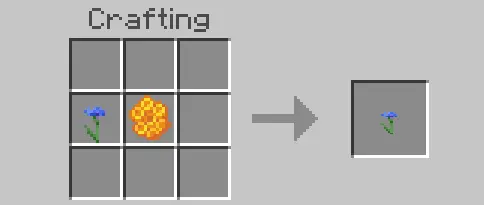
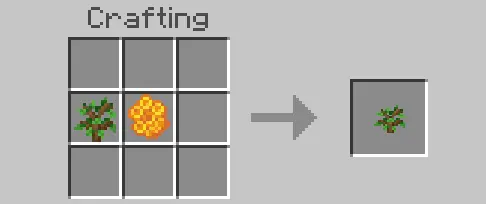
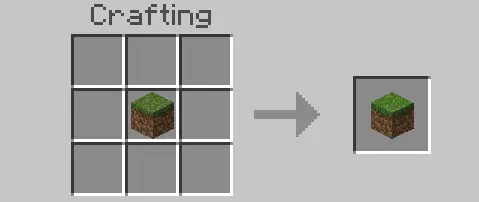
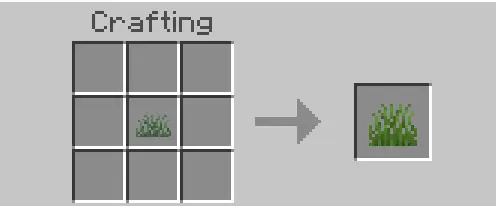
You can make the blocks in survival as well as use them for creative projects. The grass, short grass, and fern recipes use three honeycombs, three of the plant or block you want to wax, and a leaf block associated with the biome color you’re after. For flowers and saplings, the recipe uses the plant and a honeycomb. If you change your mind, the waxed blocks can be returned to their standard form through the crafting table. A bee farm and a collection of leaves can therefore be useful additions to a larger landscaping project.
Waxed Grass is a small addon with plenty of possibilities for players who enjoy getting the details right. Use it to make a flat-world park less uniform, give a survival base its own garden style, or add contrasting vegetation to an adventure map. The addon listing notes that its grass blocks can let light through unexpectedly and appear white on maps, so keep those quirks in mind while planning. Pick a few shades, place them side by side, and see which combination brings your build to life.
Installation:
- Download Mod;
- Open the downloaded file to install;
- Select it in the settings;
- Have fun!
Comments (0)