No PVP Zones Mod / Addon
- 21-07-2025, 08:30
- 1 058
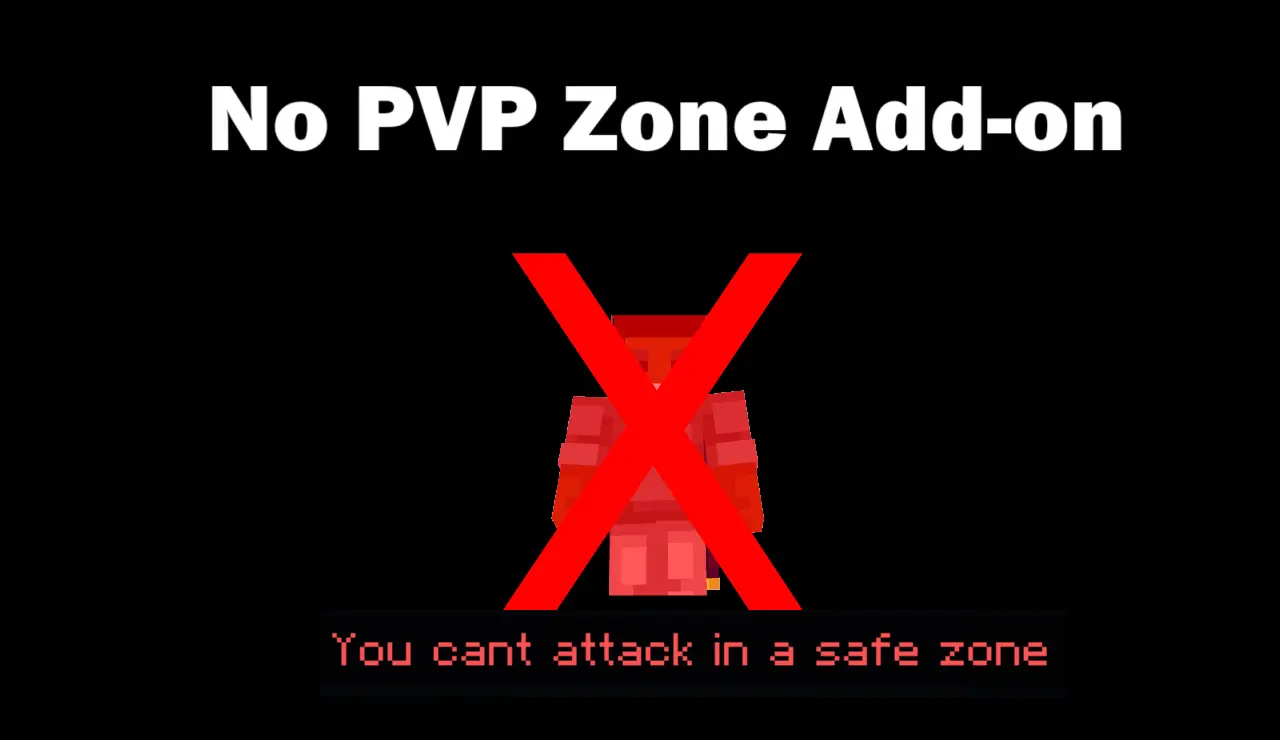
No PVP Zones Mod – Control the Fight
This mod lets you create safe areas where players can’t fight. Using a simple wand tool, you can mark out zones where PvP is completely disabled — perfect for spawn points, shops, towns, or any space where you want peace.
A busy Minecraft spawn should be a place to meet up, trade, and plan your next adventure—not a sword fight the moment someone joins. No PVP Zones lets you mark areas where players can gather without attacking one another.
The addon is built for shared Minecraft Bedrock worlds where you want control over where combat happens. A town square can stay peaceful while a separate arena remains the place for duels. It’s useful for servers with shops, community projects, or new players who need a moment to get their bearings. You choose the area to protect, so you can shape the rules around the places your group actually uses.
To create a zone, enter /function wand to get the setup tool. Use the wand to mark the area you want, then crouch and use it to confirm the no-PvP zone. On a mouse, that final action is a sneak and right-click; on another device, use the equivalent interaction control. Before opening the area to everyone, ask a friend to help test the boundaries so you both know where combat stops and where it can begin.
Spawn is an obvious place to start, especially if players arrive there with valuable gear or need time to read signs. A market is another good choice: people can browse stalls, arrange trades, and compare prices without an accidental swing interrupting the deal. You could also protect a meeting hall where teams gather before an event, or a building area where friends are working together on a project.
For players who enjoy PvP, a protected gathering area can make organized fights easier to run. Put the waiting area near your arena, let everyone sort their equipment, and agree on the rules before stepping into the combat space. A tournament lobby feels a lot more welcoming when the match doesn’t begin with someone getting hit while they’re checking their inventory. Mark the transition clearly with signs or a visible change in the floor so nobody has to guess where the arena begins.
No PVP Zones focuses on stopping combat in the areas you mark. It isn’t described as a land-claim system, so don’t assume it also prevents players from opening chests, placing blocks, or damaging builds. Test the setup with your group and use other protections if your world needs them. Once the boundaries are in place, you can give players room to trade and socialize while keeping your planned battles in the places made for them.
Type /function wand to get the tool. Mark your zone. Then just sneak and right-click to lock it in. Done. No commands, no hassle.
Whether you're running a server or just want some no-combat zones in your world, this mod makes it easy. Clean, fast, and works exactly how it should.
Installation:
- Download Mod;
- Use Minecraft
- Open the downloaded file to install;
- Select it in the settings;
- Have fun!
Comments (0)