Flagbearer's Standard Banners Mod / Addon
- 2-07-2025, 13:00
- 565
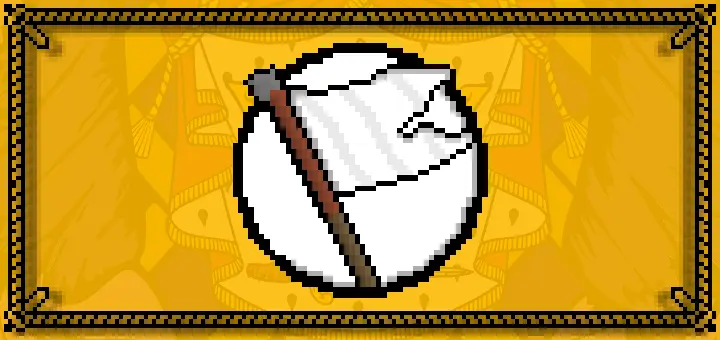
Flagbearer's Standard Banners Mod will add flags, they will help show your clan, base, or country America. Every Minecraft faction needs a banner worth rallying behind. Flagbearer’s Standard Banners adds medieval-style flags for showing your colors at a castle, tournament, or gathering of allies.
The idea fits right into a world where players have built their own kingdoms and rival settlements. Choose a color for your group and use its banner as a visual sign of who belongs where. A flag near the entrance to a stronghold can make the place feel claimed, while matching standards around a tournament ground help establish a team’s presence before the fighting starts. The addon is intended for representing factions and teams, so it’s easy to turn a simple multiplayer event into something with a little more ceremony. Imagine arriving at a friend’s castle and seeing their colors displayed before you even reach the gate. Then return home and give your own group a symbol to stand behind. The banners can be part of the story your players create together, whether your factions are friendly neighbors or rivals preparing for a contest.
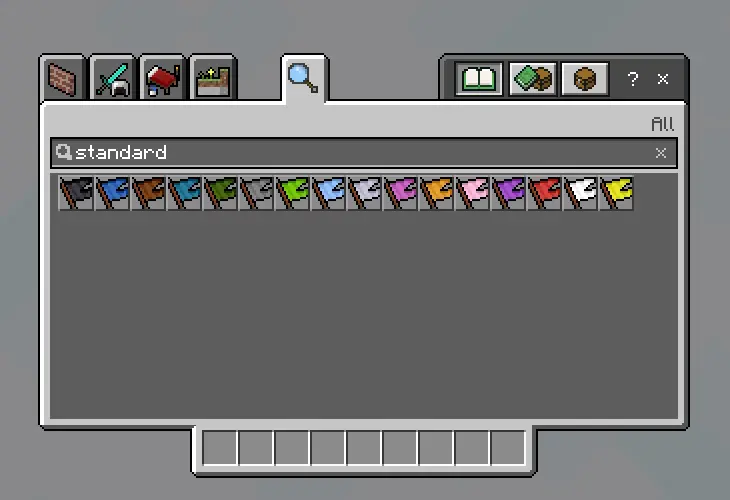
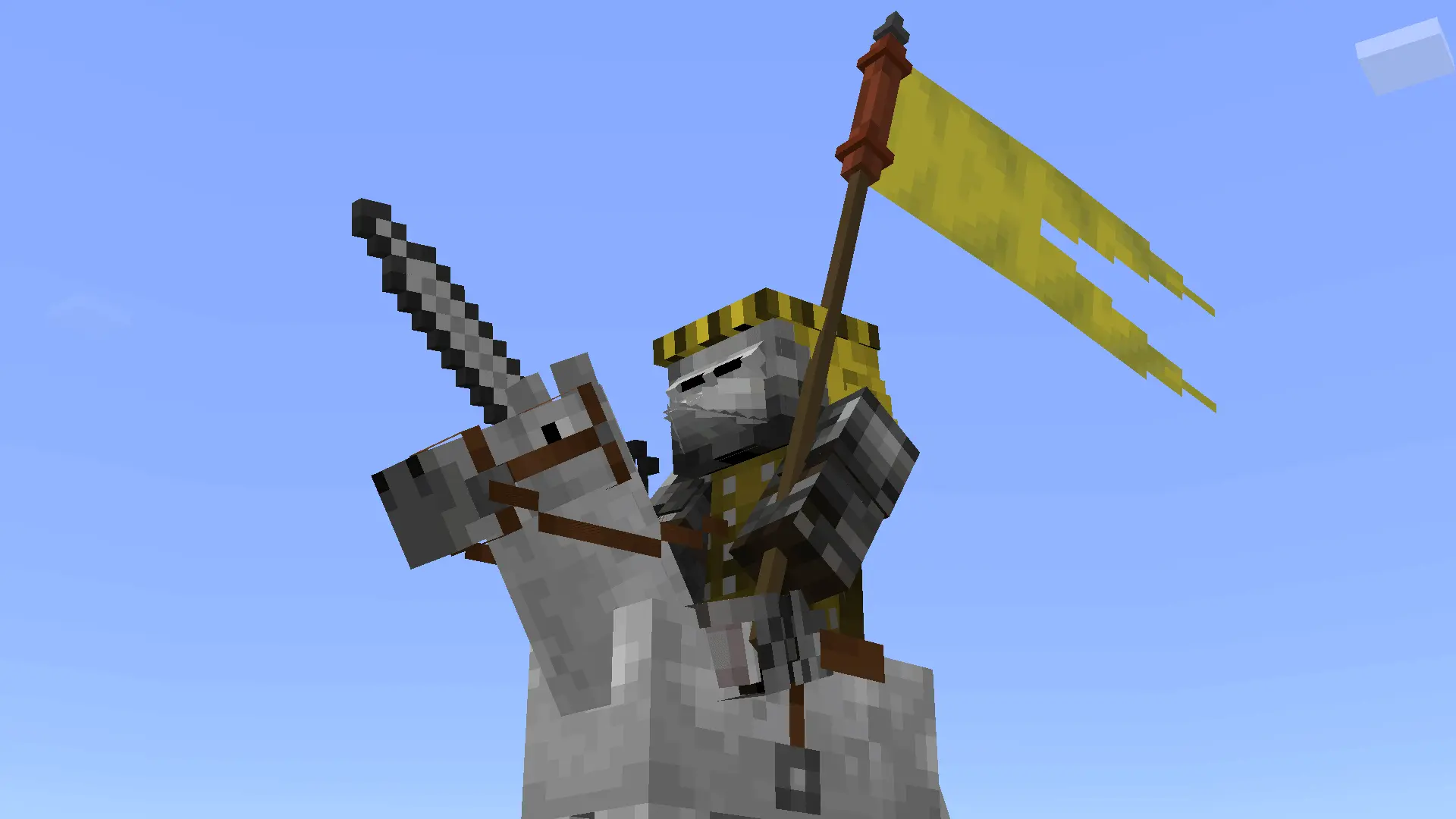
The collection has grown to include different banner shapes and colors. The available designs include square and rectangular sashimono-style banners, along with flagpole variants, giving you options for different kinds of displays. A larger standard could suit an army camp or a settlement entrance, while a smaller design might be just right for a tournament area. Flags can also be held in the offhand, letting a player carry their colors while keeping the main hand available. That’s a fun role for a group journey: give one player the standard and head out together as a recognizable team. You can use the colors for peaceful gatherings as easily as battles, too. Set up a meeting between two settlements, organize a parade, or mark the start of a friendly competition with each side showing its chosen banner.
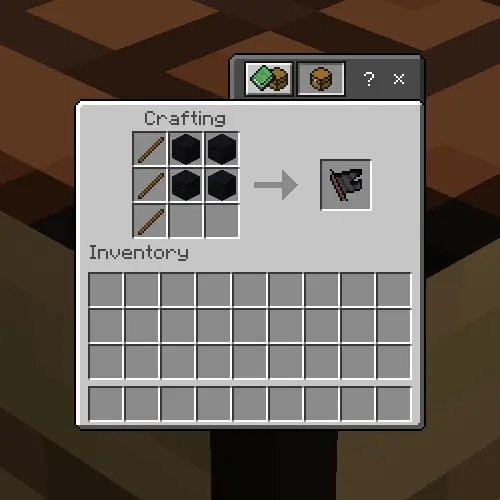
A dedicated Banner Table is used to craft the designs in the expanded collection. The available shapes and crafting options depend on the addon file you install, so check what appears in your game before planning a whole faction’s decorations. Start by opening the downloaded file with Minecraft Bedrock and activating its packs in your world settings. Then explore the available banners and decide where your colors belong. You might begin with one outside your base, add another at a meeting place, and eventually make matching standards for the rest of your group. If you enjoy medieval builds, the flags can give a courtyard or camp a stronger sense of identity; if you play with friends, they offer a simple way to make teams feel like teams. Flagbearer’s Standard Banners is about the visual details that make a shared world memorable, from a flag carried on the road to the colors that welcome everyone home.
Installation:
- Download Mod;
- Open the downloaded file to install;
- Select it in the settings;
- Have fun!
Comments (0)