Glow-Shot Projectile Trails – Addon / Texture Pack
- 23-06-2025, 14:32
- 801
Mods 1.21 / Mods 1.20 / Mods 1.19 / Textures
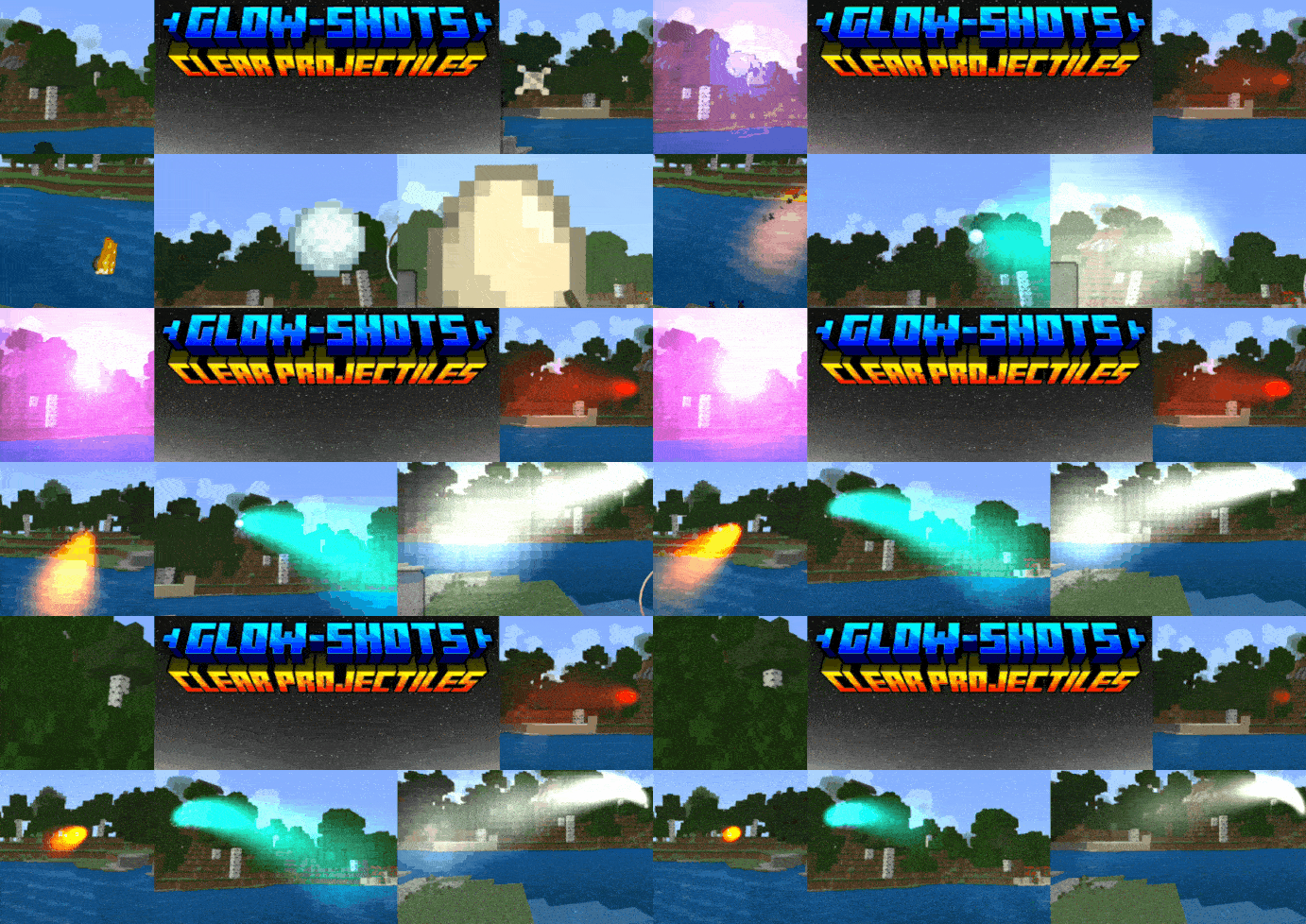
Glow-Shot Projectile Trails Addon will give the texture of beautiful traces that will remain after shot arrow, snowballs and the like. An arrow flies past your head, and for once you can actually see where it came from. Glow-Shot Projectile Trails leaves a glowing path behind shots and throws, making Minecraft combat easier to follow.
The effect works with arrows, snowballs, fireballs, ender pearls, and eggs. Each projectile leaves a visible trail as it moves, and that trail stays around for roughly five seconds before disappearing from the starting point onward. It’s bright enough to notice without turning every shot into a giant flash across your screen. Fire an arrow toward a distant target and you can follow its path through the air; throw an ender pearl and you can watch where it’s headed. The effect adds a bit of style to ordinary moments, too. Even a snowball fight with friends looks more lively when everyone’s throws leave a trail behind them.
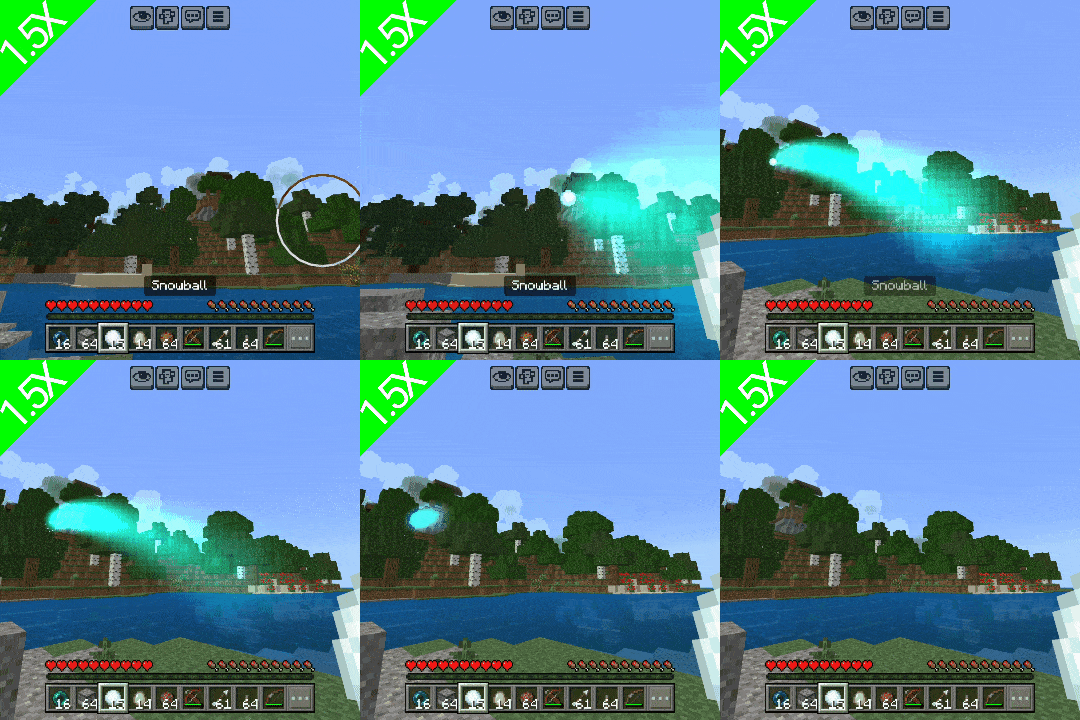
In PvP, those few seconds of visibility can give you useful information. If a shot comes from somewhere off to the side, look at its path to get an idea of the direction it traveled. The beginning of a trail can also suggest where the thrower was standing, although it won’t always tell you exactly who fired if several players are close together. That goes both ways: your own shots leave a trail, so opponents using the pack may have an easier time noticing your position. Keep moving, pay attention to the space around you, and don’t assume your favorite hiding spot will stay secret after a shot. In a busy match, the trails can help you make sense of arrows and thrown items that might otherwise be difficult to pick out.
The pack is handy for practice as well. Set up a target, shoot from different distances, and watch how your arrows travel as you adjust your aim. If an ender pearl lands somewhere unexpected, its trail gives you a visual clue about the route it took. You can also use the effect in survival when ranged attacks start flying and you’re trying to figure out what’s happening around you. Glow-Shot changes the appearance of the projectiles rather than adding a new weapon or making your shots stronger, so landing a hit still comes down to your own aim. It’s a small visual change, but one you’ll notice often if you spend time with a bow or play minigames with friends. Try a few shots, watch the paths hang in the air, and see how much easier they are to follow.
Installation:
- Download Texture;
- Use Minecraft PE
- Open the downloaded .mcpack to install;
- Select texture in settings;
- Done.
Comments (0)