OP Item Rain Mod / Addon
- 3-11-2025, 14:18
- 1 762
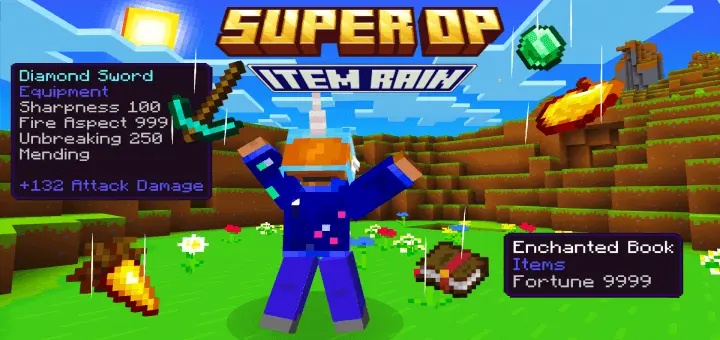
OP Item Rain Mod will add an item where you can set up rain of items in Minecraft. Various useful and not so useful items will fall from the sky. Look up: your next survival upgrade might be falling out of the sky. OP Item Rain showers your Minecraft Bedrock world with random loot, including a chance at seriously overpowered enchanted gear.
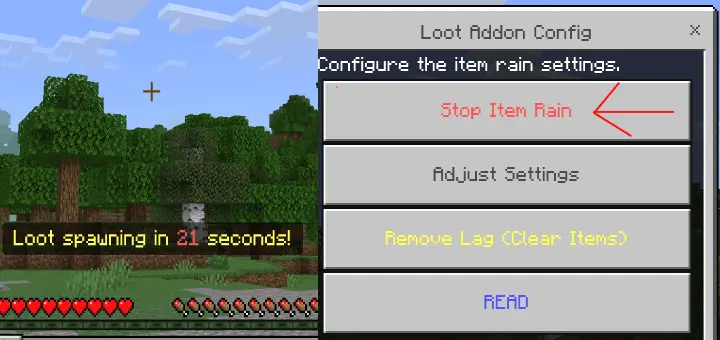
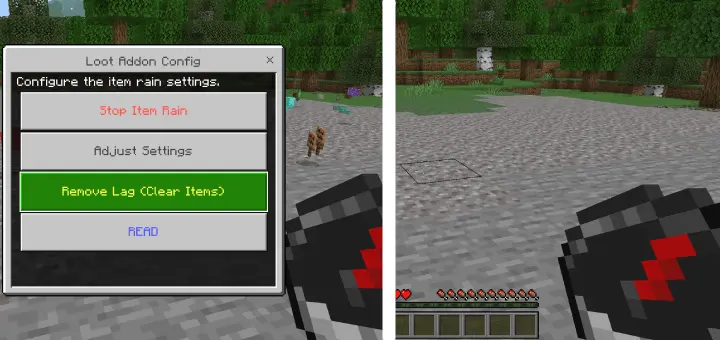
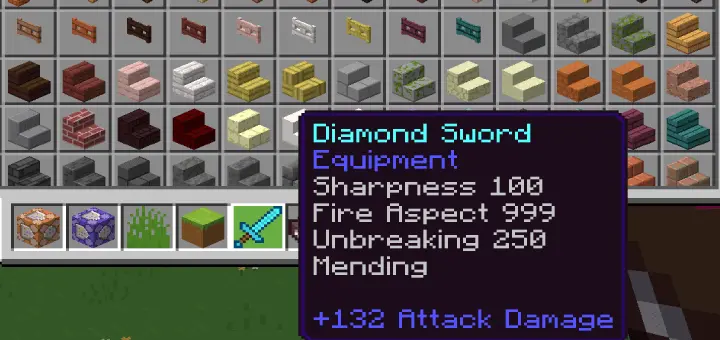
The fun starts when the countdown runs out and items begin appearing around you. Some drops may be useful right away, while others might leave you wondering what to do with them. Then a powerful piece of enchanted equipment lands nearby, and suddenly your plans for the day look a little different. The loot is random, so every shower gives you another reason to scan the ground and check what you’ve picked up. Try making a fresh survival world and seeing how far you can get with the items you find. You can still gather resources and explore as usual, but the next round of loot might give you an unexpected tool for your journey. Playing with friends? Make your own challenge out of it: agree on a goal, start the rain, and see who makes the best use of what turns up. You could race to prepare for a boss fight or build a base using the supplies you collect along the way.
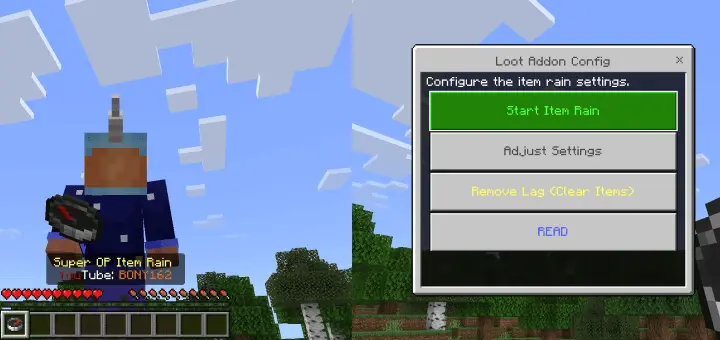
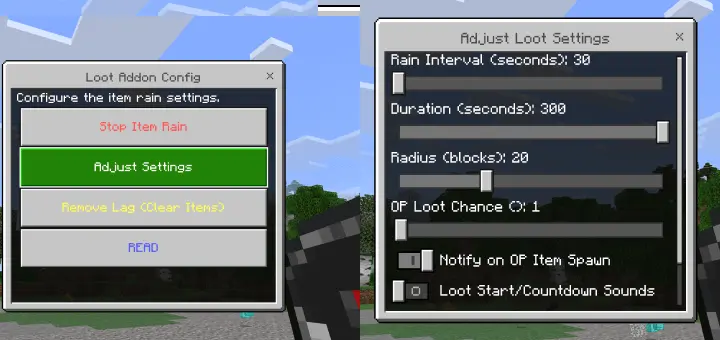
You have control over how wild the forecast gets. When you enter a world with the addon enabled, use the provided menu item and select “Start Item Rain� to begin the countdown. The same menu lets you stop the rain when you’ve had enough. Open the settings to adjust the interval between showers, how long items spawn, and the radius around you where they can appear. You can also change the chance of overpowered loot, so a lucky find can be an occasional surprise or a more frequent part of the adventure. Turn on the notification for OP drops if you want a heads-up when highly enchanted gear appears. A wider radius gives you more ground to search, while a smaller one keeps the hunt closer to where you’re standing. Pick the settings that suit your challenge, then start collecting. If you’re after a longer survival run, try giving yourself more time between showers and working with whatever you find in each round.
Keep an eye on the mess, though. Lots of dropped items on the ground can cause lag, especially if you leave shower after shower uncollected. The menu includes a “Remove Lag� option to clear dropped items, but it removes everything on the ground, so pick up anything you want to keep first. You can also stop the rain while you sort your inventory or store your finds. To get started, open the downloaded pack with Minecraft and activate the behavior pack in your world settings. Once you’re ready, use the menu item and let the countdown begin. OP Item Rain is a fun pick when you want a survival session shaped by luck: one shower might leave you sorting through odds and ends, and the next could deliver an enchanted piece of gear worth changing your plans for.
Installation:
- Download Mod;
- Open the downloaded file to install;
- Select it in the settings;
- Have fun!
Comments (0)