132 Studios Transformers Addon
- 21-01-2025, 20:49
- 2 424
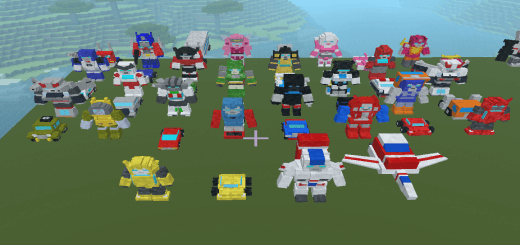
132 Studios Transformers - a popular mod adds a lot of familiar transformers to Minecraft Bedrock! A truck rolls into your Minecraft world, and suddenly the battle between Autobots and Decepticons has a new stage. The 132 Studios Transformers Addon puts you inside that rivalry with playable characters and alternate forms built for roleplay.
This Transformers addon features more than 30 characters, giving you plenty of familiar faces to bring into Minecraft Bedrock. Instead of spawning a robot companion and watching it follow you around, you take on the character’s appearance yourself. Optimus Prime, Bumblebee, Arcee, and Jazz are among the Autobots available, while Megatron, Starscream, Soundwave, and Shockwave represent the Decepticons. That lineup opens the door to more than a quick costume swap: pick a side, gather your friends, and give your world its own ongoing Cybertronian conflict. Want a serious showdown between rival leaders? Go for it. Prefer a chaotic multiplayer session where Starscream spends the whole time plotting against Megatron? Honestly, that sounds about right too.
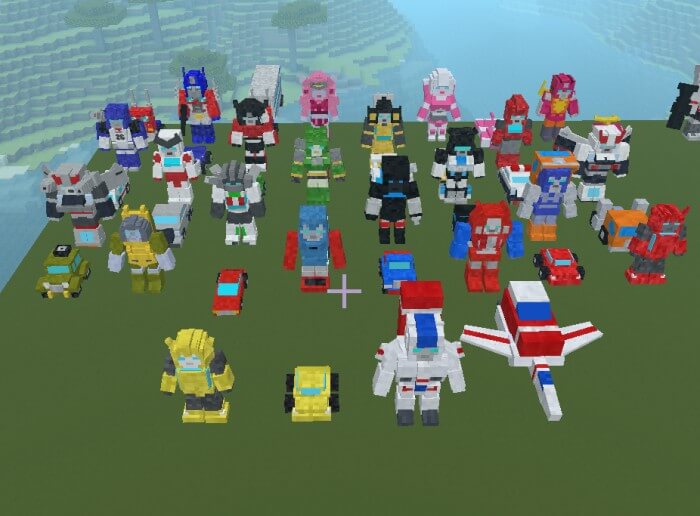
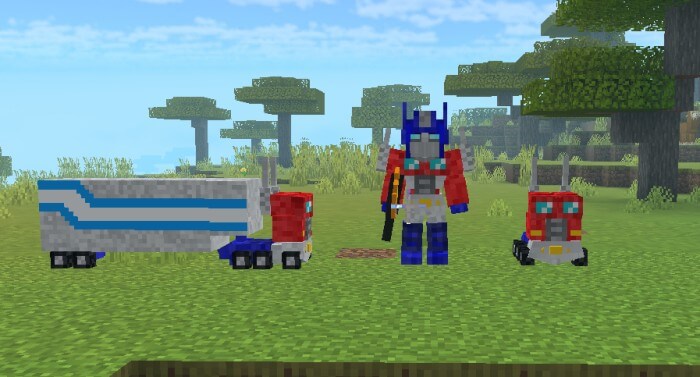
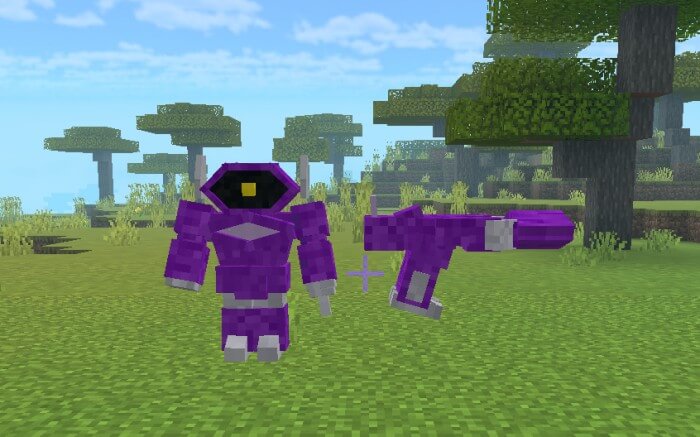
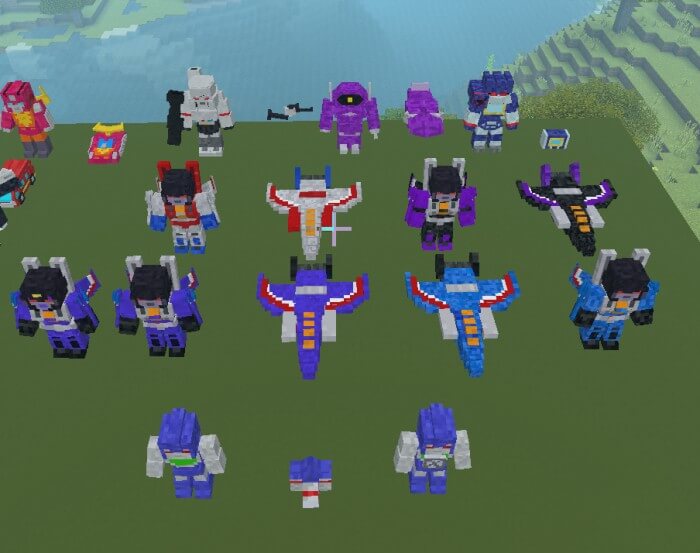
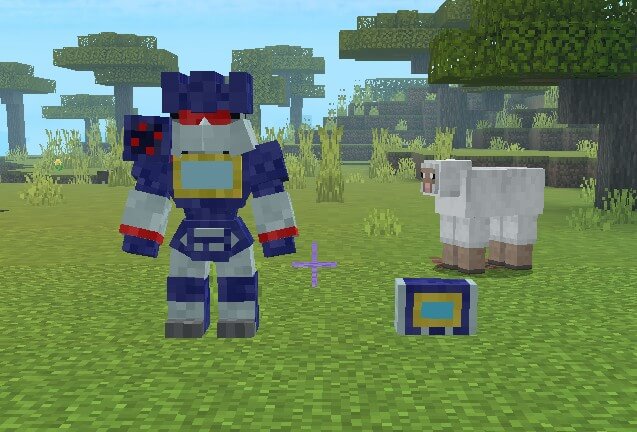
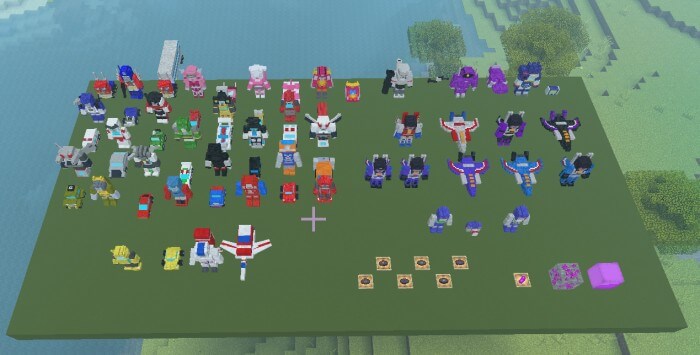
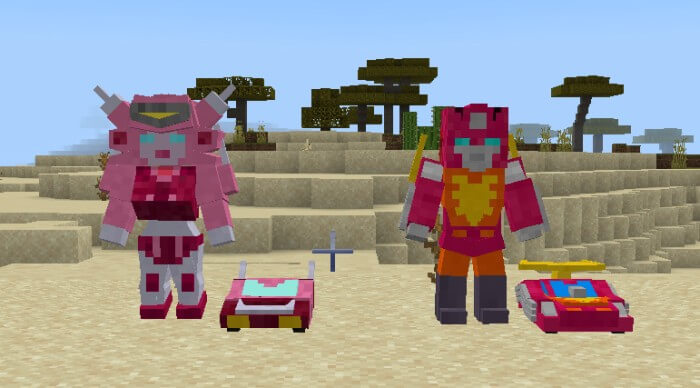
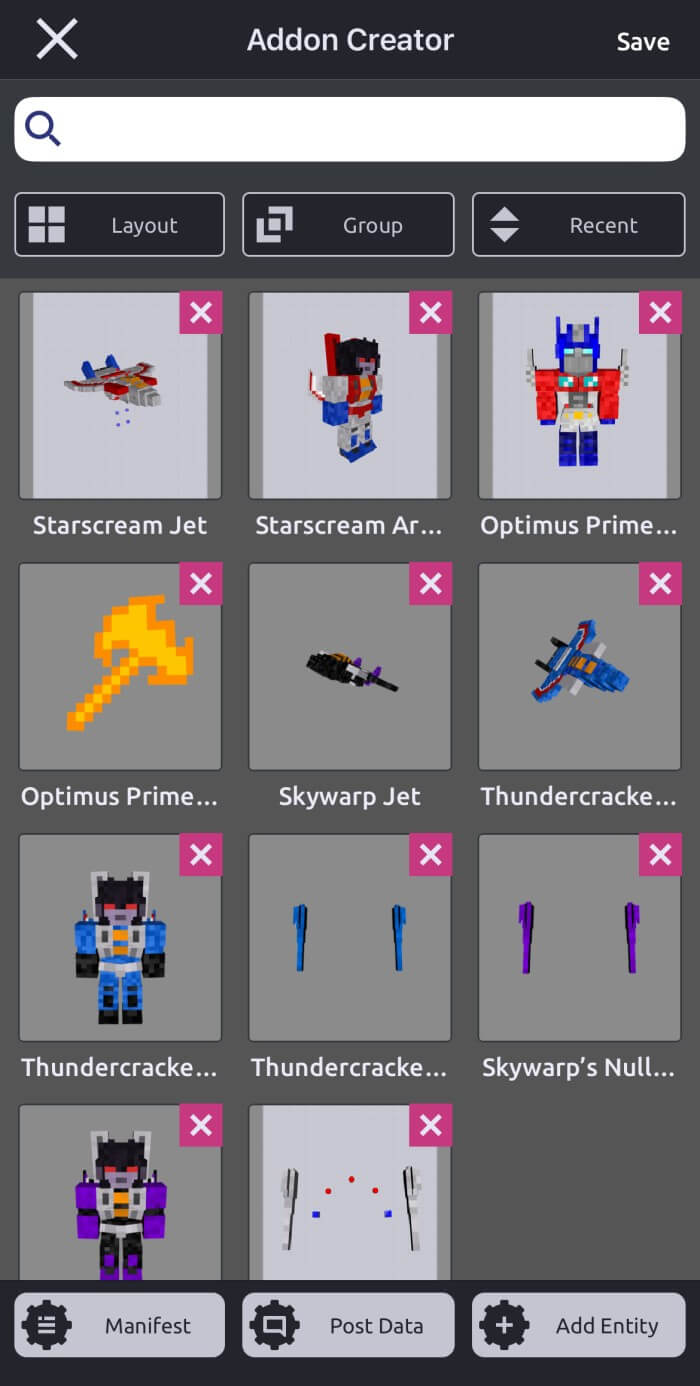
132 Studios Transformers Addon for Minecraft Bedrock
The transformation system works through wearable items. Each alternate form is an armor piece that replaces your robot appearance when equipped, so you can carry a form with you and switch into it during a scene. Optimus Prime, for example, has a truck form available with or without a trailer. Megatron has a weapon mode, while Starscream gets an aircraft form. The appeal is seeing a familiar character take on another shape within your Minecraft world, whether you’re staging an ambush on a highway or arranging a dramatic reveal at an Autobot base. Keep in mind that these forms are equipped appearances; the addon’s description doesn’t promise that every vehicle comes with its own driving system or special movement controls.
Optimus and Bumblebee make an easy starting point for an Autobot team, especially if you want to turn an existing survival base into a secret headquarters. Add a garage entrance, a meeting room, and a lookout tower, then let each player pick a role for the next mission. Arcee and Jazz give the team more personality, and with a roster this big, your group doesn’t have to fight over the same two characters every time. You could build a route between bases and act out a scouting mission, or stage a rescue after a Decepticon attack. The addon supplies the character looks; the story, the builds, and the rivalries are yours to create.
Playing the villains is half the fun, though. Megatron brings the unmistakable presence of the Decepticon leader, while Starscream is an obvious choice for a player who enjoys causing trouble on both sides of the battlefield. Soundwave and Shockwave round out a crew that feels right at home in a dark fortress packed with machinery. Build their headquarters into a mountain, hide an entrance behind a piston door, and plan an assault on the Autobots’ home turf. Those bases and missions are ideas for your world, not structures the addon automatically generates. The same goes for combat: treat the characters as roleplay options and use your Minecraft gear and imagination to set the rules for a fight with friends.
This pack also gives builders a reason to think beyond another medieval village. A city street with a wide garage, an industrial complex surrounded by pipes, or a desert outpost beside a long highway can become the backdrop for a Transformers story. Try recreating a scene with Optimus in truck form before switching to his robot appearance for the confrontation, or have two players represent opposing factions during a raid on a player-built base. You can keep the action light and goofy, or set up a longer campaign with captured territory and changing alliances. With so many characters to choose from, the best part is deciding who shows up next—and which side of the fight they’re on.
Installation:
- Download Mod;
- Use Minecraft
- Open the downloaded file to install;
- Select it in the settings;
- Have fun!
Comments (0)