Giants of Cinema v4: fury of the giants Addon
- 11-12-2024, 15:53
- 1 060
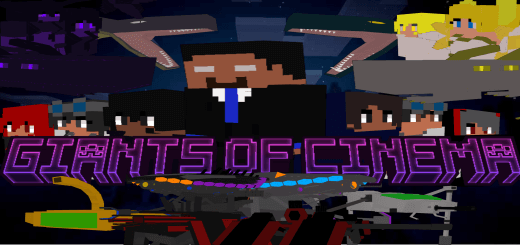
Giants of Cinema v4: fury of the giants Addon giant monsters, mobs, structures and creatures from movies in Minecraft. You’re crossing the plains when a three-legged war machine appears in the distance. A moment later, its beam tears into the ground, and that diamond sword in your hand suddenly feels very small.
Giants of Cinema: Fury of the Giants brings movie-inspired monsters, alien machines, and dangerous creatures into Minecraft Bedrock. Giant snakes roam the world alongside towering tripods inspired by The War of the Worlds, turning an ordinary exploration trip into a possible fight for survival. There are structures to discover, too, so you have reasons to venture out even when staying close to home sounds like the smarter choice. Keep your eyes on the horizon and think twice before charging toward a shape you don’t recognize. When the thing ahead of you is several times your size, finding cover might be a better opening move than running straight at it.

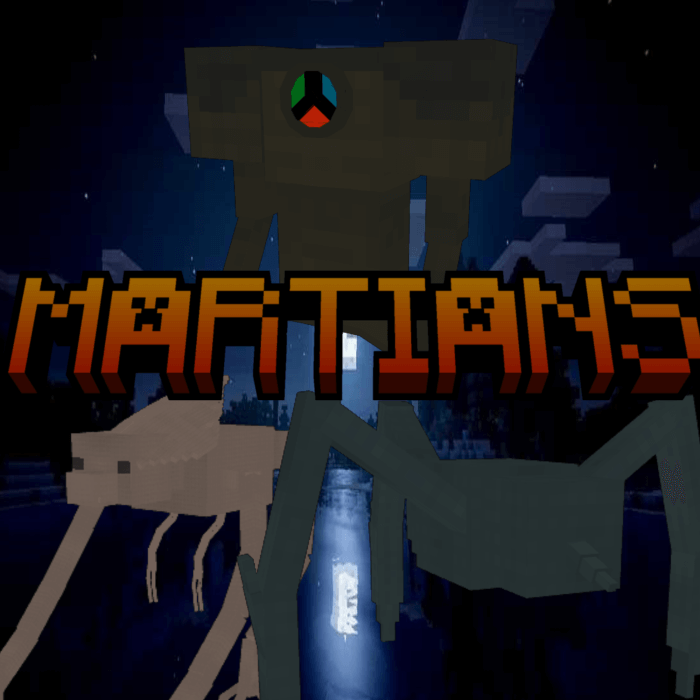

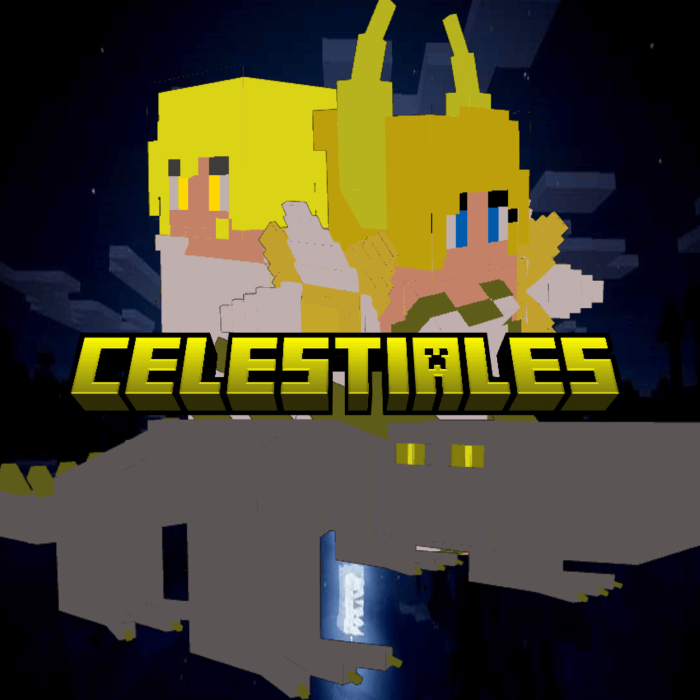
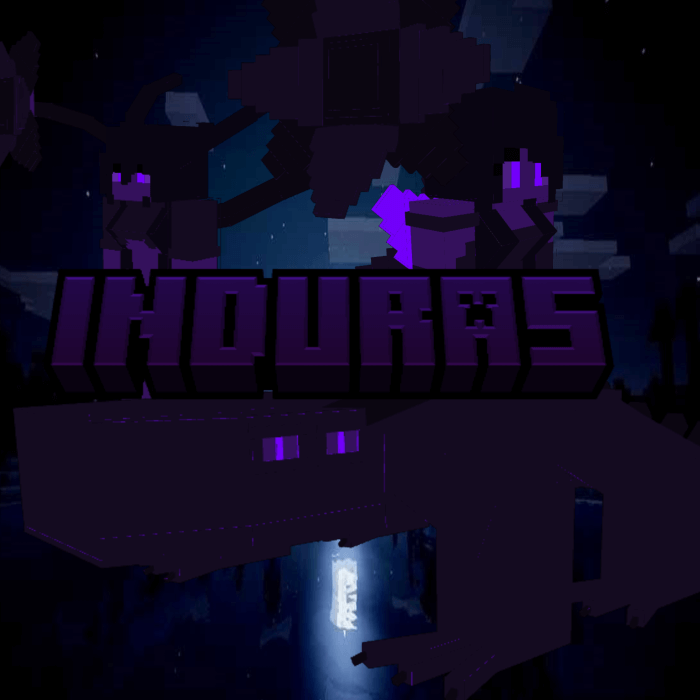
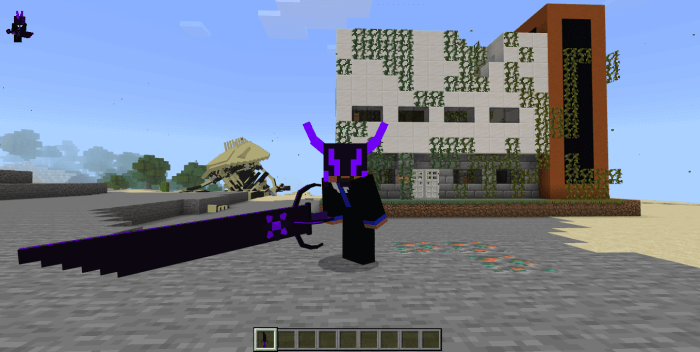
The tripods are a serious threat, with destructive rays that can tear through blocks as well as anything caught in their path. Some have shields, so landing a hit isn’t necessarily enough to bring them down. The add-on includes devices for disabling shields and immobilizing tripods, giving you a way to fight back if you can get them into position. That’s easier said than done: tripods can target the devices, so activating one in the middle of a fight takes planning. Look for an opening, pay attention to the machine’s movements, and be ready to take advantage of the time you gain. A group of friends coordinating around a tripod has a much better story to tell than one player sprinting at it and immediately getting blasted.
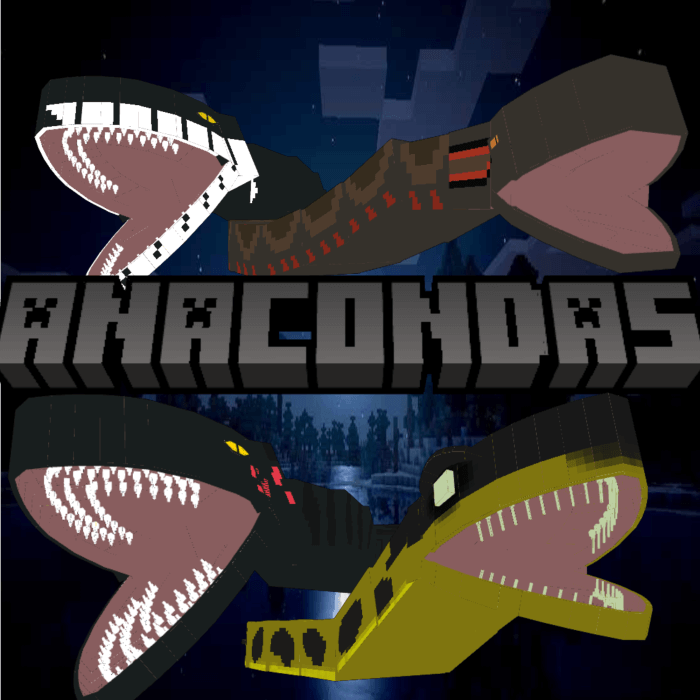
Giant snakes bring a different kind of tension. They’re inspired by movie creatures, and their size alone makes a close encounter feel a lot more dangerous than spotting an ordinary Minecraft mob. You could be exploring for supplies when a massive anaconda shows up and forces you to rethink the route home. The collection includes several snakes, including one inspired by the film Snake. Some can be tamed, giving you a chance to make a giant reptile part of your adventures rather than treating every encounter as a fight. Look around carefully before you approach, though: a creature that fills so much of your screen is probably one you’ll want to deal with on your own terms.
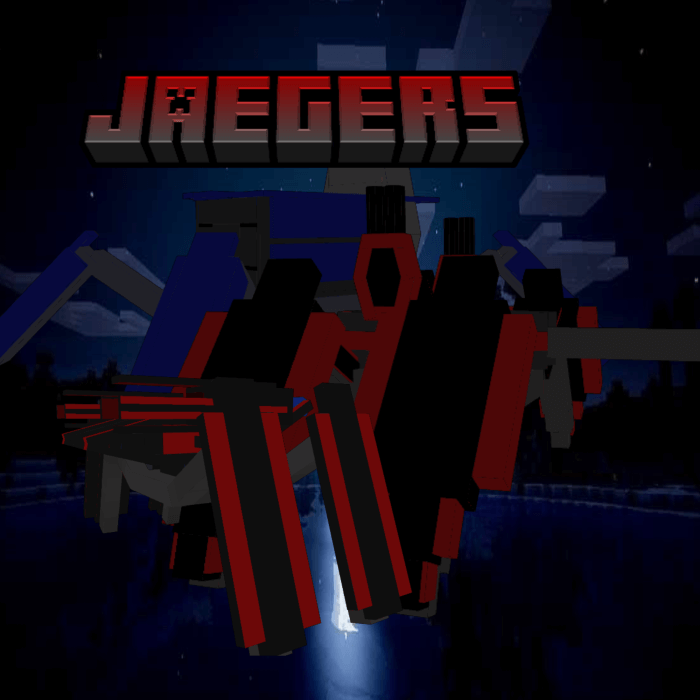
There’s more going on than snakes and alien machines. Celestial and Indura creatures add their own powerful combat abilities, including rays and roars that can knock opponents back. Both groups have queens, giving players even bigger encounters to seek out when they’re ready for a challenge. The add-on also includes themed swords, armor, bombs, and grenades, so preparing for a fight can become a project in itself. Some human characters and creatures can become allies and use equipment, which opens up another way to face the giants. Build up your resources, get your gear together, and decide who—or what—you want beside you before heading into dangerous territory.
Fury of the Giants is at its best when you treat the world like a monster movie where you’re responsible for surviving the scene. Go exploring with friends, pick a target, and work out how to deal with it using the equipment and allies you’ve gathered. One expedition might end with you backing away from a huge snake; another could turn into a desperate attempt to disable a tripod before its next shot. There’s plenty of room for your own plans between those encounters, whether you want to investigate the new structures, find a reptilian companion, or prepare for a battle against a queen. Just don’t expect the landscape—or your plans—to look quite the same after a giant gets involved.
Installation:
— Download McPack
— Use the Minecraft
— Install McAddon or McPack files, just open it for this;
— Select new textures in the settings;
— Done.
Comments (0)