ArathNido's FNAF Addon
- 1-10-2025, 03:33
- 16 443
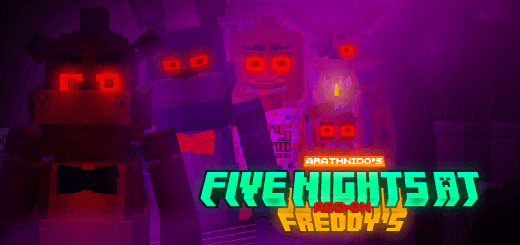
ArathNido's FNAF Addon brings Five Nights at Freddy's to Minecraft. You can build the same pizzeria with animatronics, but the main task is to survive. The pizzeria looks ready for opening night. The animatronics have other plans. This Five Nights at Freddy’s addon brings familiar faces, decorations, and dangerous encounters to Minecraft Bedrock.
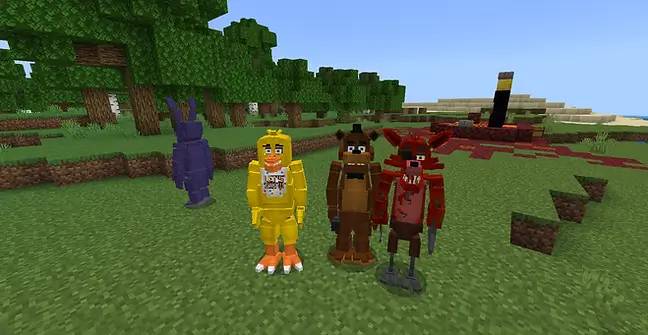
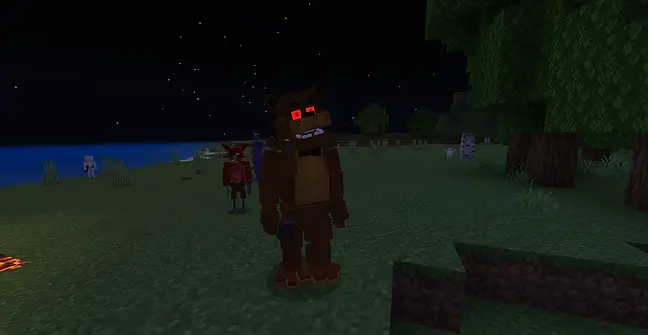
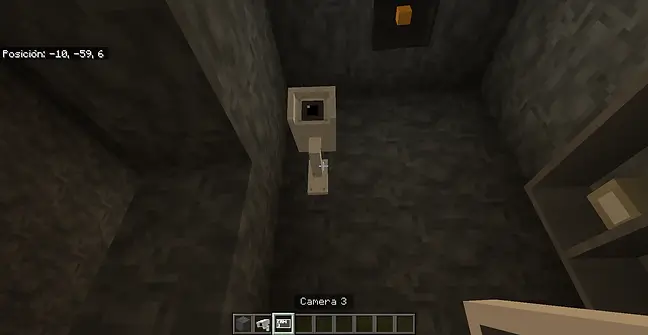
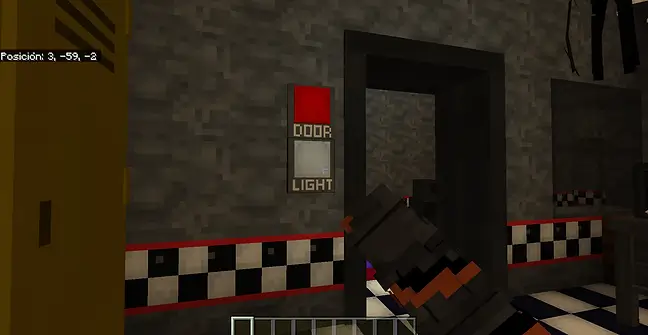
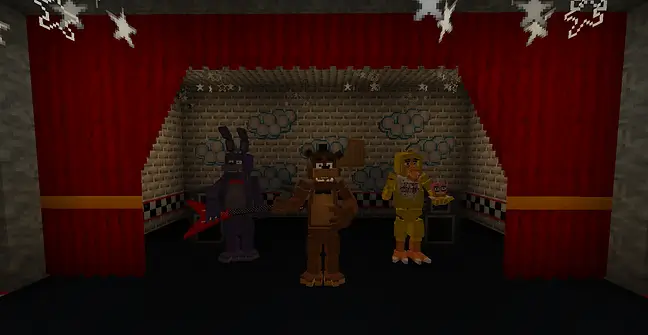
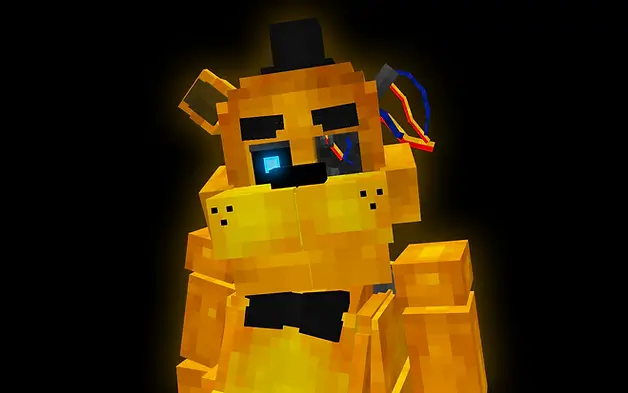
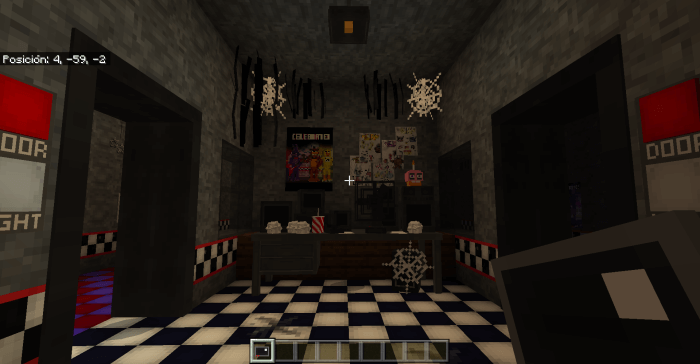
Freddy, Bonnie, Chica, and Foxy are part of the FNAF atmosphere, but spotting an animatronic isn’t always the same as facing an active threat. In dark areas, hostile animatronics can attack, with red eyes indicating that they’re aggressive. Get too close and one may grab you, dealing damage while you’re caught. That’s a rough surprise if you went into a dark room expecting to finish the wallpaper. Bring a weapon and a shield when you’re exploring around them, and pay attention to the lighting before approaching. Defeating an animatronic can reward you with Faz-Coins, which you can use to obtain decorations through the security guard’s office. That gives a survival encounter a purpose beyond getting out alive: the coins can help you add more detail to the pizzeria you’re building.
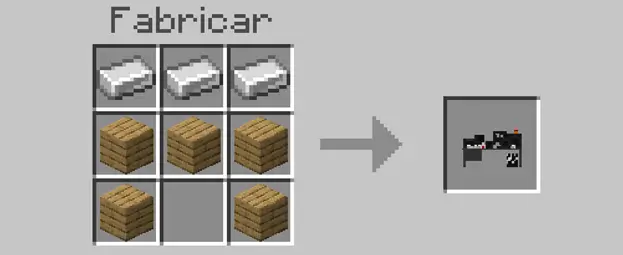
The decoration selection is where FNAF fans can spend some time making a place their own. The addon includes pizzeria pieces such as a Freddy’s Fazbear Pizza sign, bathroom tiles, brick stairs and slabs, red doors, an exit sign, and a wet floor sign. There are also plates with pizza or a cupcake, plus hanging spotlights for dressing up a room. Put together a dining area, add a corridor leading to the security office, and decide where the decorative animatronics should stand. You can aim for a familiar restaurant layout or make a new pizzeria that suits your world. The small props help sell the setting: a plate on a table and a sign beside a doorway can make an empty room feel like a place that was open for business. Cameras are included too, giving you another piece of security equipment to explore as you plan the building.
If you’d rather step into an animatronic role yourself, the addon also offers suits. They can be purchased with Faz tokens through the guard’s office and equipped in the head slot. The suits have special abilities, and their jumpscares can deal area damage. While wearing one, hold the crouch button on the ground to play its animations. That gives friends a way to stage their own FNAF-inspired scenarios: one player can take a security role while another puts on a suit and appears at the end of the hall. The addon gives you the pieces, and you decide how to use them. Build a restaurant for a Creative showcase, gather Faz-Coins in survival, or make a nighttime challenge around the animatronics. Import the addon and activate its packs in your world settings, then start planning the dining room. Just make sure you know what’s standing behind you before you turn the lights down.
Installation:
- Download Mod;
- Open the downloaded file to install;
- Select it in the settings;
- Have fun!
Comments (6)