Item Info+ Addon / Texture Pack
- 31-05-2025, 13:25
- 27 202
Mods 1.21 / Mods 1.20 / Mods 1.19 / Mods 1.18 / Mods 1.17 / Mods 1.16 / Textures
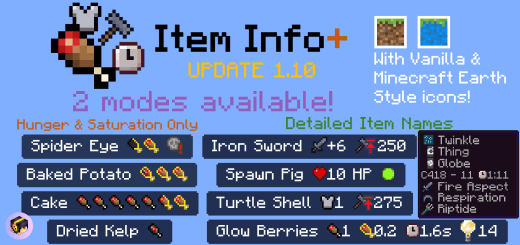
Item Info+ Mod changes textures and adds useful information about items in Minecraft Bedrock. You can see how it works in the screenshots below. See what information is displayed on different objects, food or weapons. You’re packing for a mining trip and can’t remember which food will keep you full longer. Item Info+ puts the numbers right on the items, so you can make that call without leaving Minecraft.
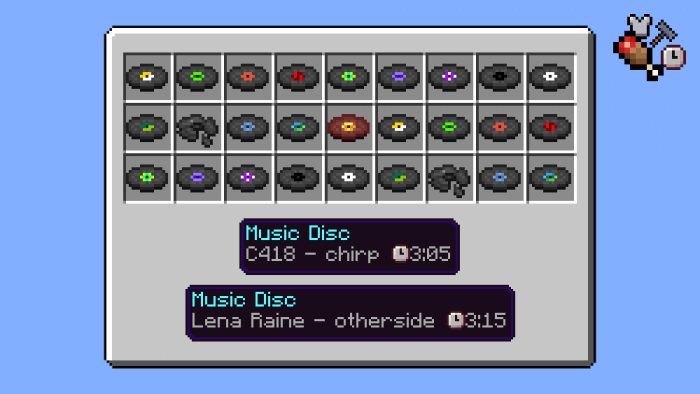
This Bedrock resource pack adds useful details to item names and descriptions throughout your inventory. Food, tools, armor, potions, and other items can display information that’s easy to miss during normal play. Instead of opening a wiki every time you want to compare two pieces of gear, you can check their stats while sorting your supplies. The pack uses icons as well as numbers, making it easier to pick out what matters at a glance.
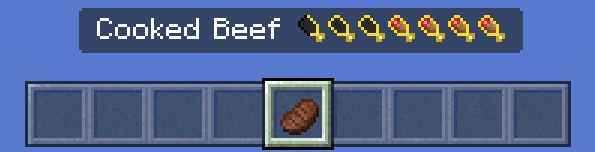


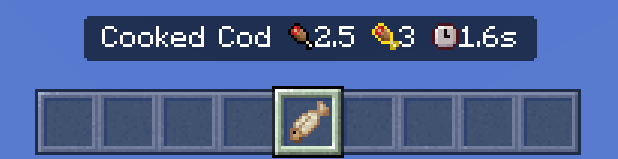
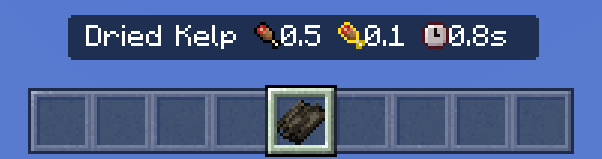
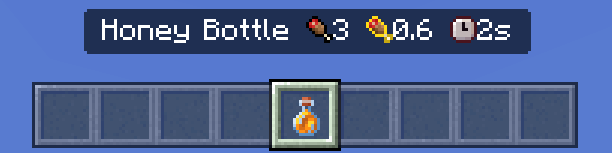
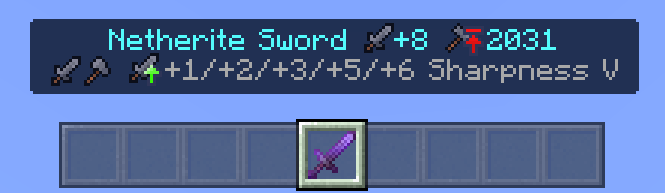

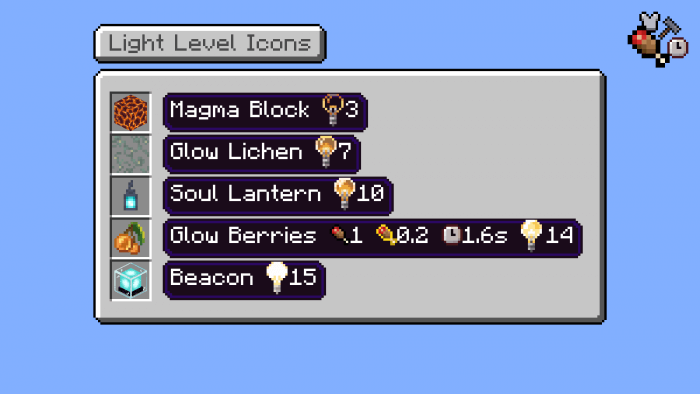
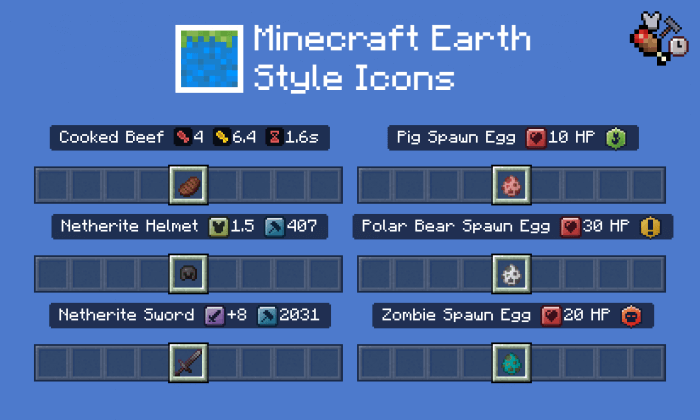
Food is a good place to start. Item Info+ shows how much hunger and saturation different foods restore, helping you choose what to carry when inventory space is tight. Hunger fills the visible food bar, while saturation helps delay the point when that bar starts dropping again. A snack that looks convenient might not keep you going as long as a proper meal. The pack can also show warning icons for harmful foods, which is handy if you’re new to survival and tempted to eat whatever you found in a chest.
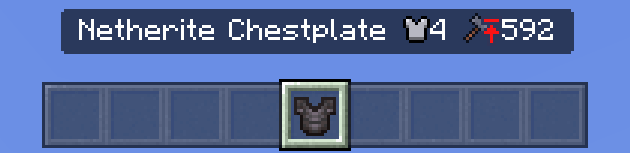
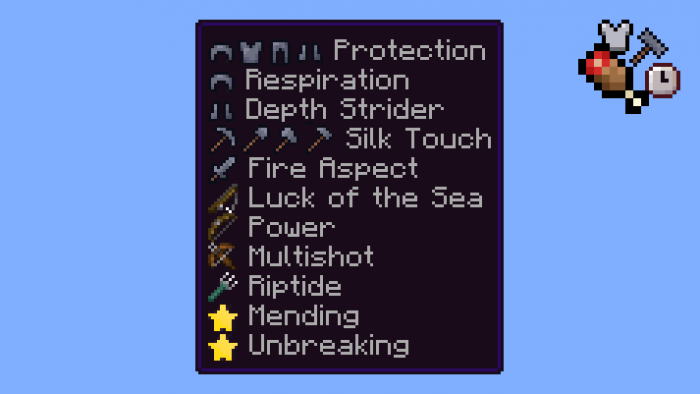
The detailed display goes further. You can check armor points, a tool’s default attack damage, and an item’s maximum durability. That last detail is useful when comparing equipment, although maximum durability tells you the item’s total capacity, not necessarily how much durability your particular tool has left. Potion information can help you sort through your supplies before a trip, while icons for enchantments give you another way to recognize what an item does.
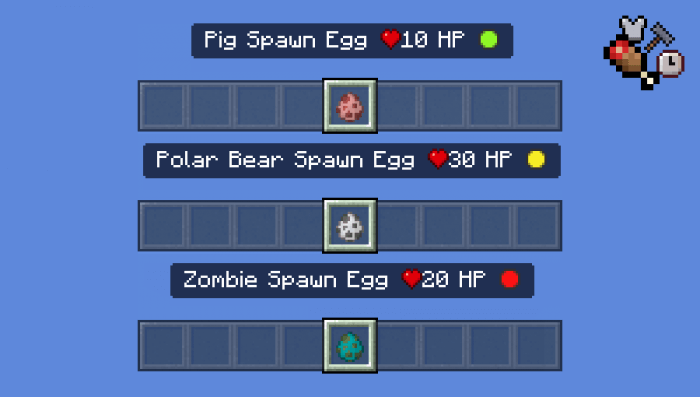
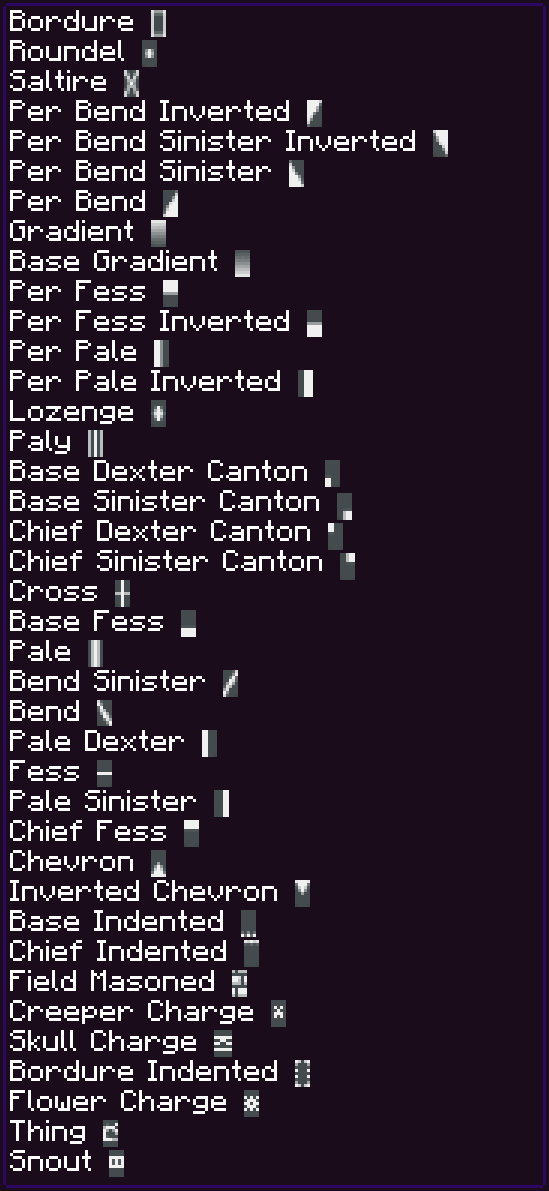
There’s information for Creative players, too. Spawn eggs can show details about a mob’s health and whether it’s hostile, which makes picking creatures for a map or arena a little less of a guessing game. The pack also includes details for things like banner and firework patterns. If you’ve ever had a pile of fireworks in your inventory and forgotten which effect you made, those extra visual clues are welcome.
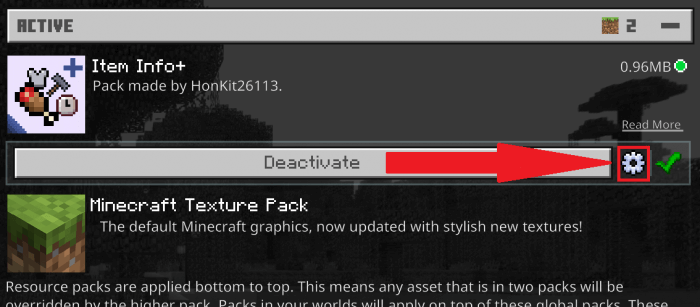
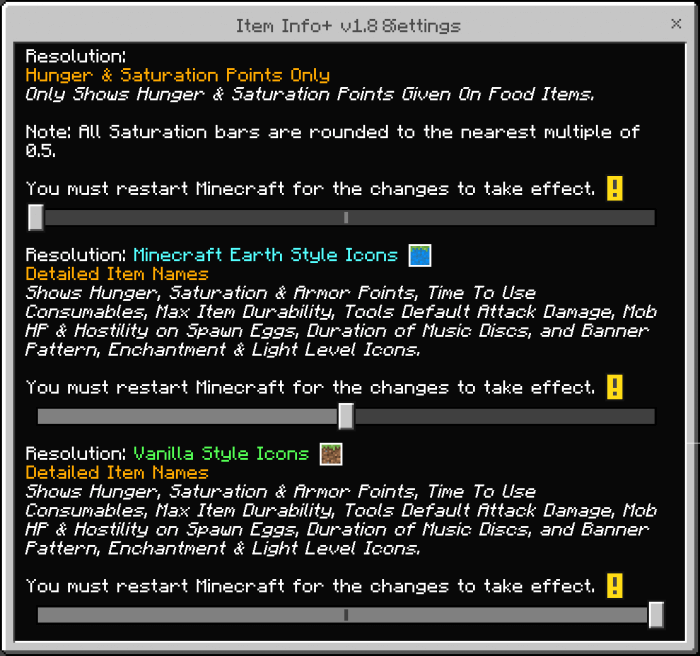
You can choose how much information appears through the pack’s display options. Go with a simpler food-focused view if that’s all you need, or pick a more detailed setup when you want the extra stats. Import the resource pack, activate it in Minecraft’s settings, and check its available options before heading into a world. Item Info+ doesn’t ask you to learn a new crafting system or change how you play. It just makes the stuff already in your inventory easier to understand—which is pretty handy when you’re trying to pack quickly and your friends are already waiting at the Nether portal.
Installation:
- Download Texture;
- Open the downloaded .mcpack to install;
- Select texture in settings;
- Done.
Comments (6)