Java Aspects Addon
- 28-01-2026, 07:20
- 29 811
Mods 1.21 / Mods 1.20 / Mods 1.19 / Mods 1.18 / Mods 1.17 / Mods 1.16 / Textures
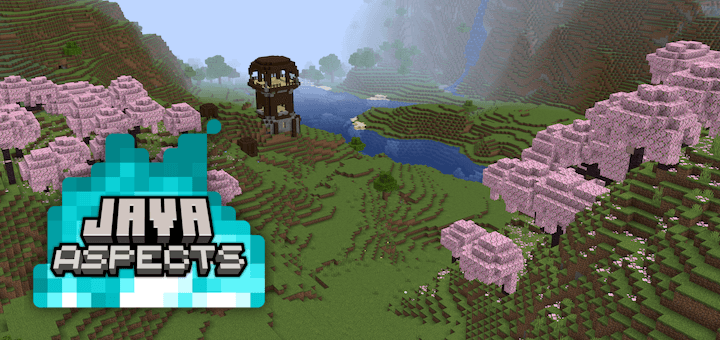
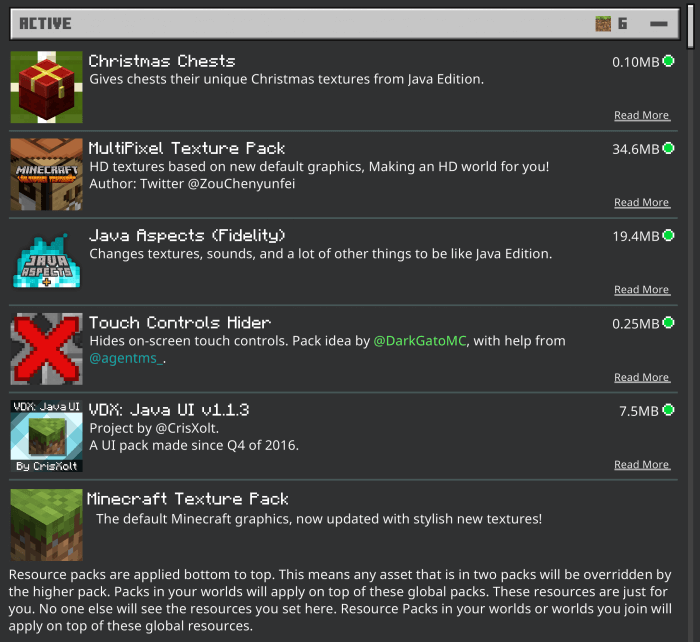
Java Aspects - Add-on was specially created to bring Minecraft Bedrock closer to the Java version of the game. Java Aspects is a great and very popular texture, it adds sounds, textures, behavior, mobs, animations and much more from the original Minecraft Java to your mobile Minecraft Bedrock. The first thing you notice might not be a huge change—it could be the color of the water or the way an animal moves. Java Aspects brings details like these from Java Edition into Minecraft Bedrock, giving familiar worlds a look and sound that feel closer to the PC experience.
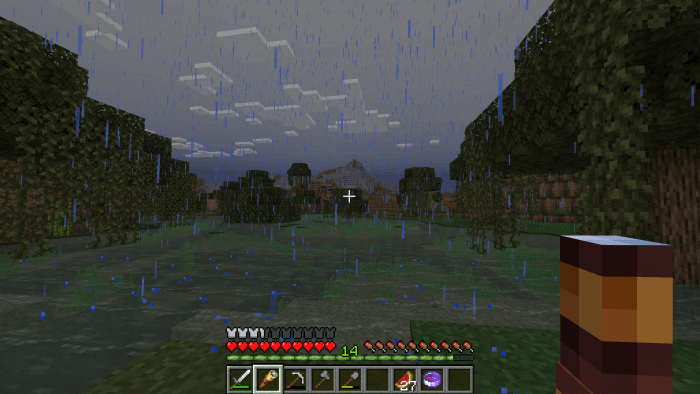
This pack reaches beyond a simple swap of block textures. Water colors, skies, fog, foliage, and other environmental details have been adjusted with Java’s visual style in mind. Walk through a forest, look across a lake, or head underwater, and the atmosphere can feel different even though you’re still exploring the same world. It’s the sort of change that becomes more noticeable as you play: a color here, a softer transition there, and suddenly a familiar landscape has a slightly different mood. If you enjoy the recognizable Minecraft aesthetic, Java Aspects keeps that blocky identity while adjusting the details around it.
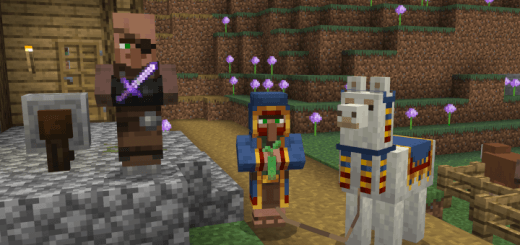
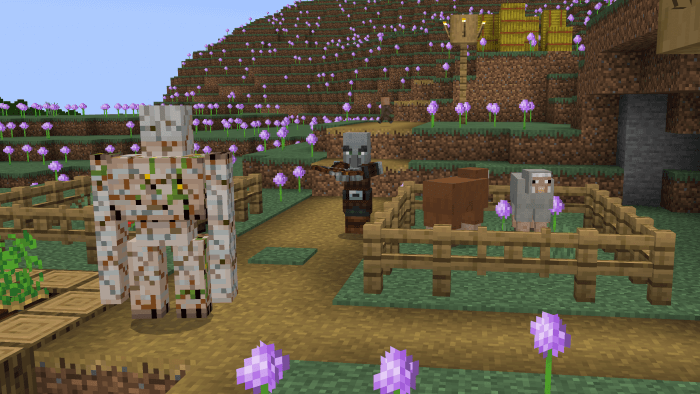
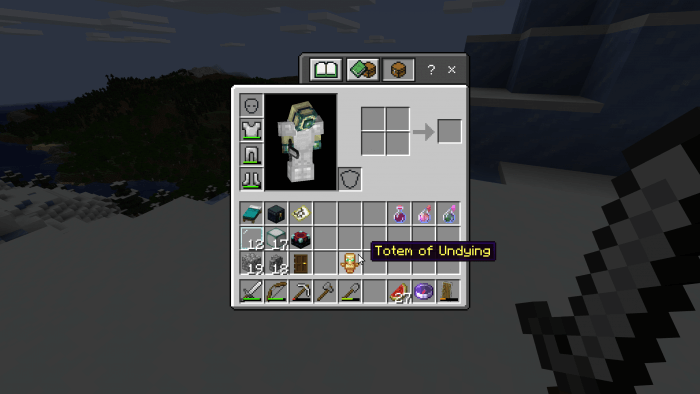
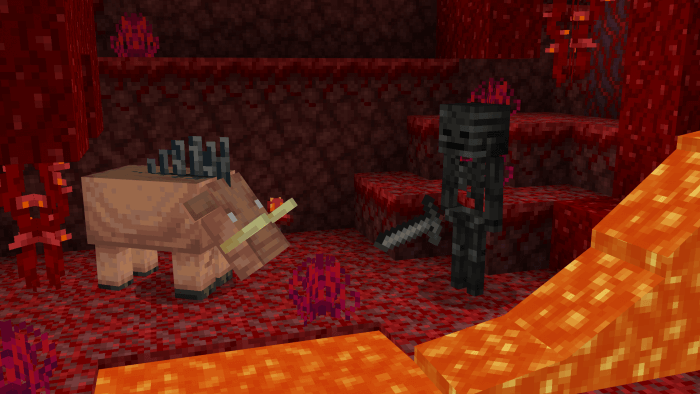
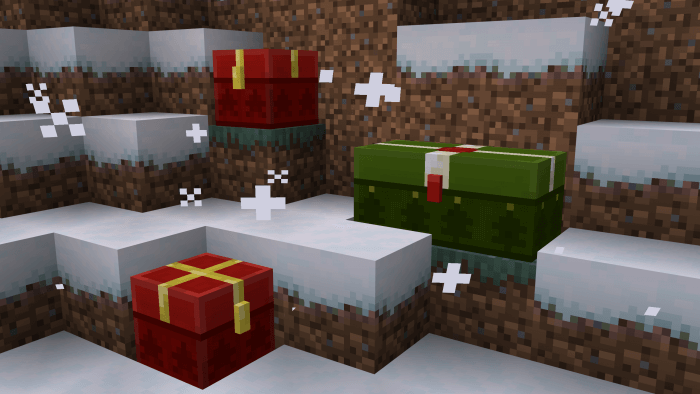
The creatures get attention too. The pack changes mob models and animations, bringing details such as movement, ears, tails, and fins closer to their Java counterparts. That means there’s something to notice even when you’re hanging around a farm or watching animals move through your base. Player and held-item animations are part of the picture as well. For example, items such as bows, crossbows, and shields have their idle swaying reduced, while other animation changes affect the way actions look from your character’s perspective. These are the little things you see repeatedly during a normal session, so they can make a bigger difference than you might expect.
Sound is another piece of the experience. Java Aspects adjusts block sounds and other audio details alongside particles and textures, making ordinary actions feel closer to the style the pack is aiming for. Mining, building, exploring, and fighting are still the activities you know, but their presentation gets a refresh. That makes the pack especially interesting if you’ve spent time watching Java gameplay and noticed details you’d like to see in your own Bedrock world. It’s also a good way to give an established survival world a different feel without tearing down your base or starting over.
Java Aspects is for players who appreciate the small differences that build up over hours of play. The changes touch the environment, mobs, animations, sounds, and other everyday details, while leaving you with a world that still feels unmistakably like Minecraft. It aims to bring Bedrock closer to Java’s presentation; it doesn’t promise to turn Bedrock into an identical copy of the other edition. Load it into a world you know well, take a walk through your usual surroundings, and pay attention to the sights and sounds you normally pass without thinking. There’s a good chance the familiar places will feel just different enough to explore again.
Installation:
- Download Texture;
- Open the downloaded .mcpack to install;
- Select texture in settings;
- Done.
Comments (1)