Halloween Aspects Addon / Texture Pack
- 2-11-2025, 03:14
- 4 284
Mods 1.21 / Mods 1.20 / Mods 1.17 / Mods 1.16 / Textures
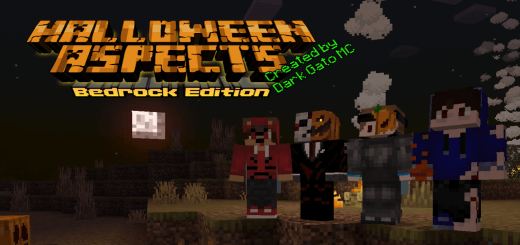
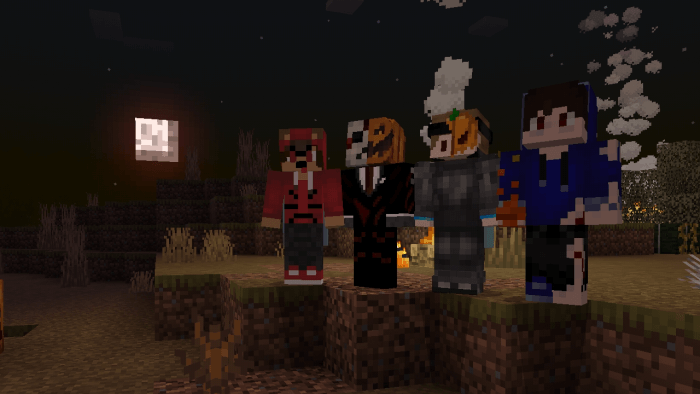
Halloween Aspects is an add-on for celebrating Halloween and decorating the Minecraft game world. Check out the screenshots to see how the textures of mobs, mobs, blocks, sky and worlds will change in the style of Halloween. The landscape gets an autumnal look through changes to plants, blocks, and fog. Orange tones bring a fall atmosphere to familiar scenery, while green water adds an odd touch to rivers and other places you pass on your travels. Head outside at night and you’ll notice the red moon overhead—a fitting backdrop for a walk through the woods or a Halloween build near your base. Some other familiar sights have changed color too: the Nether portal, crying obsidian, respawn anchor, slime, and beacon take on red tones, while the enchanting table gets a purple look. These details give you plenty to notice as you move through your world. A room you’ve used for ages might feel different with the recolored blocks, and a portal can become a striking centerpiece for a spooky build.
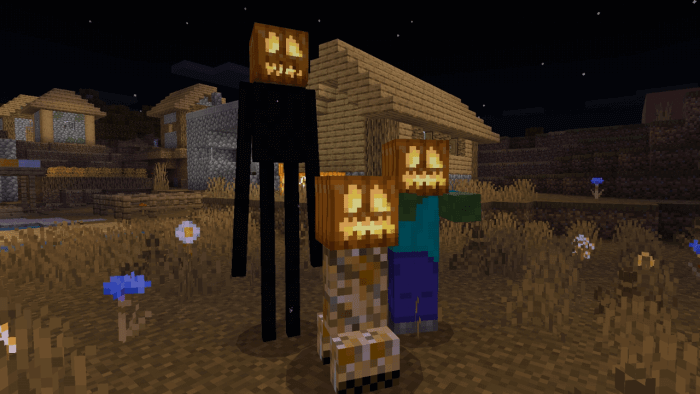
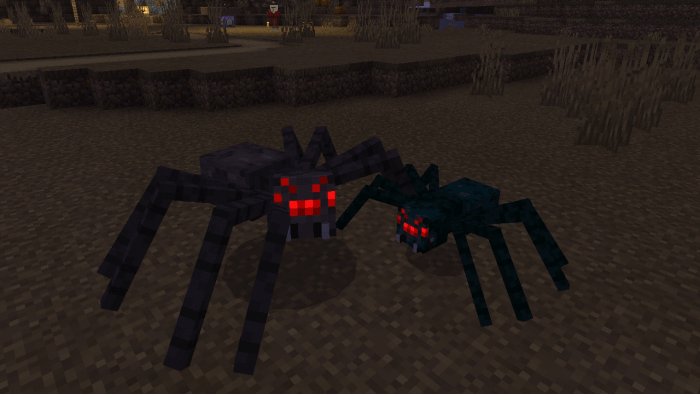
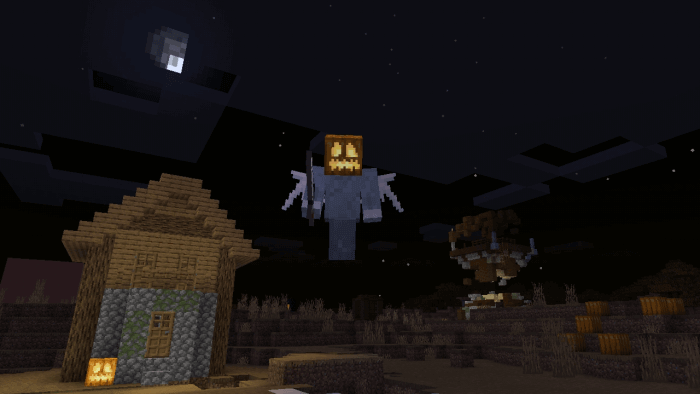
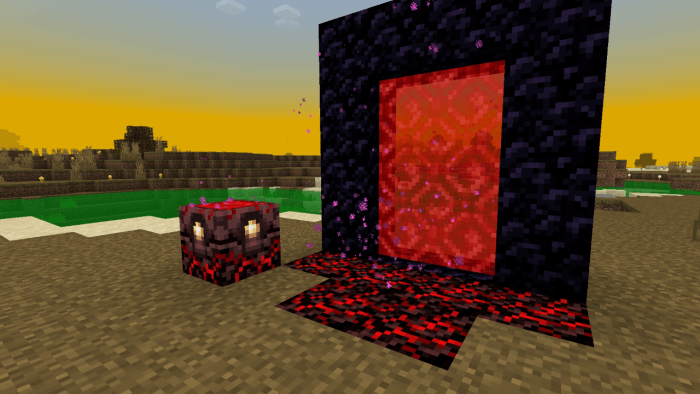
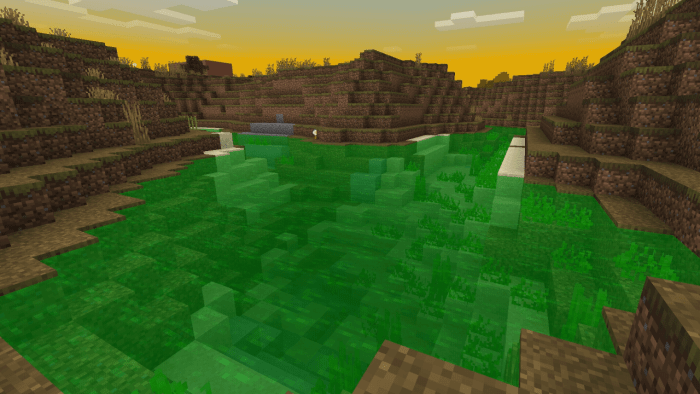
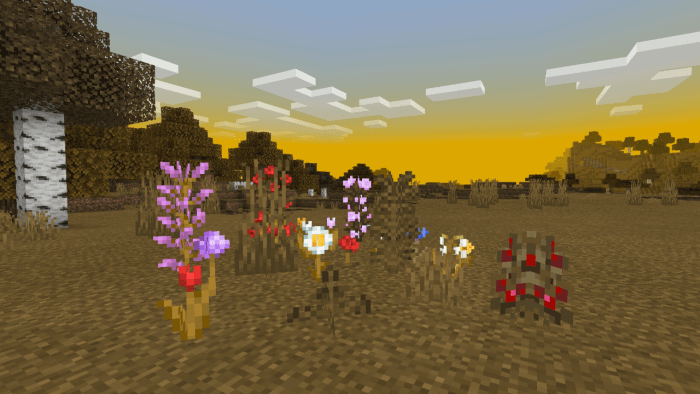
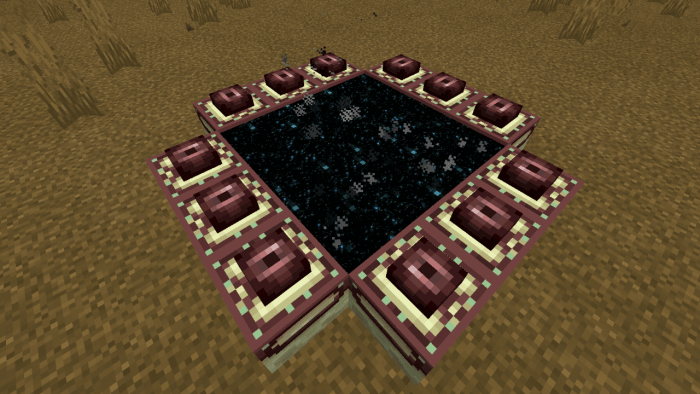
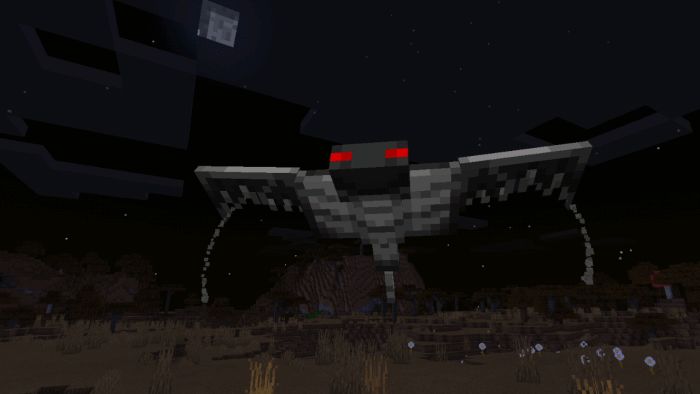
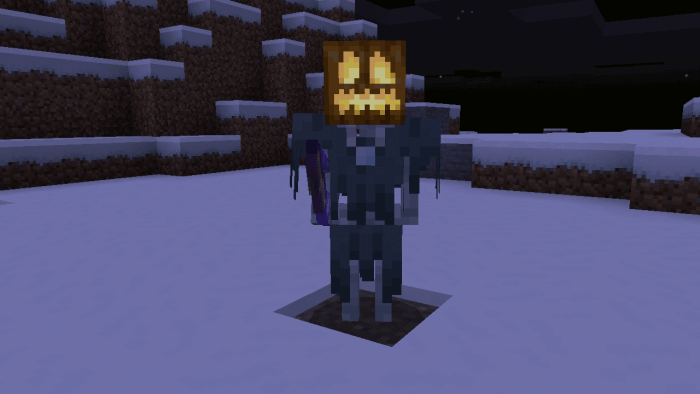
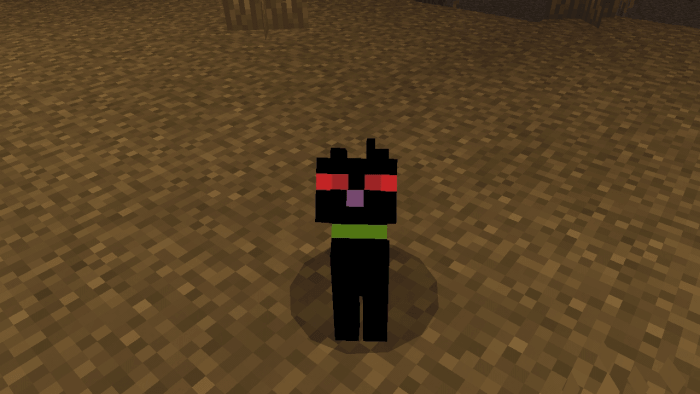
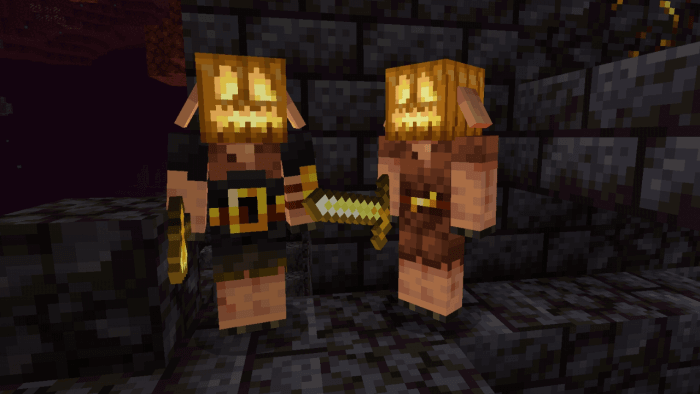
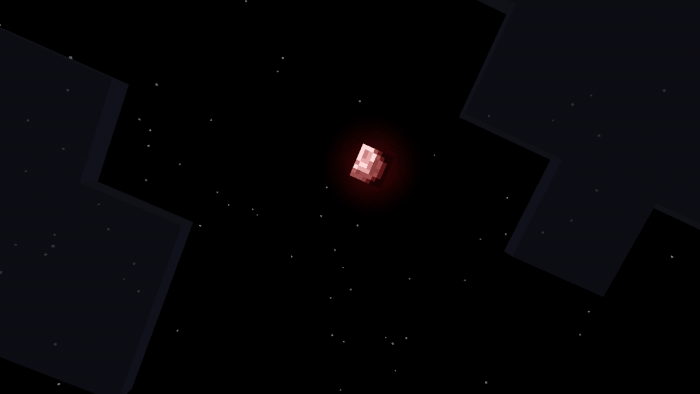
Keep an eye on the creatures you meet after dark. Some monsters appear with luminous pumpkins, giving them a festive look that can stand out in the shadows. Bats come in black and brown variants with red eyes that glow in the dark, while spiders take on a gray appearance. The witch gets a hood, and the wandering trader’s outfit turns black, with a matching change to the llama’s carpet. Those little touches make a trip through a familiar area more interesting: you know the mobs, but their Halloween looks give you something new to spot. The pumpkin-wearing monsters are still worth treating with the usual caution, though. A festive headpiece doesn’t make a zombie any friendlier when it catches you outside your base at night.
Halloween Aspects works well for a seasonal survival world or a party map you’re putting together with friends. Build a haunted house beside the green water, set up a graveyard path beneath the red moon, or decorate a village and invite everyone over for an evening of exploration. You can also simply activate the pack in a world you already enjoy and see how the changed colors affect your favorite places. Try visiting your Nether portal, enchanting room, and usual nighttime route to catch details you might otherwise miss. The pack focuses on the world’s appearance, so your survival plans remain in your hands: bring your usual equipment, light your paths, and decide how much exploring you want to do after sunset. For a group event, have everyone pick a Halloween skin and meet at a familiar landmark before heading into the dark. Someone is bound to notice the red moon first; the pumpkin-headed monster behind them may take a little longer.
Installation:
- Download Texture;
- Open the downloaded .mcpack to install;
- Select texture in settings;
- Done.
Comments (0)