GameHunter Mod / Addon
- 13-11-2025, 13:36
- 830
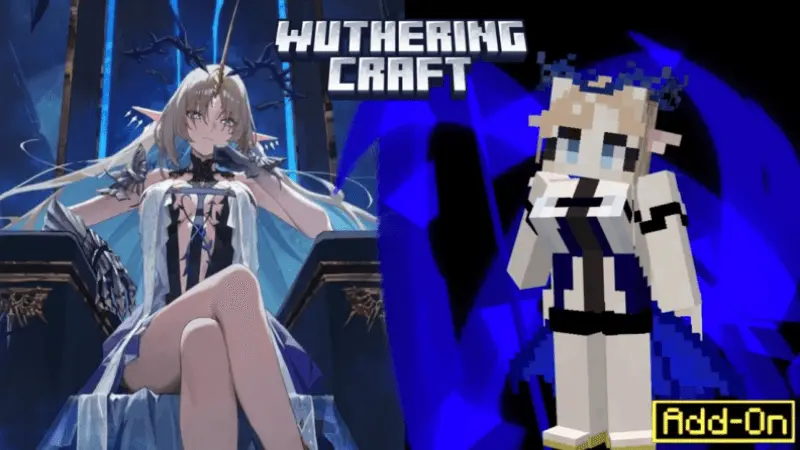
GameHunter Mod drops fan-favorite faces into your world and turns exploration into a chill “see it, find it, flex it” game loop. You’re out roaming—over a ridge, through a grove, across a beach—and there’s a familiar silhouette from Genshin or Wuthering standing where you least expect. No menus, no walls of systems to babysit—just pure discovery, screenshots, and bragging rights when you stumble on a rare spawn first.
Treat it like a map-wide Easter egg hunt. Run your usual survival route and tack on quick detours to check cliffs, rivers, village edges, or biome borders. When you spot a character, mark the spot, grab your shots, and set up a little showcase area back at base so friends can see who you’ve found so far. On servers, it’s perfect for weekend events: call out hints, race to sightings, and keep a simple scoreboard of who located which appearance first. If you’re a builder, theme an outpost to the character you discovered—colors, banners, tiny dioramas—and the world starts feeling like a living crossover tour.
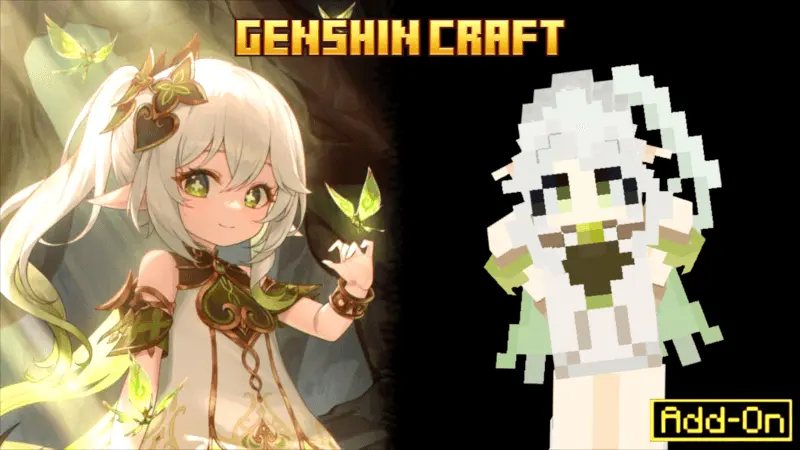
Bring a little Genshin Impact and Wuthering Waves energy to your Minecraft Bedrock world. GameHunter adds characters from both games, giving your next adventure a crossover twist.
If you’ve spent hours exploring Teyvat or the world of Wuthering Waves, the appeal is easy to get: familiar characters can become part of your own Minecraft creations. Take a break from your usual mining route and look for a face you recognize. A forest trail or a coastal build could make a great backdrop for a crossover scene. The add-on’s description focuses on characters, making this a fun pick for players who enjoy bringing their favorite games together. It’s the kind of addition that can inspire a whole afternoon of building, posing, and finding the right angle for a screenshot. The available listings don’t provide a complete character roster or reliable spawn details, so keep an open mind rather than count on finding a particular favorite in a particular biome. Take some time to see what the pack offers before deciding which characters you want to feature in your world.
Builders can have plenty of fun with the crossover theme, too. Pick a favorite spot and create a backdrop inspired by one of the games: a mountain overlook, a garden, or a small fantasy town square. Use your own choice of blocks and colors to give the scene the mood you’re after, then grab a screenshot when everything comes together. Those builds are ideas for your world, not locations included with the add-on. If you play with friends, you could each design a different setting and take a tour of the finished creations. One player might go for a peaceful waterside scene while another builds a dramatic cliffside arena. There’s room to make the crossover your own, whether your style leans toward detailed architecture or a quick build with a great view. You can also share screenshots and compare the scenes you’ve made; there’s no confirmed built-in collection tracker or scoring system.
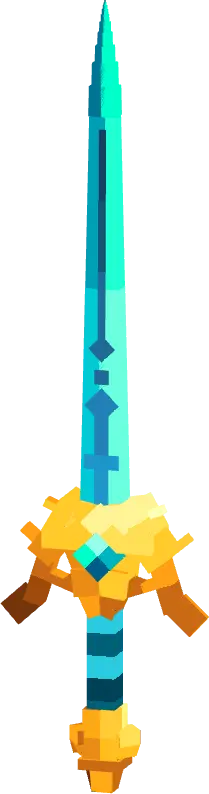
The download page lists a separate Weapons and Artifacts package alongside the main GameHunter file. Its name suggests themed equipment, but the available descriptions don’t establish a full item list, crafting recipes, or how it interacts with the character pack. Check the files and their instructions before adding anything to your world, and avoid assuming every release contains the same content. To get started, open the chosen pack file with Minecraft and activate the relevant packs in your world settings. Then spend some time checking the available content before planning a larger build around it. You might find inspiration for a quiet meeting place, a colorful village, or a display area dedicated to the characters you enjoy most. GameHunter’s charm is in bringing familiar fantasy worlds into your own blocky playground, whether you’re setting up a dramatic screenshot or adding a crossover touch to a place you already love.
Because versions can change how and where characters appear, use what the pack gives you—any included guide book or UI prompt—to understand spawn behavior in your build. Keep it lightweight: a bed, a few markers, and a clean hotbar for quick travel kits are all you need. The fun is in the wander and the “yo, I found one” moments, not in grinding checklists. And the tease is real—more games are on the roadmap—so every update means fresh routes to scout and new cameos to chase. If you love exploration with personality, GameHunter Mod turns simple travel into a collectible adventure.
Installation Mod:
- Download the .mcaddon / .mcpack;
- Open the file to import into the game;
- In World Settings → Resource Packs and Behavior Packs, enable it (turn on Experiments if needed);
- Have fun!
Comments (0)