Master Crafting Station Mod / Addon
- 24-10-2025, 09:20
- 720
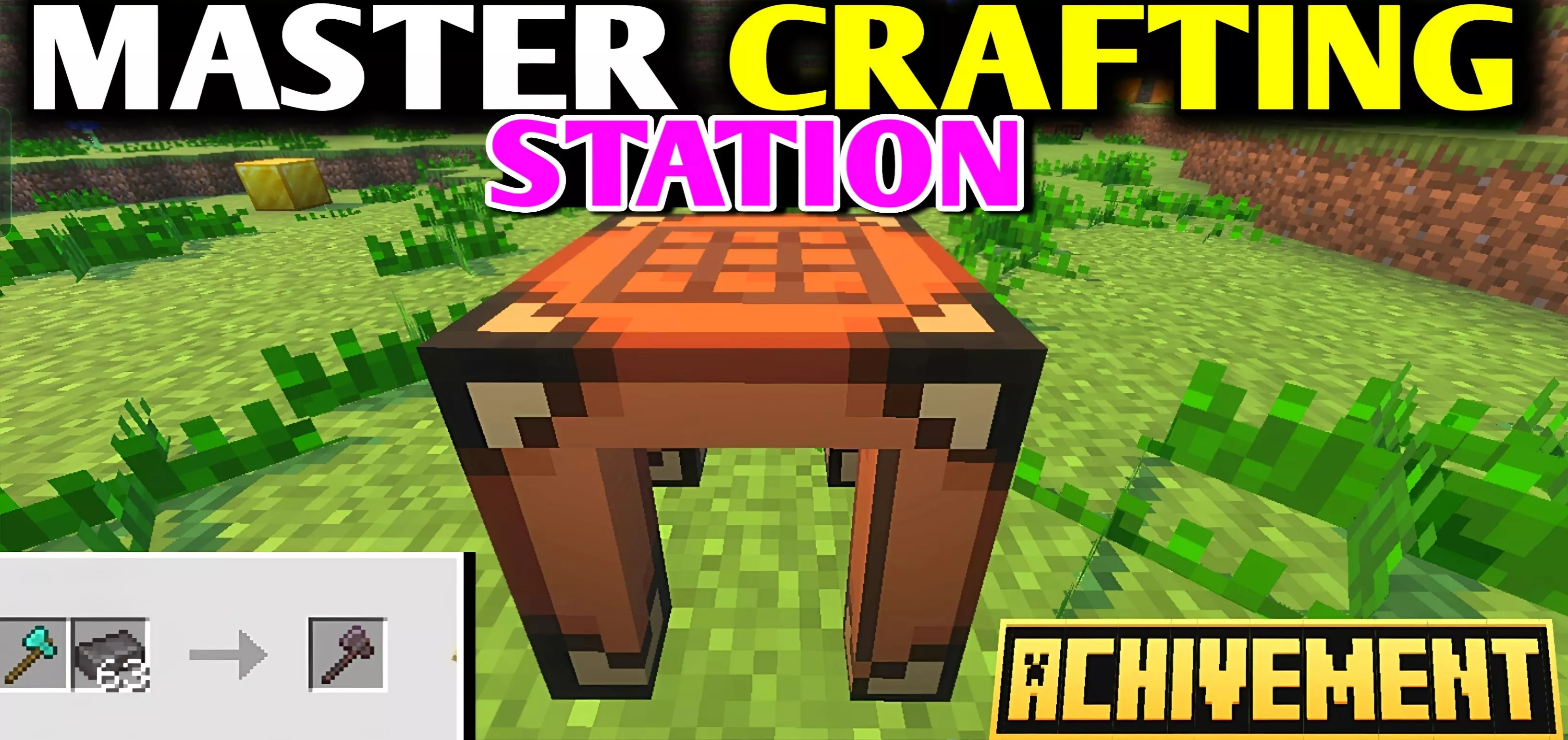
Master Crafting Station Mod — drop the station in your workshop and your whole loop snaps into place. Instead of hoarding odd drops you can’t use, you finally turn them into legit gear through fair, well-costed recipes. No free lunches here—you still gather, smelt, and plan—but now those “almost useful” items become the missing pieces in your setup. It feels like someone gave the bench a brain without breaking the game.
I ran it on a fresh survival file and the difference showed up on day two. The station let me finish early tools and utility bits without sprinting across the map for a rare chest roll. Later, when the base started to sprawl, the compressed blocks became the quiet MVP: pack nine stacks into a neat pile, toss it on a labeled shelf, and uncompress when it’s build time. Chain-crafting goes quicker, storage walls shrink, and you stop doing chest Tetris every night.
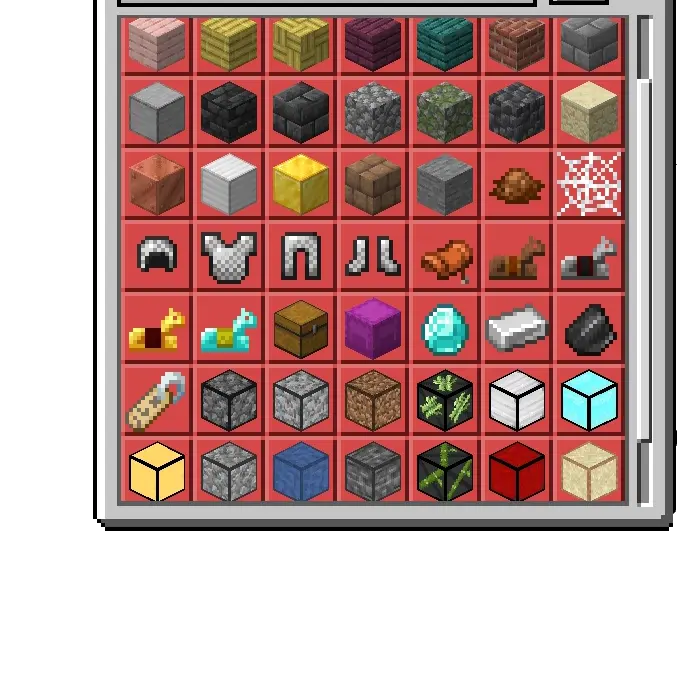
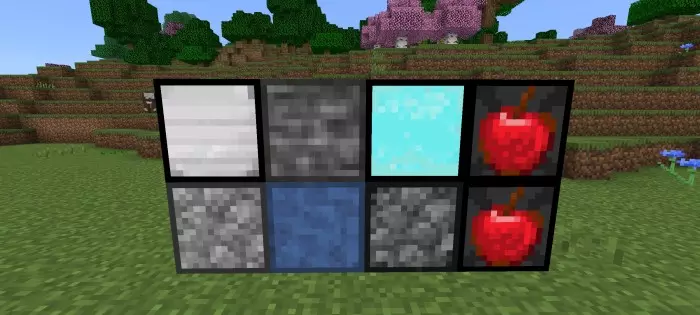
Your storage room is packed, and the item you need still can’t be crafted. Master Crafting Station adds new recipes and compressed blocks to make your Minecraft Bedrock workshop work harder.
The addon introduces recipes for items that normally can’t be crafted, giving you another way to turn collected materials into useful supplies. Its centerpiece is the Master Crafting Station, which handles both standard Minecraft recipes and the addon’s custom ones. There’s also a Crafting Slab intended for the custom recipes. Put either workstation in a convenient spot and explore the available options before deciding what to make. The descriptions don’t provide a complete ingredient list, so check the recipes in your game rather than assuming a specific item can be made. You’ll still need to gather the materials, but having another crafting option can give your next mining trip or resource run a clear purpose. Set up your station near your chests and furnaces, and your base starts to feel like a proper workshop: bring in the haul, sort what you’ve found, and decide what belongs in your next project.
Compressed blocks tackle a problem that creeps up on almost every long-running survival world: too much stuff and nowhere obvious to put it. When you return from a large excavation or finish gathering materials for a build, the new compressed blocks offer a way to pack bulk resources into a more compact form. That can make a crowded storage room easier to organize and leave more space for the things you use every day. Keep compressed supplies in a labeled section of your base, then check the available crafting options when it’s time to use them. Before converting a huge stash, try the recipe with a smaller batch so you know how it fits your plans. The addon description doesn’t specify every supported material, so browse the options available in your world instead of counting on a particular block being included. You can set aside one chest for compressed supplies and another for the materials you’re actively using, keeping your current project close at hand.
This setup is especially handy when several players share a base. One person can bring back resources, another can organize the storage room, and the builder can focus on turning those supplies into a new bridge, stable, or workshop. Even on your own, the extra recipes give you something to investigate when you’re planning your next upgrade. You might find a useful item you can now work toward while putting your existing supplies to better use. To get started, open the downloaded addon file with Minecraft and activate the imported packs in your world settings. Once you’re in, look through the station and slab recipes, choose a spot for your work area, and start sorting your materials. As your base grows, you can expand the workshop around the station, adding more room for incoming hauls and finished supplies. Master Crafting Station makes the time you spend back at base part of the adventure, especially if you enjoy building a survival world one carefully stocked chest at a time.
Balance is the point. Recipes ask for sensible inputs, so upgrades still feel earned; you’re not skipping progression, you’re smoothing it. The station doesn’t replace exploration either—you’ll keep roaming for proper materials—but when you come home, your stash actually converts into things you want to place. In co-op, it’s even better: one of you harvests, one compresses and stocks, the builder pulls exactly what they need and knocks out a roof before sundown.
If you like survival to play fair while respecting your time, this is that sweet spot: smarter crafting where it matters, compact storage when it counts, and a bench you’ll keep near your furnace row forever.
Installation Mod:
- Download the .mcaddon / .mcpack;
- Open the file to import into the game;
- In World Settings → Resource Packs and Behavior Packs, enable it (turn on Experiments if needed);
- Have fun!
Comments (0)