Doors Roblox Horror Mod / Addon
- 26-09-2025, 17:12
- 1 988
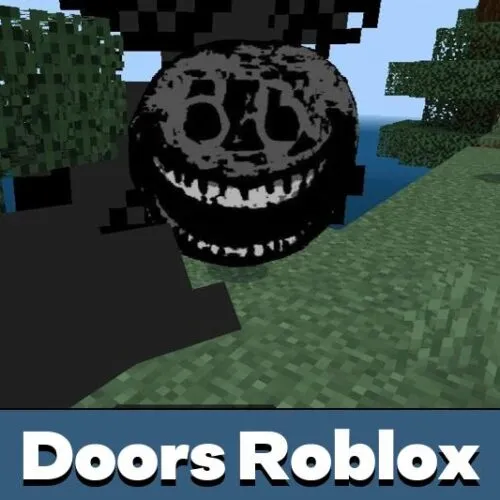
Doors Roblox Horror Mod / Addon — a straight-up scream machine for Minecraft Bedrock that drops you into a hotel-from-hell vibe and lets the monsters do the talking. The hook is simple: you enable the add-on, load into long corridors and tight rooms, and suddenly the quiet isn’t quiet anymore. New entities arrive with unusual, unsettling textures and loud spawn cues, and some even roll in with black mist effects that make a hallway feel like it’s closing in. It’s less about big fights and more about that stomach-tightening moment where you’ve got nowhere to go and something is breathing down the hall.
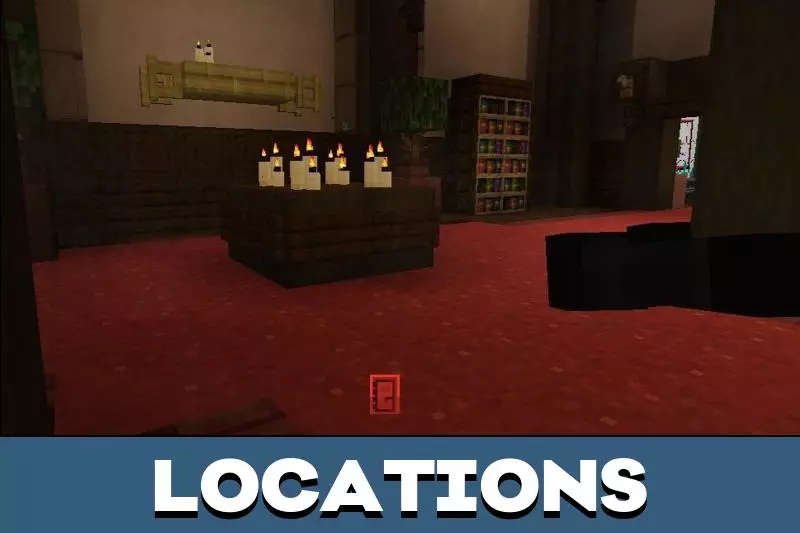
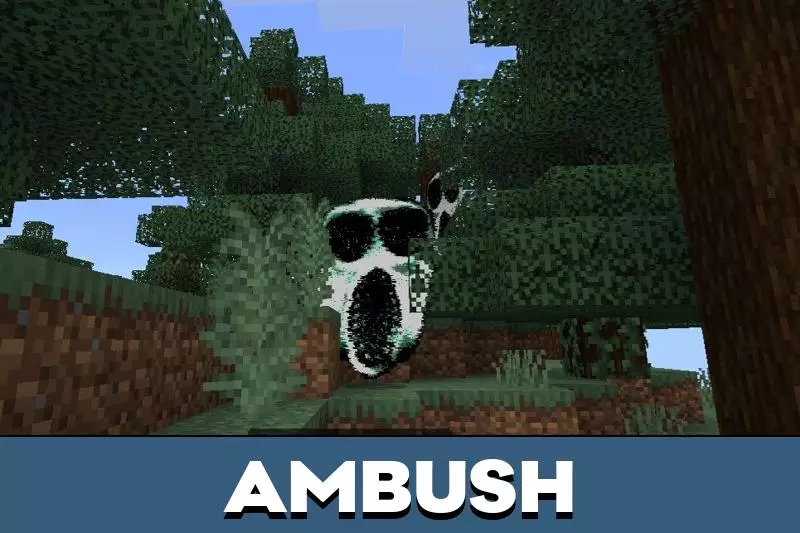
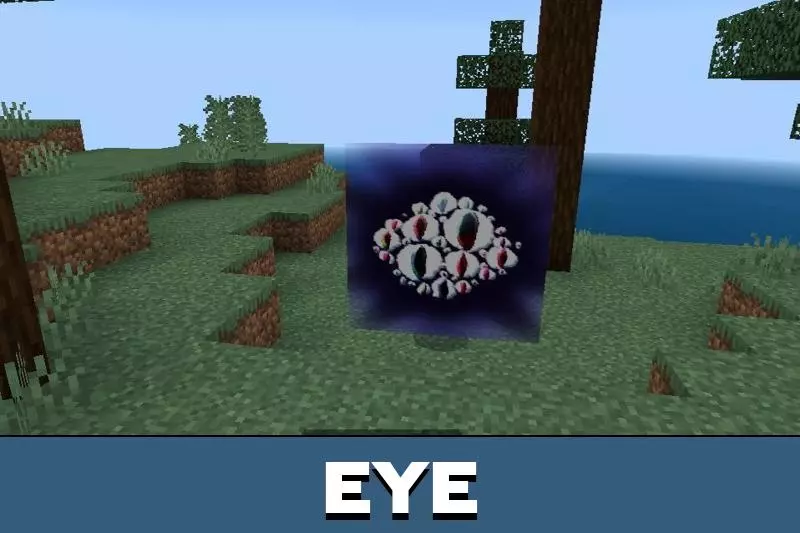
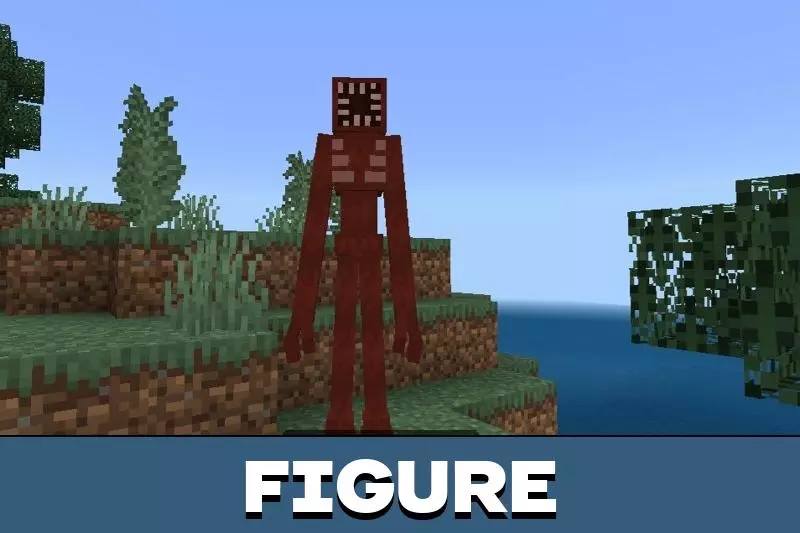
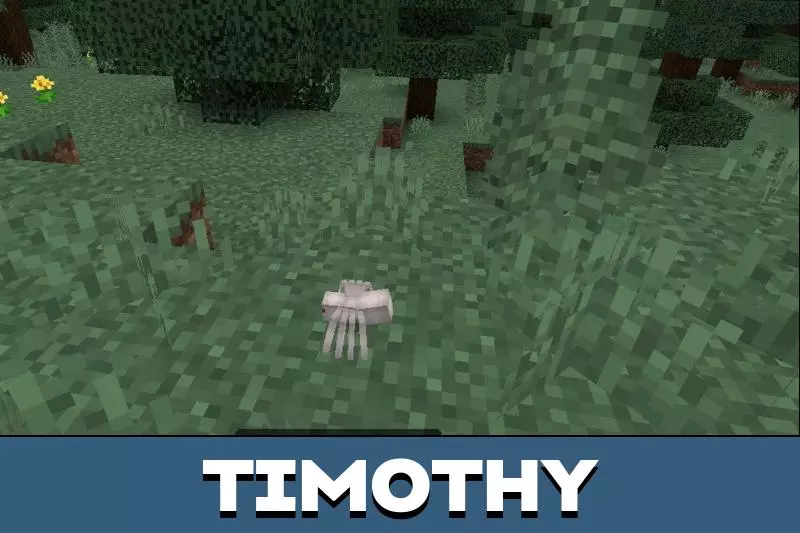
The roster hits the classics: Jack, Figure, Timothy, Ambush, and Eye all show up with sinister faces and that “don’t look too long� energy. You’ll hear them before you see them sometimes—sharp audio stingers on spawn—and the second that sound lands, your focus snaps to exits and corners. Running a hotel-themed map with this is peak vibe: dim lighting, wooden doors, and rooms that feel safe until they aren’t. Solo runs turn into careful, door-by-door checks; with friends, it becomes a chorus of “shh, something spawned� while you make a plan on the fly.

A full inventory is the fastest way to make exploring new Minecraft content unnecessarily annoying. I've learned to clear a few slots before starting because I know myself well enough to predict what happens next. I'll find something interesting, pick it up, grab a few more things, and suddenly I'm throwing cobblestone on the ground to make room. Then I'll realize I actually needed that cobblestone. These days, I usually leave unnecessary tools and supplies in a chest before checking out a Bedrock addon. It gives me space to experiment without constantly opening my inventory to decide what I can afford to drop. I also like keeping whatever I'm currently testing separate from the random junk I've collected during normal survival gameplay. It's a small habit, but it makes figuring things out considerably easier. My main storage room could use the same treatment. Unfortunately, that would require me to actually organize it.
Getting rolling is easy. Turn on the experimental options so the addon behaves, pick your mode in settings, and decide how you want to play. Creative is great for testing with spawn eggs and learning what each monster does in a controlled space. Survival or adventure is where the real fear hits—especially in multiplayer, where one bad call drags the whole group into a panic sprint. Pair it with themed textures or a hotel map and the atmosphere gets brutally effective without any extra commands.
If you want Minecraft Bedrock to feel like a first-person horror sprint—new monsters, nasty sounds, and visual tricks that mess with your head—the Doors Roblox Horror Mod / Addon nails it. Keep your ears open, watch for that black mist, and don’t assume the next door is safe just because the last one was.
Installation:
- Download Mod;
- Use Minecraft
- Open the downloaded file to install;
- Select it in the settings;
- Have fun!
Comments (0)