Structures In Just One Click Mod / Addon
- 10-06-2026, 15:32
- 4 089
Mods / Addons / Mods 1.26 / Mods 1.21
Click, place, done. Structures In Just One Click turns building in Minecraft Bedrock into a smooth, one-tap flow so you can spend time playing instead of scaffolding every block by hand. Stop wasting your first five nights living in a miserable dirt hole when the Structures In Just One Click Mod / Addon lets you slam down fully detailed bases before the sun even sets.
The classic vanilla early game is nostalgic, but let’s be honest: chopping down a hundred oak trees just to build a basic starter house gets incredibly boring after your tenth playthrough. You usually end up throwing together an ugly cobblestone cube just to survive the night, promising yourself you'll make it look good later, but you never actually do. This Minecraft Bedrock structure mod completely eliminates that tedious architectural grind. It hooks you up with a sleek, easy-to-read custom menu packed with over 70 pre-built designs. You aren't just getting tiny wooden shacks, either. The catalog is split into clean categories, letting you browse through mid-sized outposts, massive town square centerpieces, and highly detailed survival hubs. You literally just pick a blueprint, aim your crosshair, and tap. Boom. A perfectly proportioned, fully rendered building drops exactly where you want it.
Here’s how it feels in a real world: you open the simple menu, flip through clean categories, and pick what you need—something small for a new spawn, a mid-size upgrade for your base, or a showpiece to anchor a town square. Hit confirm and the structure lands exactly where you aimed, ready to use. If the placement isn’t quite right, the one-click Undo pulls it back instantly, so you can nudge position and try again without leaving ghost blocks or wrecking the terrain. Because it works in Survival Mode, this isn’t just a creative toy—it’s a legit time saver on day one and still clutch deep into a long-term world.
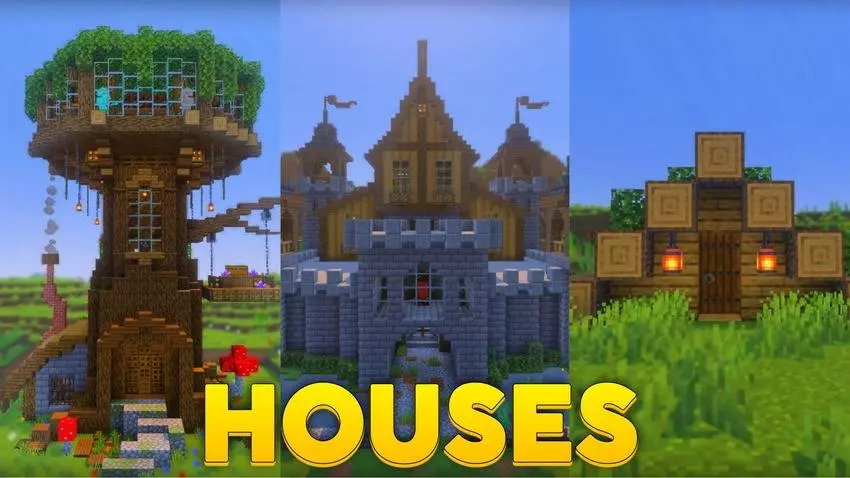
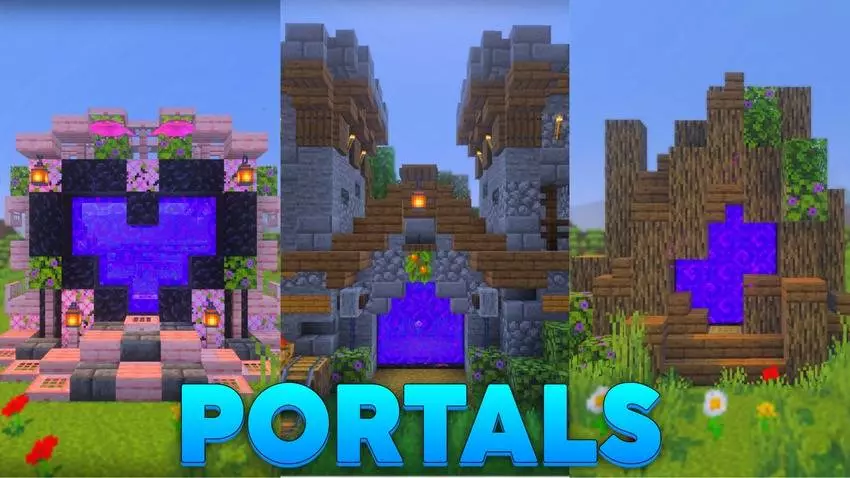
One of the biggest issues with fast-building utilities in MCPE is accidental misplacement. Normally, if you accidentally spawn a massive medieval tavern two blocks too far to the left, it clips into a mountain and permanently destroys the natural terrain, forcing you to spend an hour manually tearing down the mistake block by block. This pack completely solves that headache by including a highly responsive, one-click Undo function. If the placement looks a little janky or the front door is awkwardly facing a ravine, you just hit the revert button and the entire structure gets cleanly wiped from the map without leaving any invisible ghost blocks or ugly dirt craters behind. It completely removes the anxiety of experimenting with your base layout.
What makes this download so incredibly clutch is that it is fully compatible with standard Survival Mode. It isn't just some glorified creative menu toy for admins. You can streamline your progression while still maintaining the core survival challenge. Throwing this onto a multiplayer SMP completely changes the dynamic of day one. Instead of everyone scrambling in separate directions to build their own tiny wooden boxes, your squad can establish a massive, highly functional village in a matter of minutes. You can assign one player to act as the chief architect, rapidly prototyping the town layout and dropping specialized houses, while the rest of the crew focuses on securing early-game gear, gathering food, or lighting up the surrounding cave systems to prevent creeper spawns.
It completely bridges the gap between wanting a beautiful, aesthetic world and actually having the patience to place every single wooden stair and half-slab by hand. If you are seriously tired of the manual labor and just want to get your MCPE survival session moving at lightning speed, grab this add-on, open the blueprint menu, and start generating your city instantly.
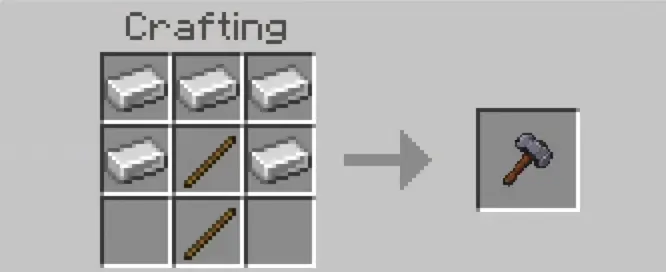
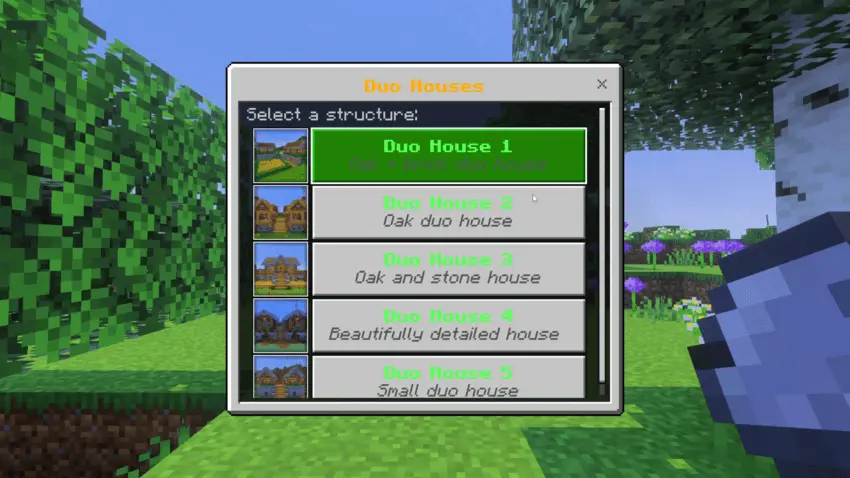
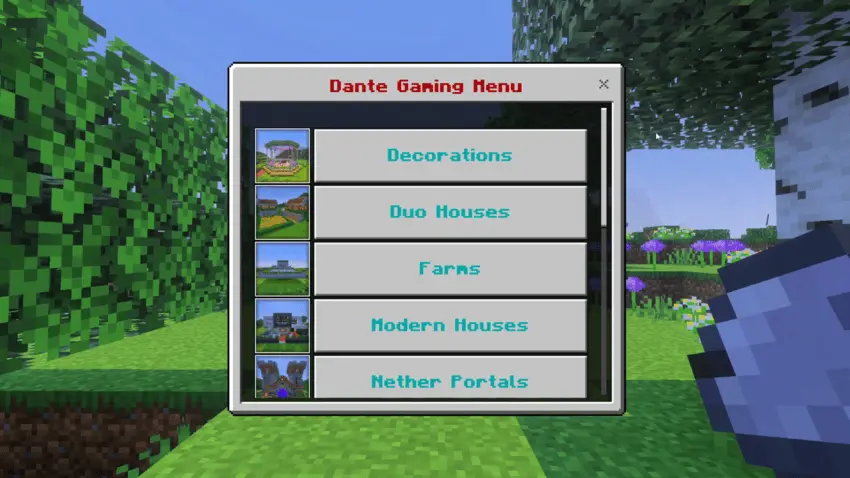
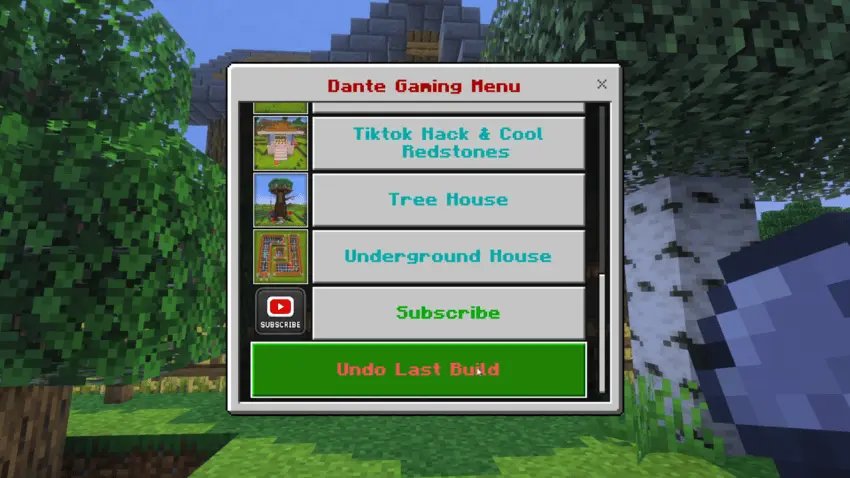
Over 70 ready-made builds means you’re rarely starting from zero. I like to drop a small starter, stash gear, and then chain placements to sketch the vibe of a village before I commit to details. On servers and Realms, one player can handle layout while others gather mats or defend; the town takes shape in minutes instead of hours. The menu helps you stay organized, so you’re not guessing what fits where—you’re testing options, stepping back, and dialing in the look. If you love building but hate the grind, Quick Craft 3.0 makes Minecraft Bedrock feel fast, flexible, and surprisingly creative with that single, confident click.
Installation:
- Download Mod;
- Open the downloaded file to install;
- Select it in the settings;
- Have fun!
Comments (0)