Cine AFK Mod / Addon
- 2-04-2026, 05:06
- 449
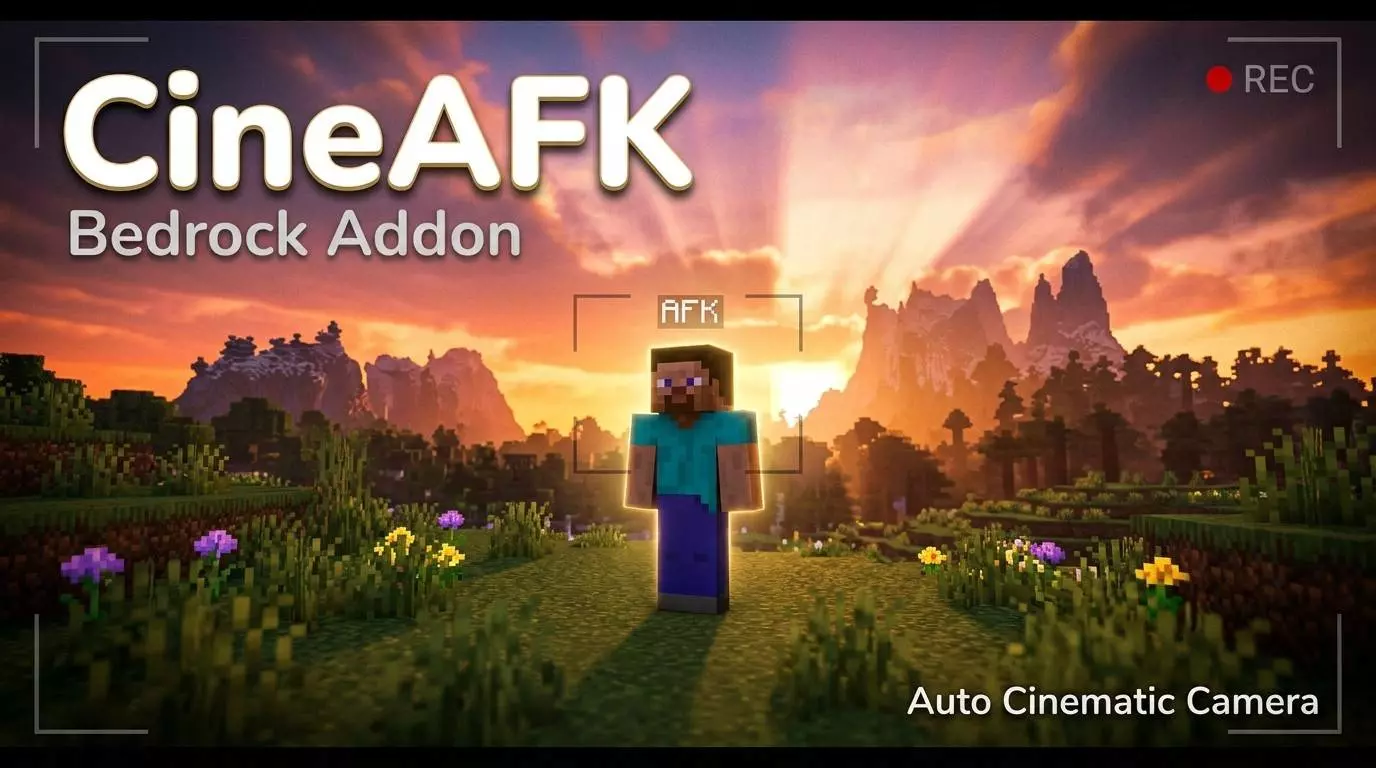
Cine AFK — Auto Cinematic Camera Addon is a cinema camera mode that automatically turns on in AFK mode. I left my character standing outside a mountain cabin while I grabbed a drink, and suddenly Minecraft looked like somebody was filming a travel documentary. Cine AFK brings automatic cinematic camera movements to Minecraft Bedrock, replacing that boring stationary view with moving shots of your character and the world around them. You don't need to become a video editor or spend an afternoon figuring out complicated camera commands. Just stop playing for a moment, and the addon takes over the view. It's a surprisingly fun idea for something that happens while you're doing absolutely nothing.
The camera activates when your character has been idle for a short period, then begins showing the surroundings from changing angles. Instead of staring at the same patch of grass while you're away from your keyboard, you get a moving perspective that makes familiar locations feel different. Picture standing on a wooden balcony overlooking a huge valley. You've got waterfalls running down the mountains, a little village near the river, and your unfinished castle sitting on the opposite hill. Normally, you'd see whatever direction you happened to be facing when you stopped moving. With Cine AFK, the camera can move around your character and reveal more of the scenery. It's especially satisfying around places you've spent weeks building. Sometimes you get so used to running through your own base that you forget to appreciate how much work went into it.
I'd definitely experiment with this Minecraft cinematic camera addon in different locations. Or imagine standing beside a massive Nether portal, letting the camera capture the surrounding decorations while that familiar purple glow fills the scene. There's plenty of potential for players who record Minecraft videos. You could use the automatic camera movement while preparing an introduction, showing off a recent construction project, or capturing some background footage for a survival series. Just remember that the addon changes the camera, not the dangers around your character. A creeper isn't going to politely wait until your cinematic moment finishes. I'd choose somewhere secure before going idle, preferably with walls, decent lighting, and no convenient openings for wandering monsters.
One detail I appreciate about Cine AFK is that you don't have to treat it like another big gameplay system. There's no new weapon collection to memorize, no expensive machine to construct, and no reason to abandon your existing survival world. The main attraction is watching Minecraft from a more cinematic perspective whenever you're inactive. The download comes as a Minecraft pack, so import the file and activate it through the appropriate world settings. After loading into your world, find a scenic spot, leave your character standing still, and watch what happens when the idle camera activates. I'd start somewhere familiar, like the entrance to my main base, before trying more dramatic locations.
Installation Mod:
- Download the .mcaddon / .mcpack;
- Open the file to import into the game;
- In World Settings → Resource Packs and Behavior Packs, enable it (turn on Experiments if needed);
- Have fun!
Comments (0)