Cloud Survival Map
- 2-08-2025, 11:01
- 922
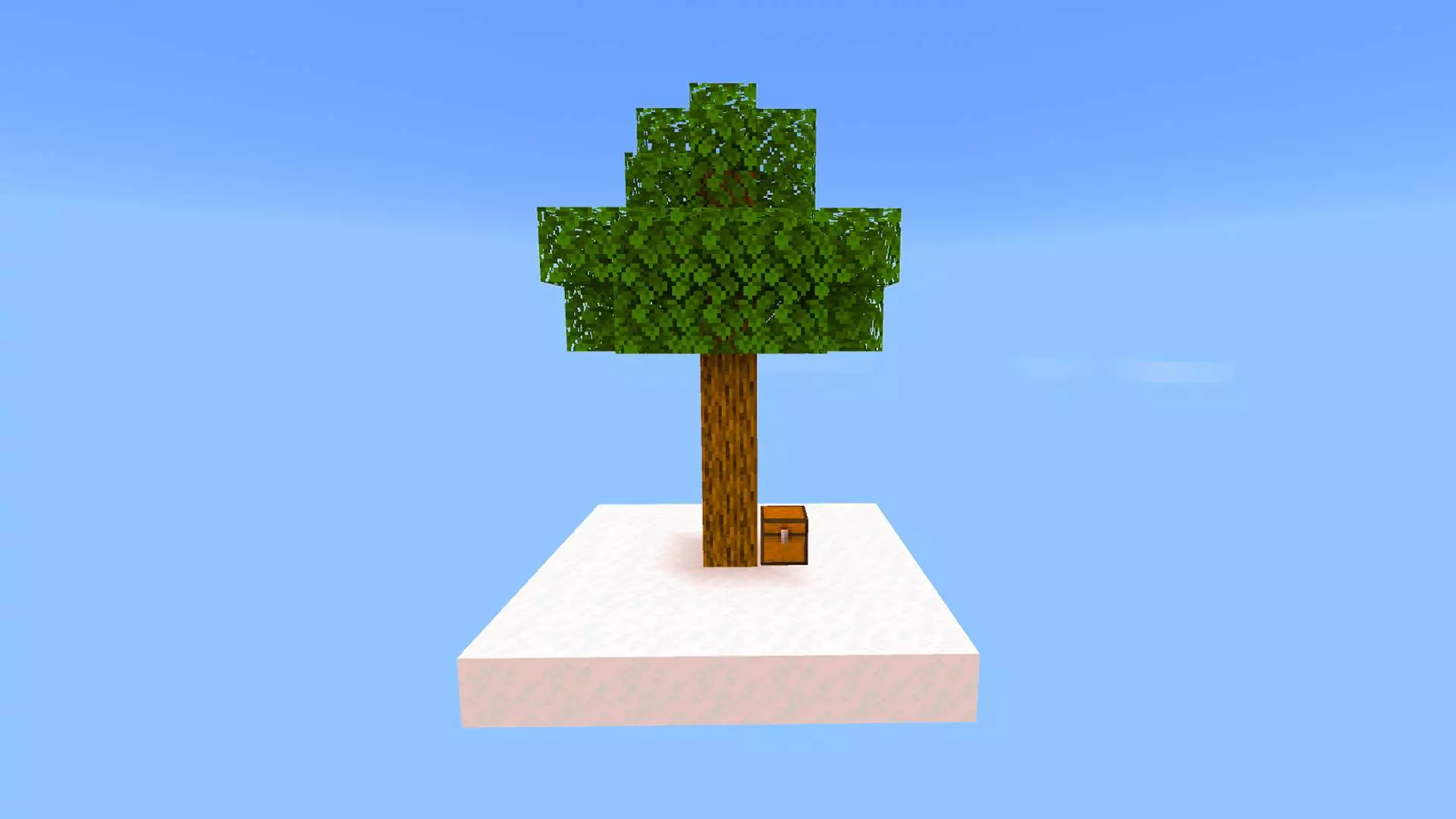
Cloud Survival Map – survive in the sky or fall and lose everything
This ain't your normal Minecraft world. You spawn on a tiny cloud with a tree, a chest, and nothing but the void below. One step in the wrong direction? You're done. No water to land in. No second try. Just fall and lose it all.
What you’re getting into:
You’re stuck up in the sky with barely anything. Clouds are your only ground. Every move matters. If you’re not careful — boom, gone. You’ll need to build smart, farm in mid-air, and fight off mobs trying to knock you off.
You start with:
A cloud island
A single tree
A chest with a few items
That's it. No freebies. No second cloud waiting to catch you.
The real challenge:
One wrong move = instant death
Clouds are tiny, so space is tight
Mobs can and will push you off
You gotta expand, survive, and find a way to reach the End
End goal:
Gear up, survive the clouds, and fight the Ender Dragon — all without ever touching solid ground.
This map’s for players who want real survival. No cheats, no handouts, just you versus gravity. Good luck.
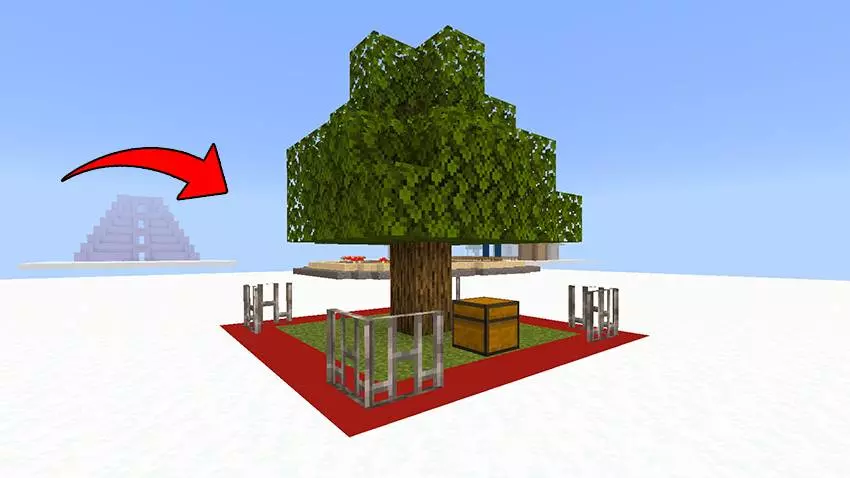
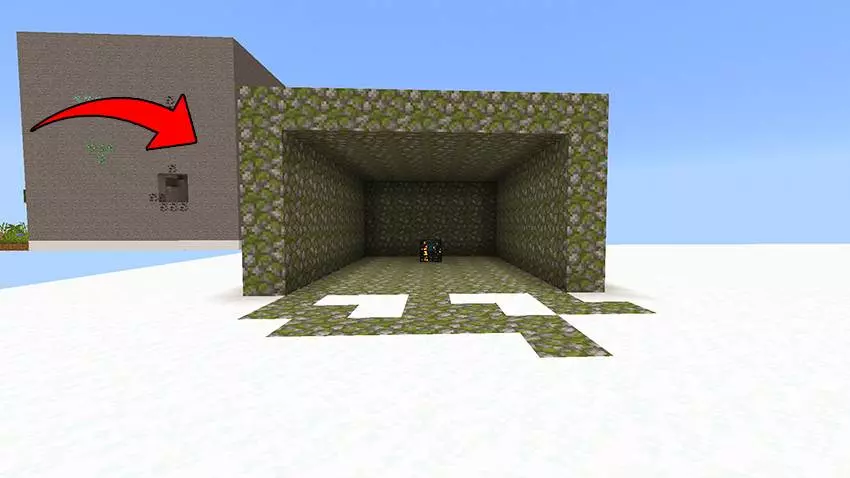
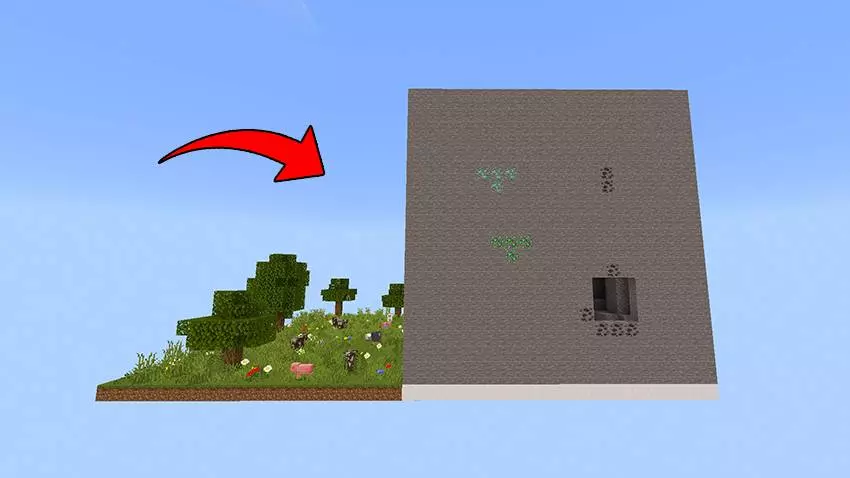
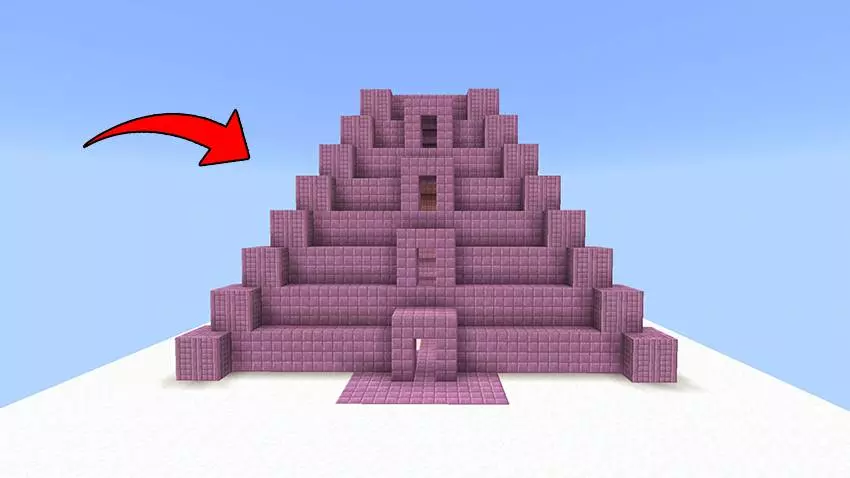
Your first tree is growing above the void, and there’s barely enough room to pace around it. Cloud Survival turns Minecraft Bedrock into a Skyblock-style challenge where every bridge, every block, and every trip away from home deserves a little planning.
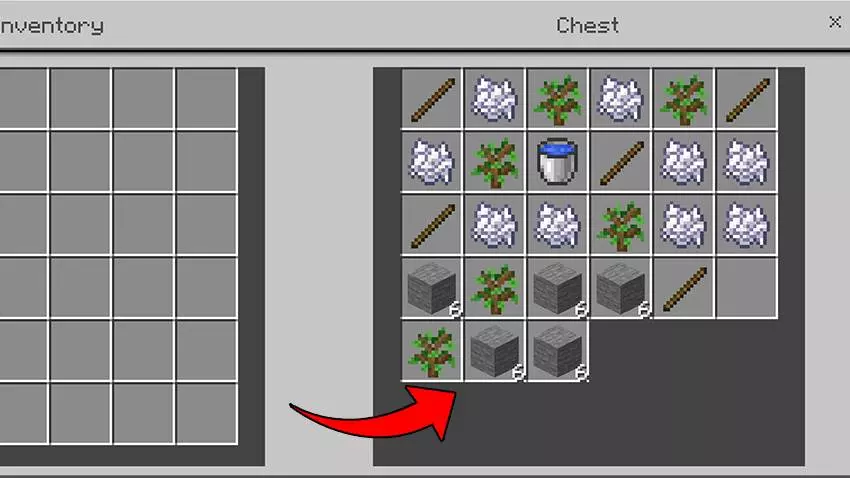
You begin on a tiny floating island with a tree and a chest of supplies. Before you start dreaming about a sprawling sky base, make the most of what you have: collect wood carefully, save a sapling for another tree, and give yourself more room to work. A cobblestone generator can become one of your most useful projects, providing building material for expanding the platform and reaching other areas. Add walls or railings where you can, especially around places you visit often. Falling into the void is deadly, and losing a load of materials along with your life can set you back. Even chopping down that first tree feels different when a precious item might tumble over the edge. Take your time, watch your footing, and build a base that gives you somewhere safe to return to.
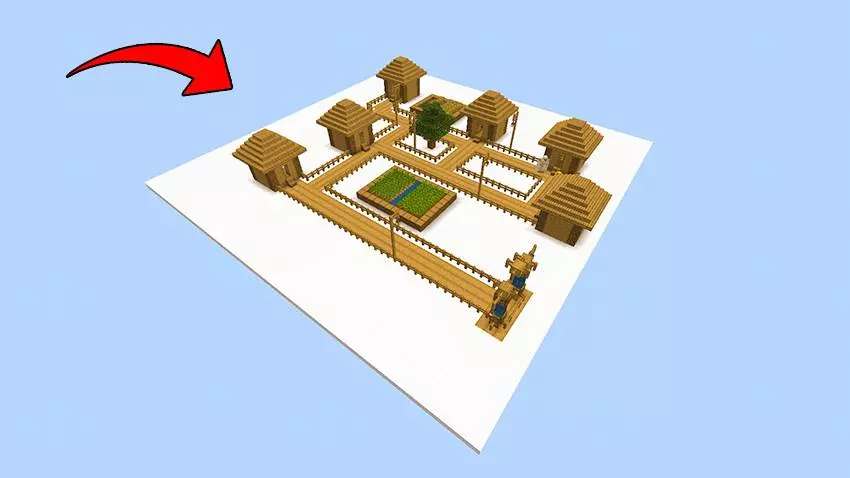
The starting island is only the beginning. Out among the clouds, there’s a village where you can meet villagers and trade for useful items. Getting there means figuring out a route across the gaps, so bring enough blocks and think about making your bridge wide enough to travel comfortably. You’ll also find a sky mine with resources including coal, iron, and diamonds. That’s a tempting destination when it’s time to upgrade your tools, but digging above the void calls for more care than an ordinary mining trip. Keep track of where you’re standing, watch for hostile mobs, and consider leaving your most valuable supplies at home until you need them. A mob spawner offers another challenge and a source of drops such as bones and arrows. If you want to make regular trips there, a protected approach and a few lights can make the journey less nerve-racking.
Your long-term goal is bigger than building a comfortable cloud house: reach the End and defeat the Ender Dragon. The route leads to a stronghold temple containing the End Portal, with puzzles and guardians standing between you and the final journey. By the time you head there, you’ll want to have spent some time gathering resources, improving your gear, and preparing for a fight that can go wrong quickly. Food, enchanted equipment, and potions are all worth considering as you make your plans. Until then, set smaller goals for yourself: connect two islands, make your home platform safer, or return from the mine with enough iron for a useful upgrade. Cloud Survival makes those ordinary Minecraft milestones feel earned when there’s nothing but empty space below your feet. Just remember to crouch when you’re building that next bridge.
How to install?
Android: you need t find the downloaded file on your phone, use any file manager for this and import the map into the game by opening it.
IOS: after receiving the map, the device itself will offer to install it.
Windows 10: go to the folder where the files are downloaded, find mcworld there and activate it.
Comments (0)