The World Parkour Map
- 31-08-2025, 13:14
- 1 740
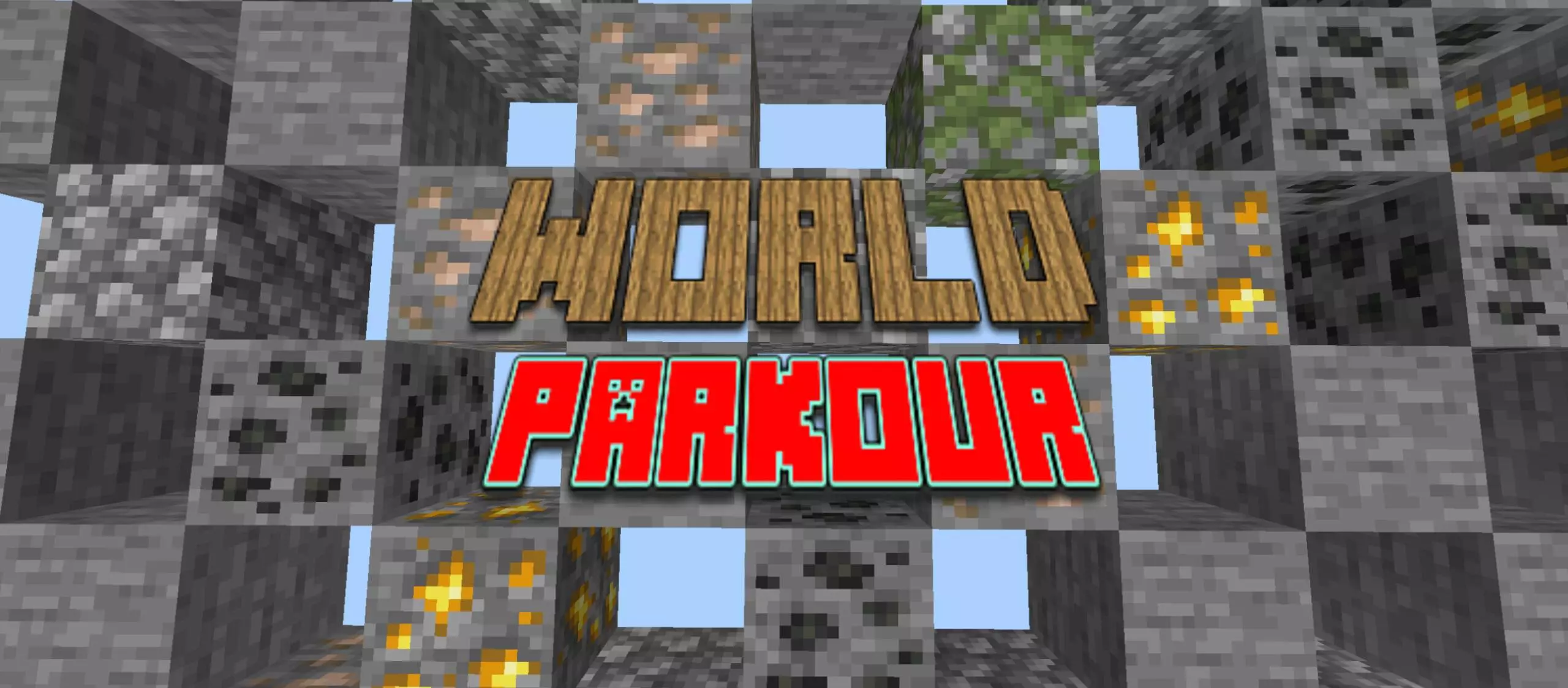
The World Parkour (Map) — three dimensions, one clean gauntlet for Minecraft Bedrock
If you want a classic parkour run with just enough tricks to keep you honest, The World Parkour hits the sweet spot. It’s medium-length, easy to read, and split into three themed sections that feel like a tour of Minecraft itself: Overworld first, then Nether, then End. No bloated maze, no gimmick overload—just movement, timing, and that “one more try� pull when you brick the final jump.
The Overworld stretch warms you up with straightforward lines: stone ledges, wood beams, and a few gaps that only flow if you keep momentum. It teaches the route at a glance, then punishes sloppy inputs. The Nether cranks the heat. Red rock, lava sightlines, and those rotating pistons that open and close tiny windows force you to trust the count in your head—go too early and you’re face-first into a wall, too late and the platform swings away. By the time you reach the End, the floor is mostly the void and your nerves do the rest. End stone platforms hang just far enough apart to matter, and the map sprinkles in fake blocks that look safe until they flicker under your feet. You learn to test, breathe, and commit.
What makes it shine is the flow. Each room reads instantly, so you spend your time jumping instead of hunting for the next step, and the difficulty ramps without feeling cheap. Run it solo to chase a clean, no-fall clear, or load it up with friends and race the three biomes like stages on a leaderboard. For a tight, replayable challenge on Minecraft Bedrock, The World Parkour delivers exactly what the name promises—Overworld, Nether, End, and a satisfying victory screen if your timing holds.
Our Minecraft group tried giving everyone a different job during a shared building session, and somehow that made things even more chaotic. One player was gathering wood, another handled stone, and I was supposed to prepare a little area where we could check out some Bedrock addons. Everything sounded reasonable until the guy collecting wood returned with several stacks of completely different materials because he'd found a cave. Meanwhile, the person responsible for stone had started building a bridge nobody asked for. I ended up preparing most of the area myself while listening to everyone explain why their distractions were actually important. We eventually got together and started exploring the content we'd planned to try. The session turned out great, even though nobody had followed their original assignment. We've decided not to bother with assigned jobs next time. Apparently, Minecraft players are much easier to manage when you stop pretending they're going to follow a schedule.
My favorite Minecraft locations aren't always the ones with the most impressive terrain. There's a little patch of plains beside my survival base that I've walked through hundreds of times without paying much attention.
How to install?
Android: you need to find the downloaded file on your phone, use any file manager for this and import the map into the game by opening it.
IOS: after receiving the map, the device itself will offer to install it.
Windows 10: go to the folder where the files are downloaded, find mcworld there and activate it.
Comments (0)