Squid Game: Hide And Seek Game Recreation Map
- 1-08-2025, 19:00
- 1 636

🦑 Squid Game: Hide And Seek – Map Recreation from Season 3
Big arena. 4 floors. One Golden Room. Can you survive?
This is a full hide-and-seek style minigame map inspired by Squid Game Season 3, recreated in Minecraft Bedrock. The map features a massive 4-story arena, where one team hides and the other hunts — with only 2 minutes before the chase begins!
🏁 How it works:
Start in the custom lobby and choose roles: Hider or Seeker
Hiders get 2 minutes to run and hide
Seekers are released to track them down
Only one way to win as a Hider: find the hidden Golden Room
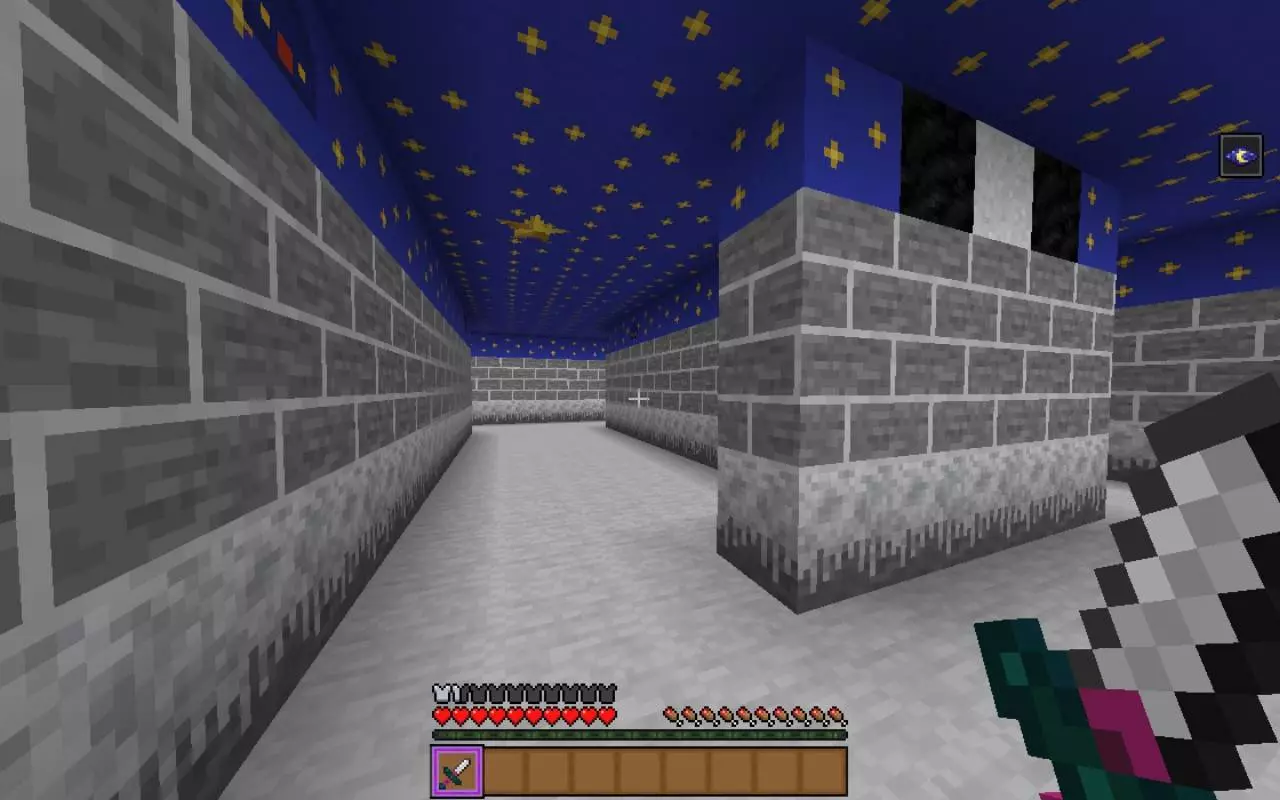
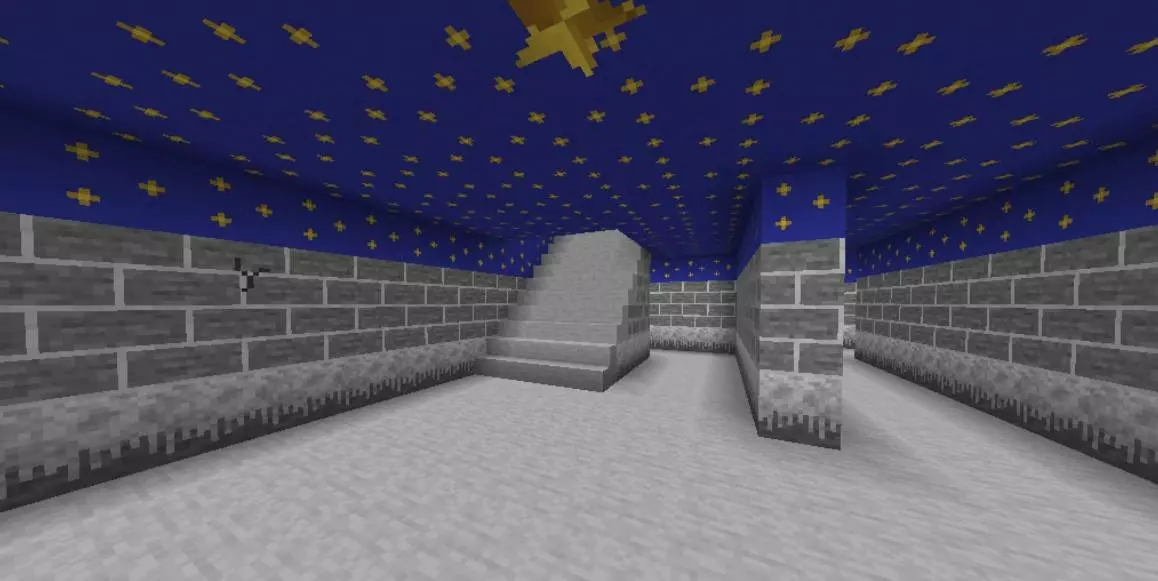
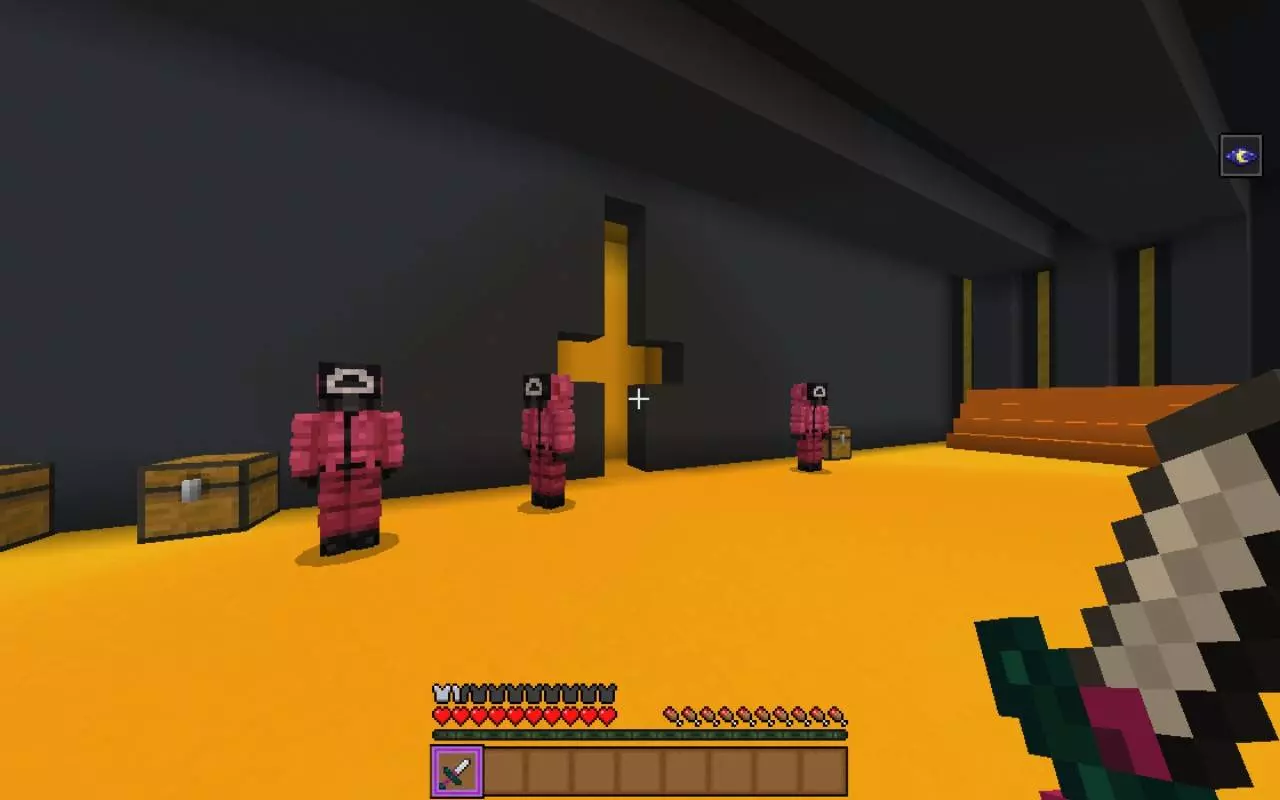
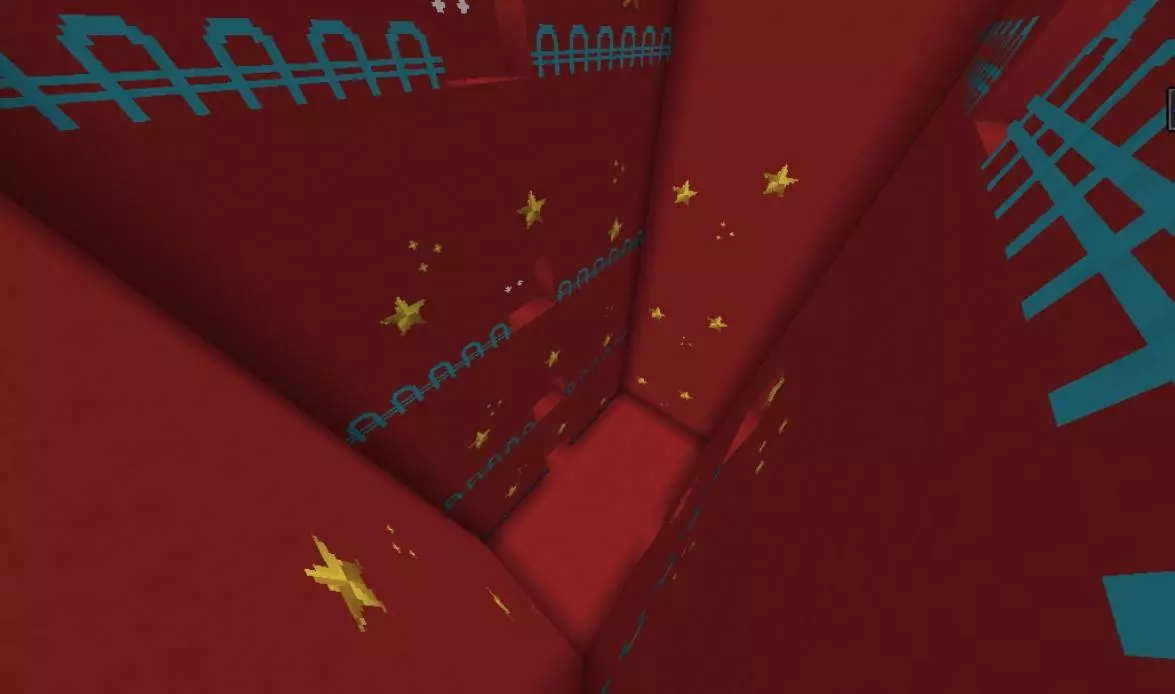
It’s tense, it’s huge, and it’s built for multiplayer. The Golden Room’s location changes each round, so stay sharp, stay quiet — and don’t get caught.
Two minutes to hide, four floors to search, and one Golden Room to find. Squid Game: Hide and Seek brings a tense multiplayer chase to Minecraft Bedrock.
The match begins in a lobby, where you and your friends choose who will hide and who will seek. Once the roles are settled, the hiders get a two-minute head start before the seekers come after them. Use those first moments to put some distance between yourself and the hunters, but remember that simply finding a cozy corner isn’t the end goal. To win as a hider, you need to find the Golden Room. There’s only one in the entire arena, so you’ll have to make a choice: move around and look for it, or stay out of sight while you figure out your next move. Every second spent searching could bring you closer to victory—or straight into another player’s path. If you’re playing with friends who know how to keep quiet until the last possible moment, expect a few excellent jump scares.
The seekers have a different job: track down and eliminate the hiders. With four floors to cover, there’s plenty of ground to search, and charging around without paying attention could let someone slip past. Split up if your group wants to cover more space, or stick together if you’d rather coordinate the hunt. As a hider, you might use that same size to your advantage by changing direction when a seeker gets close. Pay attention to the paths you take and try to remember where you’ve already searched; getting turned around is a lot less funny when footsteps are closing in. The map’s recommendation to turn off player names is a good call, since spotting a name can give away someone’s position before you actually see them. Agree on your settings before the round starts so everyone knows what to expect. You can also decide how your group will communicate during the match: sharing information can make a coordinated hunt feel very different from a free-for-all search.
The arena recreates the hide-and-seek challenge from Squid Game, but you don’t need a perfect knowledge of the show to understand the stakes. The rules are simple enough to explain in the lobby, and the two roles give everyone a different way to play. One round you’re trying to keep your cool while searching for the Golden Room; the next, you’re the one making your friends nervous. Swap roles between matches to experience both sides, and decide together how you’ll handle the countdown and start of each round. It’s also worth agreeing on what eliminated players should do while the remaining hiders keep searching, so nobody accidentally gives away a position. This Minecraft minigame gets its best moments from the people playing it: the friend who panics and runs the wrong way, the seeker who walks past a hider, and the last-second dash that has everyone yelling. Gather your crew, pick a side, and see who can keep their cool once the hunt begins.
How to install?
Android: you need t find the downloaded file on your phone, use any file manager for this and import the map into the game by opening it.
IOS: after receiving the map, the device itself will offer to install it.
Windows 10: go to the folder where the files are downloaded, find mcworld there and activate it.
Comments (0)