ditmcpe Map
- 6-05-2026, 02:26
- 649
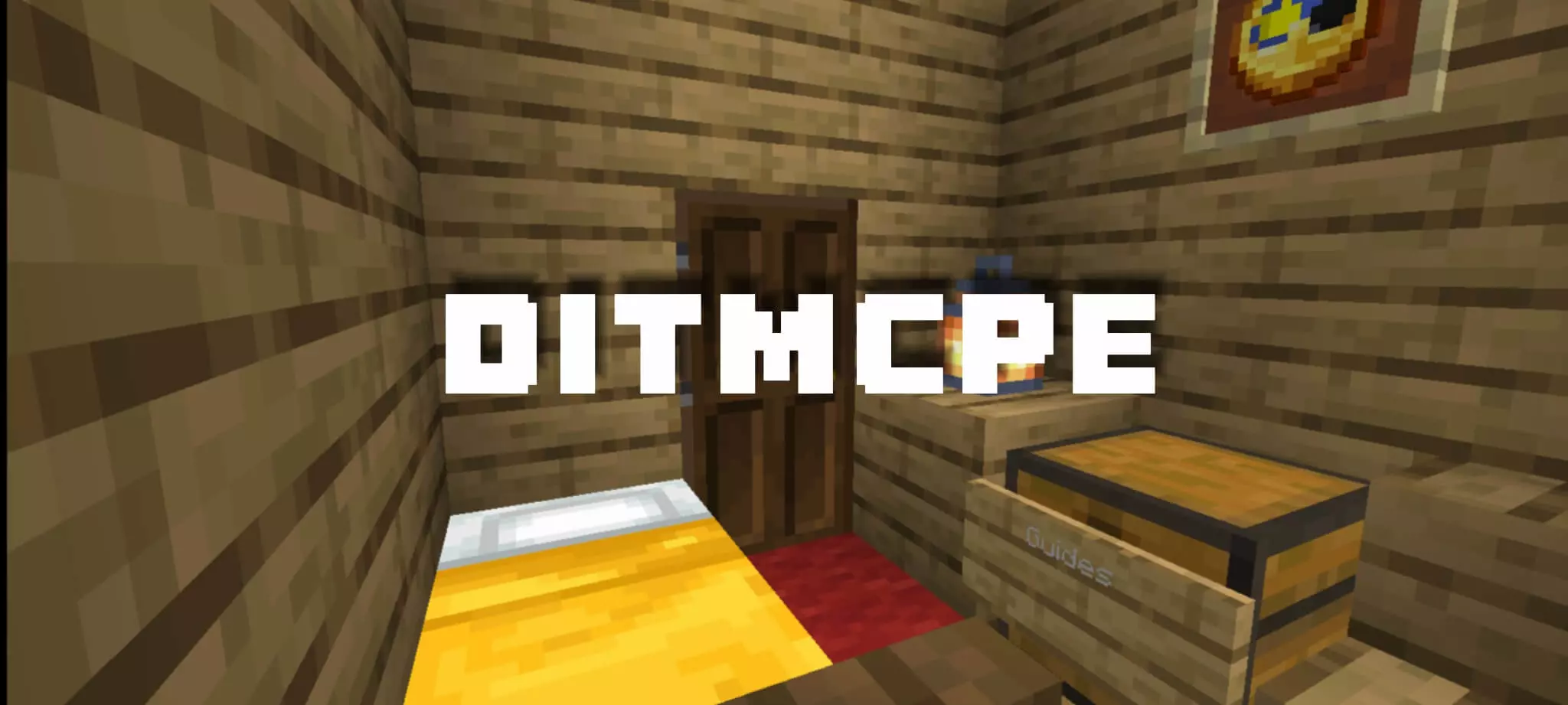
You might want to close the gate behind you in ditmcpe. Whatever is wandering around outside can climb the hills, find its way into your house, and make itself difficult to get rid of once it’s inside.
This Minecraft Bedrock map puts you in a strange little world with a house, a garage, and a few supplies to get you started. In single-player, you begin with 30 emeralds, 30 cookies, a clock, a lodestone compass, and a recovery compass. The supplies aren’t enough to make you invincible, but they give you a few things to work with as you figure out your surroundings. Check the house, get your bearings, and take a moment to see where the compass leads. You’ll probably appreciate having those cookies on hand when you start exploring and realize you’ve been away longer than you intended.
They climb the hills... and if you forget to close your gate — they’re in.
Once they get inside... good luck getting them out.
Whatever you do, don’t sleep in their house.
Once they get inside... good luck getting them out.
Whatever you do, don’t sleep in their house.
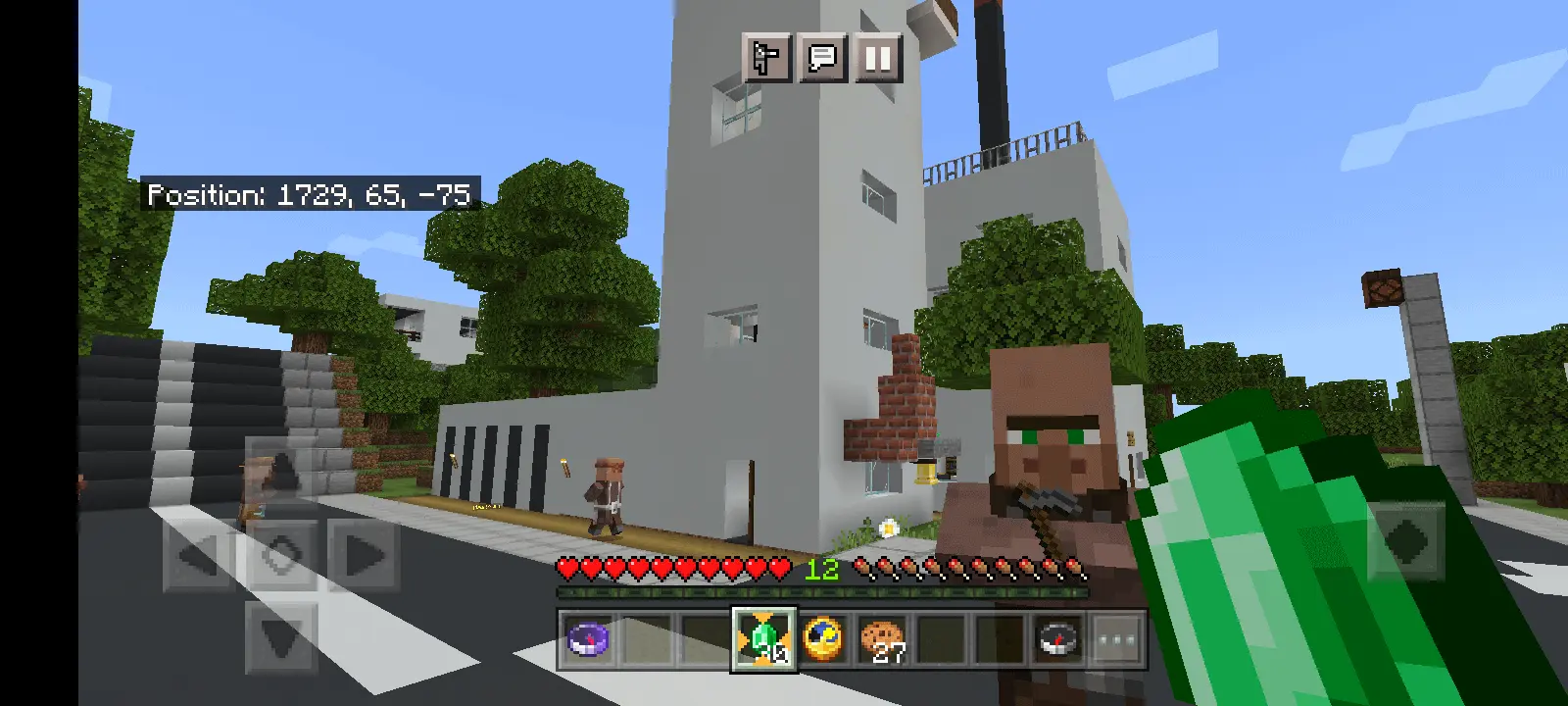
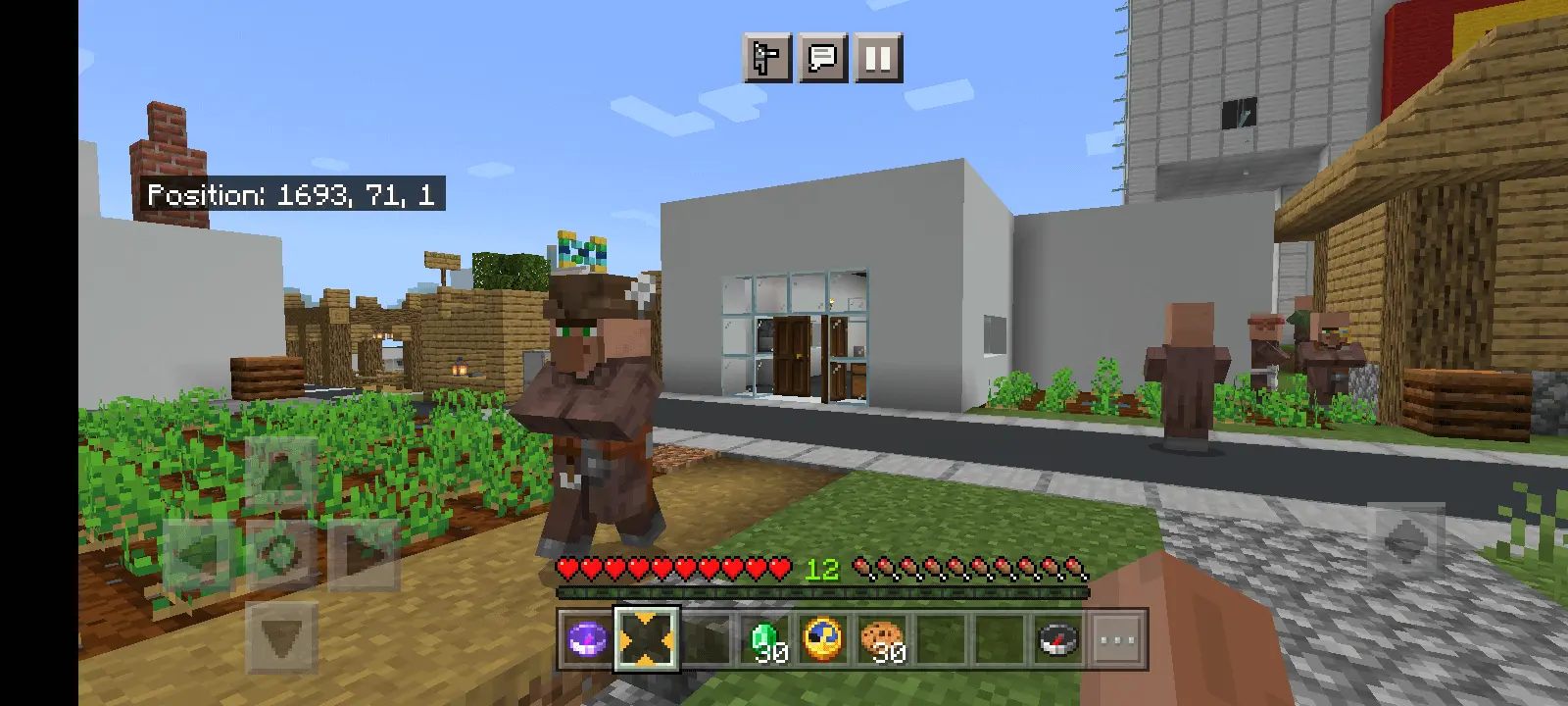
🔹 Singleplayer Spawn:
You start inside a house with a garage and some basic loot — nothing OP, but useful:
Lodestone Compass (linked)
30 Emeralds
A Clock
30 Cookies
Respawn Compass (coordinates set)
🔹 Multiplayer / LAN Spawn:
You’ll spawn with no local items, and have to find your way. More chaotic. More fun.
It’s a weird little survival/horror map with some surprises. Perfect if you want something slightly cursed and unpredictable.
There’s a village to explore, and the map’s unsettling side comes from the creatures you encounter along the way. They can climb hills and get through an open gate, so leaving your home unsecured may lead to an unpleasant surprise when you return. The map also warns you not to sleep in their house, which is the sort of advice that raises more questions than it answers. You can follow it, of course. Or you can decide that curiosity is more important and see what happens for yourself. Either way, keep an eye on the buildings around you and remember that a closed door might be worth the extra second.
If you play in multiplayer or over LAN, the start is a little different: you won’t receive the same local items given to a single-player character. That means you and your friends will have to find your bearings without that initial collection of supplies. Explore together, pick a place to meet, and try not to leave someone outside while the others are shutting the gate. Having another player around could make the odd moments even better, especially when one of you discovers something unexpected and has to convince everyone else to come take a look.
The map leaves room for you to make your own fun as you explore. You might spend your first session checking out the village, then come back later with a plan to make a house your own. The emeralds, clock, and compasses give the single-player start a few interesting touches, while the creatures outside give you a reason to pay attention to more than the scenery. Take your time, see what you can find, and remember to check the gate before heading off. It’s a small detail that could save you some trouble—or at least make it easier to work out how your unwanted visitor got inside.
How to install?
Android: you need to find the downloaded file on your phone, use any file manager for this and import the map into the game by opening it.
IOS: after receiving the map, the device itself will offer to install it.
Windows 10: go to the folder where the files are downloaded, find mcworld there and activate it.
Comments (0)