Panorama: Item Rush Map
- 14-07-2025, 09:11
- 745
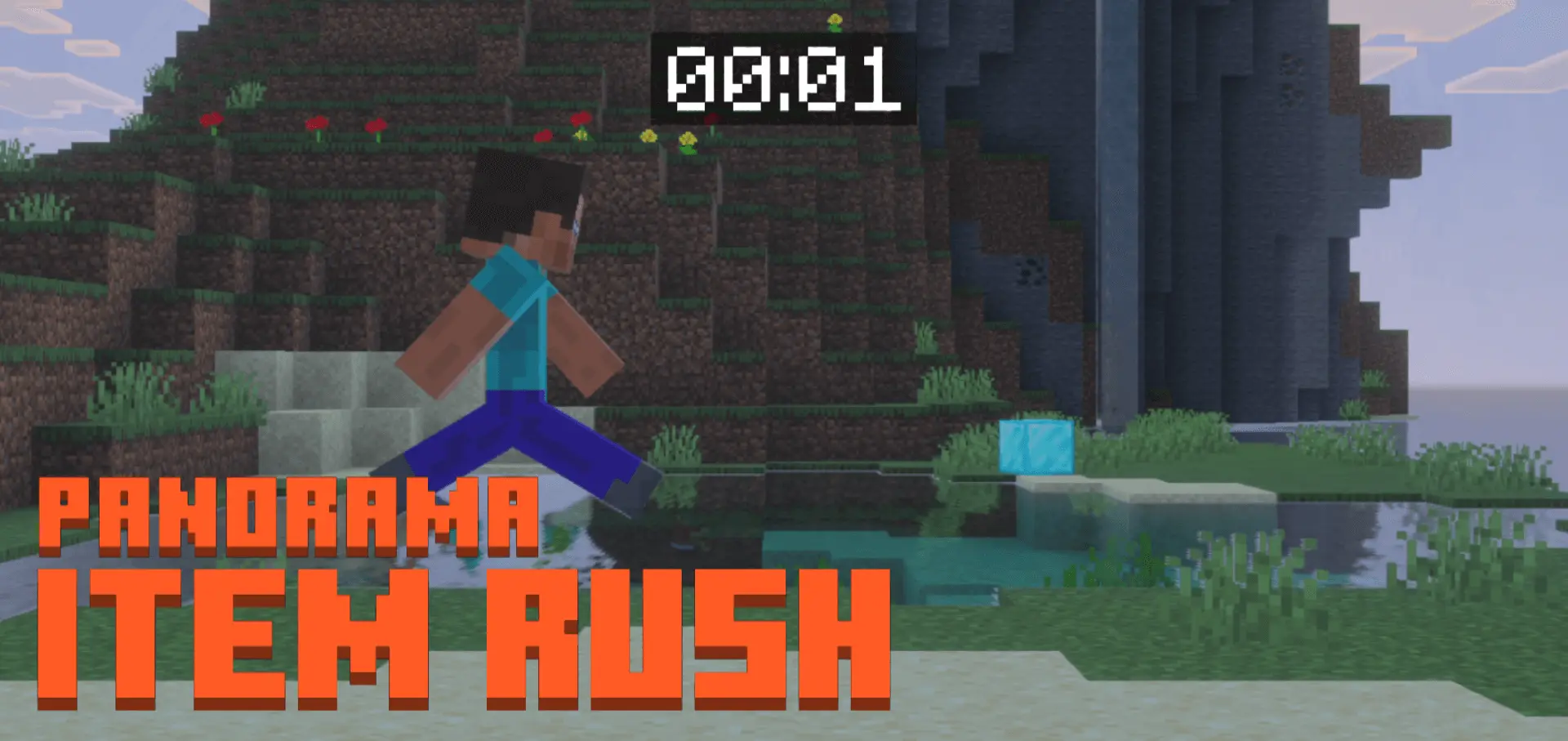
Panorama: Item Rush (Bedrock Map)
Saw this map and gave it a try — it’s actually fun if you’re into quick thinking. You run around, grab specific items, and the faster you finish, the better. Some levels are easy, others kinda mess with your head.
Good for solo runs or racing your friends.
Details:
Puzzle map for Minecraft Bedrock / MCPE
Grab the right items, unlock next room
Fast gameplay, short levels
Works on mobile, Xbox, and Windows
If you’re bored of survival and want something fast-paced, Panorama: Item Rush is worth checking out.
Search terms: Minecraft Bedrock puzzle map, item collection challenge, MCPE minigame map.
📥 Download and try to beat your best time.
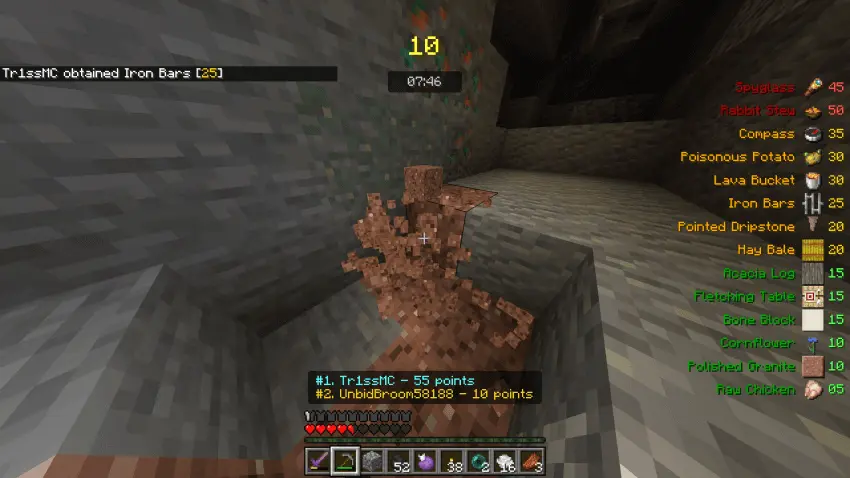
The clock is ticking, your inventory is a mess, and your friend just found the item you were hoping to grab. Panorama: Item Rush turns a Minecraft Bedrock scavenger hunt into a race where every detour costs precious time.
The goal sounds straightforward: collect items from a generated list and earn more points than the competition before the round ends. Actually pulling it off is another story. A promising cave might contain exactly what you need, but heading underground also means giving up time you could spend searching the surface. Spot a useful biome in the distance and you have another decision to make: make a run for it or stick with the resources already nearby? The list changes between games, so memorizing one perfect route won’t carry you through every match. Instead, you have to look at your surroundings, read the objectives, and figure out which opportunities are worth chasing. If you’ve ever enjoyed Minecraft Bingo but wished the race had a scoring system, this minigame will feel right at home.
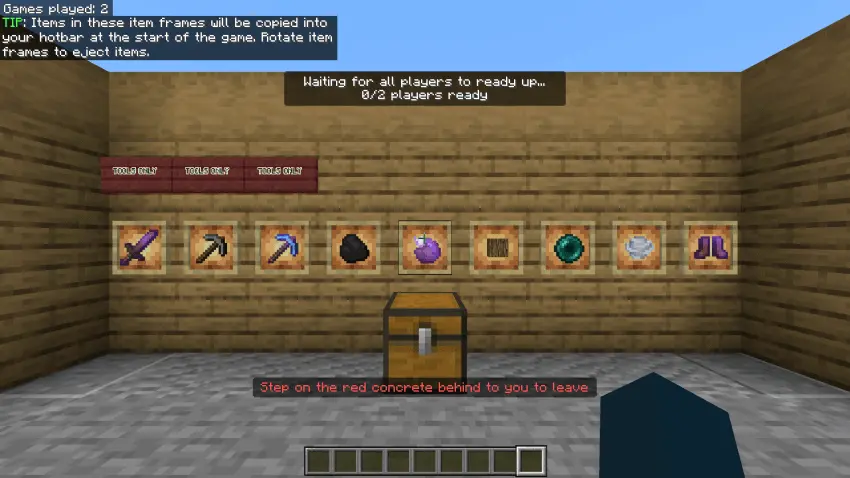
There’s room for different approaches, too. One player might rush into a cave and gamble on a rare find, while another covers ground quickly, gathering whatever the landscape offers. Neither plan is automatically better; the items on the list and the terrain around you can make all the difference. Before a round, players can choose from special starting items in the lobby, giving them a chance to prepare for the kind of search they have in mind. Once the game begins, though, it’s up to you to make that choice count. Don’t spend half the round staring at a crafting screen because you forgot what you came for. Check your list, keep your bearings, and think about how much time a risky trip might take. If a cave looks dangerous and you’re carrying useful finds, charging deeper just because you’ve already come that far could be a rough call. Sometimes the smart play is turning around and moving on.
Panorama works especially well when you have friends who can’t resist a little competition. Up to 16 players can join the hunt, and there’s plenty of room for those last-second moments when someone spots a useful resource just as the timer is running down. You can also play solo and treat each round as a personal challenge: try a different route, work on quicker decisions, or see how much you can collect without getting distracted by every cave entrance along the way. The settings offer different round lengths, including 10, 15, and 20 minutes, so a match can fit a quick break or give everyone more time to explore. Setup is a little different from importing a ready-made world: the download is an add-on used when creating a world, so activate its resource pack and enable shared packs before inviting friends. Once everyone is ready, the real question is simple: do you chase the tricky find, or grab what’s close and hope it’s enough?
How to install?
Android: you need to find the downloaded file on your phone, use any file manager for this and import the map into the game by opening it.
IOS: after receiving the map, the device itself will offer to install it.
Windows 10: go to the folder where the files are downloaded, find mcworld there and activate it.
Comments (0)