Memory Guess: What did you see? Map
- 15-06-2025, 10:32
- 521
Memory Guess: What did you see? A very interesting puzzle card game where you will need to solve various puzzles. You had a few seconds to study the build, and now it’s gone. Memory Guess: What Did You See? is about to find out whether you actually noticed the details or just thought you did.
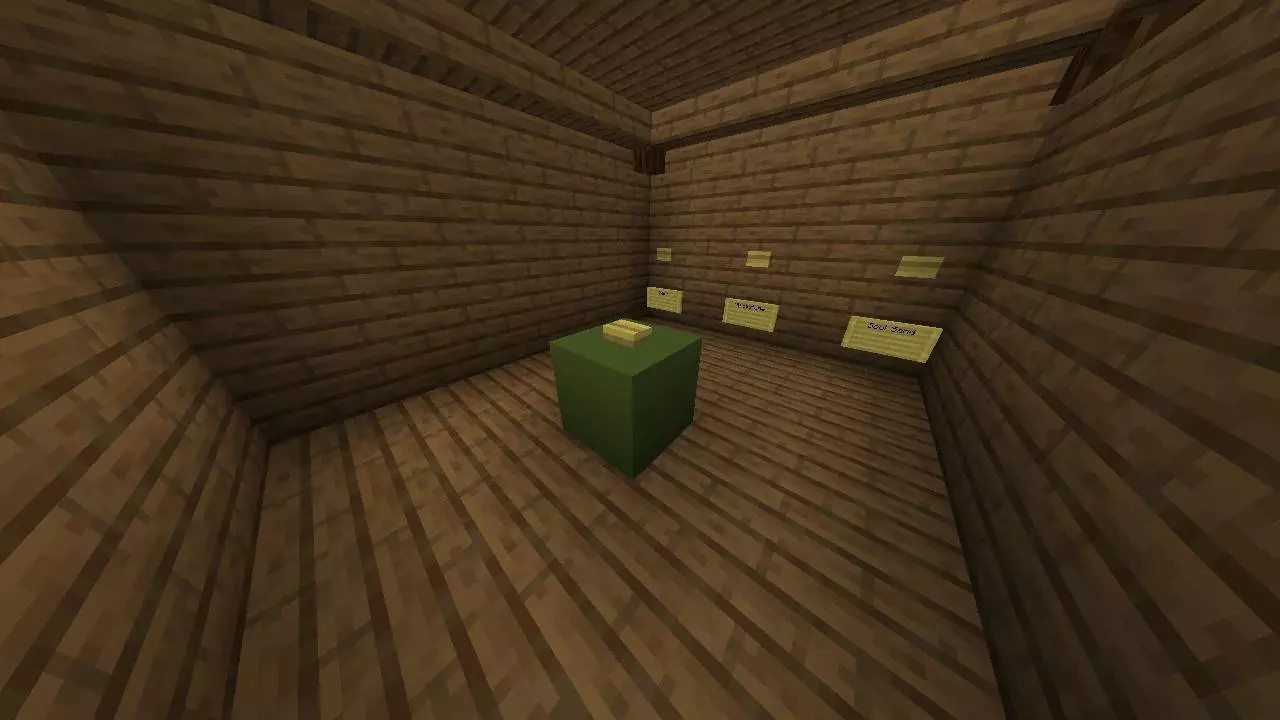
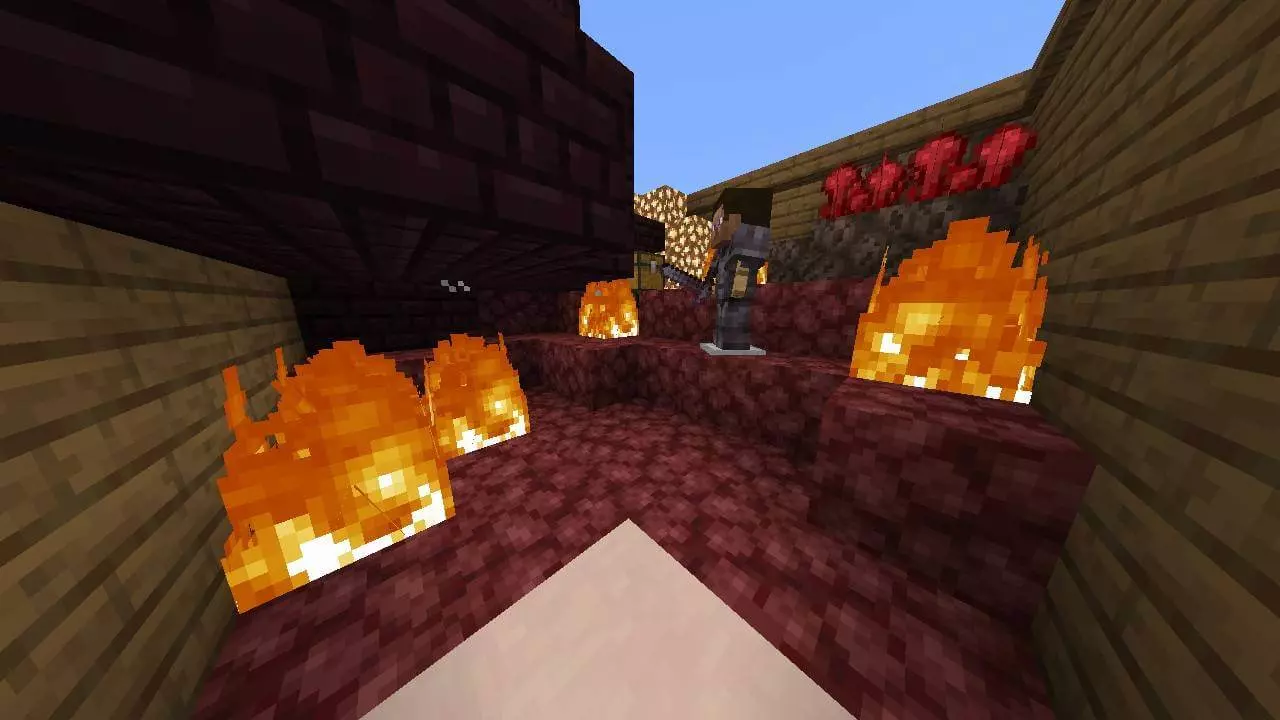
This Minecraft Bedrock map puts your observation skills to work with a simple challenge: look at a build, remember as much as you can, and answer questions after it disappears. The viewing time is short, so there’s no leisurely walk around while you admire the scenery. You need to decide what deserves your attention and hold onto those details when the questions begin. That sounds manageable until you’re staring at an answer and realize you spent all your time looking at one part of the build. Was there something you missed on the other side? Did you really see what you think you saw? Each level gives you another chance to put your memory to the test, and a confident first impression can turn into a very uncertain guess.
The trick is to make those few seconds count. Instead of trying to memorize everything at once, scan the scene in a consistent order. Start with the overall shape, then look for details that stand out and note where they are in relation to each other. You might find it easier to remember a little story about what you saw than a list of unrelated blocks. If a question catches you out, use that experience on the next level: perhaps you focused on the biggest feature and ignored the smaller details around it. There’s a satisfying rhythm to figuring out what works for you, especially when a question comes up and you can picture the answer instead of making a desperate guess. And when you get one wrong, you’ll probably want another shot at proving your brain was paying attention.
Memory Guess is a fun change of pace when you want a Minecraft minigame that tests your focus instead of your sword skills. You can take your time working through the challenges on your own, or compare how well you remember each build with a friend watching alongside you. One of you might notice a tiny detail while the other remembers the whole layout—and then both of you may confidently disagree about the answer. Try keeping track of your own correct answers or challenge each other to explain what you remember before moving on. The map’s quick glimpses make even an ordinary-looking build feel like a puzzle once it disappears. So take a breath, look closely, and trust your memory. Just be prepared for the moment you realize the detail you ignored was the one the map wanted all along.
How to install?
Android: you need to find the downloaded file on your phone, use any file manager for this and import the map into the game by opening it.
IOS: after receiving the map, the device itself will offer to install it.
Windows 10: go to the folder where the files are downloaded, find mcworld there and activate it.
Comments (0)