Find the Button 4: Journey Map
- 24-09-2025, 09:52
- 900
Find the Button 4: Journey Map — a Find the Button run that feels like replaying Minecraft’s main journey in puzzle form. Instead of speedrunning gear and bosses, you’re reading spaces the way a veteran reads biomes: colors, shadows, odd block choices, tiny gaps that don’t belong. Each stage nods to a milestone on the road to the End, so the hunt carries that “keep moving forward� energy you get in a fresh survival world, just focused into clean, self-contained rooms.
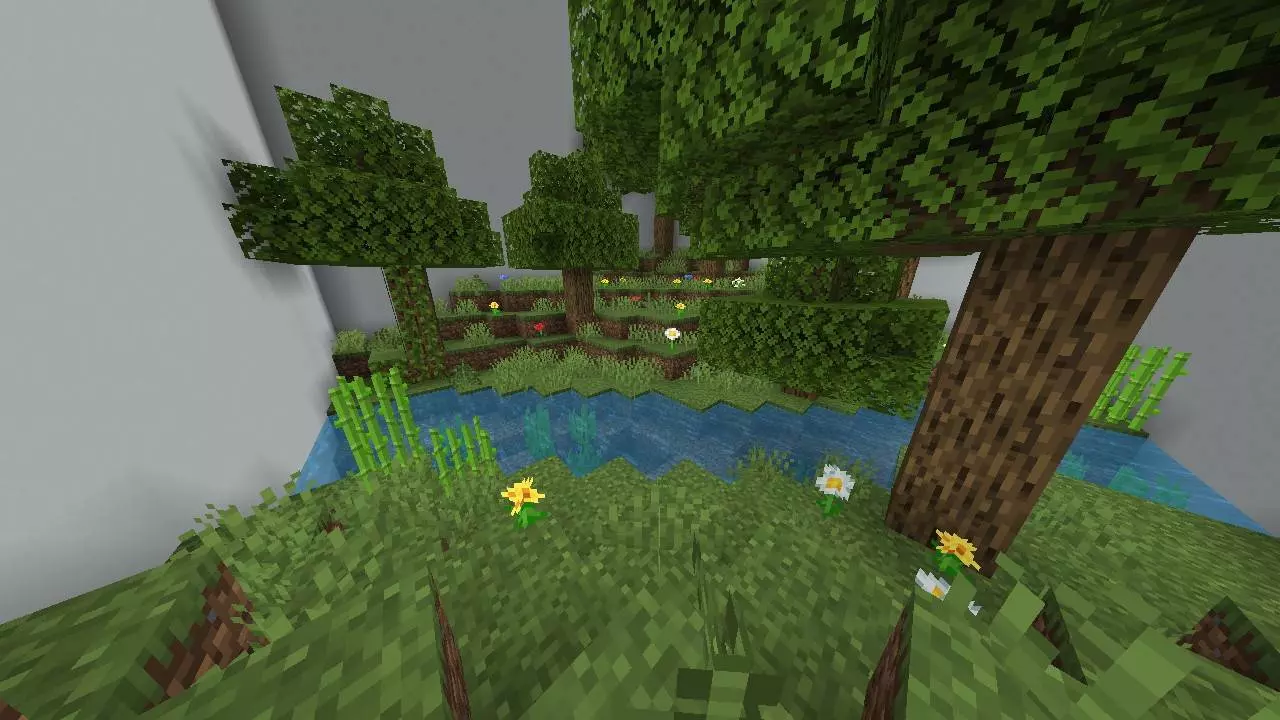
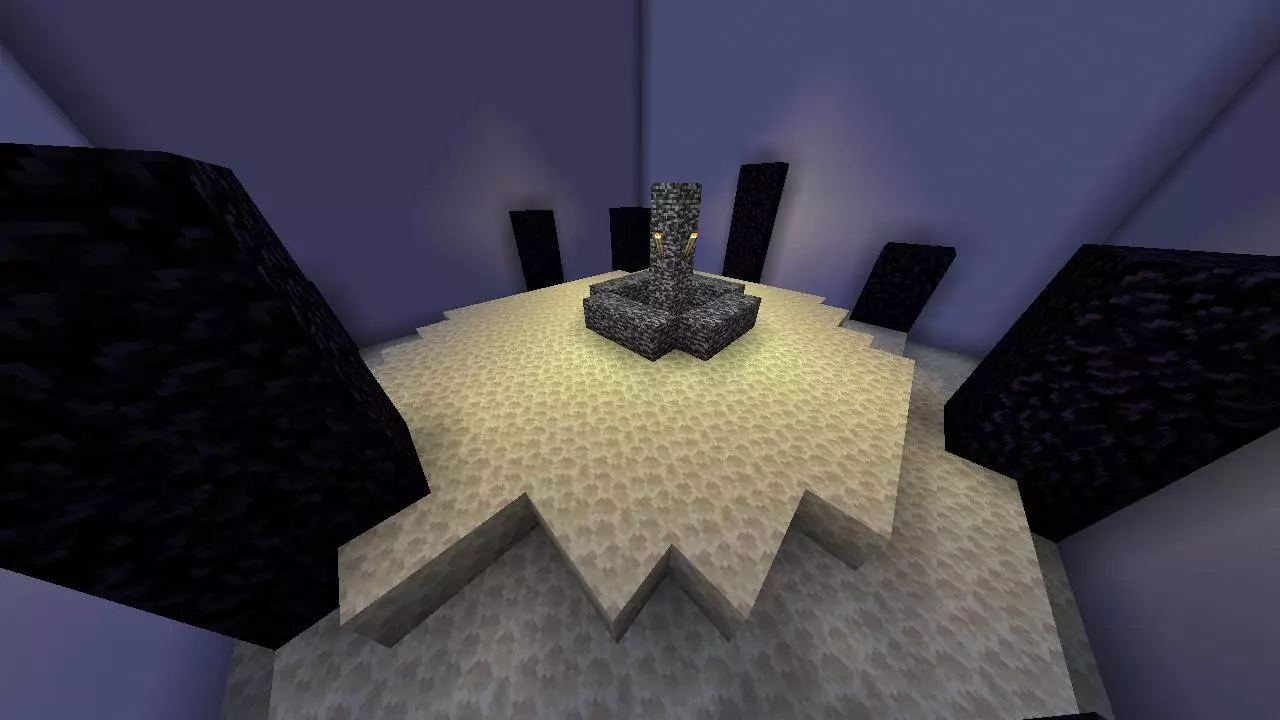
Early areas lean Overworld: natural shapes, simple structures, and those sneaky angles where wood, stone, or foliage can hide a switch. Caves and mine-style builds force you to slow down and check ledges or the underside of stairs before you rush the exit. When the theme shifts to Nether, the palette spikes and your eyes have to work harder—busy textures, hard contrast, fortress-like corridors where a button can blend into trim you’d normally ignore. The End-flavored spaces flip the brain again with stark lines, obsidian, and open views that make you second-guess what’s just decoration and what’s the path.
The weirdest thing happened while I was checking out some Minecraft Bedrock content near my base. I noticed a small wooden building across the river and couldn't remember putting it there. I crossed over, opened the door, and found a crafting table, two furnaces, and a chest full of completely random supplies. Apparently, I'd built the place during an old survival trip and forgotten about it. I ended up using the little cabin for the rest of my session instead of heading back to my main house. It was nice having somewhere different to hang out, especially with a few new things I wanted to experiment with. That's what I enjoy about Minecraft worlds that have been around for a while. They're full of little surprises from your own adventures. The cabin even had a sign outside saying TEMPORARY BASE. Well, it's been there for six months, so I think we've passed that stage.
You ever download something for Minecraft, open the game, and immediately realize you've got absolutely no clue what you're supposed to do first? I've definitely been there. Some Bedrock addons are pretty easy to figure out, while others have enough unfamiliar stuff to make you stare at the inventory for a minute.
Playing is straightforward: load the world in Minecraft Bedrock, enter the room, and press the right button to unlock the next leg of the journey. Run it solo for a focused puzzle flow, or bring a friend and trade quick “found it� victories as you push deeper. If you get stuck, pull the camera back, trace edges, and re-scan anything that breaks the room’s symmetry—this map rewards patience more than brute force. For players who’ve beaten vanilla and want that same start-to-finish arc distilled into sharp, readable challenges, Find the Button 4: Journey Map hits the spot on Minecraft Bedrock with a clean theme, fair tells, and steady difficulty that keeps you locked in.
How to install?
Android: you need to find the downloaded file on your phone, use any file manager for this and import the map into the game by opening it.
IOS: after receiving the map, the device itself will offer to install it.
Windows 10: go to the folder where the files are downloaded, find mcworld there and activate it.
Comments (0)