Survival Savanna House #64 Map
- 13-01-2026, 03:57
- 1 251
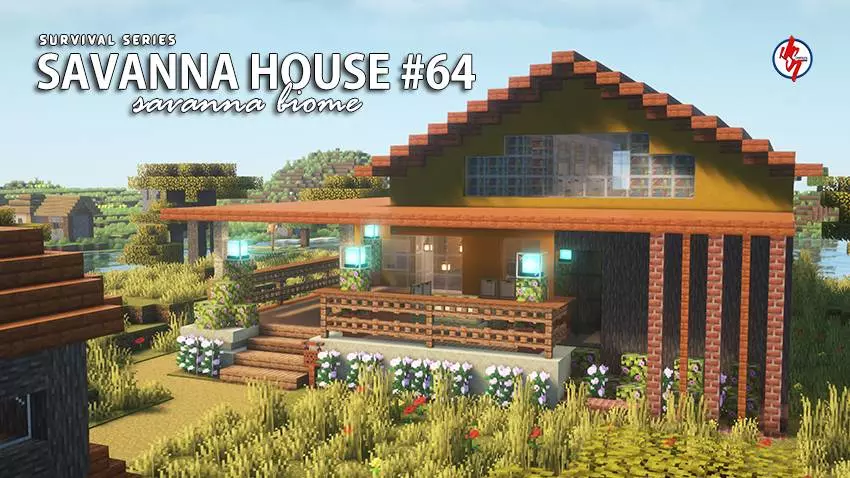
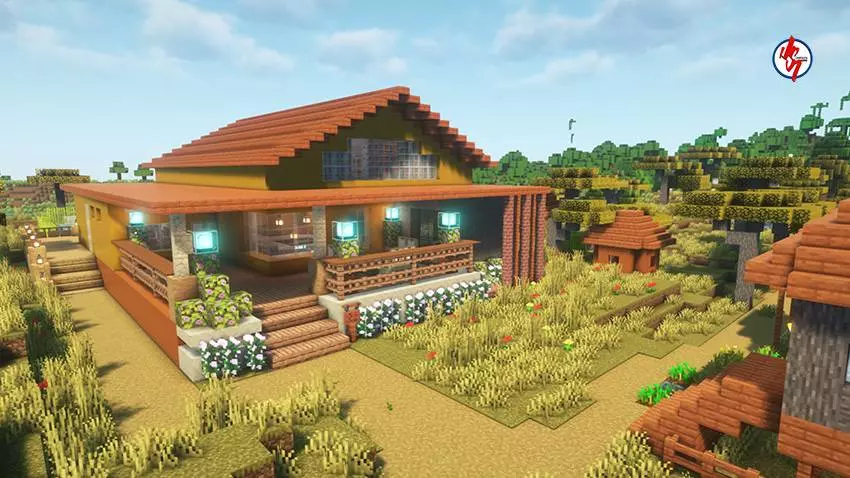
Survival Savanna House #64 (Map) — warm skies, acacia wood, and a base that actually plays well in Minecraft Bedrock
This one feels like a real home dropped into the savanna. Survival Savanna House #64 is the next entry in the series, built for day-one survival but polished enough to carry you deep into midgame. You spawn to that dry breeze, tall grass swaying, and an acacia build that matches the biome instead of fighting it—warm timber, stone footing, and a shaded layout that keeps mobs and sun off your back.
Inside, the flow makes sense. Storage wraps the main room so you’re not sprinting laps for materials. A tidy smelter corner with smoker and blast furnace handles food and ore fast, and there’s a little enchant nook tucked behind books where you can step up to full level-30 later. The upstairs sleeps you safely away from creepers while windows watch the plains for wandering traders or pillager patrols. Outside, a fenced yard keeps animals where they belong, with crop rows hugging a small well so wheat and carrots don’t choke in the heat. Lanterns and buttons along the walls block spawns without wrecking the look, and a short path off the porch leads to a discreet Nether portal so you don’t hear it groaning all night.
What sells the Survival Savanna House #64 map is how fast you settle in. You can land, dump gear, cook dinner, and be exploring plateaus before sunset. It’s fully playable on Minecraft Bedrock across console, PC, and mobile, and it slots right alongside the rest of the series: biome-themed, survival-ready, and made for screenshots you’ll actually want to share.
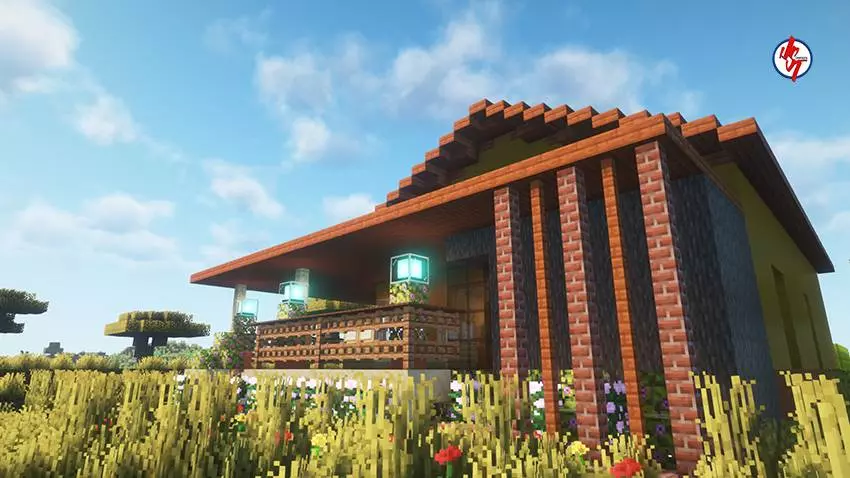
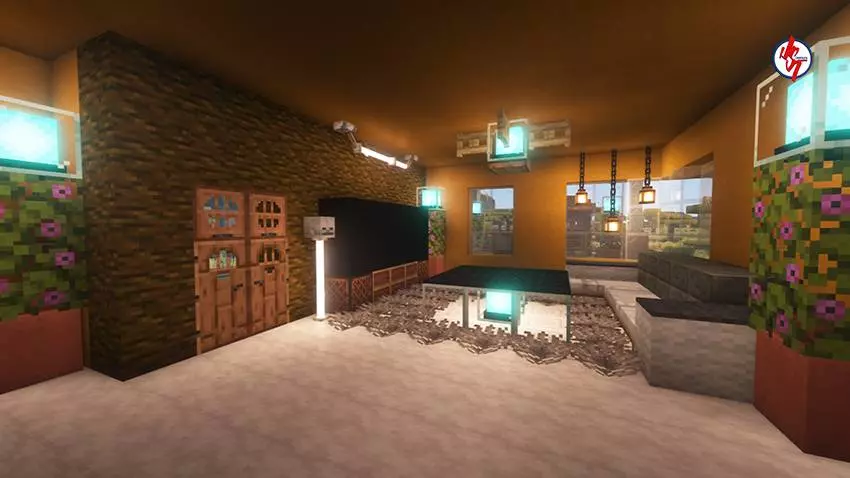
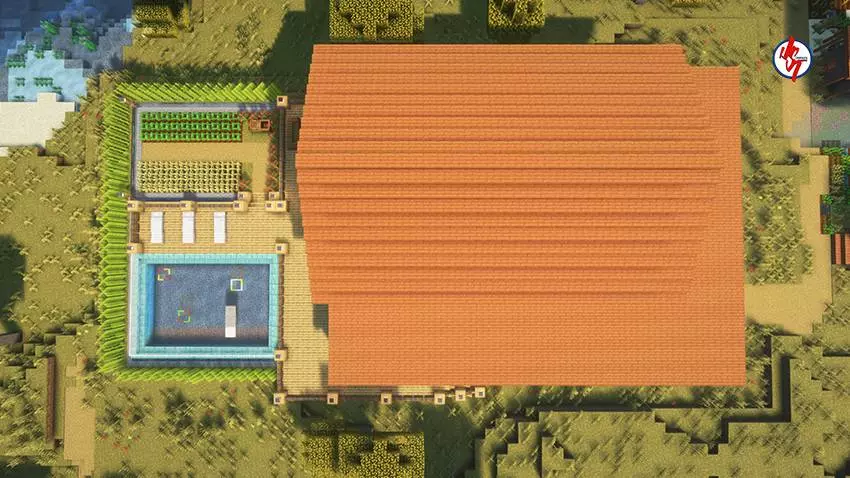
The difference between a good Minecraft screenshot and a good evening of gameplay is bigger than people think. I've seen beautiful pictures that made me want to install something immediately, only to discover that the actual experience wasn't quite what I'd imagined. I've also downloaded things with fairly ordinary previews and ended up spending hours enjoying them. That's why I like seeing more than one image when I'm browsing Minecraft Bedrock content. A wider view helps me understand the surroundings, while closer pictures can reveal details I'd otherwise miss. When I finally load everything into the game, I can move around and examine things without being stuck with somebody else's camera angle. Sometimes I find a better view than the one shown on the page. Other times, I realize something looks nicer in the preview. Neither outcome surprises me anymore. I just prefer knowing what I'm getting before making plans around it.
How to install?
Android: you need to find the downloaded file on your phone, use any file manager for this and import the map into the game by opening it.
IOS: after receiving the map, the device itself will offer to install it.
Windows 10: go to the folder where the files are downloaded, find mcworld there and activate it.
Comments (0)