Twenty-Story Building Map
- 15-07-2025, 12:11
- 955
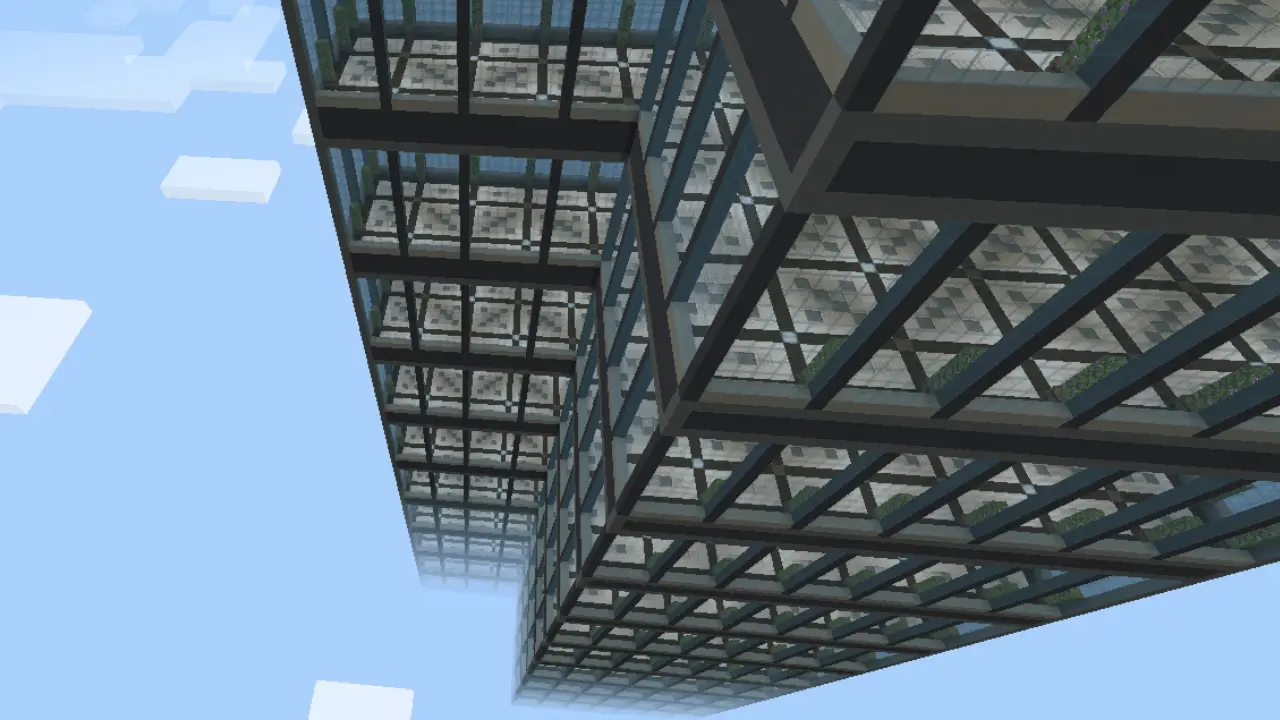
Twenty-Story Building Map – Modern Skyscraper You Can Make Your Own
This map gives you a clean 20-story skyscraper built with a modern, high-tech look. Quartz, concrete, glass — sharp lines, big windows, and that sleek futuristic vibe. Each floor is wide open and ready to be turned into whatever you want — apartments, offices, hotel rooms, labs, you name it.
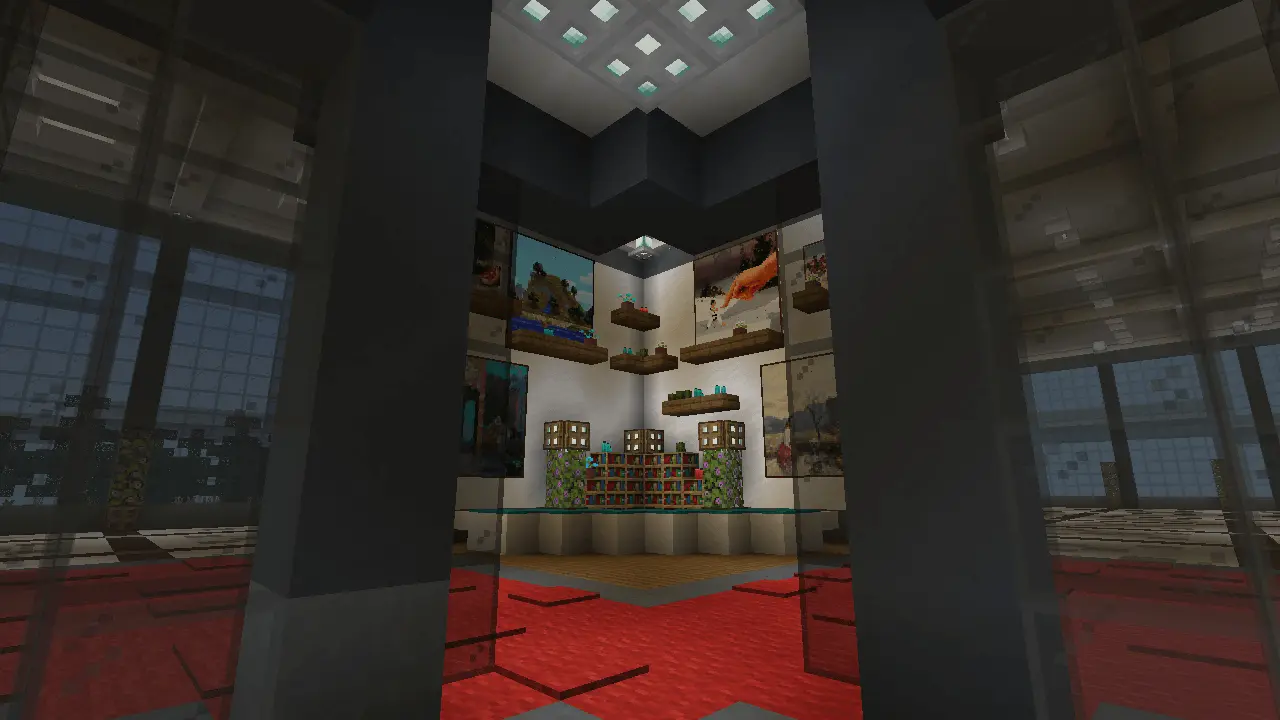
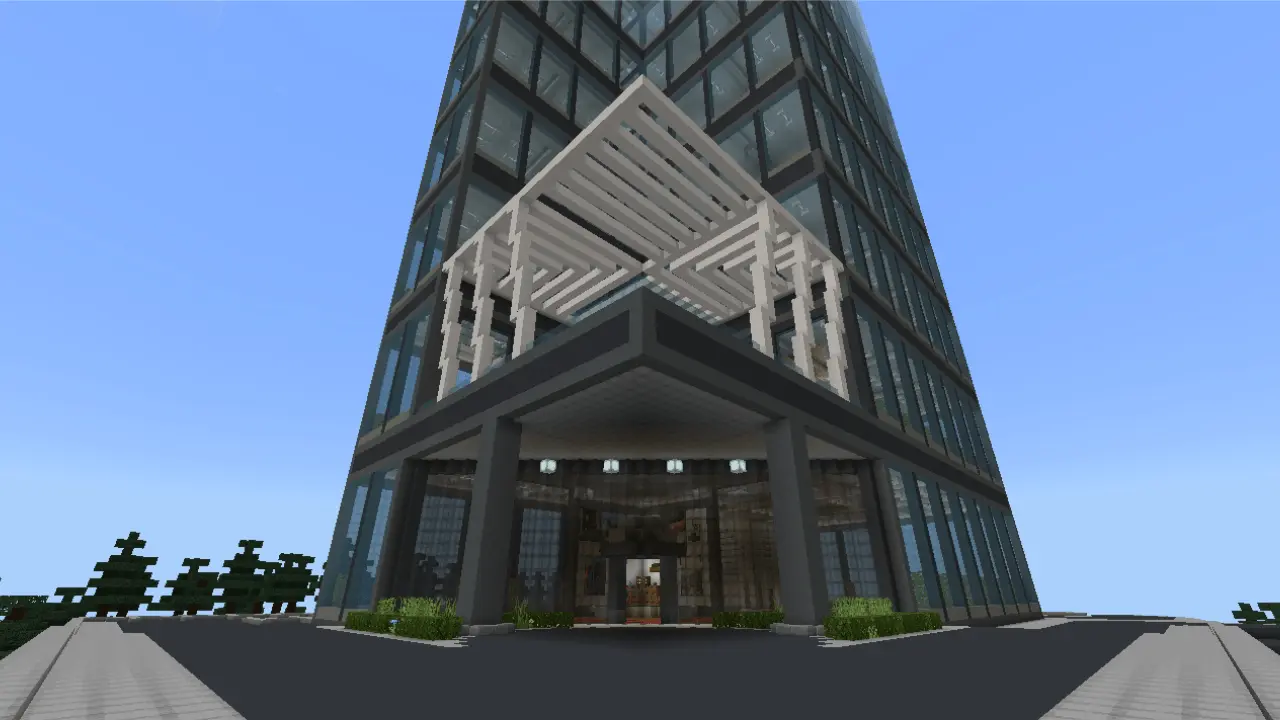
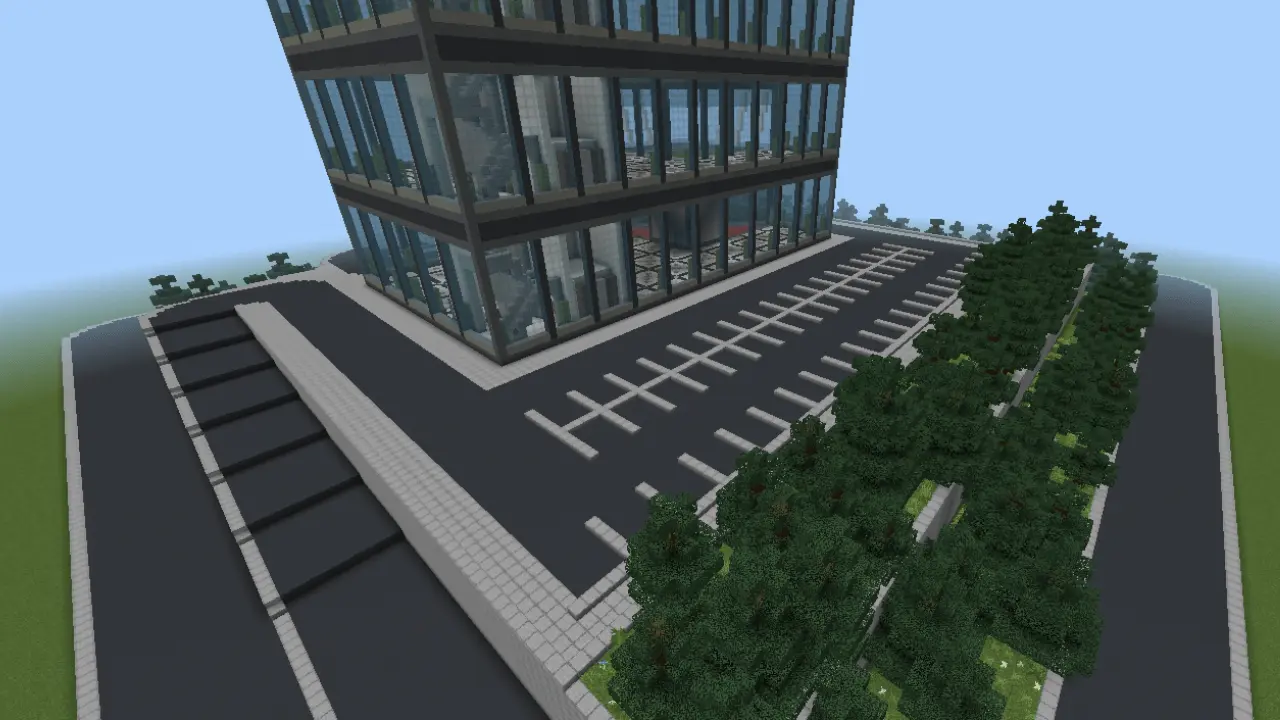
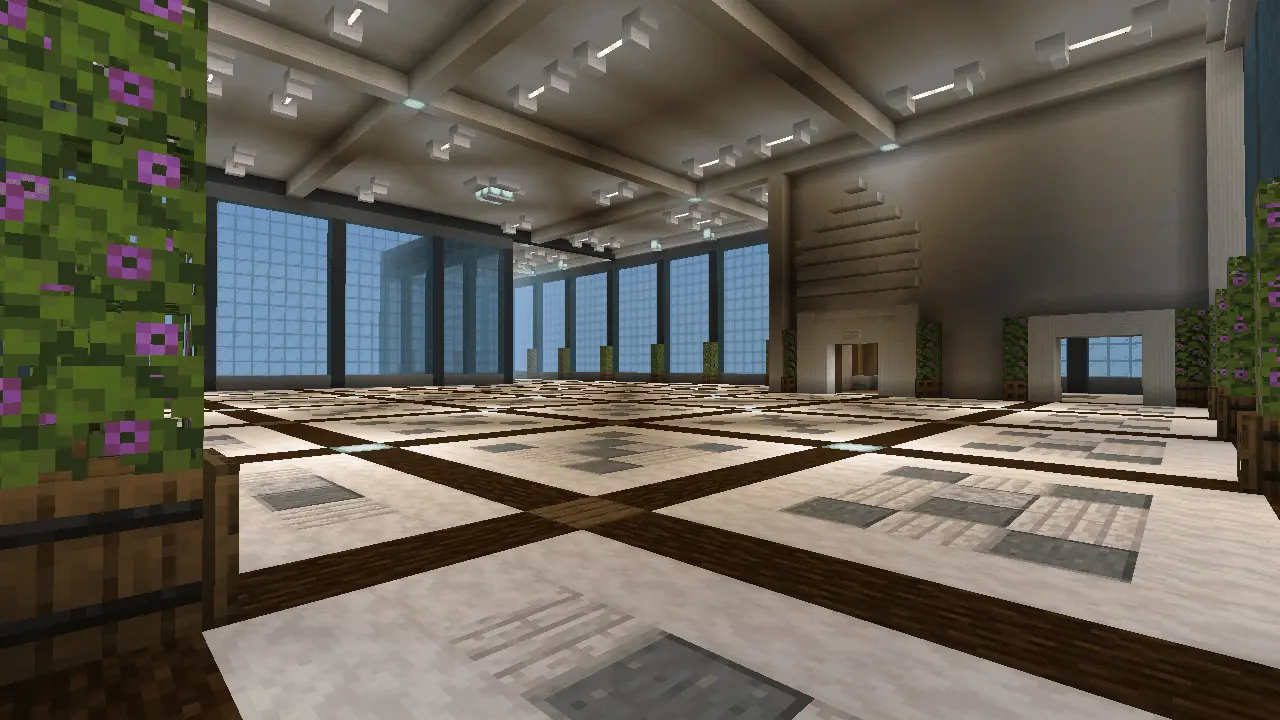
Twenty empty floors and one very important question: what are you going to put in them? Twenty-Story Building gives Minecraft Bedrock players a modern skyscraper that’s ready for a complete interior makeover.
The tower stands in a superflat world, with a ground floor, twenty spacious levels, and a parking lot outside. Its exterior combines quartz, concrete, and glass for a clean modern look, while large windows give each floor a view across the surrounding landscape. The building reaches an impressive height, so getting from the lobby to the upper levels would be quite a hike on foot. Fortunately, there’s a working elevator to help you travel between floors. It uses command blocks, so keep that in mind if you plan to make changes to the world’s settings or rebuild the mechanism. The floors themselves are empty, which gives you a lot of freedom: there’s no need to clear out someone else’s furniture before you start deciding what each level should become.
An apartment tower is an obvious place to start, but there’s enough space to get much more creative. Turn one floor into a compact studio, give another a spacious living room and kitchen, and save an upper level for a penthouse with a view. You could use different materials and colors on every floor, making each apartment feel like it belongs to a different resident. Or take the building in a completely different direction: a hotel could have a reception desk on the ground floor, guest rooms above, and a restaurant or lounge near the top. An office tower is another option, with meeting rooms, workspaces, and a break area for your imaginary employees. The large windows can shape your plans, too. Leave room near the glass for seating, put a dining area where it catches the light, or build a quiet reading corner on an upper floor.
The parking lot and flat surroundings give you a starting point for a larger project. Add roads around the tower, build neighboring shops, and gradually turn the empty landscape into a city. If you play with friends, give everyone a floor and see how differently they furnish the same space. One player might make a polished office while another builds a colorful apartment or an indoor garden. The elevator makes it easier to visit each other’s work without climbing all the way up after every change. You can also use the map as a place to practice interior design: pick one level, finish it, and try a completely different style on the next. Import the world file, open it from your worlds list, and take a ride to the top before you begin. The outside is already in place; filling those twenty floors with ideas is where your project starts.
There’s a working elevator using command blocks, so getting between floors is fast and smooth. The ground level has a parking lot, perfect if you’re using vehicle mods with your friends.
No clutter, no filler — just a tall, modern building ready to be customized.
How to install?
Android: you need to find the downloaded file on your phone, use any file manager for this and import the map into the game by opening it.
IOS: after receiving the map, the device itself will offer to install it.
Windows 10: go to the folder where the files are downloaded, find mcworld there and activate it.
Comments (0)