Cozy Apartment Map
- 15-07-2025, 20:20
- 964
Cozy Apartment – Modern Sky-Base for Chill Survivors
High above the city, this apartment hits different. Clean quartz walls, dark oak floors, soft wool touches — it’s modern, but still cozy. Chill lighting sets the mood, and every room feels like home.
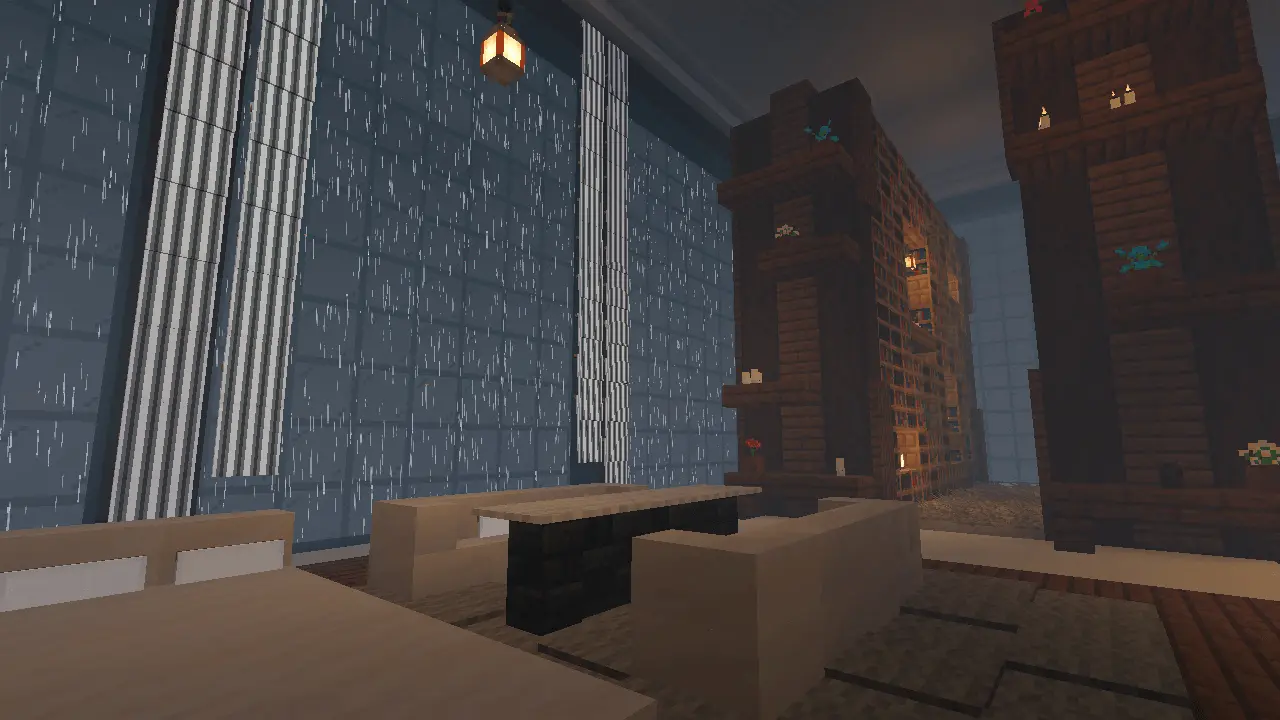
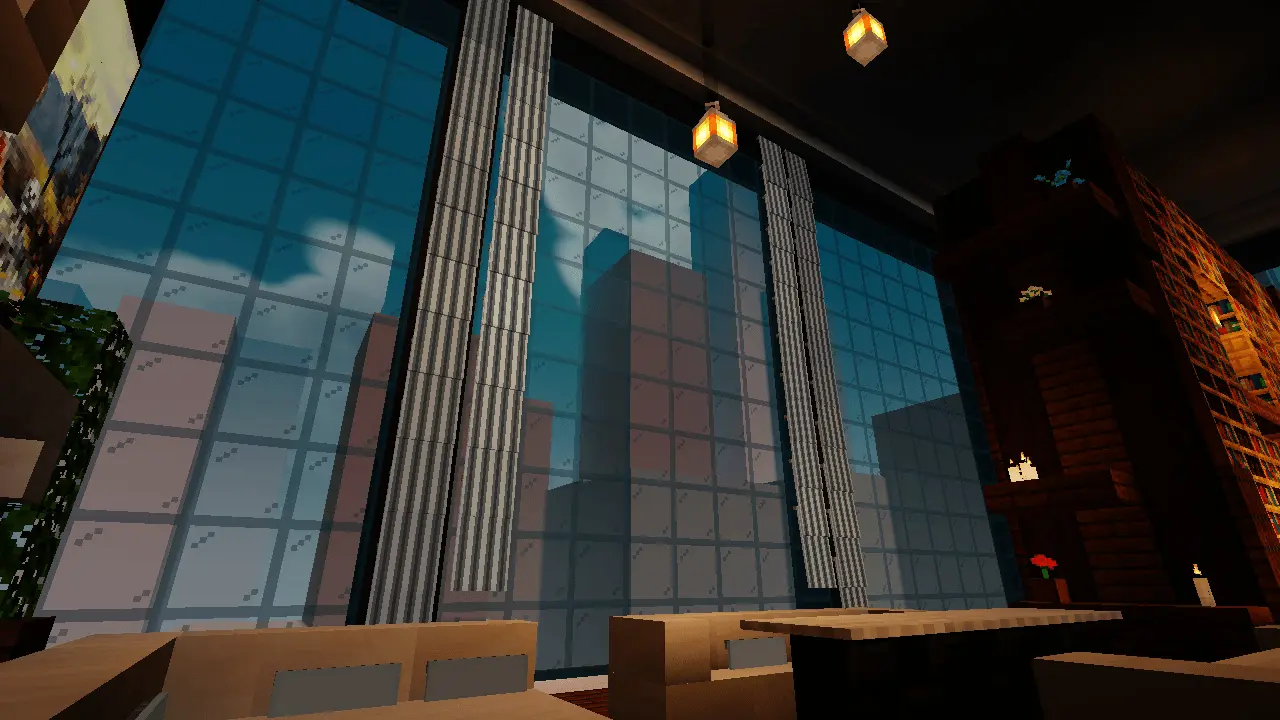
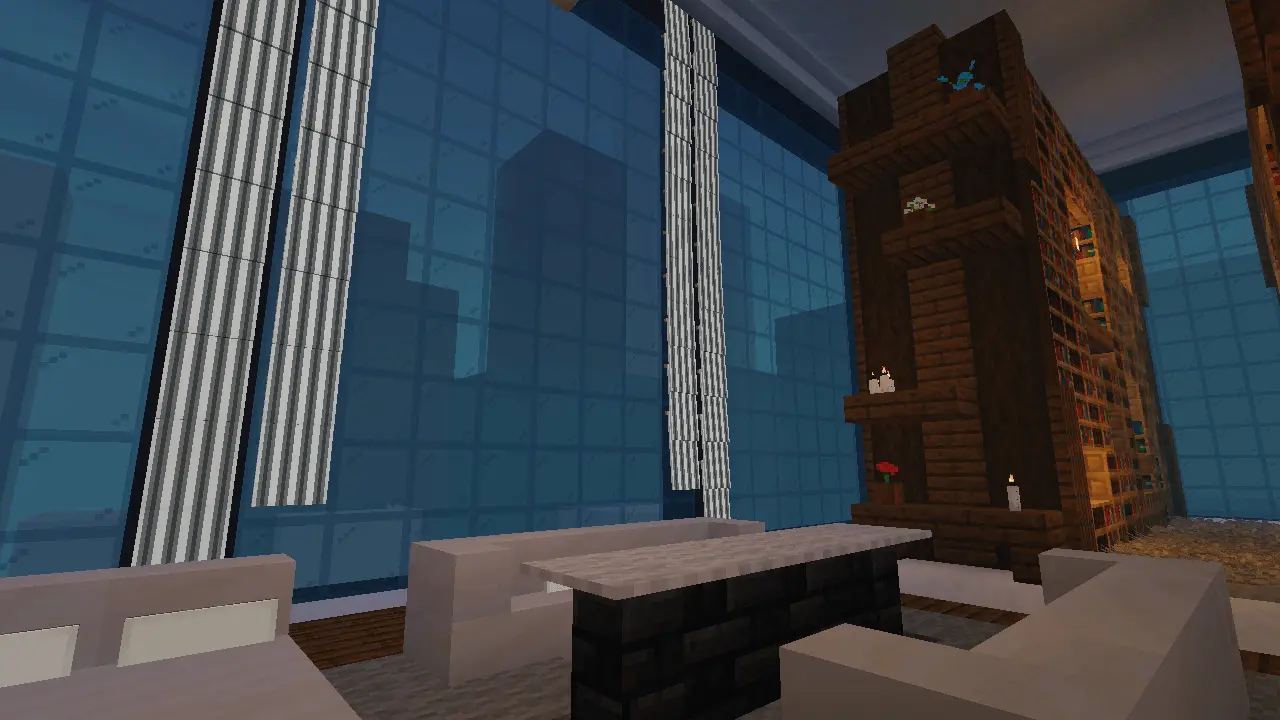
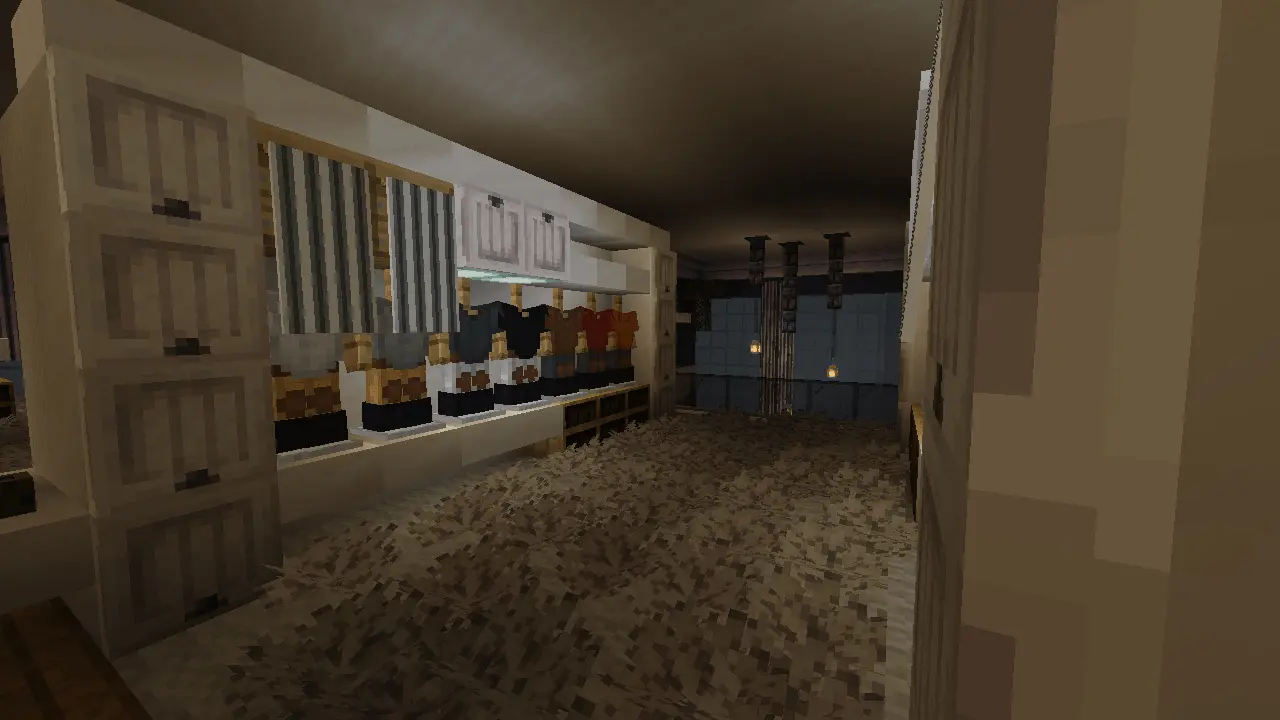
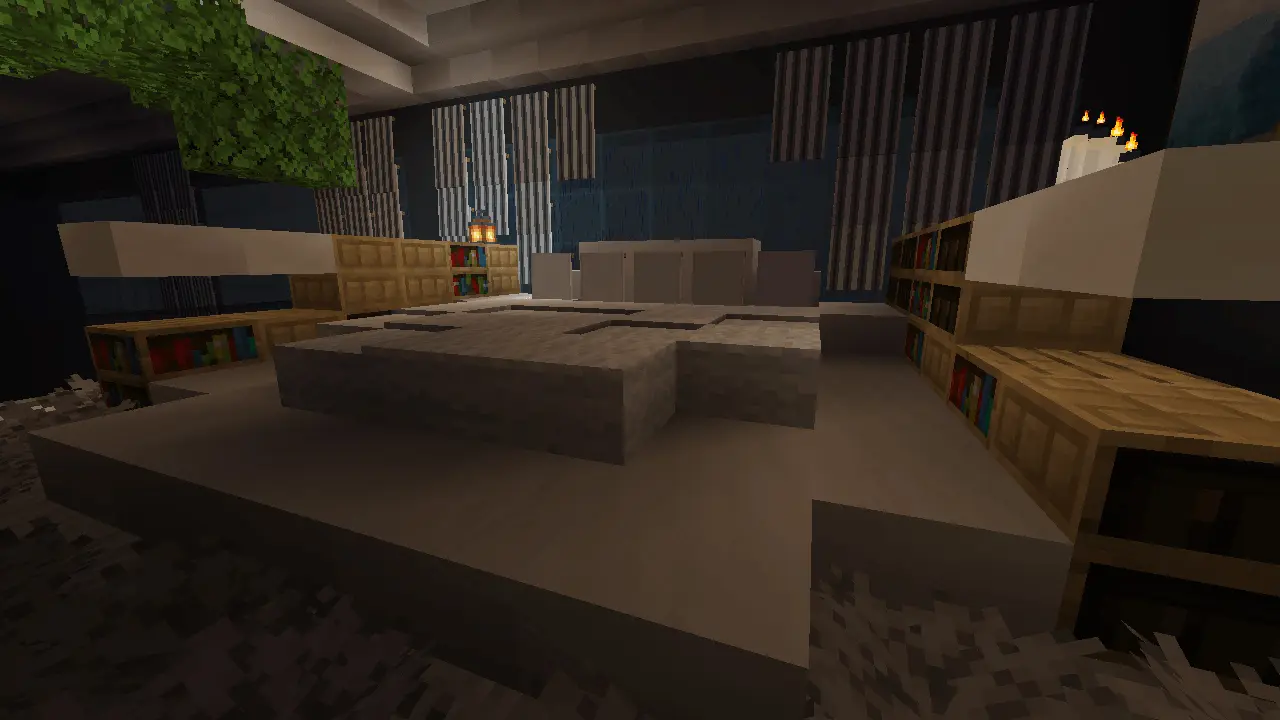
Glass walls on all sides mean nonstop views: sunrise over the skyline, sunsets lighting up towers, and the stars above the city at night. Inside? Open layout. Living room. Compact kitchen with quartz counters. Bedroom with full panoramic vibes. Plus plants, custom art, and bookshelves for that personal touch.
The city stretches out below, but up here the only thing on your schedule is finding the best window to watch the sunset. Cozy Apartment is a Minecraft Bedrock showcase built around a warm, modern interior high above the streets.
The apartment sits atop a skyscraper, surrounded by glass walls that make the skyline part of the room. Walk from one side to the other and the view changes with you: neighboring towers fill the windows, while the height gives the whole space a sense of distance from the city below. It’s worth visiting at different times of day. Morning light gives the interior a fresh, open feel; later, sunset brings warmer colors to the windows and nearby buildings. After dark, the view becomes a backdrop for the apartment’s softer lighting. There’s no need to rush through it. Pick a spot near the glass, turn up your render distance if your device can handle it, and take in the view. If you enjoy Minecraft photography, this is the kind of place where shifting the camera a few blocks can give you a completely different shot.
Inside, the open layout keeps the living space connected to the kitchen and sleeping area. Quartz gives the apartment its clean modern look, while dark oak and wool accents make it feel warmer than an empty white penthouse. The kitchen is compact, with quartz counters that fit neatly into the room, and the bedroom sits in a corner with its own wide view of the city. Lantern chandeliers and hidden lights help set the mood without filling every surface with obvious light sources. Look closer and you’ll find potted plants, bookshelves, and framed artwork adding detail around the space. There are some useful ideas here if you like building interiors of your own: notice how the materials contrast, how the lighting is tucked into the design, and how the room feels furnished without blocking the windows. You could take inspiration from a favorite corner and adapt it for a smaller house or another city build.
Cozy Apartment is primarily a showcase map, so the apartment is the area you can explore; the surrounding city is there for the view and can’t normally be visited without commands. That makes it a nice choice when you want a short, relaxed visit rather than a huge map full of objectives. Bring a friend for a quiet roleplay scene, find a background for a character screenshot, or simply wander around and study the interior. You can also try a compatible shader if your device handles one well, though the apartment’s layout and lighting are worth a look on their own. Open the downloaded world file to import the map, then select it from your worlds list. Once you’re inside, take a slow lap around the apartment and decide which view you’d want from your own Minecraft home. The skyline may be the first thing you notice, but the little details are what make the room worth staying in.
It’s not just a survival base. It’s where style meets comfort.
How to install?
Android: you need to find the downloaded file on your phone, use any file manager for this and import the map into the game by opening it.
IOS: after receiving the map, the device itself will offer to install it.
Windows 10: go to the folder where the files are downloaded, find mcworld there and activate it.
Comments (0)