Zombiepolis – A Post Apocalyptic City Map
- 11-11-2025, 06:31
- 53 680
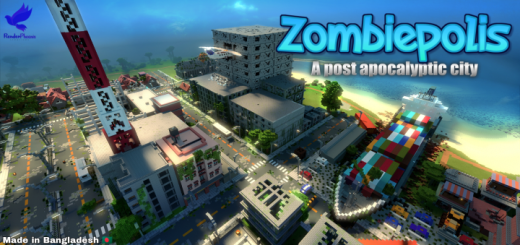
Zombiepolis - Minecraft PE Post Apocalyptic City for you. The streets are empty, the buildings are still standing, and night is getting close. Zombiepolis drops you into a ruined Minecraft city where finding a safe place to sleep feels a lot more urgent than decorating one.
Download Zombie polis map and dive into post apocalyptic survival. You will play in a world full of zombies and monsters. Can you survive in such mega difficult conditions? Download the map and check yourself. There are many buildings and structures in the city.
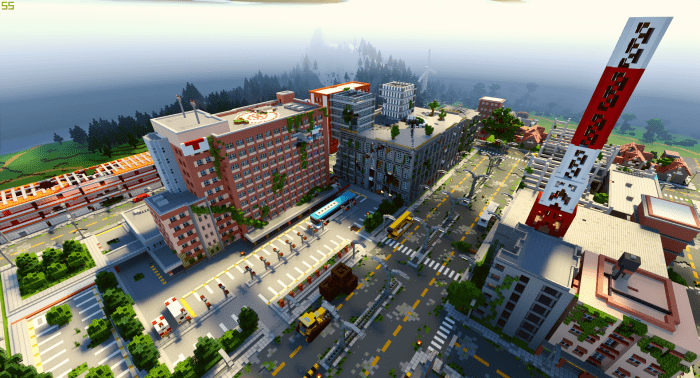
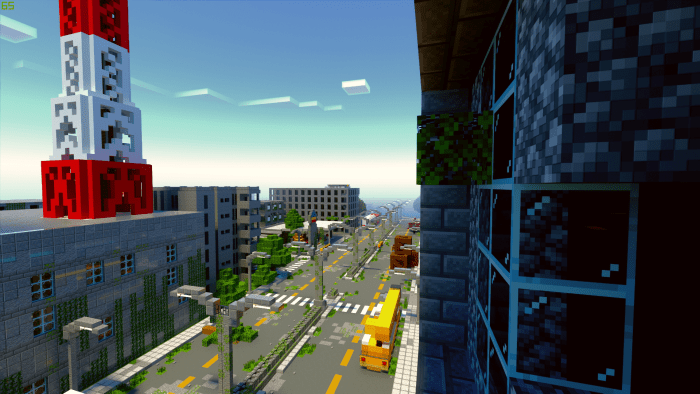
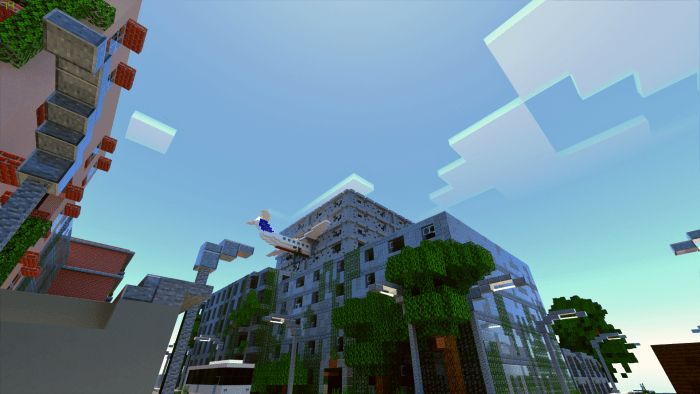
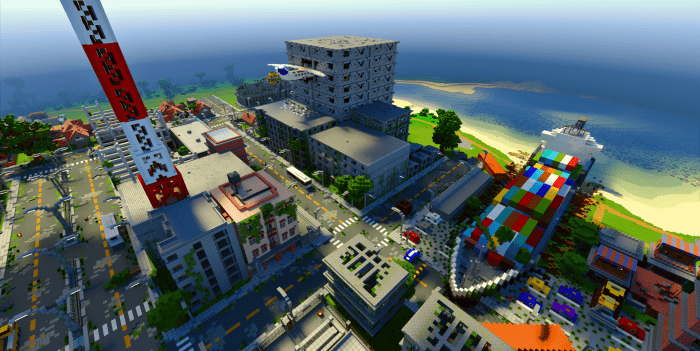
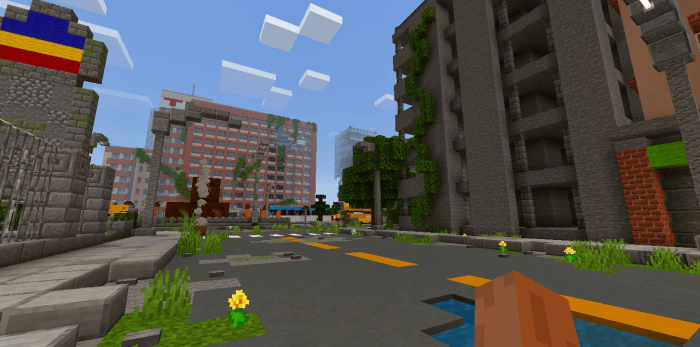
The city sits on an island surrounded by forests, mountains, plains, and beaches. Roads cut through the urban area, connecting abandoned buildings that are worth checking out if you’re willing to step inside. It’s the kind of place where you’ll probably stop at an intersection and wonder which direction to try first. Follow the road deeper into town and you might find a building that looks like a good shelter; head toward the edge of the island and the landscape opens up around you. The contrast makes Zombiepolis fun to explore. One minute you’re picking your way through a deserted street, and the next you’re looking back at the city from a quieter patch of land. There are resources to find around the map, but don’t assume you’ll have everything you need right away. Take a look around, collect what you can, and think about where you want to spend the first night.
For survival, a building with a clear way in and out can make a decent temporary base. Light the rooms you intend to use, keep food close, and make a note of the route you took when you head out again. It’s easy to lose track of your shelter when several streets and buildings are competing for your attention. The city setting also makes everyday Minecraft decisions feel different. A dark room isn’t just another patch of terrain to light up; it’s somewhere you have to enter without knowing what’s around the corner. Bring a friend and split the work: one player can watch the entrance while the other checks the building, then you can switch roles on the next stop. If you’d rather play alone, move at your own pace and turn each trip into a small expedition. Getting back with useful supplies is a win, even if you only explored one more block.
Zombiepolis works as a backdrop for more than a straightforward survival run. You and your friends can divide into rival groups, play hide-and-seek among the buildings, or make up a story about survivors trying to settle different parts of the island. You could claim a building as a shared headquarters and gradually turn the surrounding streets into a safer neighborhood. Or leave the city mostly untouched and see how long your group can last using what you find. The map provides the setting; the rules you play by are up to you. To get started, open the downloaded `.mcworld` file and let Minecraft import it, then select the world and head into the city. Before you rush down the first road, take a moment to look around. A shelter that seems close in daylight can be surprisingly hard to find when you’re being chased home in the dark.
How to install?
Android: you need to find the downloaded file on your phone, use any file manager for this and import the map into the game by opening it.
IOS: after receiving the map, the device itself will offer to install it.
Windows 10: go to the folder where the files are downloaded, find mcworld there and activate it.
Comments (5)