Everything World 2 Map
- 25-07-2026, 10:19
- 423
Creation Maps / Roller Coaster Maps
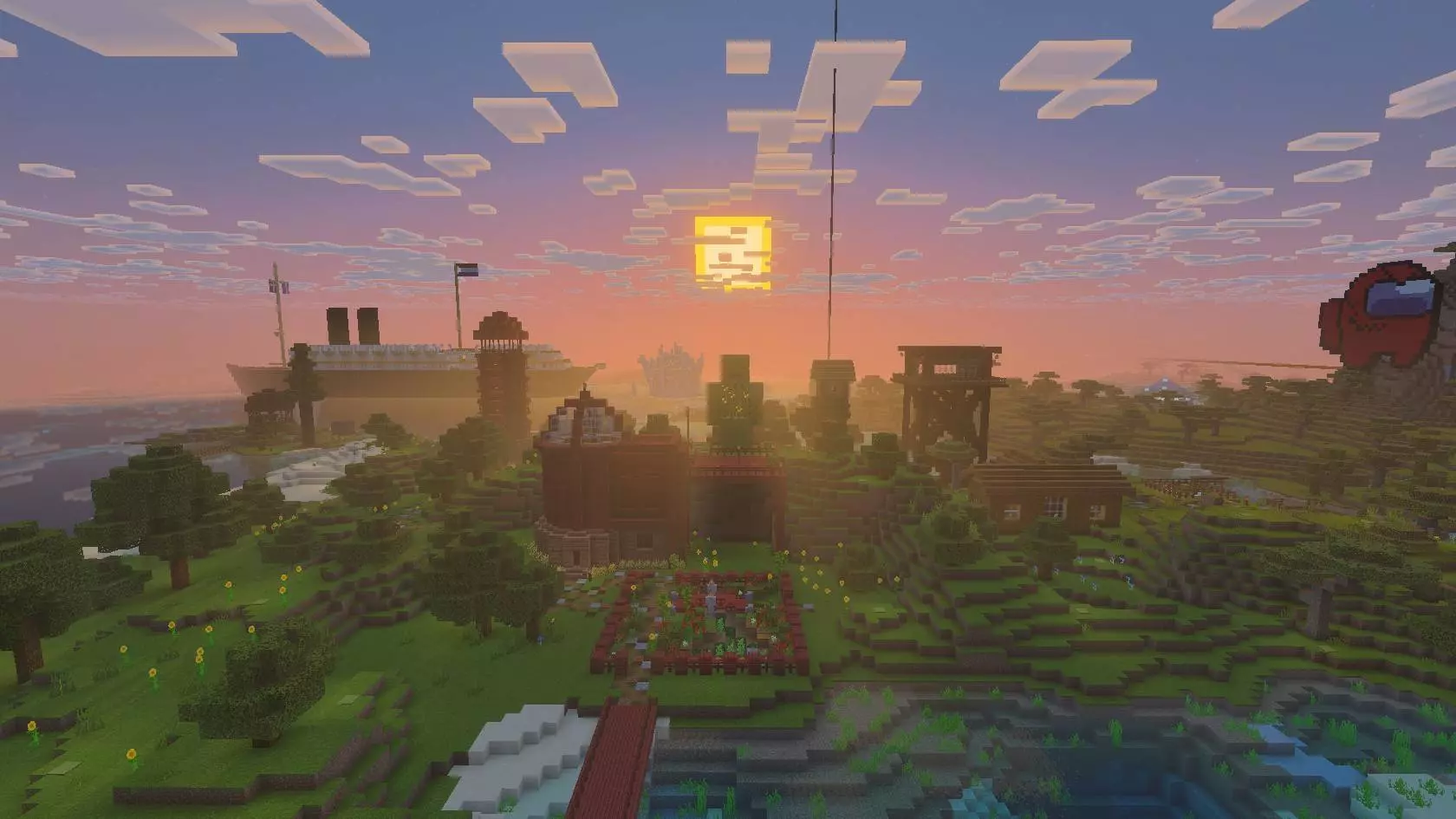
The Everything World 2 map drops you into a massive, heavily detailed multiplayer realm packed with years of insane co-op builds and hidden lore. If you want a sprawling, move-in-ready sandbox to explore or take over with your squad, this is a mandatory download.
Instead of grinding for months to build a decent server infrastructure, this Minecraft Bedrock world does the heavy lifting for you. You spawn straight into a central hub tower equipped with a clean command block teleport system, shooting you across the map instantly. From there, you can explore a retro-futuristic city, a colossal mega mall, and a scary-accurate replica of the Family Guy house interior. Want something more cinematic? Check out Deco’s massive snowy tundra mansion or an early 20th-century ocean liner that actually uses Blazes to power its engine room.
We all know how frustrating it gets when you are trying to mock up a mega-base or test a complex redstone contraption, and you waste half your gaming session just digging through terrible UI inventory tabs to find what you need. That totally kills the creative flow. The Everything World 2 Map completely eliminates that friction. Imagine loading into a pre-built showcase where the entire catalog of the game is meticulously organized, categorized, and displayed physically right in front of you. Whether you are hunting for the newest wood variants to see how they contrast with darkstone, or you just want to visualize how all the armor trims look side-by-side on armor stands, this MCPE creation map acts as your personal developer testing facility.
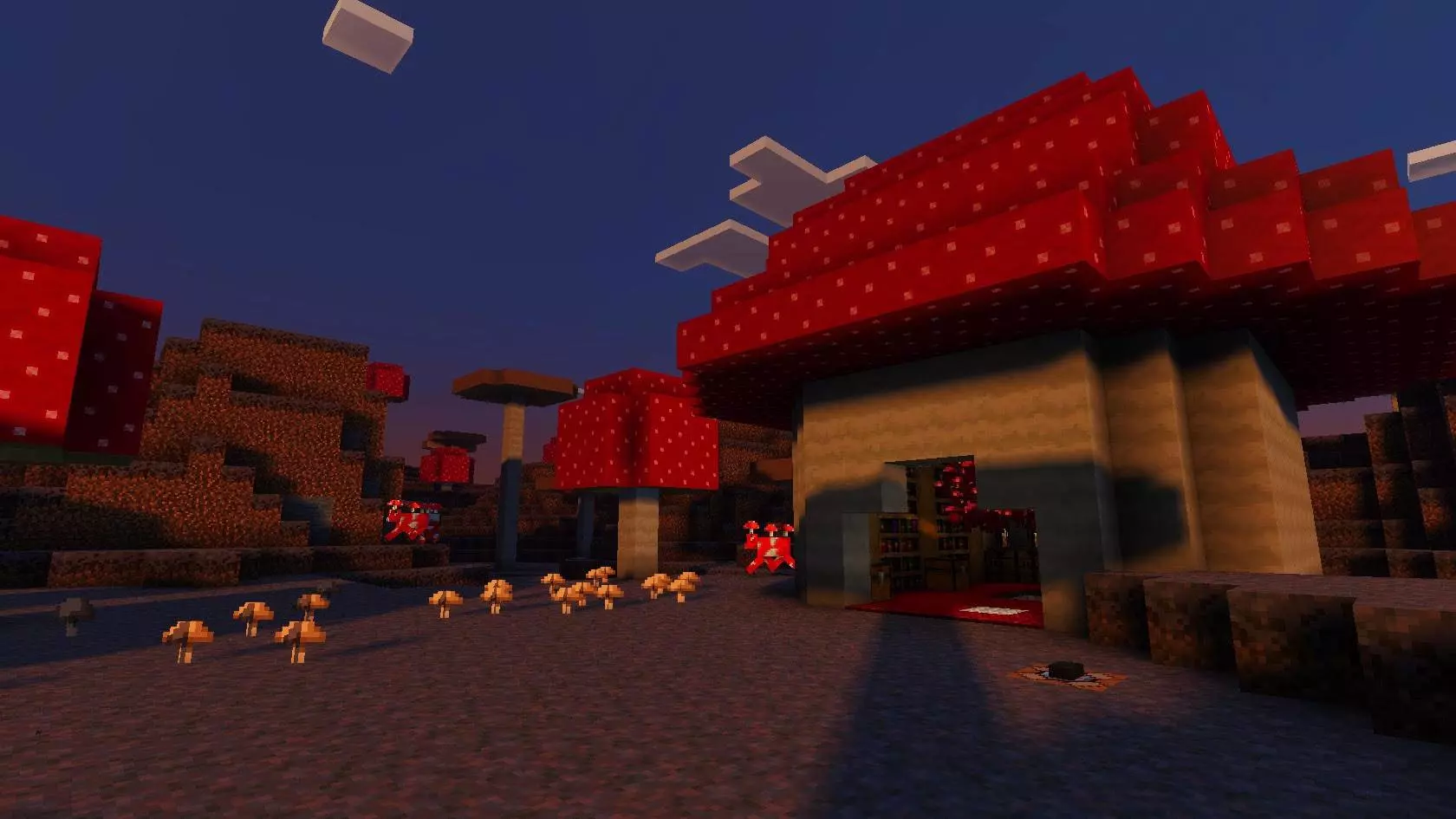
It isn't just a boring flat world with random chests dumped everywhere. The layout is actually insanely well thought out, serving as a masterclass in world organization. You get dedicated zones for entity spawning, intricate redstone testing grounds, and full biomic displays so you can see exactly how different block palettes interact with the surrounding lighting and environment. It is an absolute must-have reference guide for hardcore builders and content creators. If you run a realm or just want to flex your architectural skills, spending an hour in this sandbox will dramatically level up your building IQ. You can quickly prototype your ideas here, figure out the exact block synergies, and then take those blueprints straight back to your survival SMP.
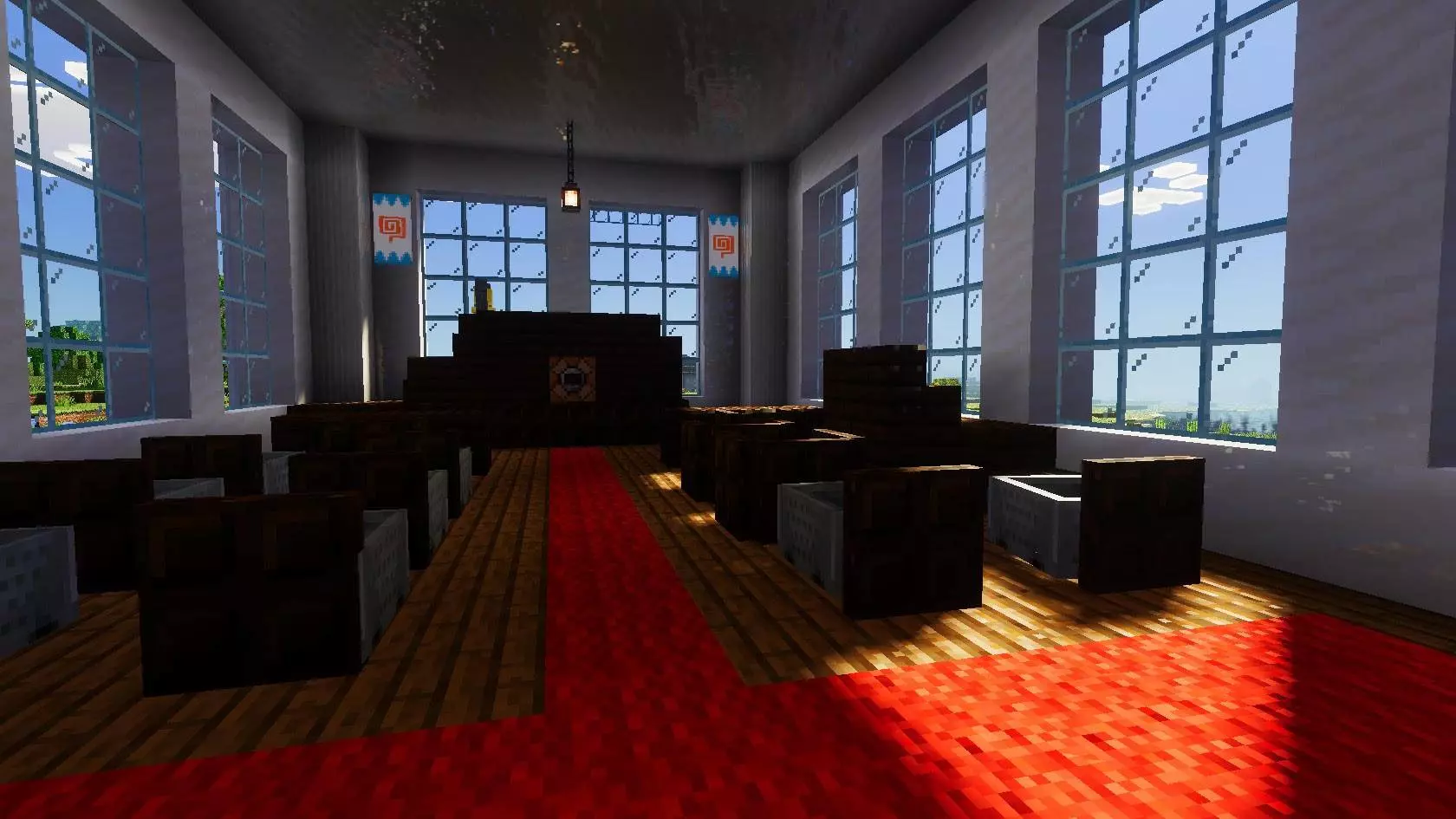
This isn't just a random creative dump; it's a living MCPE custom map filled with functioning courtrooms, hidden lore books, and lecterns explaining the history of the original squad's server. Because the creators stuck to pure vanilla geometry and completely avoided bloated experimental scripts, the entire map runs flawlessly. You get to explore massive, screen-filling structures while maintaining buttery-smooth FPS and zero chunk lag on both console and mobile devices.
Stop wandering around boring, empty seeds. Download this massive vanilla-friendly multiplayer map, claim a spot in the city, and start building your own legacy.
How to install?
Android: you need to find the downloaded file on your phone, use any file manager for this and import the map into the game by opening it.
IOS: after receiving the map, the device itself will offer to install it.
Windows 10: go to the folder where the files are downloaded, find mcworld there and activate it.
Comments (0)