Survival Modern House #59 Map
- 25-09-2025, 07:53
- 752
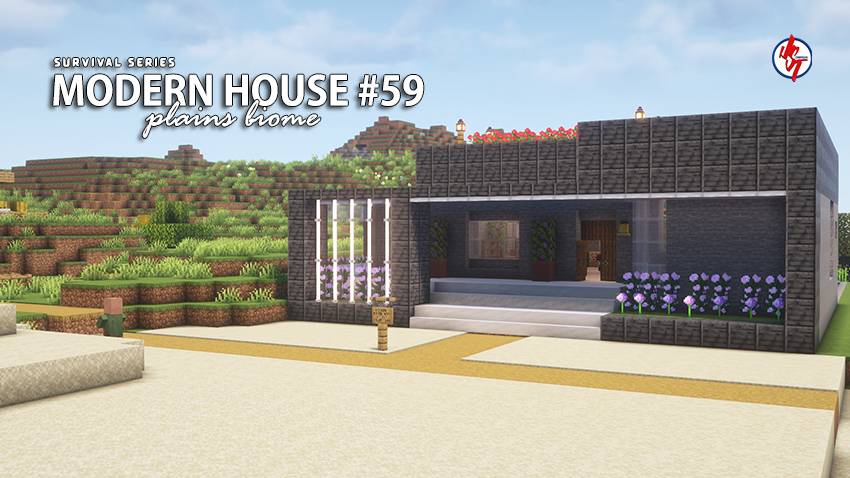
Survival Modern House #59 Map — a clean, modern survival home that lets you jump into Minecraft Bedrock without the day-one scramble. The build is fully playable out of the box, with the interior laid out and the exterior polished, so your first session is about getting to work instead of slapping together a dirt box. You’ve got enough useful items inside to get tools moving and smelting started while still keeping the run legit. The modern footprint feels tight and readable, which makes organizing storage and crafting stations painless right from the start.
The early loop clicks fast. Walk out at sunrise, grab wood and stone, sweep a short route for food, then slide back inside to craft in safety. Because there’s a village nearby, you can pivot into trades early—lock in bread and starter gear, then turn those upgrades into longer trips without burning time on pure grind. I like cutting a simple lit path between the house and the village so night returns stay calm and predictable. The house layout makes upgrades easy too: extend a glass corridor for storage, tuck a compact farm room off the main hall, or add an upstairs nook for enchanting once your books start stacking.
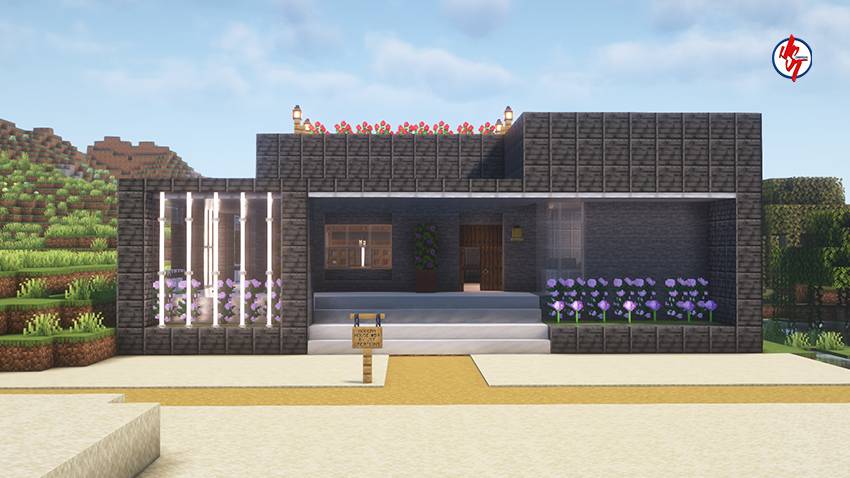
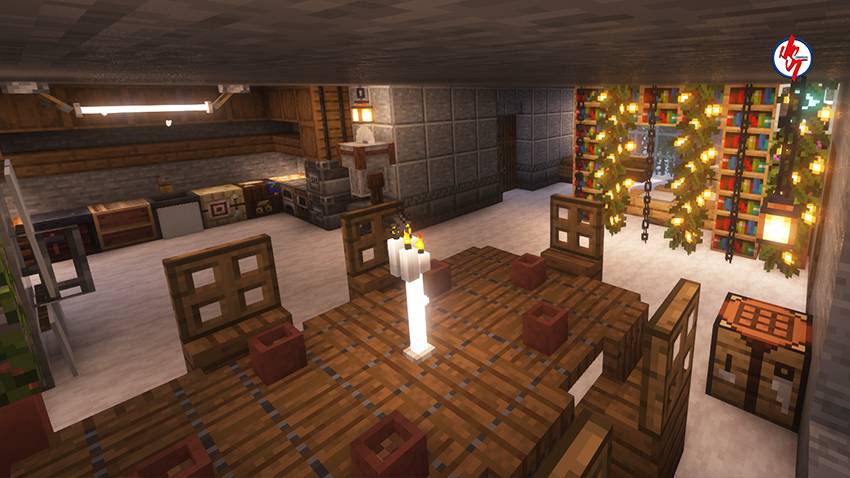
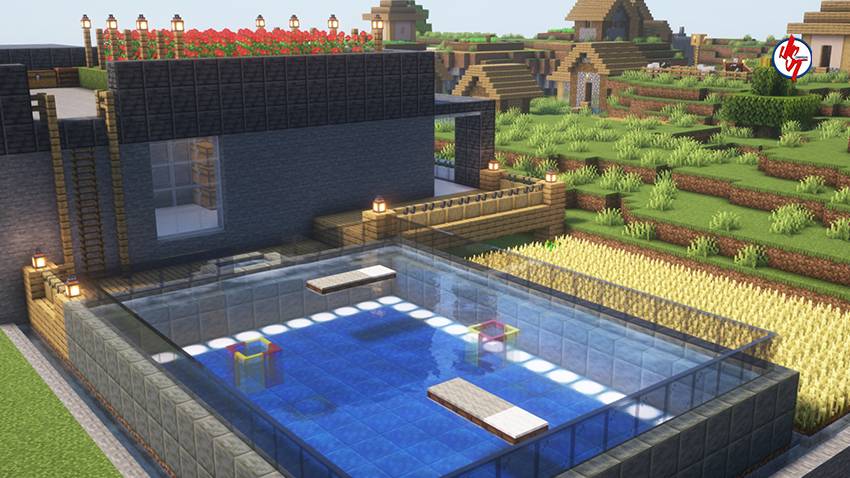
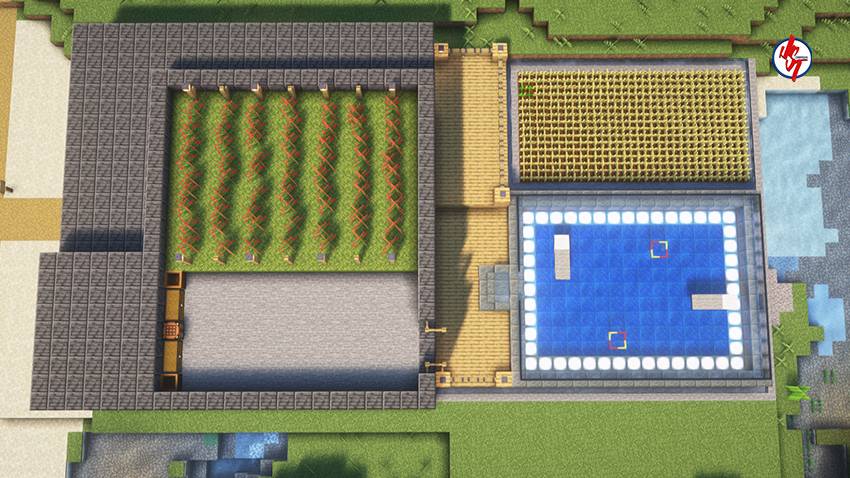
Getting rolling is straightforward: load the world, settle your inventory, and use the house as a reliable checkpoint between runs while you shape the area around it. The build looks great in vanilla, and if you play with a favorite texture or shader pack, the modern lines really pop. If you want a smooth, honest start that stays efficient over long sessions, Survival Modern House #59 Map delivers exactly that for Minecraft Bedrock—cozy inside, practical outside, and ready for a legit survival grind.
I wish more people talked about what Minecraft addons are like after you've stopped being impressed by the screenshots. The first few minutes are usually exciting because everything is unfamiliar. You're opening menus, checking out details, and trying to see as much as possible. But what about the following evening, when you log in to finish a house or gather supplies? That's when I pay attention to whether something actually makes the experience more enjoyable. I might find myself returning to an idea without even thinking about it. Or I might realize that I had a fun time exploring the content but don't particularly need it in my regular world. Both are perfectly reasonable outcomes. I don't expect every download to become my new favorite. Sometimes a couple of entertaining sessions are plenty. I've got Minecraft worlds that have kept me busy for years, and I'm still discovering ways to enjoy them.
How to install?
Android: you need to find the downloaded file on your phone, use any file manager for this and import the map into the game by opening it.
IOS: after receiving the map, the device itself will offer to install it.
Windows 10: go to the folder where the files are downloaded, find mcworld there and activate it.
Comments (0)