TEF - Battle Royale Map
- 2-08-2025, 19:26
- 3 811
Adventure Maps / Minigame Maps / PvP Maps / Survival Maps
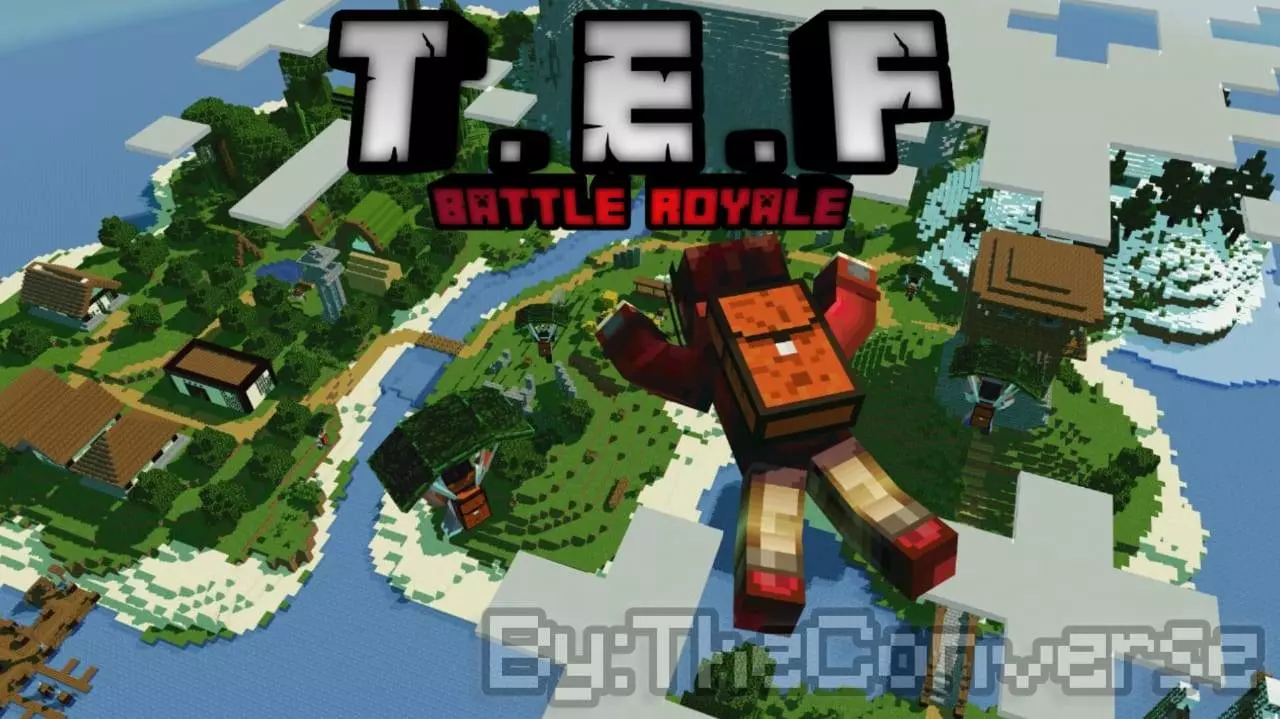
TEF – Battle Royale Map 🔫🔥 All-Out Mayhem, Minecraft Style
Welcome to TEF Battle Royale — a straight-up banger of a PvP map that throws you and your squad into one island, one goal: survive. This is part of The Epic Fighters series, and if you’ve played the others, you already know the vibes. But this time, it’s all about that classic Battle Royale chaos — everyone drops in, grabs weapons, and fights to the last block.
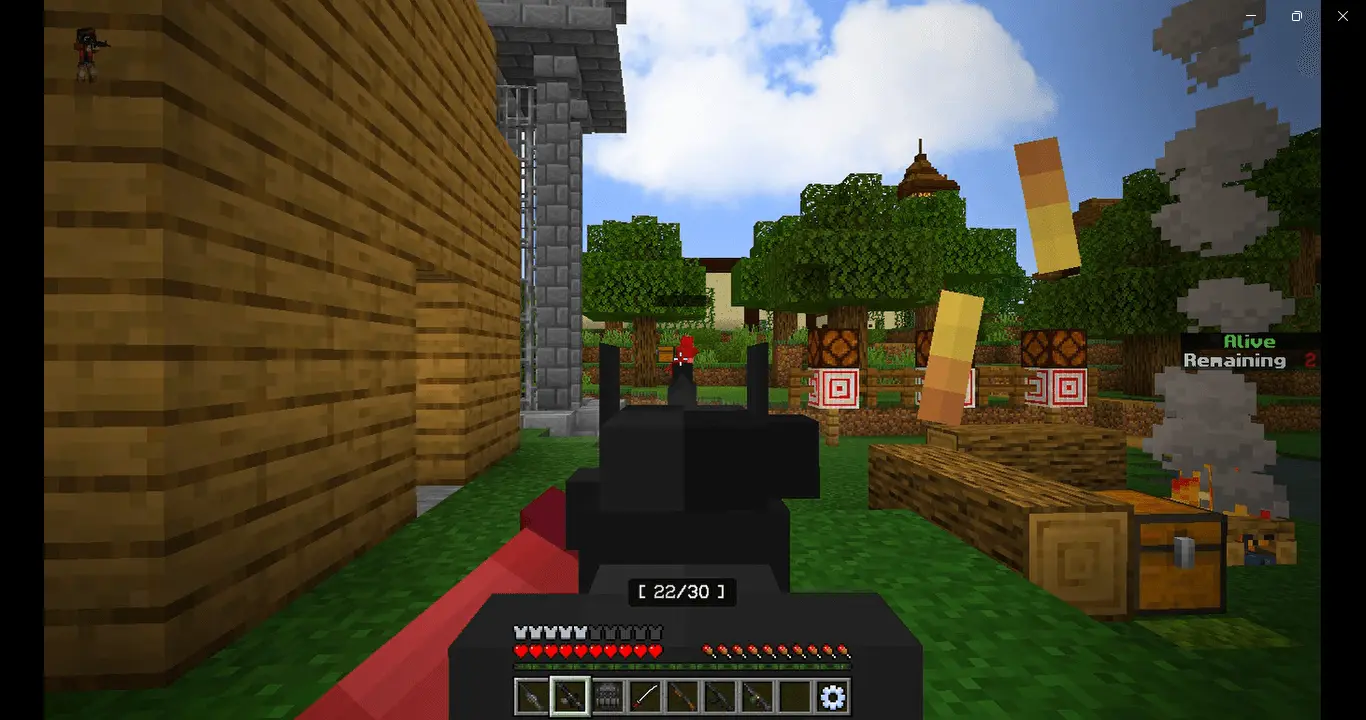
Built for Minecraft Bedrock, this map comes locked and loaded with guns from the Aplok Guns Addon — so yeah, we’re talking real heat. No swords and bows here, just pure modern shootouts. The island’s got solid loot spots, different terrain to keep you moving, and enough cover to make every fight sweaty. Whether you're sniping from a hill or pulling close-range ambushes, it’s non-stop action.
No extra fluff — just fast-paced PvP, clean design, and guns blazing. Drop in, gear up, and show 'em who's boss.
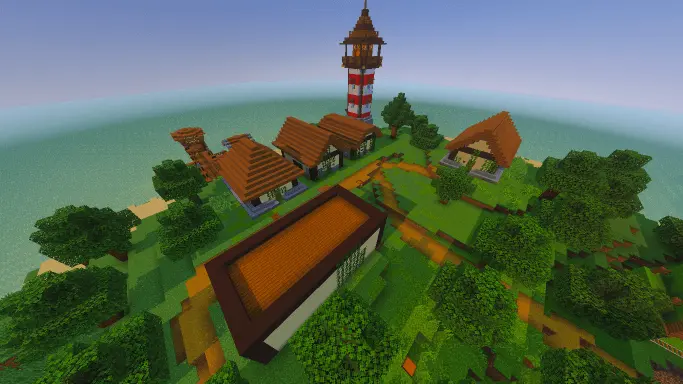
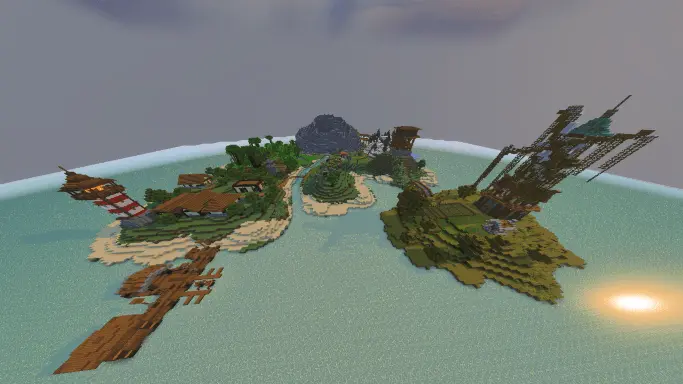
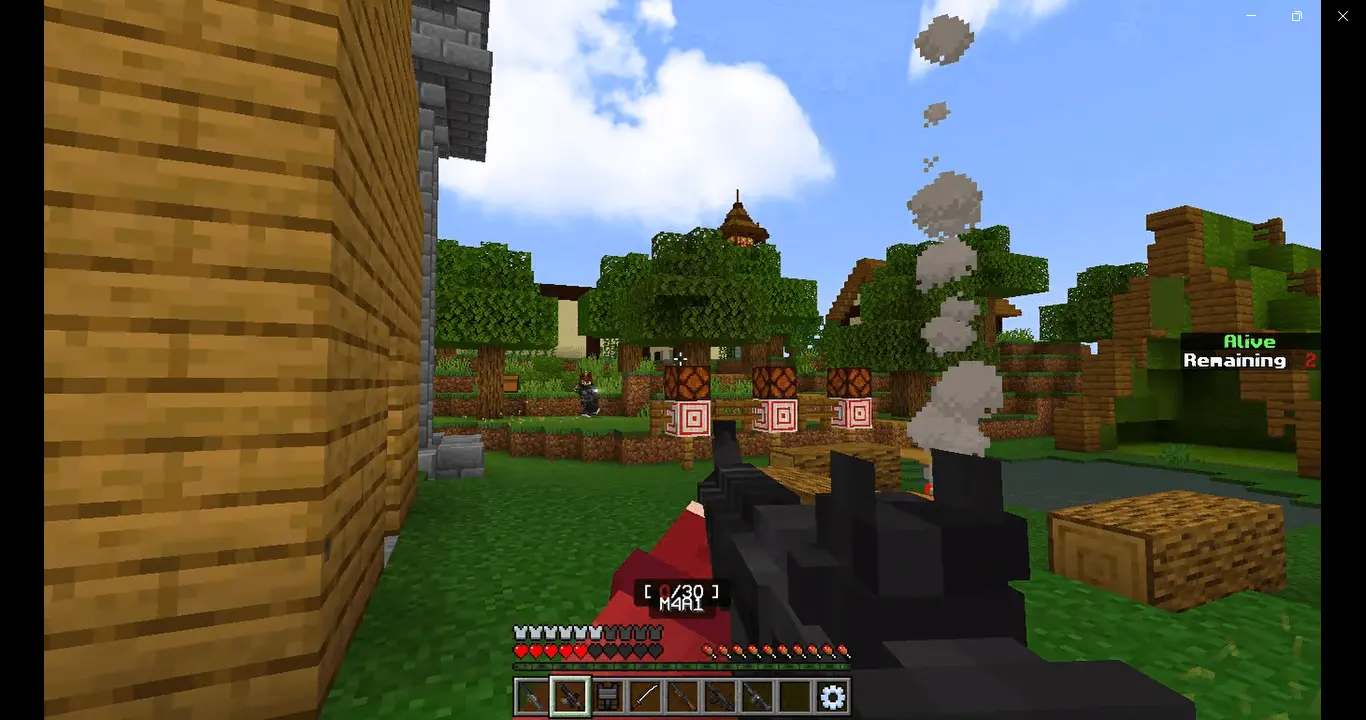
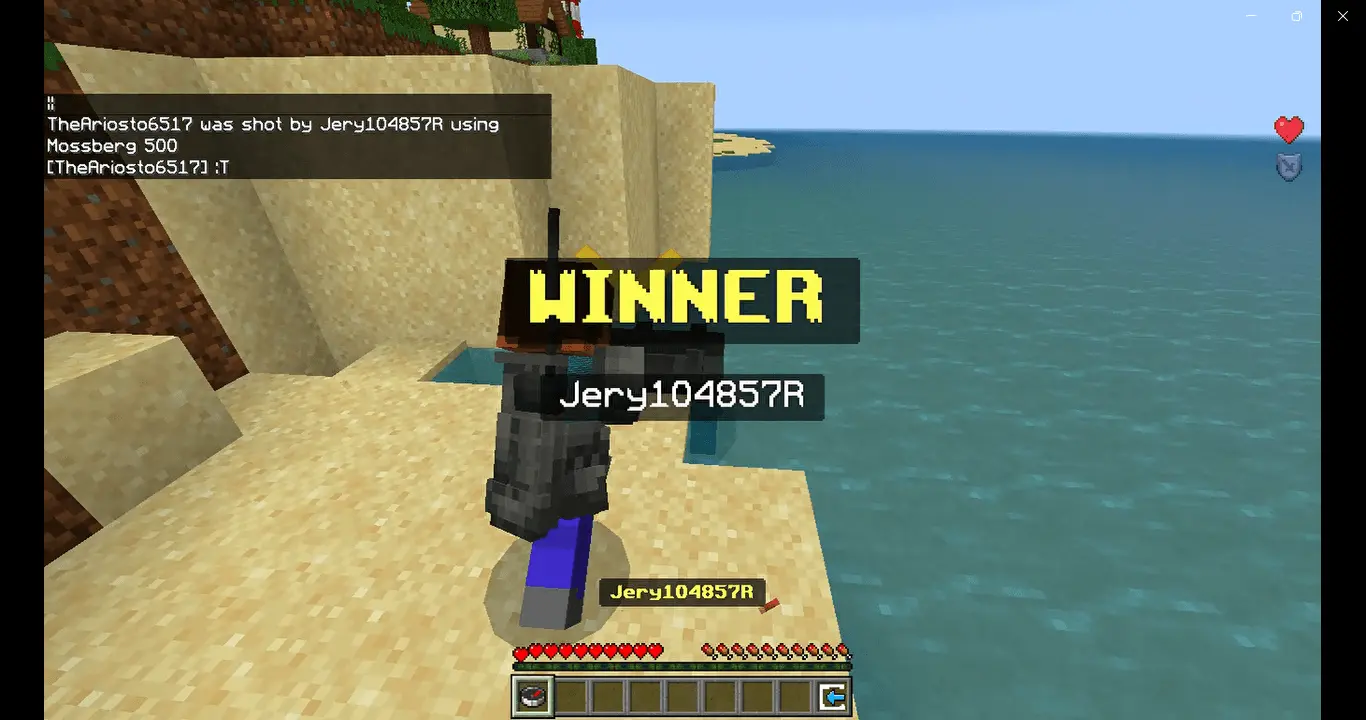
The helicopter is over the island, the other players are choosing their landing spots, and you have a few seconds to decide where to jump. In TEF Battle Royale, that first choice can be the difference between finding gear in peace and landing in the middle of a firefight.
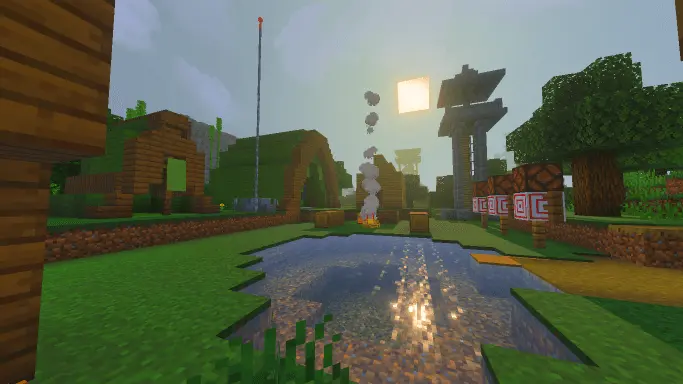
This Minecraft Bedrock map takes the familiar battle royale formula and drops it into a multiplayer PvP arena: land, search for weapons and supplies, and try to outlast everyone else. The island has plenty of places to plan around, including a village, a military camp, a research station, a windmill, and a cave. Each location gives you a different kind of fight. Buildings offer places to break sightlines and check corners, while a bridge can become a risky route if another player is watching it. Drop near a recognizable landmark and you might find useful gear quickly, but you may also have company before you’re ready for a fight. Head somewhere quieter and you could have more time to get organized, at the cost of a longer trip toward the action.
You can’t hide in one spot forever. In the current map release, a storm closes in over five cycles, shrinking the playable area and pushing survivors closer together. Keep an eye on your route as well as your opponents: a great hiding place won’t help much if you stay there too long. Two airdrops also arrive during a match with valuable equipment, creating tempting targets for anyone willing to take a risk. You might rush toward one as soon as it lands, or hang back and watch for players doing exactly that. Neither plan guarantees a win, but both can make for a tense encounter. When a player is eliminated, their gear drops in a loot box, giving whoever reaches it a chance to resupply. The remaining-player indicator keeps the pressure on as the field gets smaller.
Before the fighting starts, players wait on a small island with zip lines and a hologram of the battlefield. The lobby also lets you adjust settings such as time, weather, and difficulty. After an elimination, spectator mode gives you a way to follow the players still in the match, choose who to watch, and check their stats. There are extra touches during combat, including headshot effects and sliding while running and shooting, plus a cinematic for the winner. The map’s battle royale mode is free-for-all, so bring friends but be ready to face them once everyone lands. The current map requires the separate Aplok Guns add-on for its weapons; import it and activate its behavior and resource packs in the world settings before playing. Then pick your landing spot, listen for nearby shots, and make every piece of cover count.
How to install?
Android: you need to find the downloaded file on your phone, use any file manager for this and import the map into the game by opening it.
IOS: after receiving the map, the device itself will offer to install it.
Windows 10: go to the folder where the files are downloaded, find mcworld there and activate it.
Comments (0)