Diversity 2 Remixed Map
- 2-08-2025, 15:18
- 1 488
Diversity 2 Remixed Map
If you’re a fan of the classic Diversity II from Java, this is your sign to jump back in—Diversity 2 Remixed is a full-on Bedrock remake that brings the iconic multi-branch challenge format to life with a fresh vibe. This isn’t just a copy-paste port. It’s been rebuilt from scratch to feel right at home in the Bedrock universe, and it absolutely nails that balance of nostalgia and new-school polish.
You’re looking at 10 completely different challenges, each its own beast. One branch might throw you into parkour hell, the next could hit you with a brain-melting puzzle room, and after that—boom, you’re deep in a survival mission or full-on PvE boss fight. Every zone feels hand-crafted, with unique mechanics and different visuals to match the mood. It’s like a full adventure map sampler platter.
Redstone’s been swapped out with command blocks and Bedrock magic, so stuff actually works smooth on mobile, console, or PC. The transitions between branches are clean, the lobby’s upgraded, and everything just flows. Whether you're playing solo or with friends, this map gives that classic Diversity feeling with a Bedrock twist that totally works. An absolute must-play if you're into custom maps that test your brain, reflexes, and creativity.
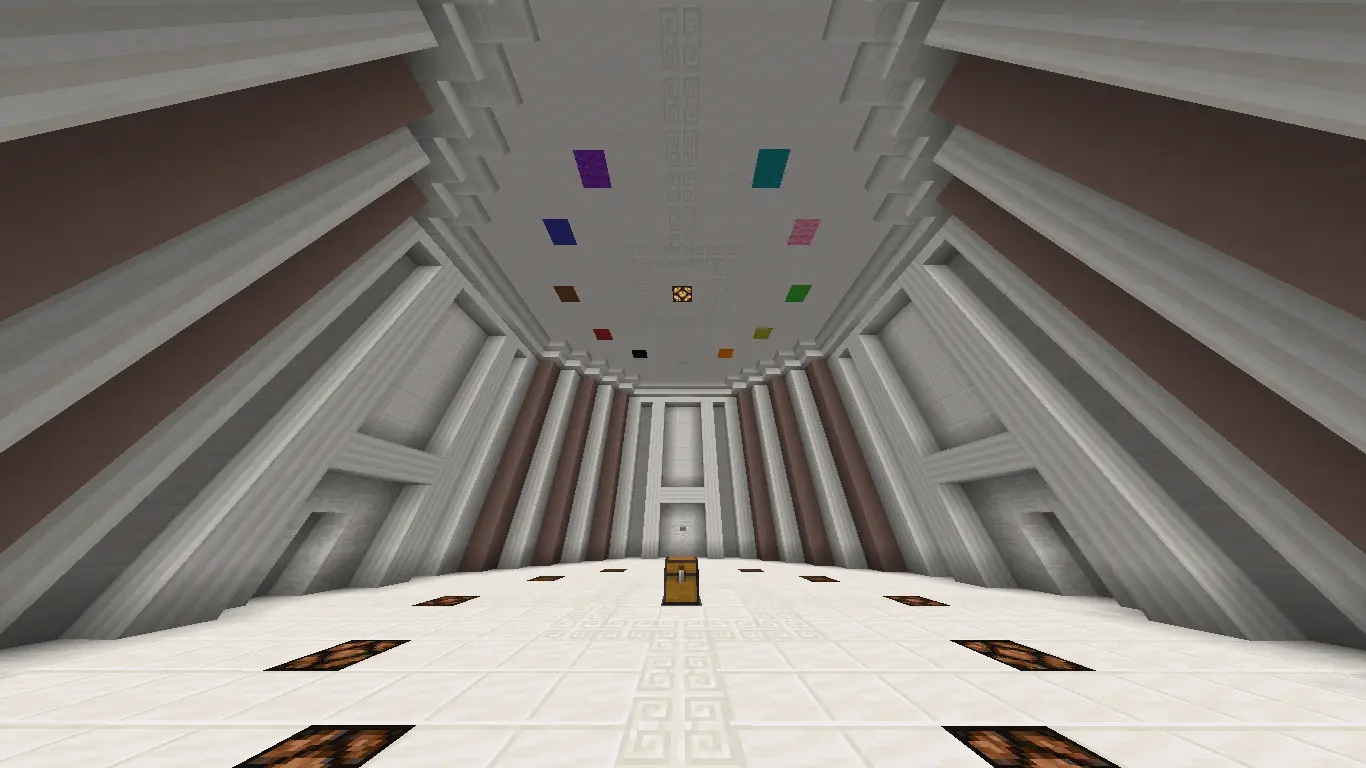
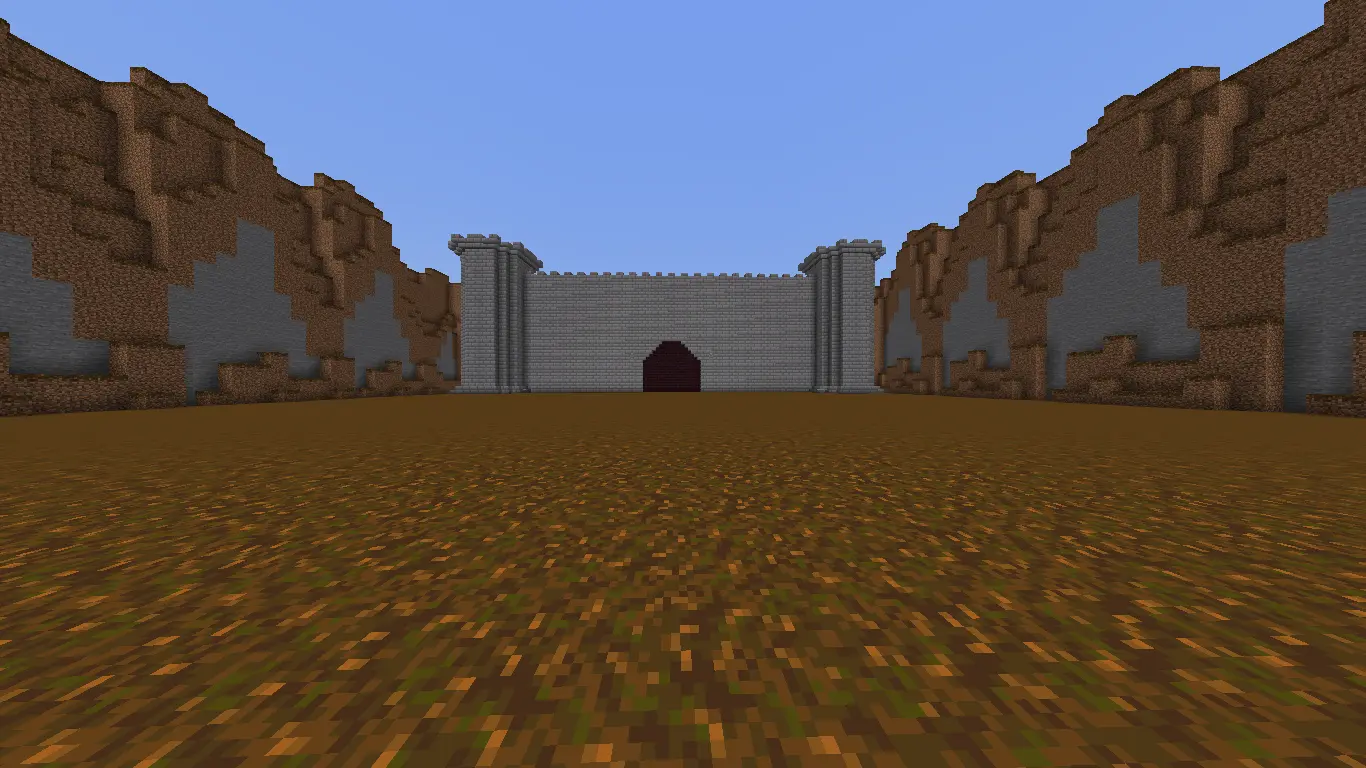
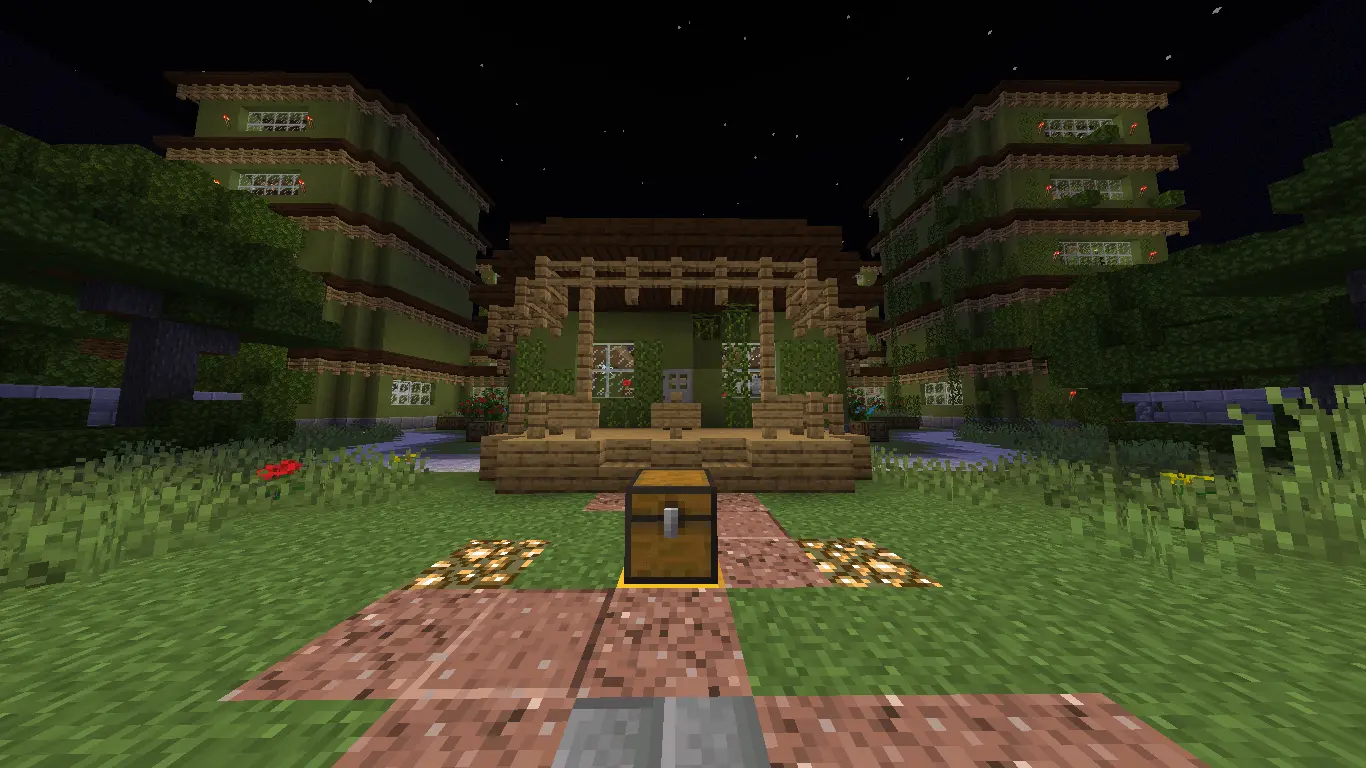
One minute you’re racing toward the bottom of a Dropper level; the next, you’re trying to remember a Minecraft fact under pressure. Diversity 2 Remixed brings a mix of challenge styles into one Bedrock adventure, so being good at just one part of the game won’t carry you through everything.
The map takes the multi-branch idea of Diversity II and rebuilds it for Bedrock with its own stages and twists. There are ten challenge categories in the project, ranging from exploration and survival to puzzles, parkour, and combat. Each branch asks you to approach the game differently. The Adventure section focuses on exploring and following a story, while Trivia puts your Minecraft knowledge to work. Escape takes you through a strange dreamlike setting, and the Dropper section challenges you to navigate a fall rather than climb your way to the finish. That change of pace is what makes the map appealing for a long session: when you’ve had enough of staring at a tricky question, there’s another type of challenge waiting to test a different skill.
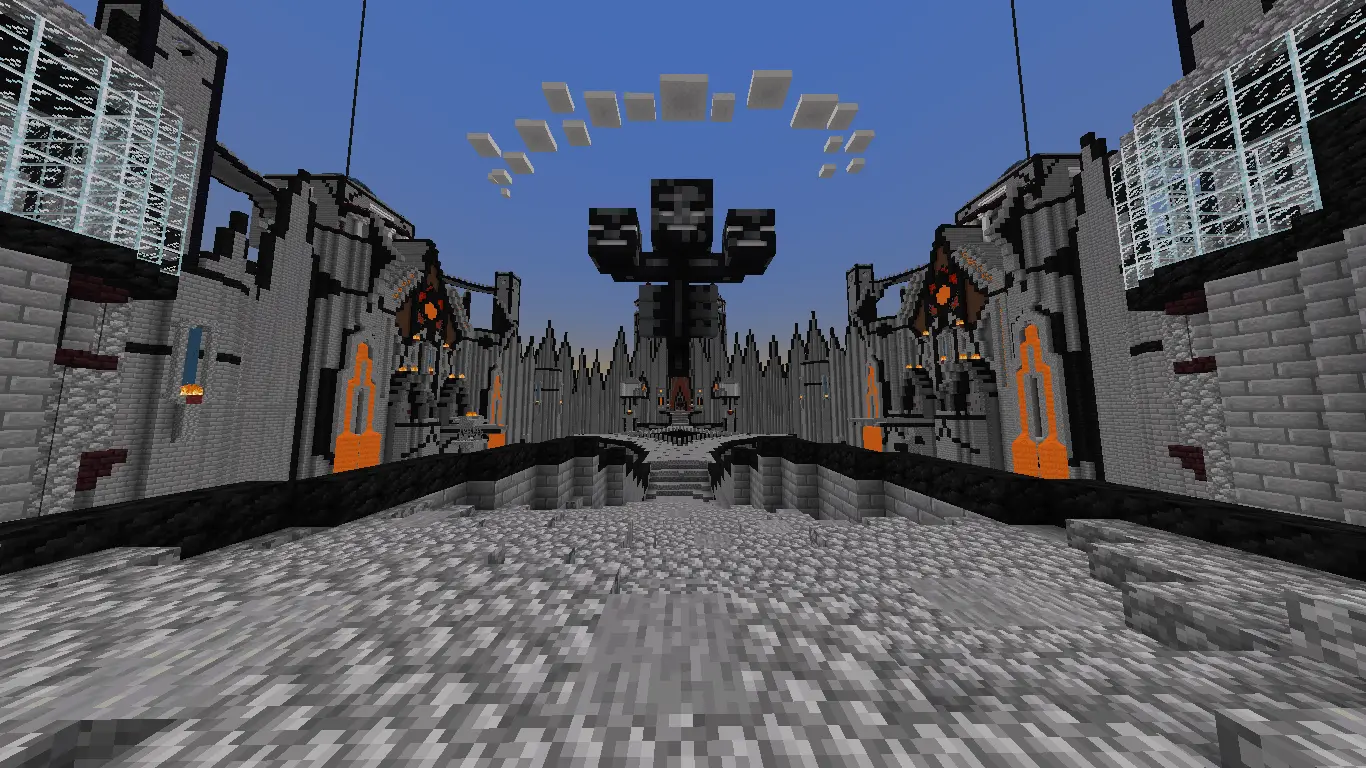
Dropper fans have eight stages to tackle, plus a hidden level for players who like poking around. It’s the sort of challenge where spotting a path is only half the battle; actually steering through it takes timing, patience, and probably a few retries. The boss branch offers a very different kind of pressure, putting you up against the Wither in a fight with its own story elements. Then there’s Trivia, where a player who knows their crafting and Minecraft facts might suddenly become the most useful person in the room. If you’re playing with friends, that variety can lead to some great moments. One person might nail the falls while another talks the group through a question. You can take turns attempting a tough section, compare ideas, or simply laugh when the player who sounded most confident picks the wrong answer.
There’s one useful detail to know before you jump in: the linked project description says the map is still being developed. Adventure, Escape, Dropper, Trivia, and the boss battle are listed as complete, while other branches are still in progress. The wider plan also includes an arena with enemy waves, parkour, a maze, puzzles, and survival on biome islands. That gives you a good idea of the range the map is aiming for, but don’t assume every branch is finished. Start with the available sections and see which ones suit your group. You might come for the boss fight and end up spending most of the evening trying to clear one more Dropper stage. Between the exploration, questions, falling challenges, and combat, Diversity 2 Remixed has enough variety to make a Minecraft session feel like several adventures stitched together.
How to install?
Android: you need to find the downloaded file on your phone, use any file manager for this and import the map into the game by opening it.
IOS: after receiving the map, the device itself will offer to install it.
Windows 10: go to the folder where the files are downloaded, find mcworld there and activate it.
Comments (1)