Lucky Flat World Map
- 30-09-2026, 01:20
- 3 302
Adventure Maps / Minigame Maps / Survival Maps

🎲 Lucky Flat World Map (Bedrock Edition)
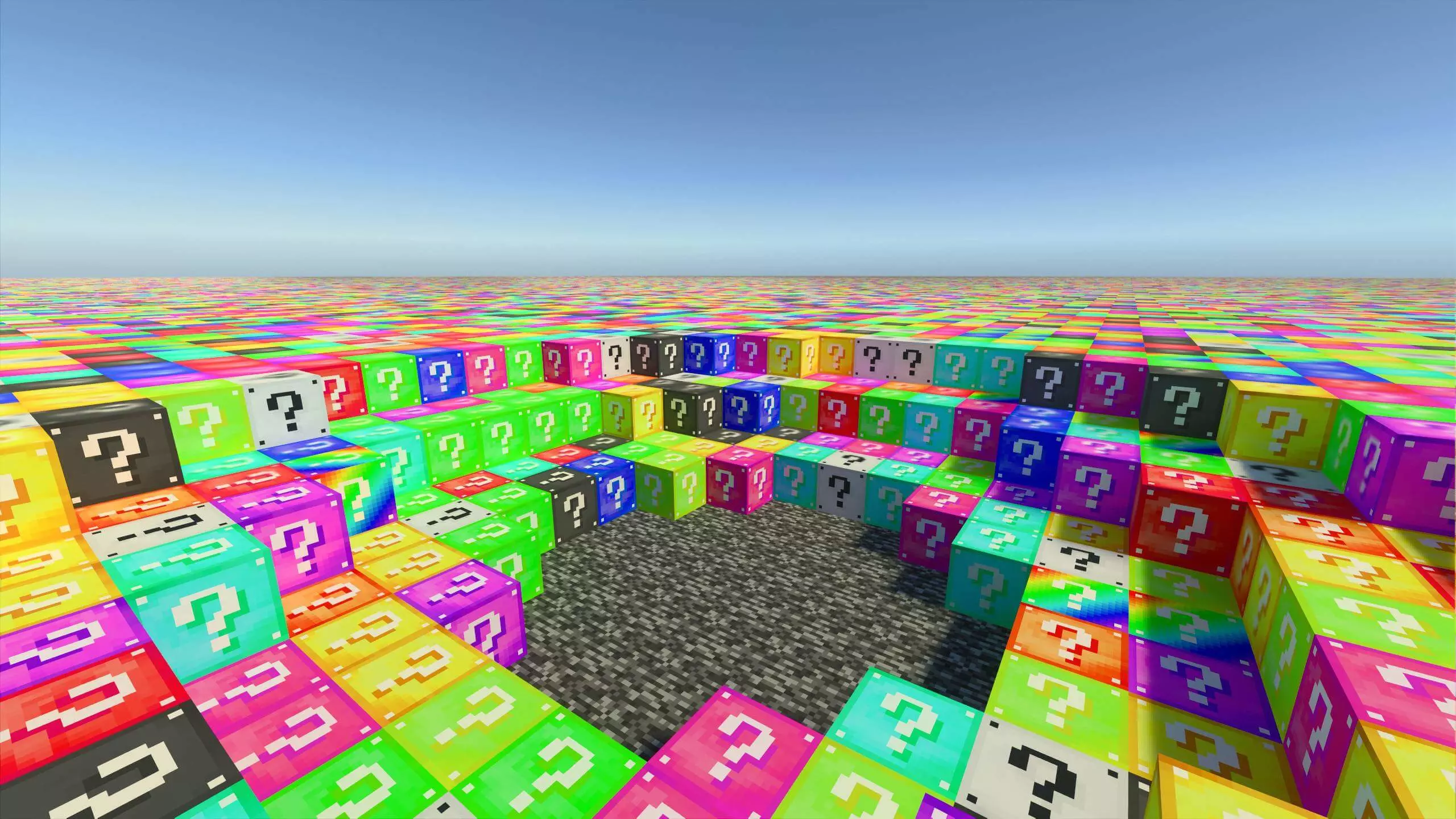
This one’s exactly what it sounds like — a super flat Minecraft world filled with Lucky Blocks.
You spawn in a flat landscape, break a block… and either get diamonds or blown sky-high.
Perfect for chaos with friends, quick challenges, or just seeing how long you can last.
It’s survival-friendly, and you can use it solo or for Lucky Block PvP.
What You Get:
Fully flat world preloaded with Lucky Blocks
Works in Survival and Creative
Great for multiplayer challenges
Bedrock / MCPE compatible
Simple, fun, and total RNG.
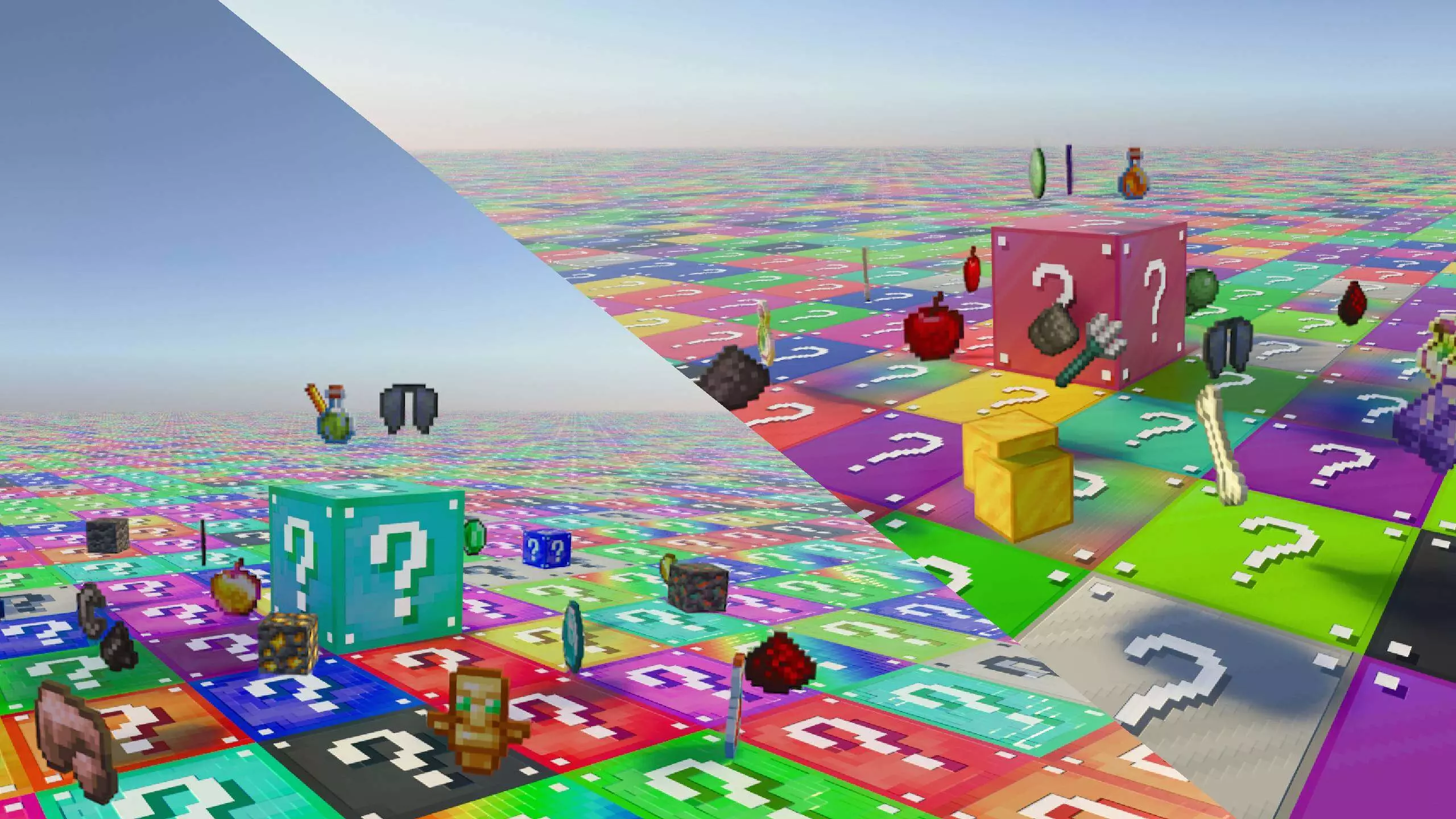
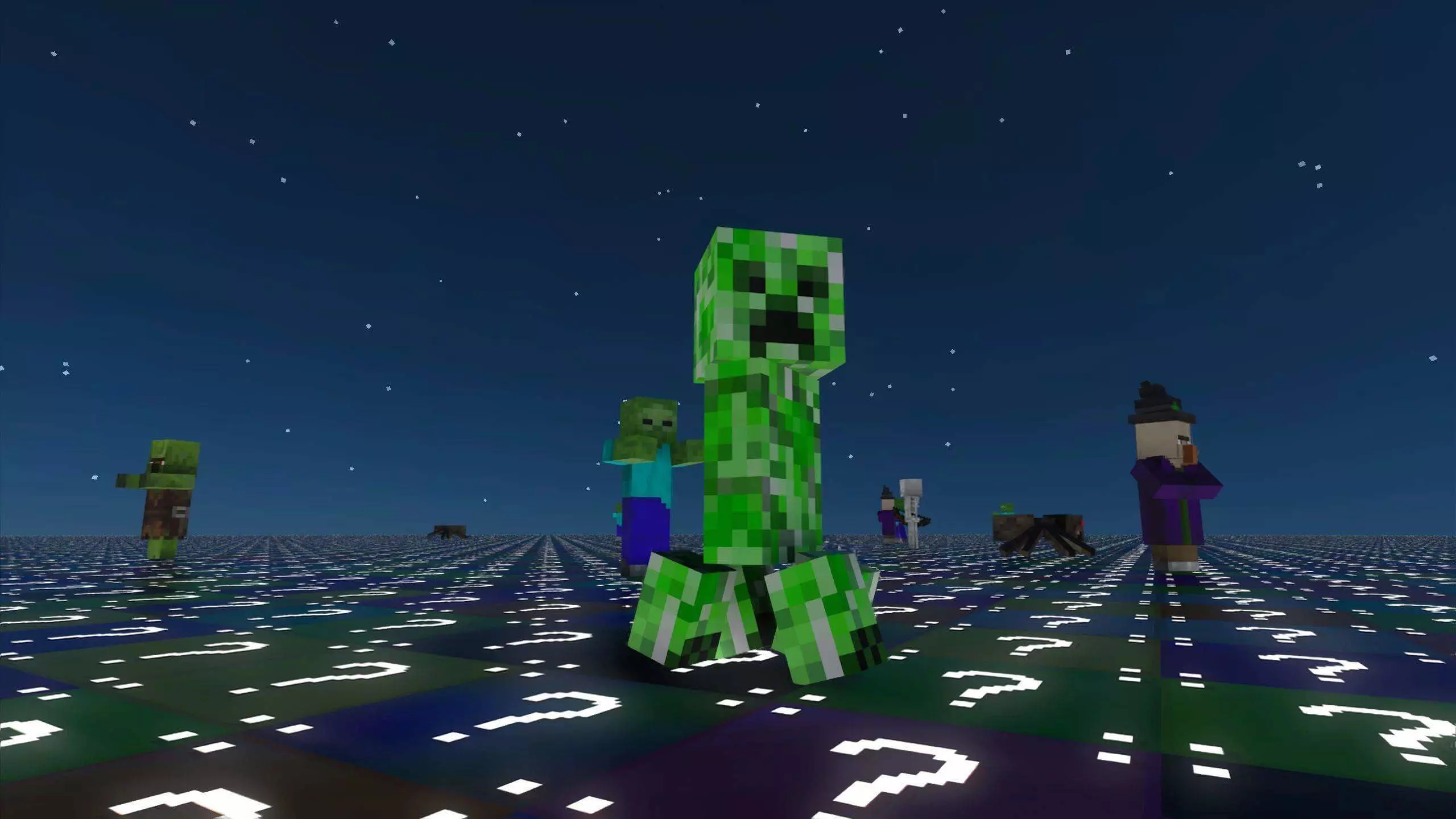
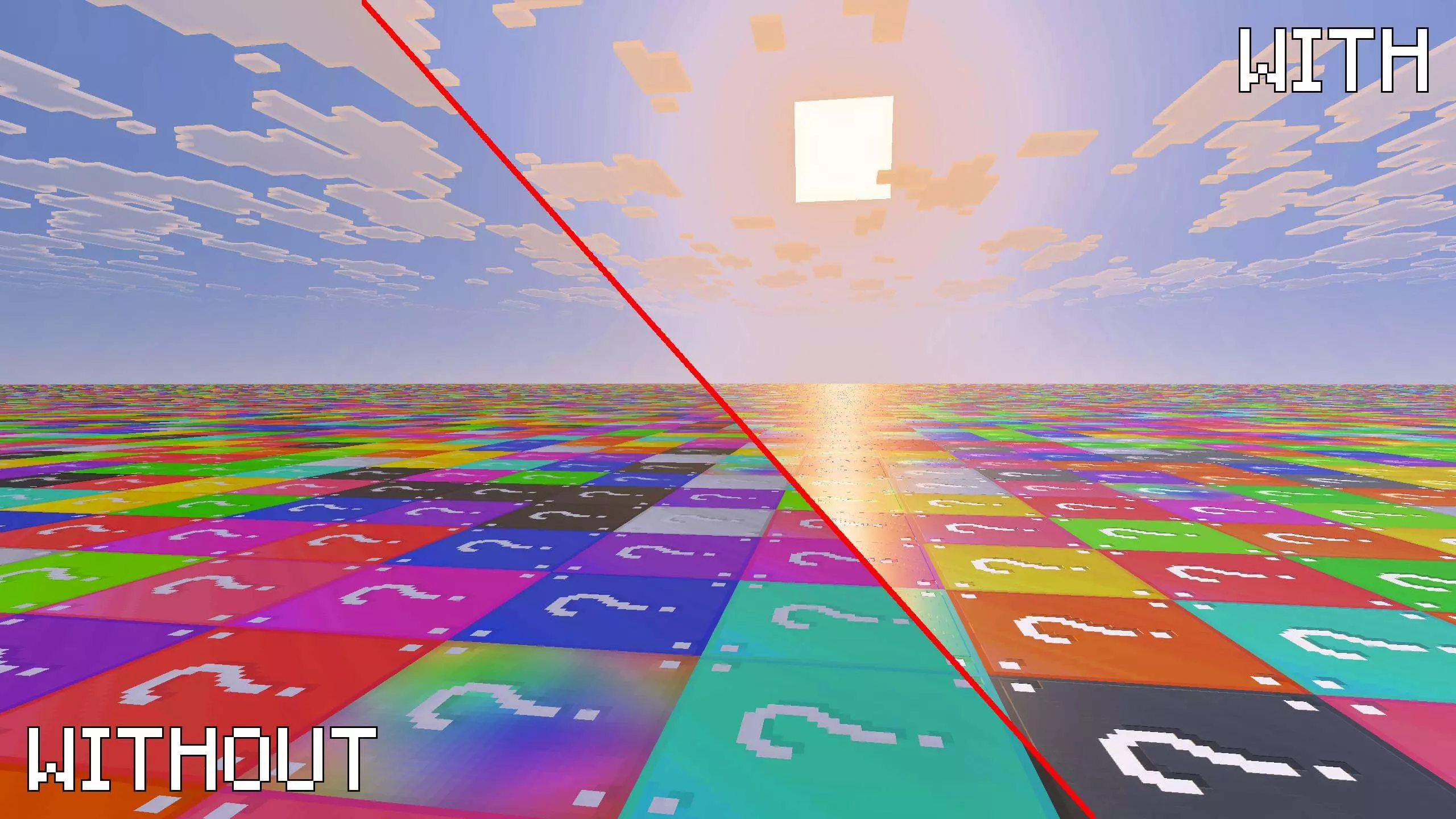
The craziest part about this MCPE Lucky Block challenge is that it is not just a quick, disposable mini-game—it is a full-scale survival overhaul. Your actual end goal is to gather enough random resources to build a secure base, gear up your character, and eventually push through the dimension portal to defeat the Ender Dragon. Because there is absolutely no natural terrain to hide behind, surviving your first few nights is incredibly sweaty. If you don’t pull enough building blocks or decent weapons from your initial drops, you are going to get aggressively hunted the second the sun goes down in-game.
To make things even better for Realm hosts, the developer baked in a native configuration UI. Before you even load into the world, you can tweak the specific loot tables and swap out the Lucky Block textures to match your squad's exact vibe. Running this map with a full party of friends turns the entire server into a hilarious, high-stakes griefing zone where someone is constantly triggering a random disaster.
Stop grinding boring, predictable vanilla seeds that always play out the exact same way. Download this premium Bedrock lucky flat map, invite your squad, and see if your RNG is actually good enough to beat the game from scratch.
📥 Download Lucky Flat World and see what kind of madness you get.
How to install?
Android: you need to find the downloaded file on your phone, use any file manager for this and import the map into the game by opening it.
IOS: after receiving the map, the device itself will offer to install it.
Windows 10: go to the folder where the files are downloaded, find mcworld there and activate it.
Comments (2)