Ultimate Mace PVP Map
- 1-10-2026, 09:48
- 293
Adventure Maps / Creation Maps / PvP Maps / Survival Maps
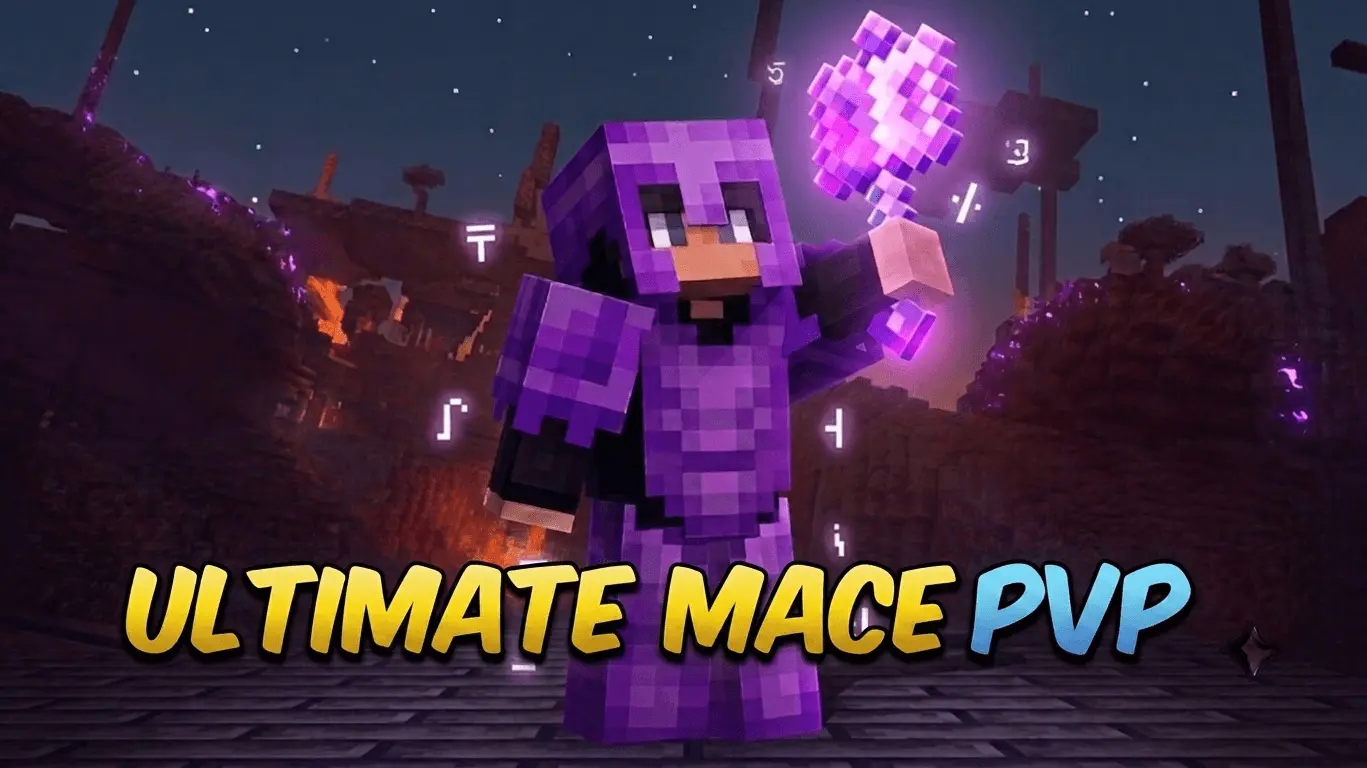
Getting decent Mace PvP practice in Bedrock without relying on public servers with terrible hit registration is finally viable with the Ultimate Mace PvP map. Instead of wasting time manually loading chests and managing inventories, this arena heavily automates the setup process so you can instantly drop into the fight. The map includes three distinct custom kits that automatically equip upon selection, an instant refill station for quick restocks, and a practice bot to drill your wind-charge slams and attack timing. What really sets this apart from standard flat arenas, though, is the inclusion of specialized event modifiers. The host can radically shift the dynamic of a duel by triggering special modifiers like the Warden Awakening, Night Mode, Sky Hunt, Jumping Mode, Speed Mode, or the One Hit Event. It ensures that duels stay chaotic and fresh rather than devolving into the exact same trades over and over again, and the dedicated Admin Control Room gives the world host full authority to teleport in and manage the lobby using a dedicated compass tool.
Because this is a completely custom world template relying on pre-built infrastructure and modified game rules, your Xbox Live achievements are permanently disabled the moment you spawn into the lobby. You will not be earning any Gamerscore while practicing your mace swings. However, the technical backend of this map is incredibly straightforward compared to heavily modded arenas. The entire infrastructure—from the automatic arena resets and instant kit equipping to the specialized event triggers—is powered entirely by vanilla command block systems rather than complex behavior packs. Because no external mods are used, you do not need to dive into your world settings to activate Experimental Gameplay features or toggle the Beta APIs. You simply load the world, select a kit, and start fighting, which drastically reduces the chance of custom scripts breaking whenever the base game receives an update.
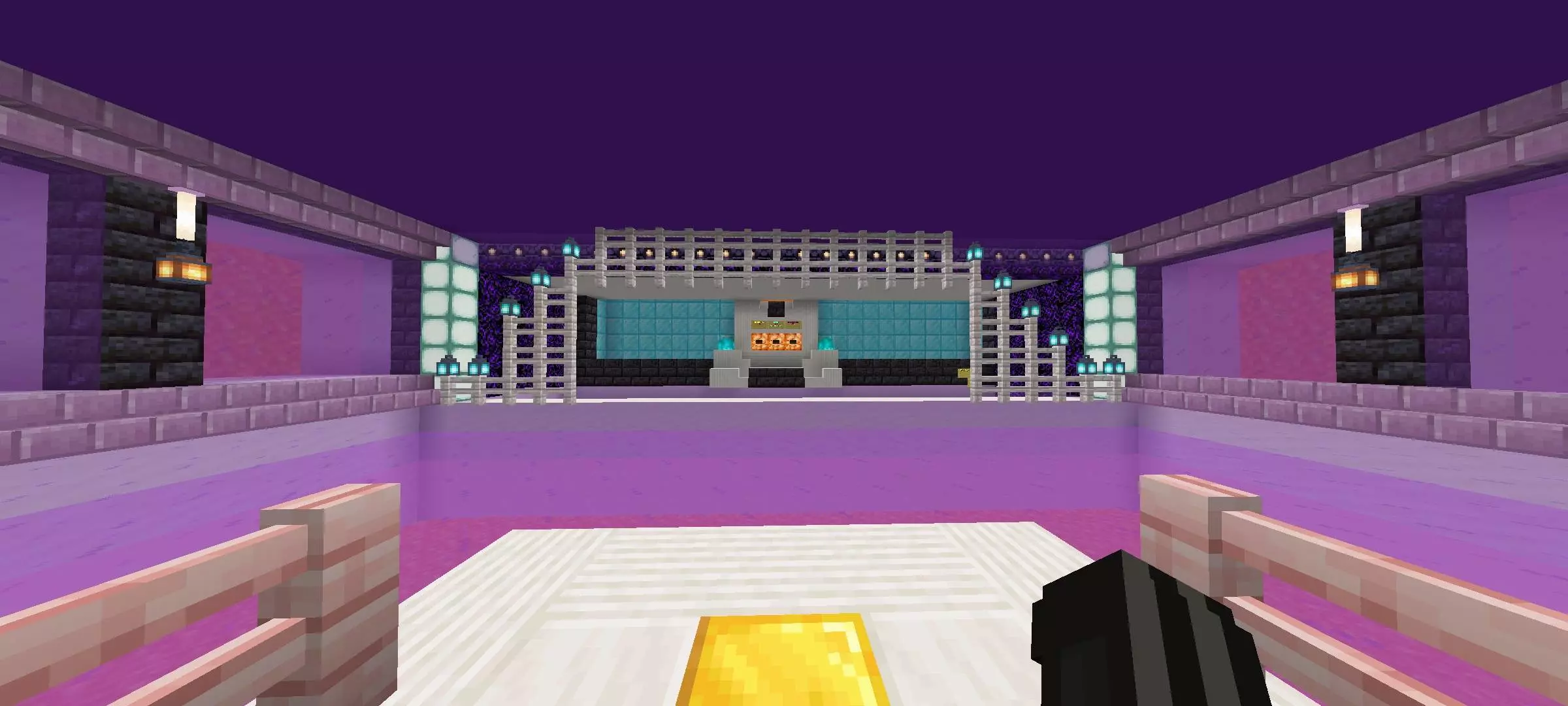
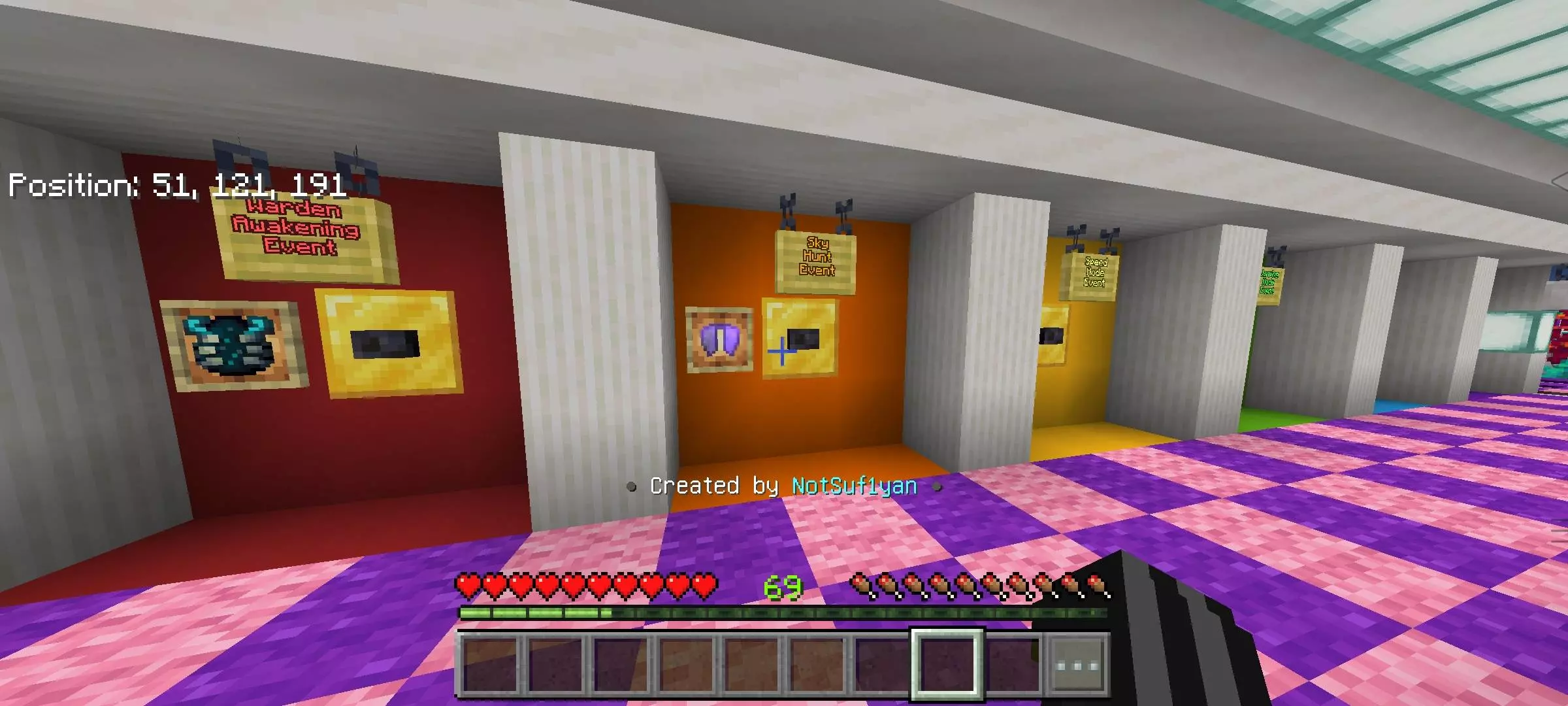
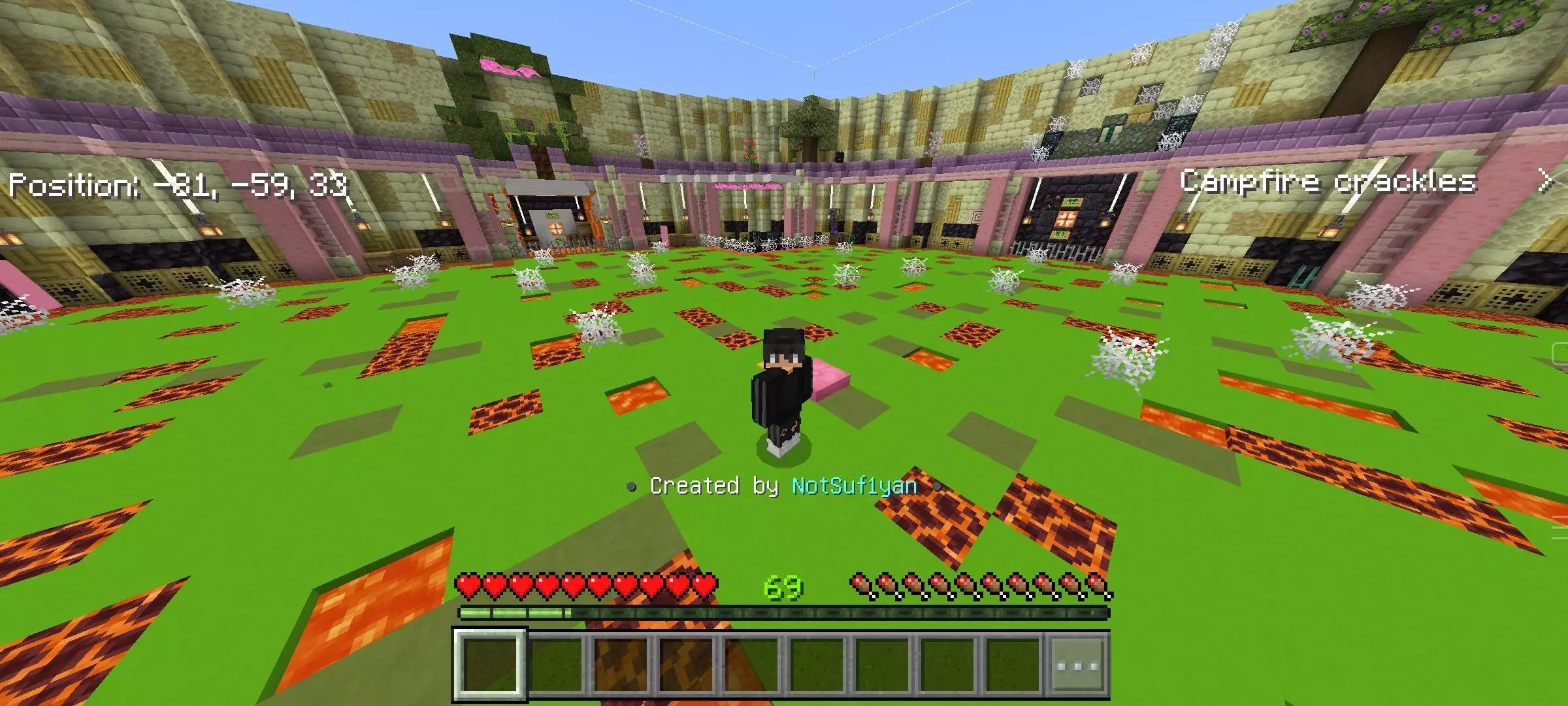
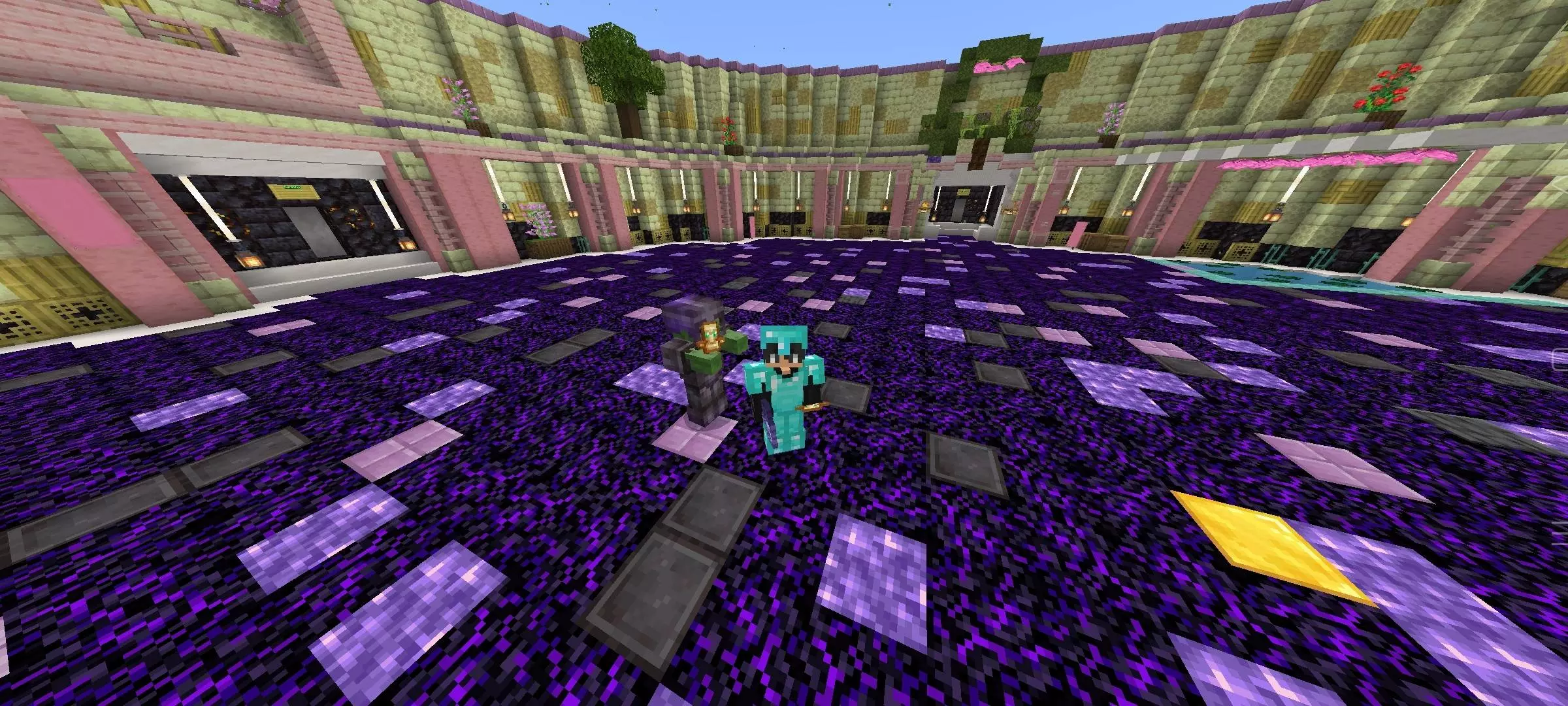
From a performance standpoint, relying on vanilla command systems makes this arena exceptionally stable across all hardware platforms. If you are playing on a high-end desktop PC or a modern home console, the action is flawlessly responsive, ensuring your mace slams and wind-charge jumps execute with zero input delay. For players on older budget smartphones, the map performs surprisingly well since it avoids heavy custom entities and complex background scripting. The only time mobile users might notice a dip in framerate is during specific intense modifiers—like the Warden Awakening event or when triggering mass particle effects during the One Hit event. As long as you manage the number of active players in the arena and occasionally let the automatic reset clear out scattered dropped items, this training ground will run smoothly on almost any device.
How to install?
Android: you need to find the downloaded file on your phone, use any file manager for this and import the map into the game by opening it.
IOS: after receiving the map, the device itself will offer to install it.
Windows 10: go to the folder where the files are downloaded, find mcworld there and activate it.
Comments (0)