Ultra Realistic Poly Mesh Map - The Armory
- 22-07-2026, 12:12
- 374
Adventure Maps / Creation Maps / Puzzle Maps
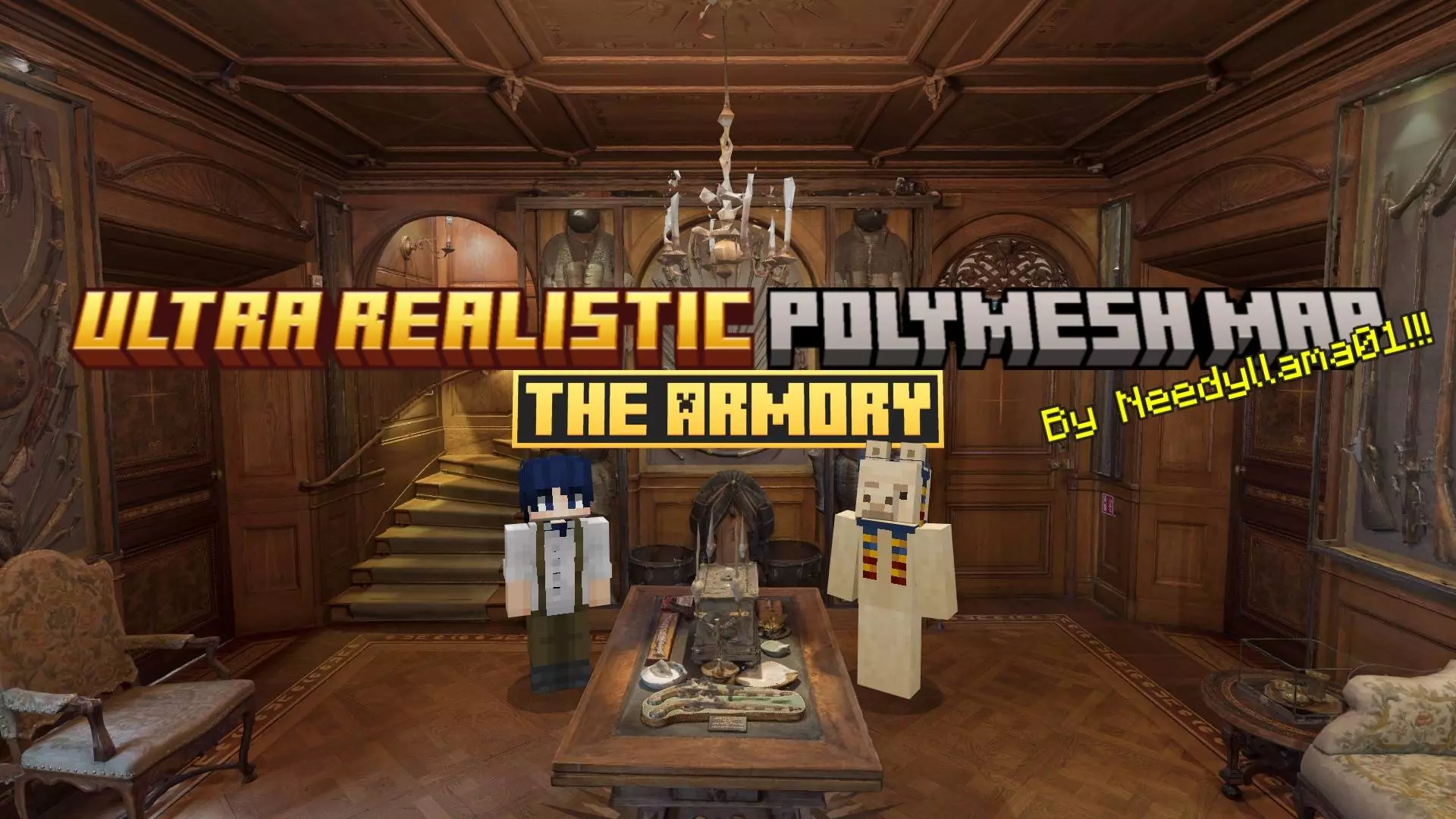
The Ultra Realistic Poly Mesh Map drops a hyper-detailed, photogrammetry-scanned armory straight into Minecraft Bedrock without tanking your frame rate. Built using real-world 3D scans converted into custom entity models, this map lets you explore an insanely lifelike weapons vault right inside your game.
Most hyper-realistic Minecraft projects just spam heavy block textures, but this Bedrock realistic map takes a completely different approach. By importing actual photogrammetry scans directly as 3D entity meshes, the creator captured ultra-crisp metallic surfaces, tactical gear, and authentic room geometry using raw 8K textures. The flagship version packs over one million faces into a single room, turning a simple indoor build into something that feels straight out of a modern FPS title.
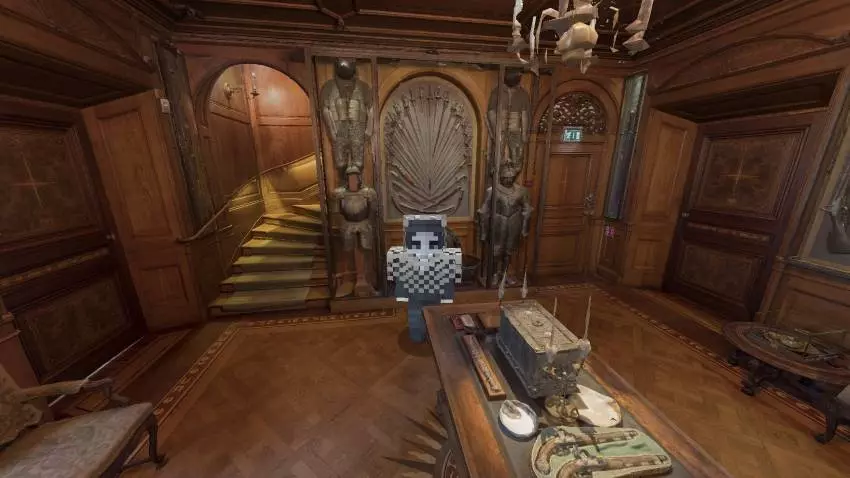
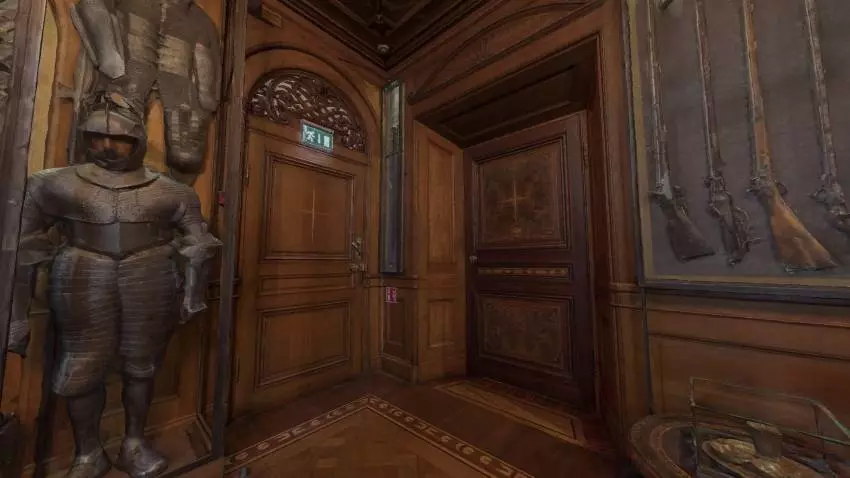
Minecraft Bedrock custom maps usually rely on flat sprites and basic block geometry, but this project absolutely shatters that ceiling. We are talking fully rendered 3D assets that replace your standard pixelated gear with insanely complex meshes. When you walk through the massive display halls of this facility, the ambient lighting physically bounces off the metallic surfaces of tactical rifles, heavy ballistic vests, and modern combat helmets. It redefines what realistic graphics in Minecraft PE are supposed to look like, dropping you into an environment that mimics a high-budget modern combat sim rather than a casual survival crafter.
Examining the loadouts scattered across these racks is a massive visual trip. Every single piece of equipment features a staggering amount of visual depth, right down to the holographic sights and texturized weapon grips. If you are entirely burnt out on swinging flat, two-dimensional iron swords, roaming this high-poly mesh MCPE showcase is the ultimate palette cleanser. The craziest part is the performance optimization. You would expect rendering hundreds of custom 3D models in Bedrock to instantly tank your frame rate and turn your console or mobile device into a literal space heater, but the engine handles the complex geometry like an absolute champ.
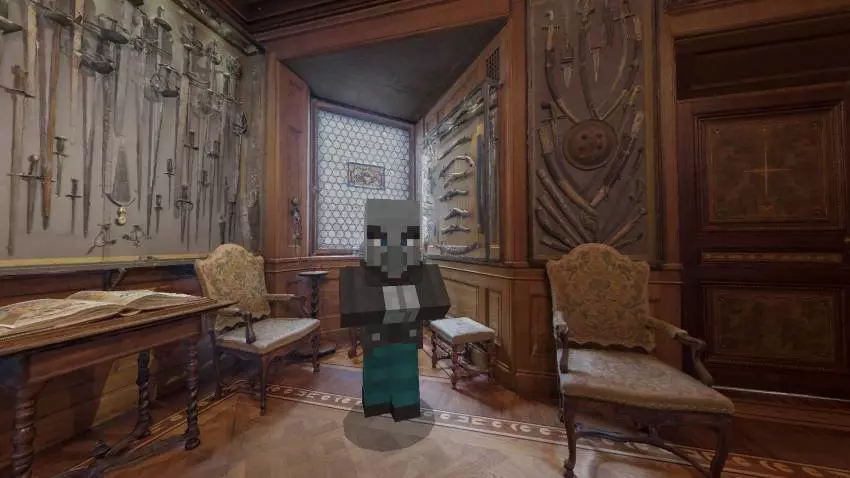
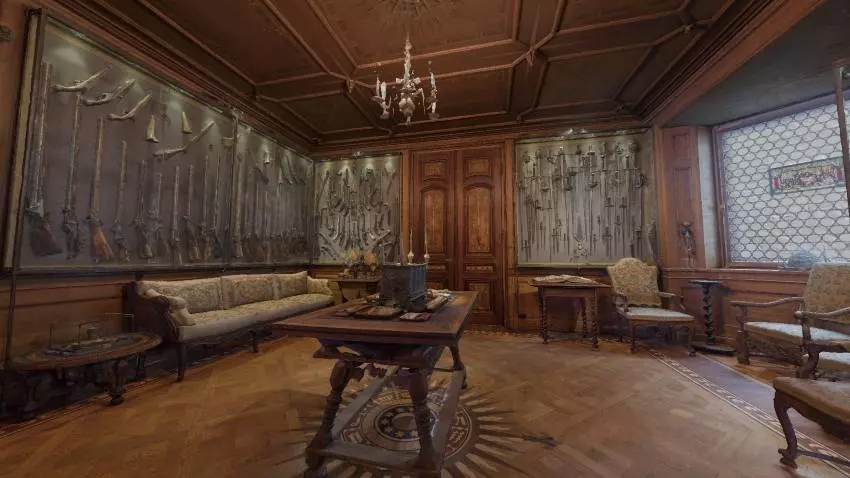
What makes this MCPE photogrammetry map actually playable is how surprisingly well Bedrock handles entity meshes over standard blocks. You don't need a ridiculous liquid-cooled PC to check it out, either. If you’re playing on a phone, tablet, or console, the pack comes with scaled-down, lower-poly versions that shave off faces while preserving that real-world lighting and depth.
If you want a futuristic spawn point or just want to see how far you can push game engine geometry, load up this ultra realistic Minecraft map and test your hardware.
How to install?
Android: you need to find the downloaded file on your phone, use any file manager for this and import the map into the game by opening it.
IOS: after receiving the map, the device itself will offer to install it.
Windows 10: go to the folder where the files are downloaded, find mcworld there and activate it.
Comments (0)