Ultimate PvP Map
- 12-07-2026, 15:55
- 462
Adventure Maps / Minigame Maps / PvP Maps
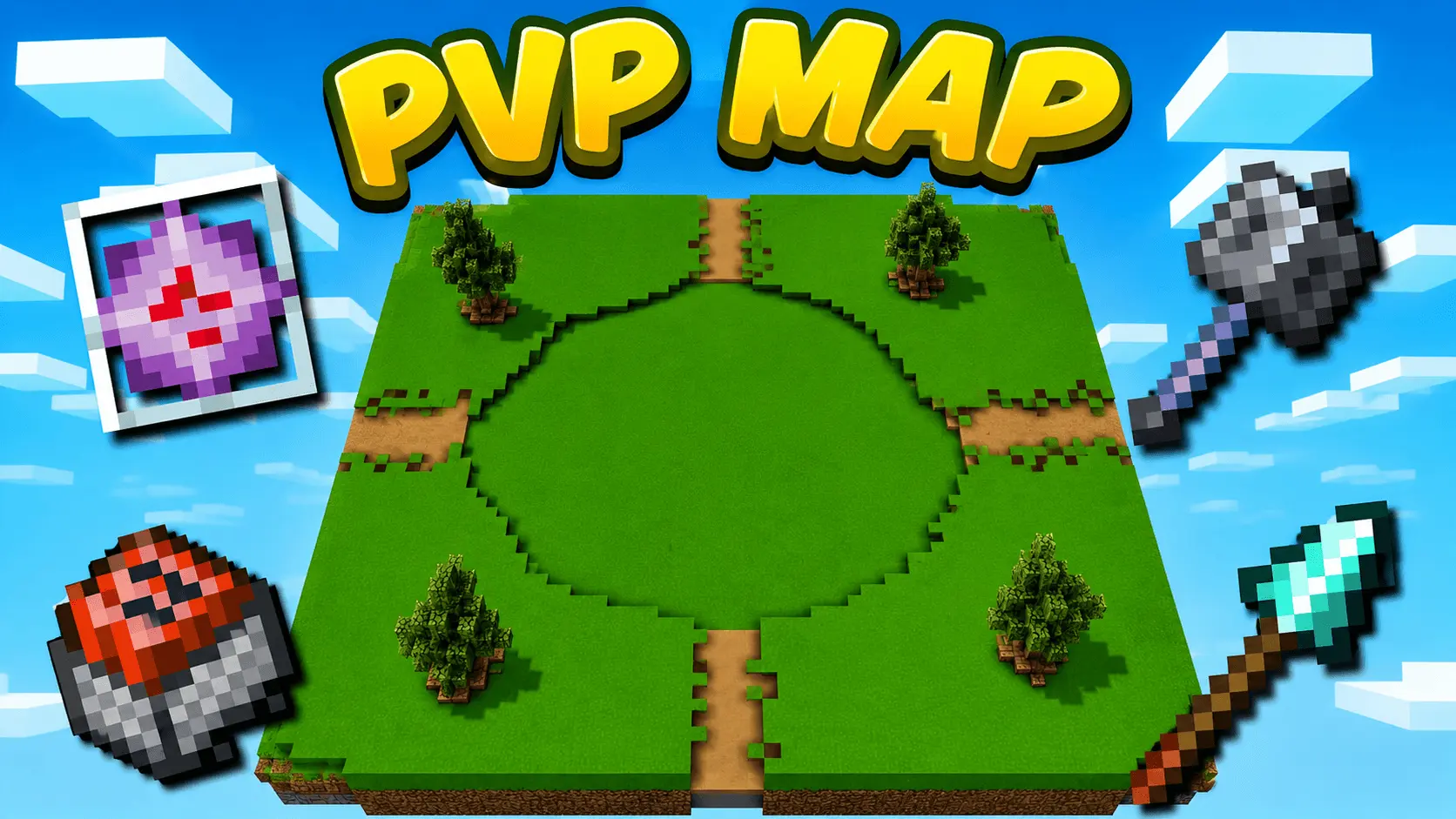
The Ultimate PvP Arena map drops you and your friends into a massive custom battleground where you can instantly load up on gear using a one-click kit system. It completely removes the annoying setup phase so you can jump straight into the action.
Setting up a decent multiplayer fight in vanilla Bedrock is honestly a huge pain. You usually have to dig through creative menus to fill your inventory with potions, armor, and weapons before anyone can even start swinging. This Bedrock PvP map totally scraps that whole process. The creator built a flawless one-click kit system directly into the lobby. You just walk up, smack the button for the loadout you want, and immediately drop into the arena ready to go. No lag, no command block glitches, just straight into the fight.
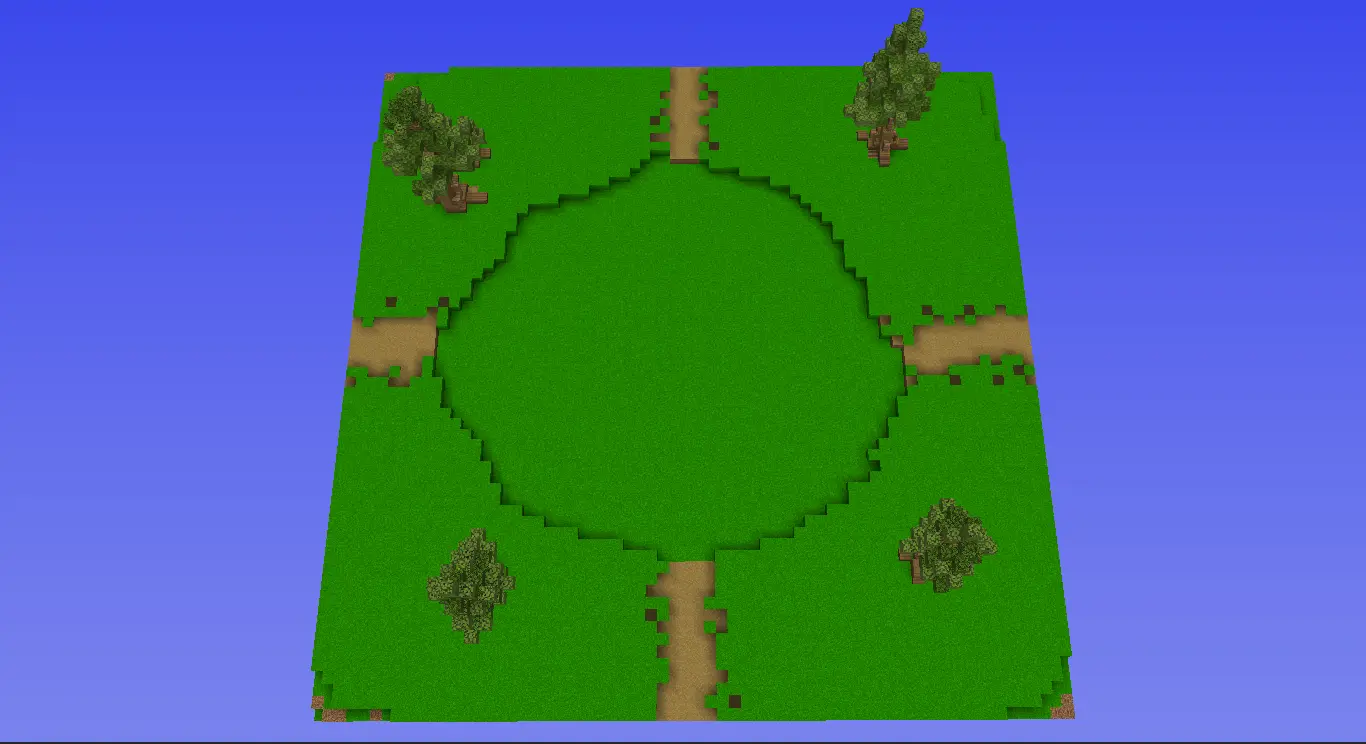
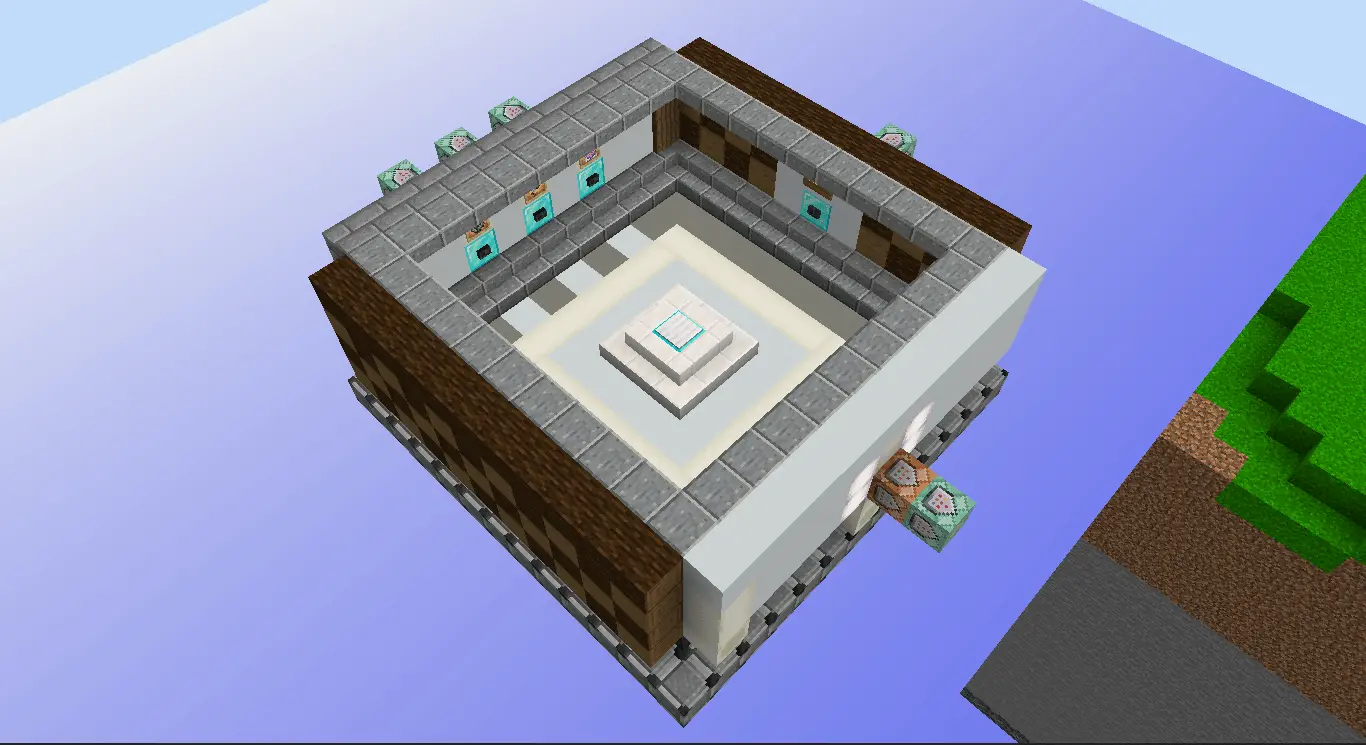
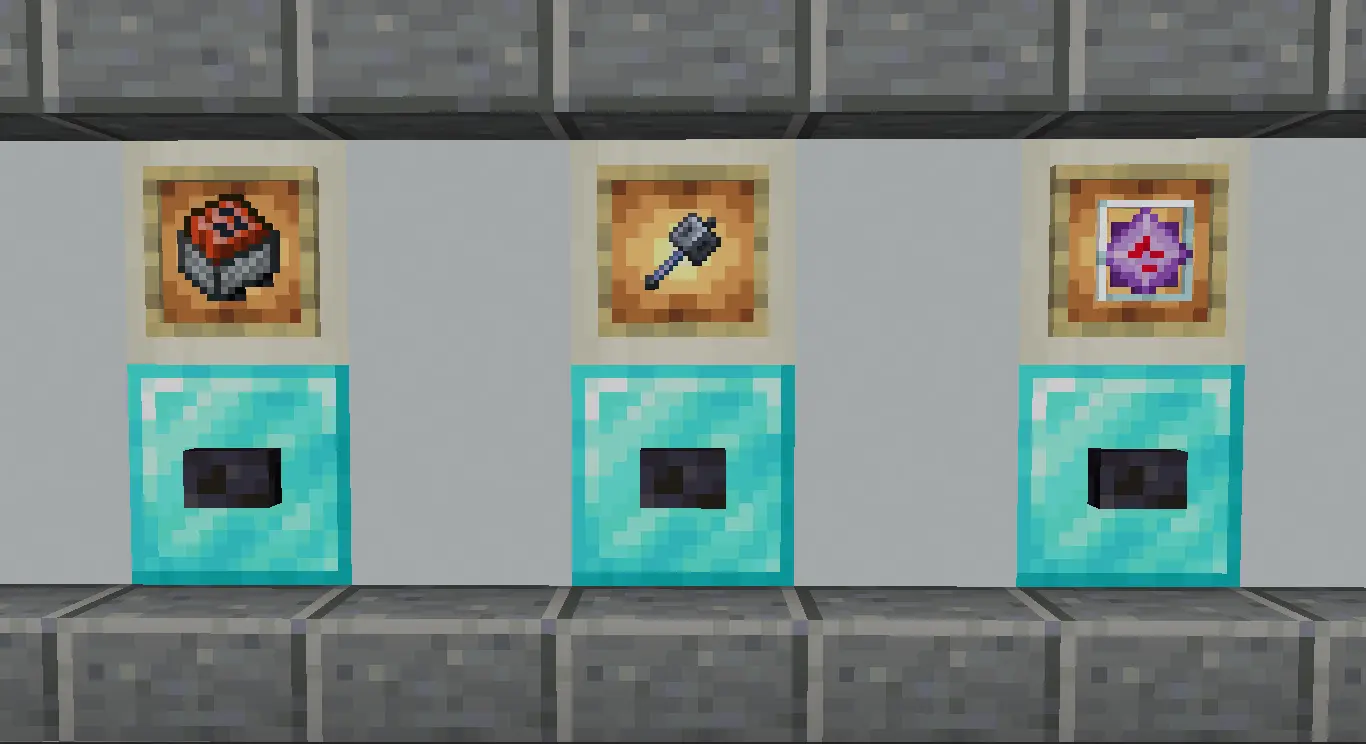
The actual arena is huge, giving you plenty of room to flank and outplay your group. Plus, the kit variety is actually insane. If you are a traditional player, you can run the classic Sword setup, but the map also fully supports modern combat mechanics. You can grab a Mace PvP kit to practice those wild drop attacks, sweat it out with Crystal PvP, or mess around with Spears and Minecarts. It's built to run super smooth on servers and Realms without tanking your frames. If you and your friends just want to log in and start dominating, grab this custom MCPE arena download and see who actually has the best mechanics.
Visually, the custom arenas are engineered for peak combat performance. You aren't fighting in a messy, over-detailed jungle where leaves block your line of sight or cause weird block-hit glitches. The zones are clean, symmetrical, and optimized for raw mechanical skill. Stop blaming hit registration and server lag for your losses in standard survival. Port this world into your active game, select your favorite gear set, and start grinding out those flawless victory streaks against the bots.
How to install?
Android: you need to find the downloaded file on your phone, use any file manager for this and import the map into the game by opening it.
IOS: after receiving the map, the device itself will offer to install it.
Windows 10: go to the folder where the files are downloaded, find mcworld there and activate it.
Comments (0)