Mythical Biomes Addon
- 1-11-2026, 10:18
- 14 078
Mods 1.26 / Mods 1.21 / Mods 1.20 / Mods 1.19
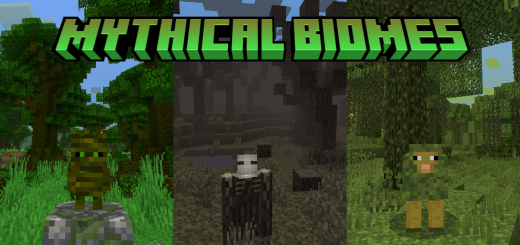
Mythical Biomes - download the addon and get more new biomes in Minecraft Bedrock. There you will see new mobs, blocks, plants, trees, recipes and much more. You set out to find a new place for a house and come across a forest you don’t recognize. The trees look different, the ground is covered in unfamiliar plants, and there’s a strange sheep wandering between the trunks. That’s the kind of discovery Mythical Biomes brings to Minecraft. The addon adds fantasy-inspired places to explore, with their own creatures and materials to bring home.
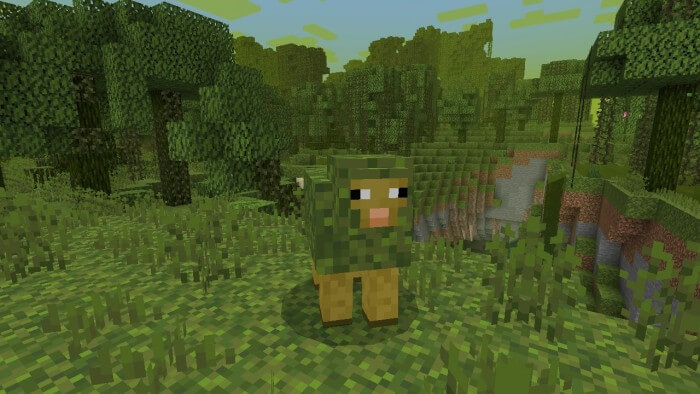
One of those places is the Mossy Forest. It’s the sort of area you might want to visit without a particular goal: walk among the trees, look at the plants, and see what lives there. Mossheep can be found in and around this biome. They’re peaceful creatures, so you can stop for a closer look without immediately reaching for a sword. If you’ve been searching for a new place to build, the forest is worth considering. You could put a small cabin among the trees and leave most of the landscape as it is.
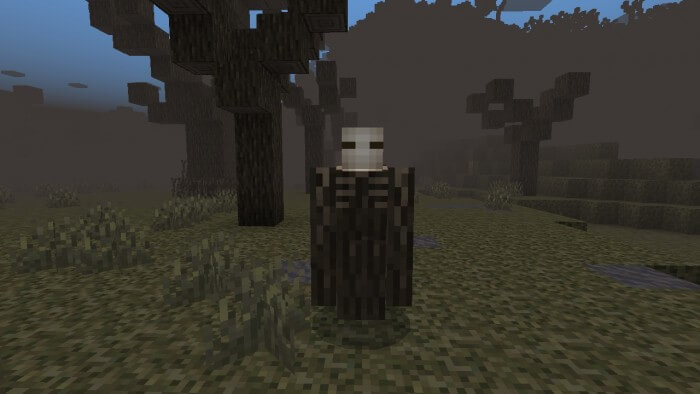
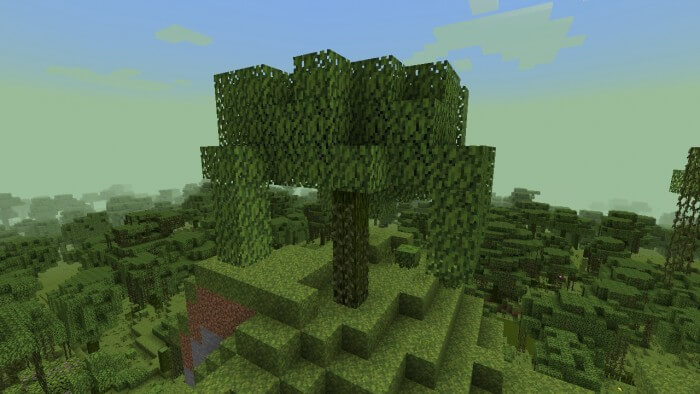
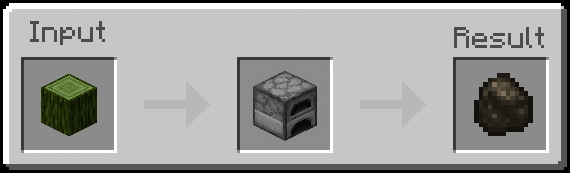
Not every new area has the same mood. The Corrupted Forest feels darker, and its trees and blocks would look right at home in an abandoned settlement or an old tower. It has its own creatures, including Corrupted Ravens and Corrupted Oak Troots. You don’t need a building project to make the trip worthwhile, though. Sometimes it’s enough to wander through a new biome, collect a few materials, and see what you come across.
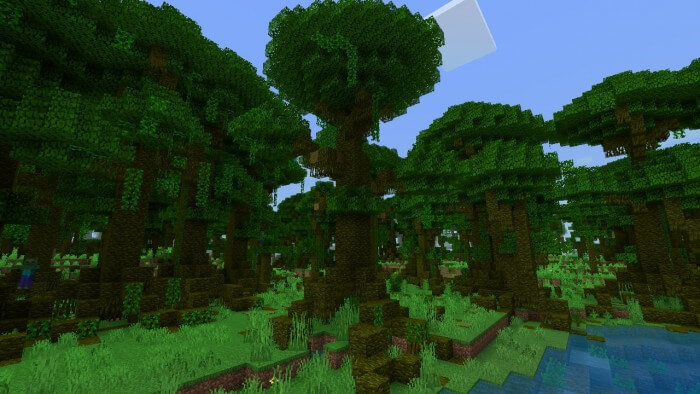
Then there’s the Overgrown Jungle, where you may meet a Deopard or a Selvander. The Selvander is an amphibian, so remember to look around the water as well as between the trees. Some creatures in the addon can be tamed, which gives you a reason to slow down and learn about them. If you find an animal you like, spend a little time figuring out what it eats and how it behaves. Bringing a new companion home can become its own adventure, especially if your base is a long way from the jungle.
The trees and blocks are useful to builders as well as explorers. You might come home from a journey with an assortment of materials and decide to use them in a project you already started. Try a different wood for the floor of your house, or see whether corrupted stone suits the walls of a tower. There’s no need to rebuild your whole base around the addon. A few details from a place you discovered can be enough to remind you of the trip every time you walk through the door.
If you play with friends, finding a new biome can easily turn into an evening’s plan. Someone spots the Corrupted Forest and wants to investigate; someone else finds a creature they haven’t seen before. Before long, you’re deciding whether to bring materials home or build a small camp nearby. Just remember to pack food and leave some room in your inventory. New places have a way of filling it faster than expected.
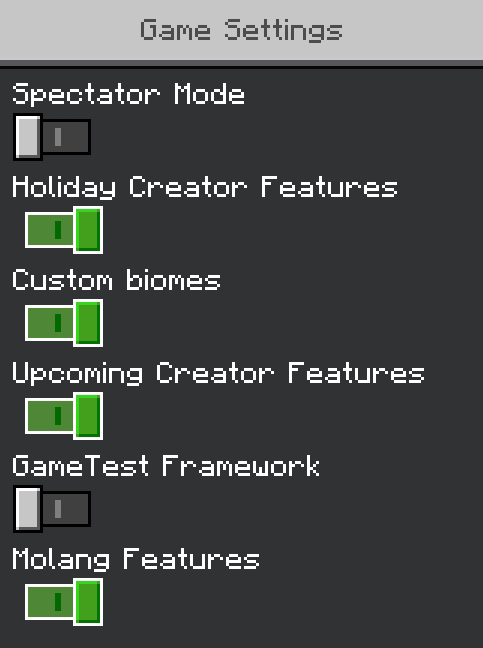
Import the addon into Minecraft and activate both its resource and behavior packs in the world settings. Some familiar biomes are replaced to allow the new ones to appear. Once the world is ready, pick a direction and go exploring. You may return with a stack of unusual wood, an idea for a new house, or simply a favorite place you want to visit again.
Installation:
- Download Mod;
- Open the downloaded file to install;
- Select it in the settings;
- Have fun!
Comments (1)